

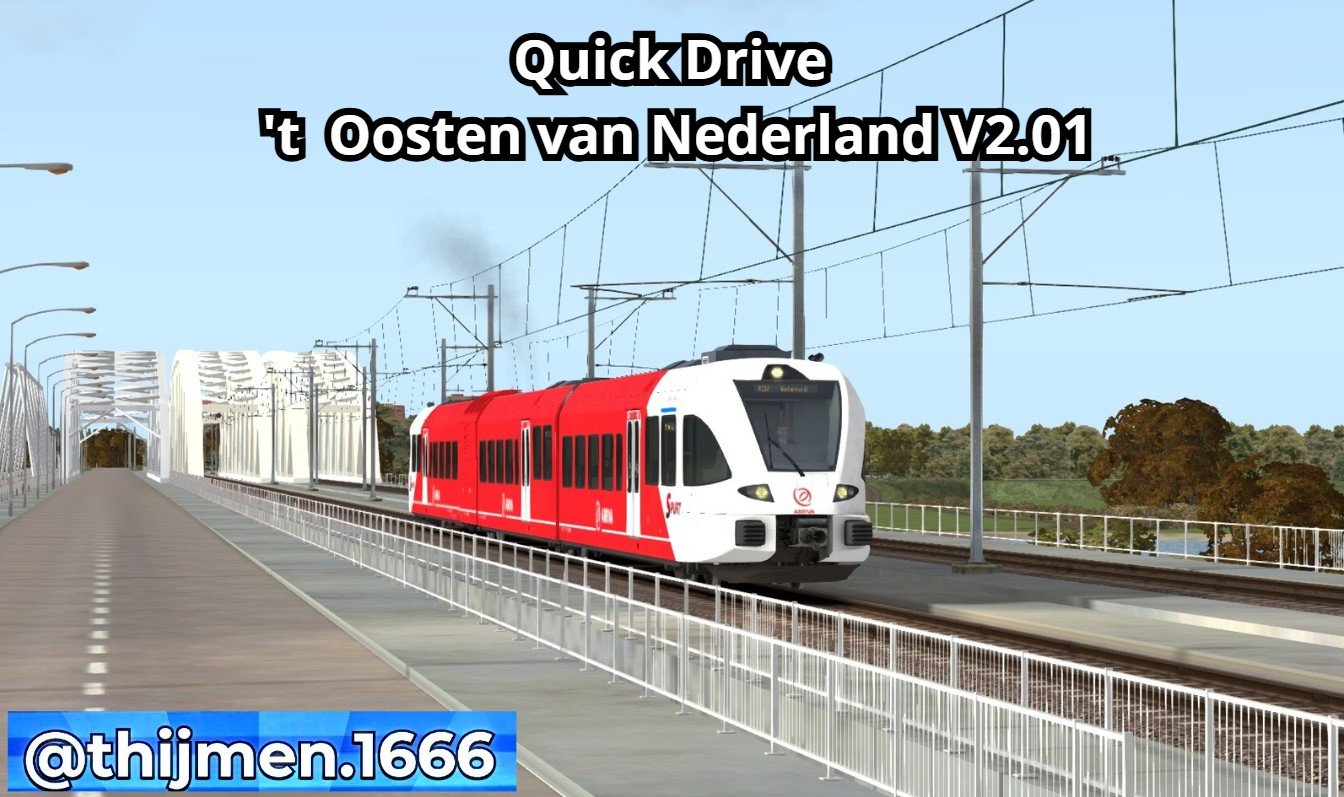
Hier is mijn Quick Drive voor 't Oosten van Nederland V2.01!
Let op:
Mocht er een andere Quick Drive staan van bijvoorbeeld een andere versie, de route zelf, jezelf of van iemand anders ooit VERWIJDER die anders kan de boel gaan crashen!!!
Instaleren:
Pak het bestand uit en installeer de RWP met Utilities. Meestal staat het in C:\Program Files (x86)\Steam\steamapps\common\RailWorks
Trajecten in de Quick Drive:
(RS32) Arnhem Centraal - Doetinchem
(RS32) Arnhem Centraal - Winterswijk
(RS32) Doetinchem - Arnhem Centraal
(RS32) Winterswijk - Arnhem Centraal
RS = Regionale stoptrein
Lees de handleiding in het bestand voor belangrijke informatie!
Here's my Quick Drive for the Eastern Netherlands V2.01!
Note:
If there's another Quick Drive for a different version, the route itself, yourself, or someone else's, REMOVE it, otherwise the whole thing might crash!!!
Install:
Unzip the file and install the RWP with Utilities. It's usually located in C:\Program Files (x86)\Steam\steamapps\common\RailWorks
Routes in the Quick Drive:
(RS32) Arnhem Central - Doetinchem
(RS32) Arnhem Central - Winterswijk
(RS32) Doetinchem - Arnhem Central
(RS32) Winterswijk - Arnhem Central
RS = Regional local train
Please read the manual in the file for important information!
Je mag alleen een beoordeling geven nadat je het bestand hebt gedownload.
Er zijn geen reviews om weer te geven.