Skip to content

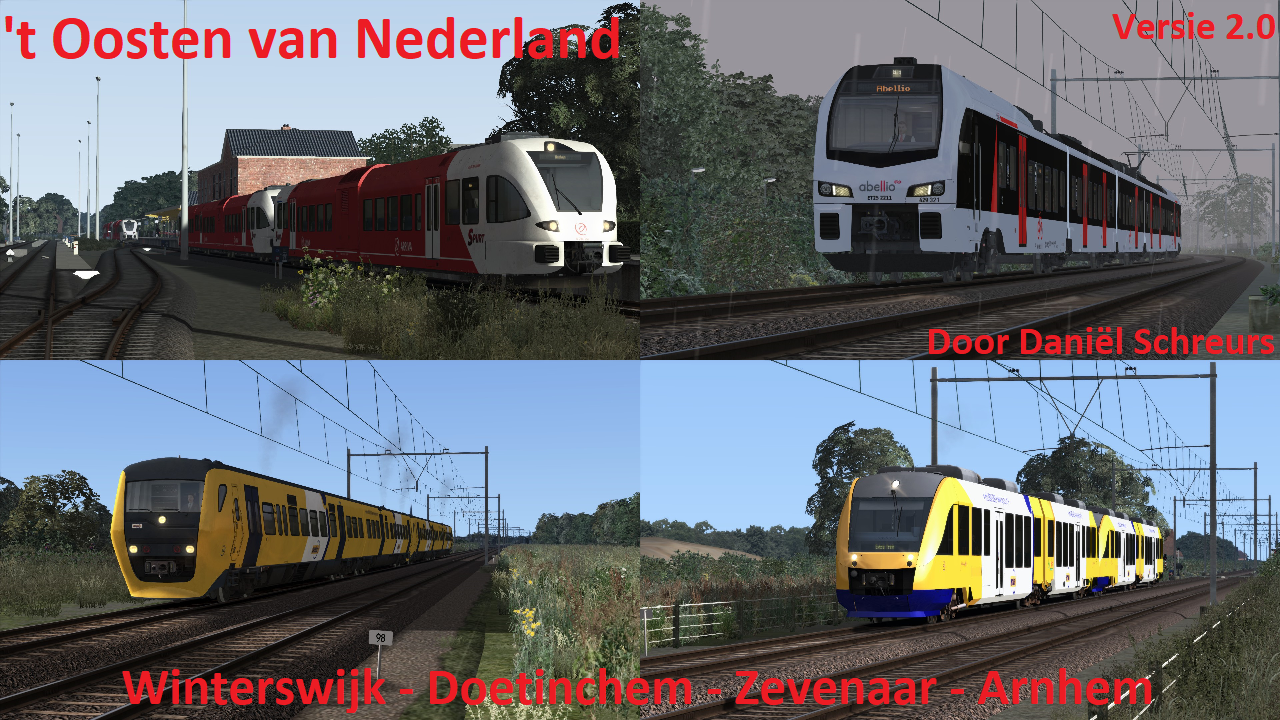
't Oosten van Nederland

oost_nl.png

't Oosten van Nederland

Scenarios:
Check the categories on the right to find scenarios that match your version of the route. Note: we only support the latest route versions. Previous scenario versions still exist but are not officially supported.

Currently not available for download from us:
The route is not yet available on our site but can be downloaded via another community. Click here to go to the topic.

1 file

  1. Hier is mijn Quick Drive voor 't Oosten van Nederland V2.01!
    Let op:
    Mocht er een andere Quick Drive staan van bijvoorbeeld een andere versie, de route zelf, jezelf of van iemand anders ooit VERWIJDER die anders kan de boel gaan crashen!!!

    Instaleren:     
    Pak het bestand uit en installeer de RWP met Utilities. Meestal staat het in C:\Program Files (x86)\Steam\steamapps\common\RailWorks
    Trajecten in de Quick Drive:
    (RS32) Arnhem Centraal - Doetinchem
    (RS32) Arnhem Centraal - Winterswijk
    (RS32) Doetinchem - Arnhem Centraal
    (RS32) Winterswijk - Arnhem Centraal
    RS = Regionale stoptrein
     
    Lees de handleiding in het bestand voor belangrijke informatie!
    • 3 Downloads
    Updated

Important Information

We have placed cookies on your device to help make this website better. You can adjust your cookie settings, otherwise we'll assume you're okay to continue. Privacy Policy and Terms of Use

Account

Navigation

Search

Search

Configure browser push notifications

Chrome (Android)
  1. Tap the lock icon next to the address bar.
  2. Tap Permissions → Notifications.
  3. Adjust your preference.
Chrome (Desktop)
  1. Click the padlock icon in the address bar.
  2. Select Site settings.
  3. Find Notifications and adjust your preference.