


Florian1985
Discord Beheerder
-
Registratie Datum
-
Laatst Bezocht
Alles dat geplaatst werd door Florian1985
-
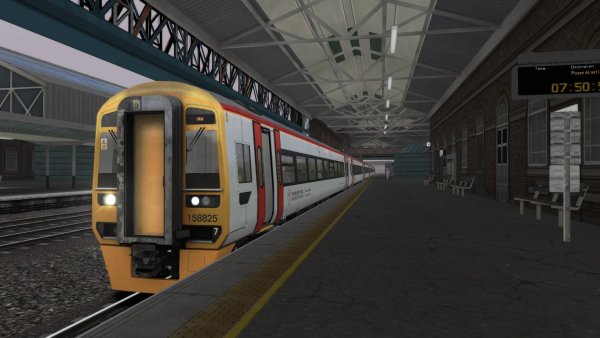
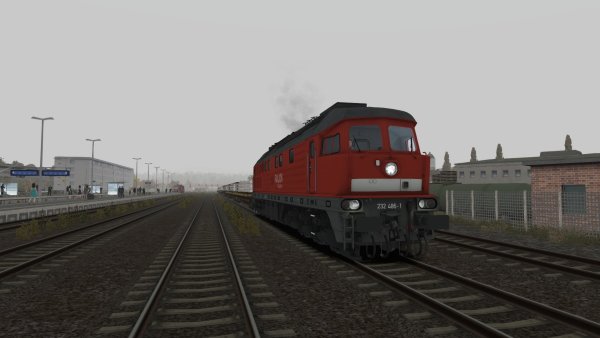
Neem de tijd Thijmen, het komt allemaal goed.Helemaal goed Thijmen. Hopelijk komt de download sessie snel op de website.Leipzig Hbf
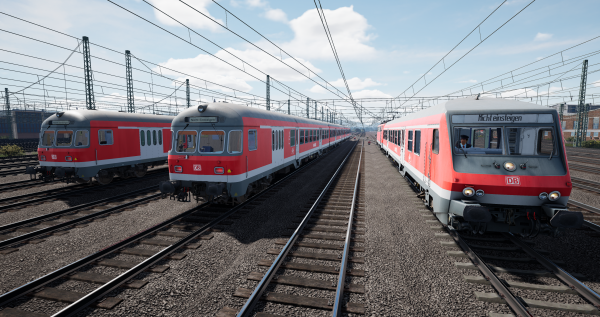 Leipzig Hbf.Hallo Giany70.Ja we hebben er weer zin in en gaan er vol tegenaan.
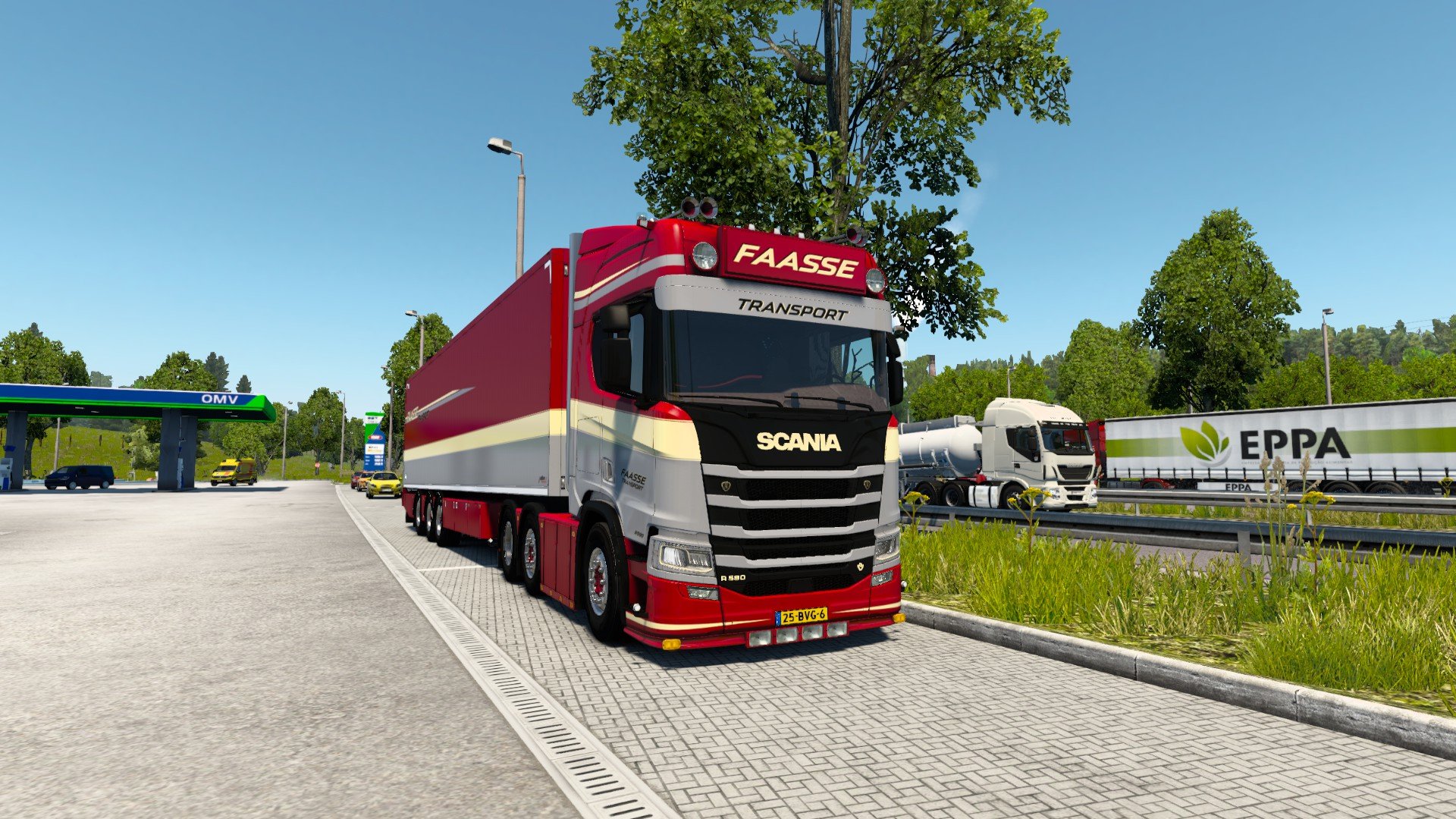
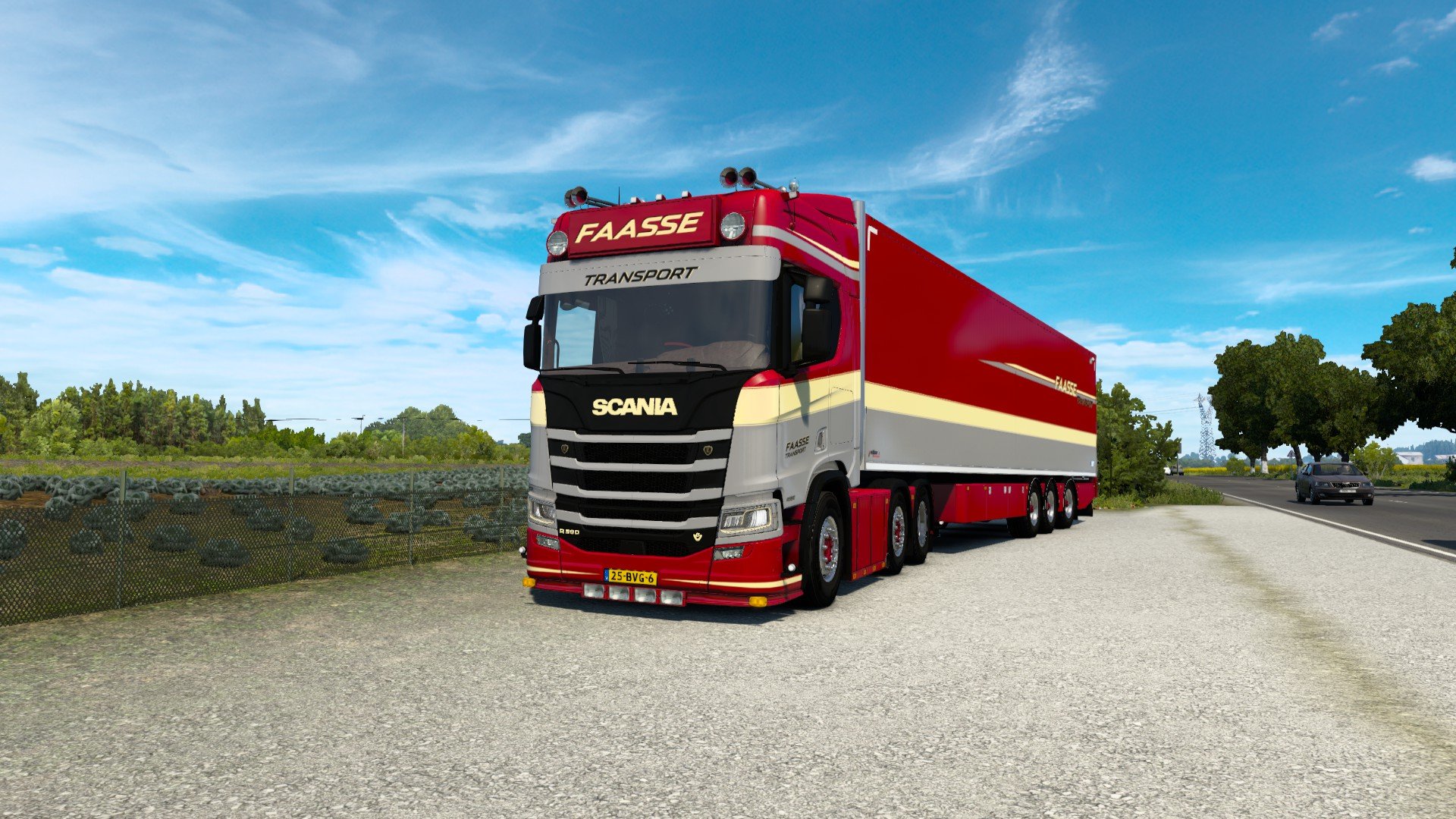
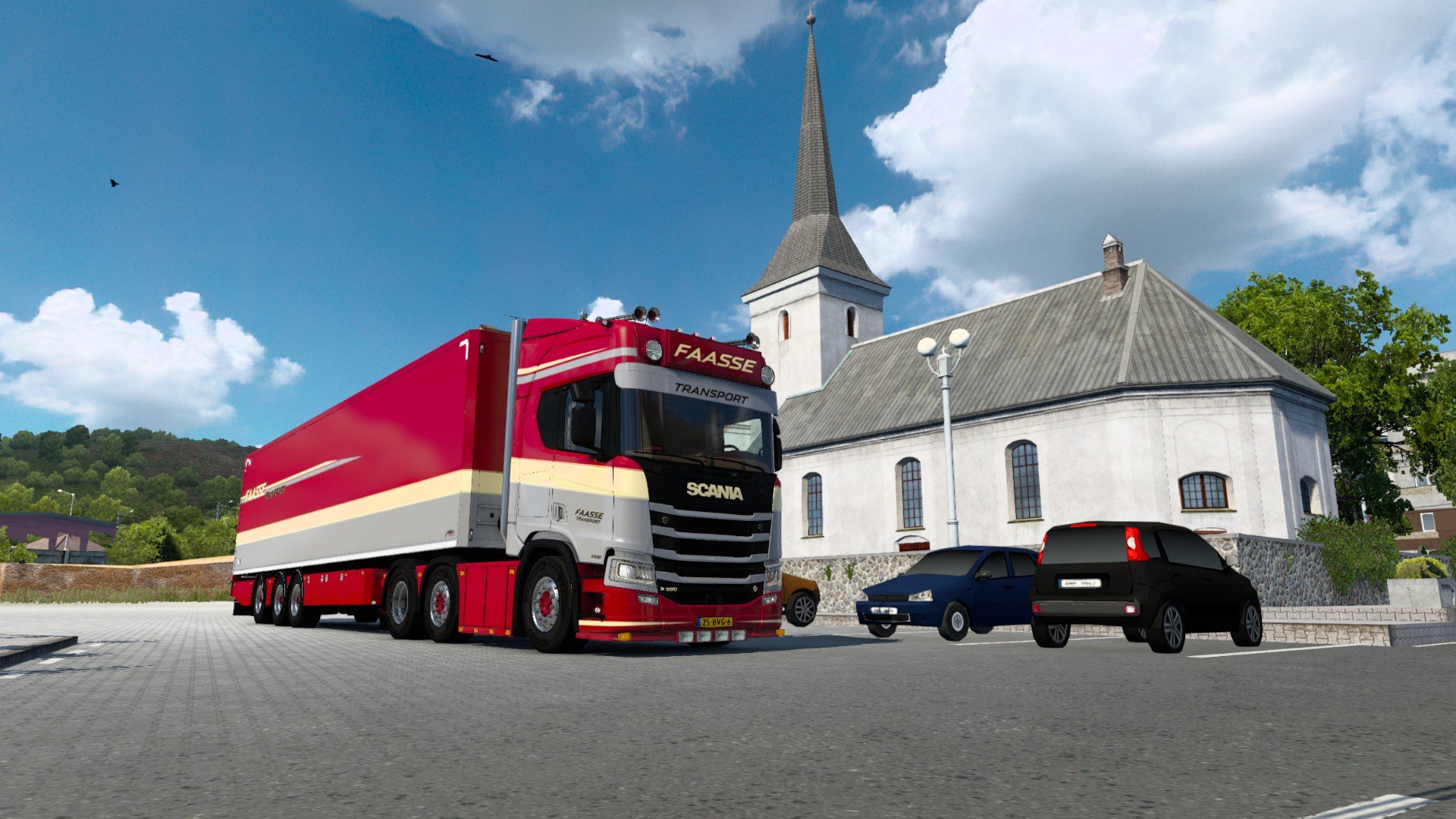


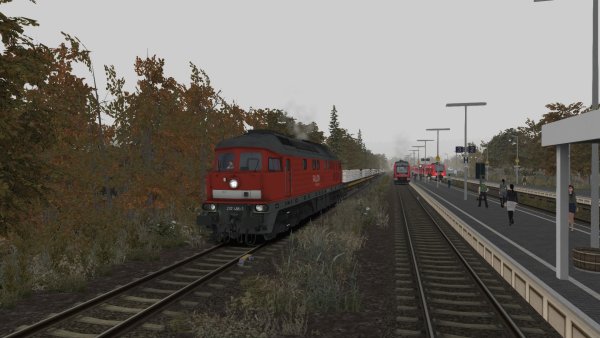
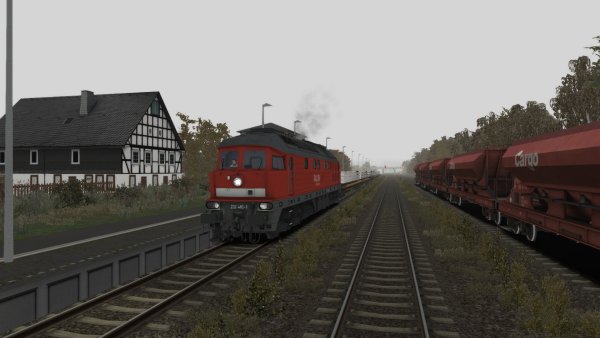
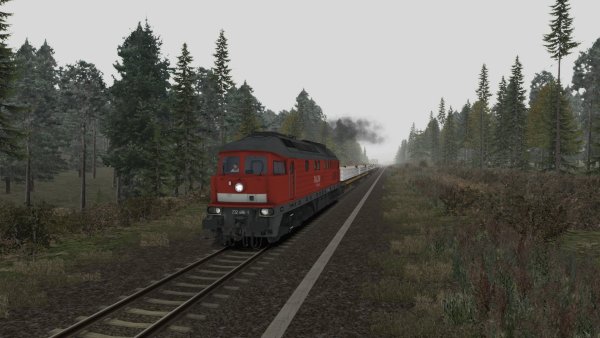
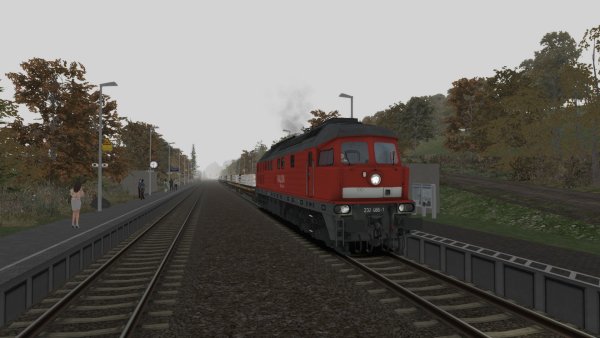

Belangrijke Informatie
We hebben cookies op uw apparaat geplaatst om te helpen deze website te verbeteren. Je kunt je cookie instellingen aanpassen, anders nemen we aan dat je het goed vindt dat we verder gaan. Privacybeleid en Gebruikers Voorwaarden
Account
Navigation
Zoeken
Configure browser push notifications
Chrome (Android)
- Tap the lock icon next to the address bar.
- Tap Permissions → Notifications.
- Adjust your preference.
Chrome (Desktop)
- Click the padlock icon in the address bar.
- Select Site settings.
- Find Notifications and adjust your preference.
Safari (iOS 16.4+)
- Ensure the site is installed via Add to Home Screen.
- Open Settings App → Notifications.
- Find your app name and adjust your preference.
Safari (macOS)
- Go to Safari → Preferences.
- Click the Websites tab.
- Select Notifications in the sidebar.
- Find this website and adjust your preference.
Edge (Android)
- Tap the lock icon next to the address bar.
- Tap Permissions.
- Find Notifications and adjust your preference.
Edge (Desktop)
- Click the padlock icon in the address bar.
- Click Permissions for this site.
- Find Notifications and adjust your preference.
Firefox (Android)
- Go to Settings → Site permissions.
- Tap Notifications.
- Find this site in the list and adjust your preference.
Firefox (Desktop)
- Open Firefox Settings.
- Search for Notifications.
- Find this site in the list and adjust your preference.