Skip to content

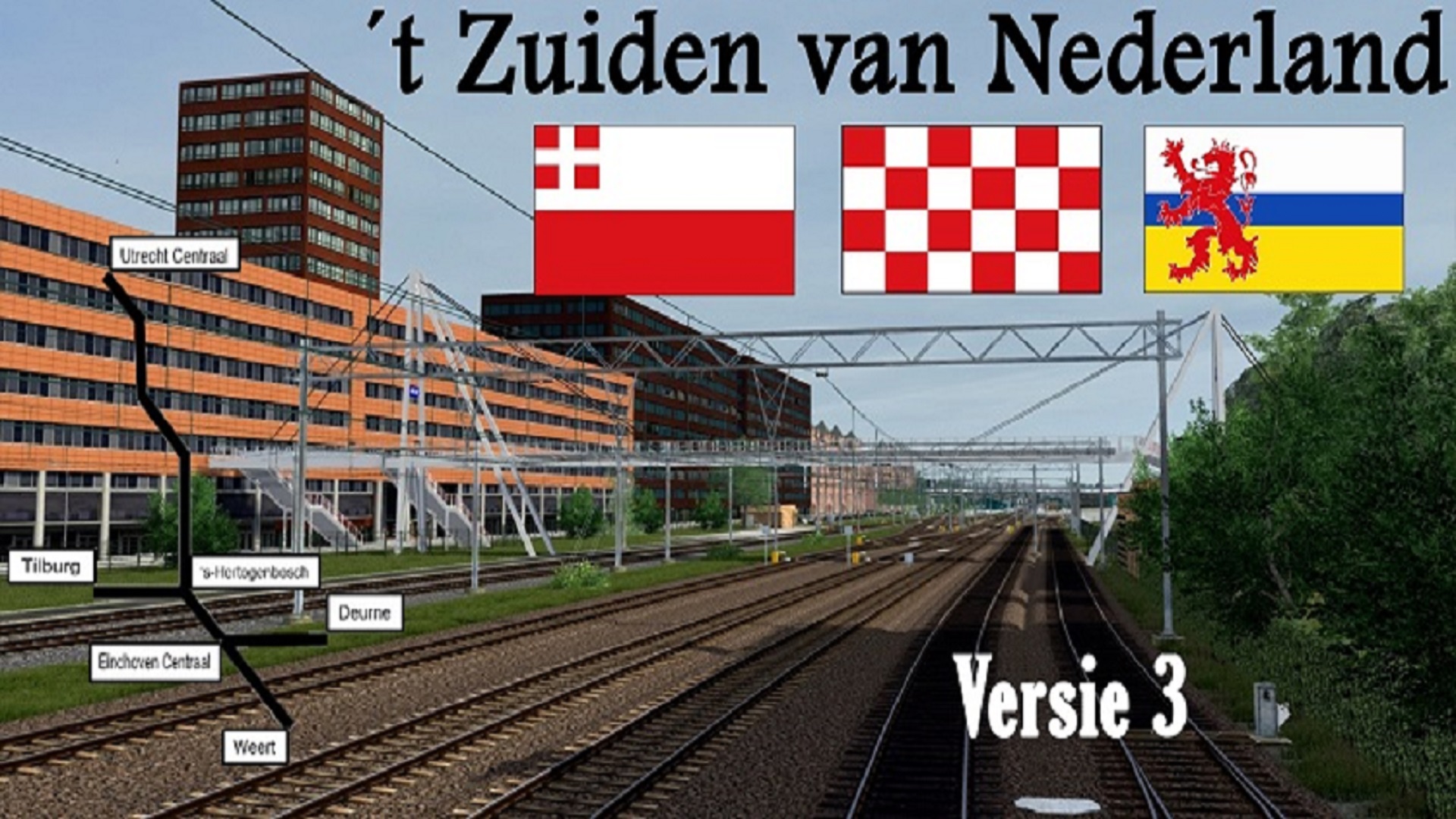
't Zuiden van Nederland

zuidenvannl3.jpg

't Zuiden van Nederland

Scenarios:
Check the categories on the right to find scenarios that match your version of the route. Note: we only support the latest route versions. Previous scenario versions still exist but are not officially supported.

Currently not available for download from us:
The route is not yet available on our site but can be downloaded via another community. Click here to go to the topic.

1 file

  1. Hier is mijn Quick Drive voor het Zuiden van Nederland V3.1

    Mocht er een andere Quick Drive staan van bijvoorbeeld een andere versie, de route zelf, jezelf of van iemand anders ooit VERWIJDER die anders kan de boel gaan crashen!!!

    Voor een realistische ervaring met rijden heb ik TSB borden toegevoegd. Deze zijn te vinden bij Best, rond om Eindhoven Centraal (vanaf Weert en Deurne) en bij Culemborg met de momentele toepasselijke snelheden. Het kan zijn dat deze over een jaar er niet meer zijn!
    Trajecten in de Quick Drive:
    (SPR) 's-Hertogenbosch - Utrecht Centraal 
    (SPR) Utrecht Centraal - 's-Hertogenbosch
    (SPR) 's-Hertogenbosch - Eindhoven Centraal - Deurne
    (SPR) Deurne - Eindhoven Centraal - 's-Hertogenbosch 
    (SPR) Utrecht Centraal - Tiel 
    (SPR) Tiel - Utrecht Centraal 
    (IC) Utrecht Centraal - 's-Hertogenbosch - Eindhoven Centraal - Weert 
    (IC) Weert - Utrecht Centraal 
    (Eindhoven en 's-Hertogenbosch - Utrecht Centraal in een ander traject)!
    (SPR) Tilburg Universiteit - Eindhoven Centraal - Weert 
    (SPR) Weert - Eindhoven Centraal - Tilburg Universiteit 
    (IC) Deurne - Eindhoven Centraal - 's-Hertogenbosch - Utrecht Centraal
    (IC) Utrecht Centraal - 's-Hertogenbosch - Eindhoven Centraal - Deurne 
    • 2 Downloads
    Updated

Important Information

We have placed cookies on your device to help make this website better. You can adjust your cookie settings, otherwise we'll assume you're okay to continue. Privacy Policy and Terms of Use

Account

Navigation

Search

Search

Configure browser push notifications

Chrome (Android)
  1. Tap the lock icon next to the address bar.
  2. Tap Permissions → Notifications.
  3. Adjust your preference.
Chrome (Desktop)
  1. Click the padlock icon in the address bar.
  2. Select Site settings.
  3. Find Notifications and adjust your preference.