_a91101.png)
_30c74e.png)
_d1f568.png)
_f3c42d.png)
Scenario's (v3.0)
9 bestanden
-
Scenario bestemd voor 't Midden van Nederland V3.0
en was gemaakt voor 't Hart van Nederland beta 1.8
Dit scenario is in 2018 door ons MSTS/RW team van Lua script voorzien,
geschreven door ons 'ERE'lid Sjef!
Nu ook met een stukje onweer van het MSTS/RW team.
Is geheel gefixt voor de veranderingen in Nijmegen enz.
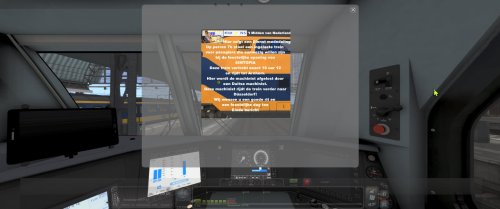
Je komt van Den Bosch en nadert Nijmegen. Hier komt een bericht voor je binnen
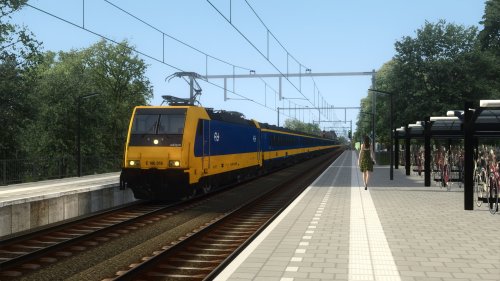
Je mag een Traxx 386 naar Utrecht rijden! Daar gaat je vrije avond.
Je gaat dus in Arnhem overstappen. Hoe? Dat wordt onderweg uitgelegd *)
Vervolgens heeft de dienstleiding ook nog een rit terug naar Arnhem voor je geregeld.
Het laatste stukje wordt heftig!
Kortom, Je bent een kleine 1 3/4 uur onderweg.
Het uitvoeren van dit scenario vraagt om een ervaren machinist.
*) Ik zal het ook hier uitleggen; dan kan je het op je gemak doorlezen.
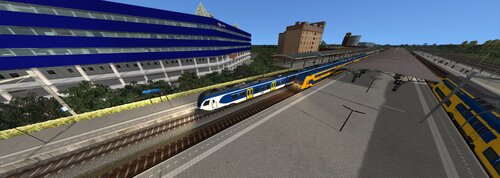
Je stopt, in Arnhem, met je eerste trein (Flirt) exact bij de pijl van het StoppingPoint.
Zet dan de deuren open, druk vervolgens op toets 8 (toetsenbord) en gebruik de
pijltoetsen en je muis om langs het andere spoor van dat zelfde perron te komen.
Dus toets 8, linker pijltoets tot de rand van het perron. Draai je om en ga bij het bordje 10
(tussen de rails) op te perron staan. De traxx stopt daar exact. Als deze traxx is gearriveerd
en stilstaat, klik je op de traxx met je muis en vervolgens op toets 1. Je zit, als het goed is,
nu in de cabine van de traxx. Je ziet geen groene lijn IN DE HUD waar je traxx staat!
Als je nu op F2 klikt dan save je jouw rit tot nu en verschijnt ook de groene lijn onder de traxx.
De passagiers kunnen al instappen. Wacht rustig tot je het fluit signaal hoort.
Vertrek vervolgens. De ATB en de lichten worden voor je aangezet.
Gebruik de cruise control voor jouw gemak. Óok in de Flirt.
S6, ik hoop dat je deze rit volledig, en goed afrijdt
Treintje, AKA TP (voormalig lid van het MSTS/RW team)
- 14 Downloads
-
- 3 Downloads
-
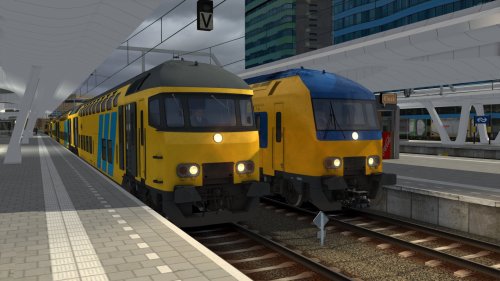
rij Sprinter 8837 van Alphen Aan Den Rijn naar Utrecht Centraal met SLT-6
- 2 Downloads
-
- 8 Downloads
-
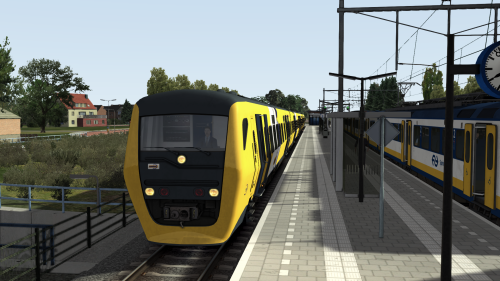
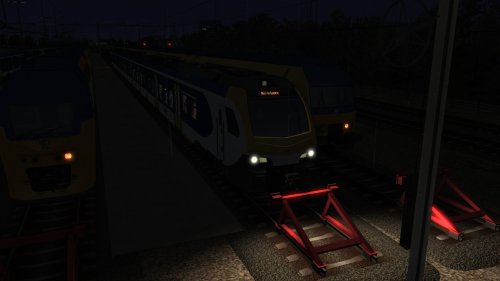
goedenavond aan u de taak om spr 7676 naar Nijmegen te rijden en daar na af te Rangeren naar Nijmegen REP dit doet ik met 1 stel Flirt het regen Hard dus u heft een langere rem weg vertrek tijd 21:11 veel Succes
- 5 Downloads
-
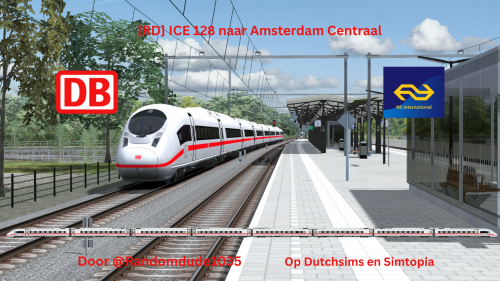
Goedemiddag machinist, vandaag rijdt u ICE 128 richting Amsterdam Centraal, van Arnhem Centraal tot Utrecht Centraal. Dit scenario zal in de toekomst worden doorgetrokken naar Amsterdam Centraal zodra dat gedeelte volledig is afgerond. Er zijn geen bijzonderheden gemeld. Fijne rit!
(Let op: dit scenario bevat veel AI-treinen. Om out-of-memory crashes te voorkomen zijn de meeste opstelsporen leeg. Het kan zijn dat oudere computers moeite hebben met dit scenario.)
- 5 Downloads
-
Goedemorgen meester! Welkom in deel 1 van dit scenario. U bent onderweg met sprintercity 625 van Den Haag Centraal naar Leeuwarden. U heeft vier tien bakken SLT bij u. over een paar minuten komt u aan op station Utrecht Centraal. Succes!
Een bedankje aan @Thijmen.1666 voor het omroepen in het scenario zetten, advies geven in het scenario en het script maken!
Let op: Dit scenario bevat een script die zelf is gemaakt door @Thijmen.1666 & audiobestanden die gemaakt zijn door @Raysworld. Deze mogen NIET gekopieerd worden zonder onze persoonlijke toestemming.
- 9 Downloads
-
Dit scenario is aangeboden aan SimTopia ter gelegenheid van de opening 1-2-2026
Je rijdt een ingelaste trein, de Traxx class 186, van Amsterdam naar Düsseldorf.
In Arnhem wordt je overgenomen door een Duitse collega
Let wel, de scenery bij Amsterdam tot +/_ Weesp ia (nog) niet aanwezig!
Omroep, Onweer enz. is aanwezig Dit is mogelijk gemaakt door materiaal van Sjef
Ik wens je een leuke rit
Trijn Pancras, aka TP, voorheen MSTS/RW team
- 9 Downloads
-
- 6 Downloads
.thumb.png.89a3330d104ba236aa871702cbda0996.png)
.thumb.png.5552e86be010d05054c5161caa9d71d0.png)