_a91101.png)
_30c74e.png)
_d1f568.png)
_f3c42d.png)
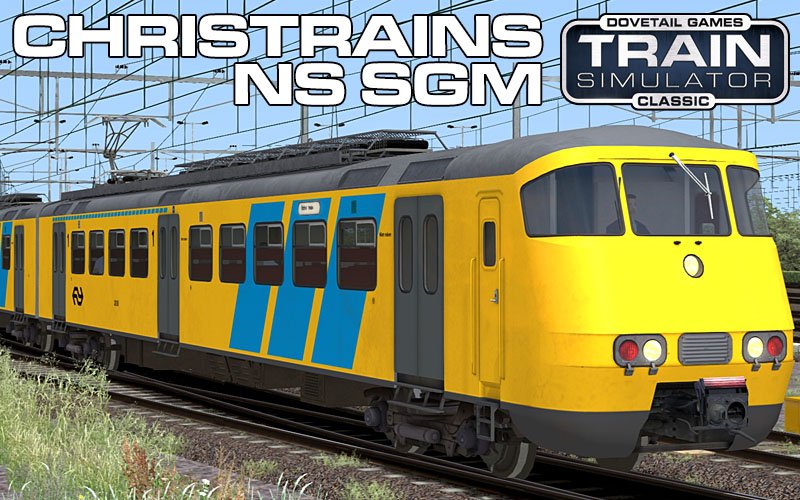
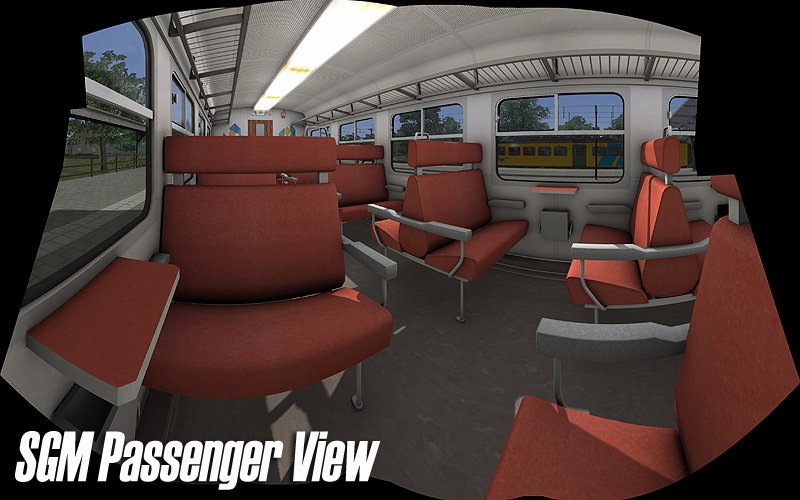
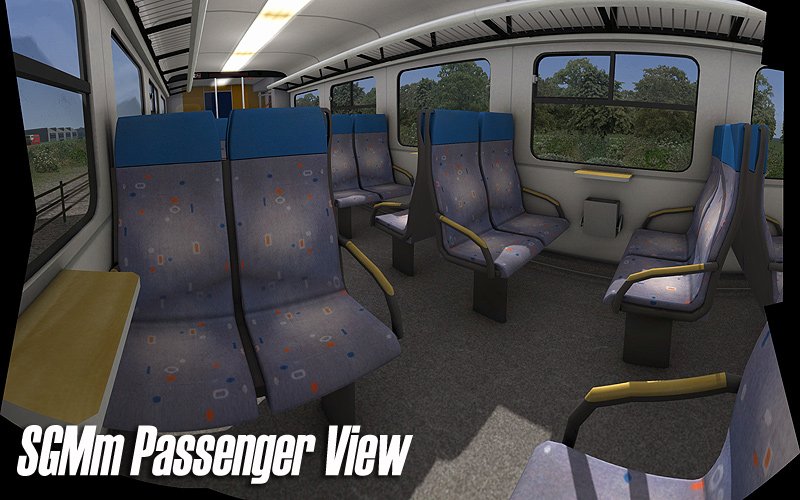
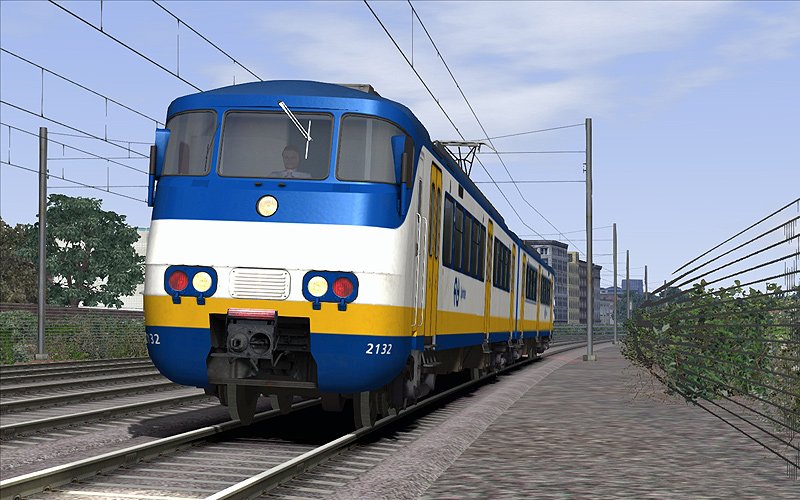
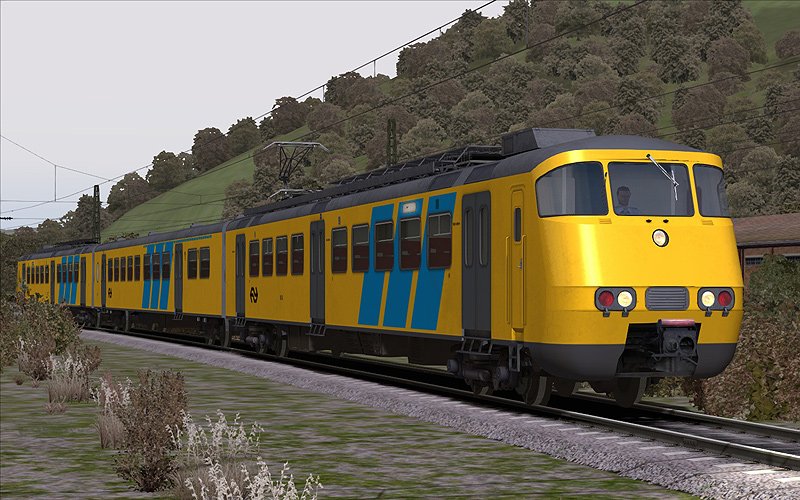
ChrisTrains: SGM(m)
Productinformatie "Nederlandse Spoorwegen SGM Sprinter"
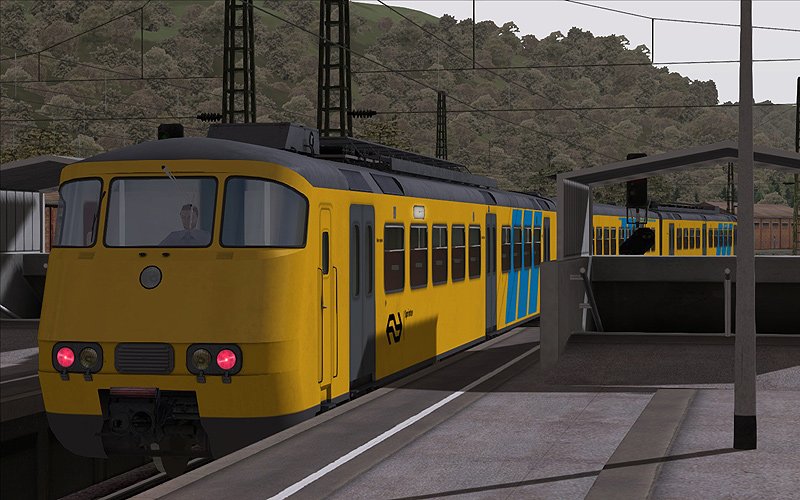
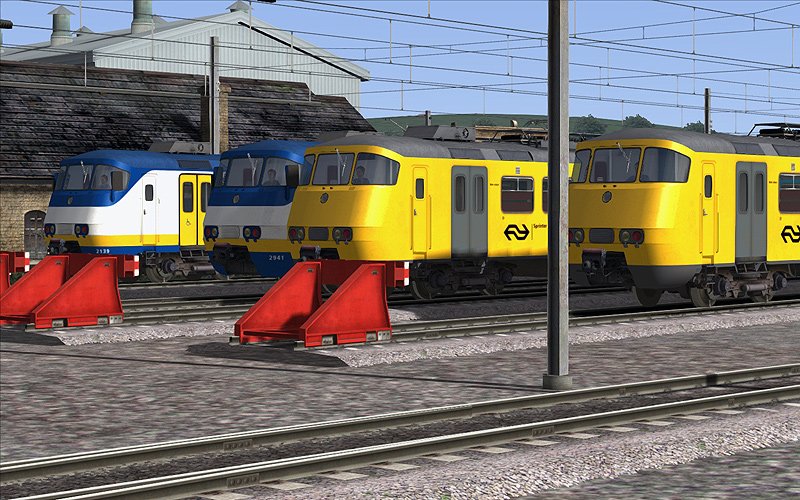
Een reproductie van het SGM Sprinter elektrisch treinstel dat overal op het netwerk van de Nederlandse Spoorwegen te zien is.
Kenmerken
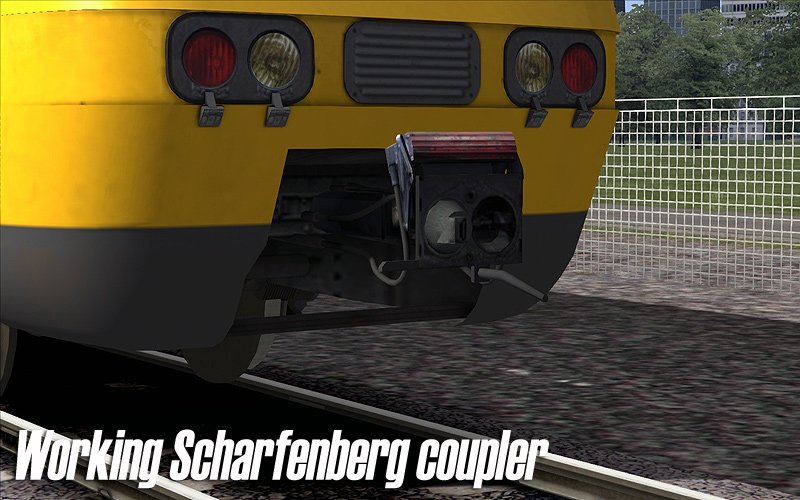
Volledig aangepast model
Hybride audio met 95% eigen geluiden en 5% RailWorks-geluiden
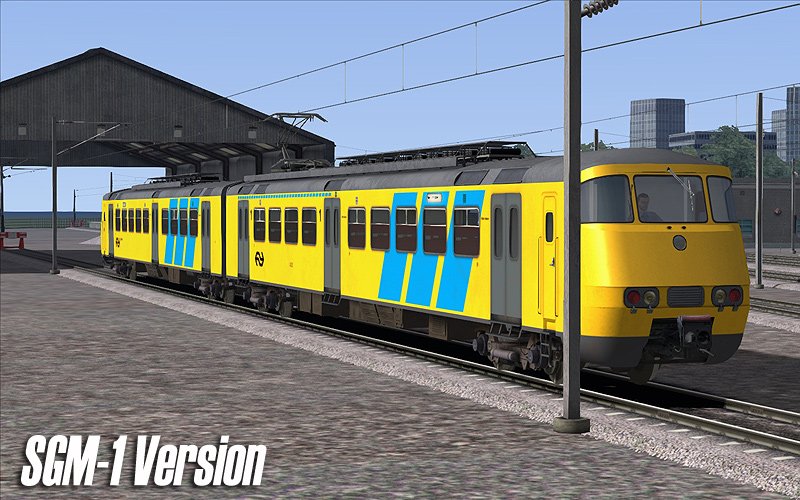
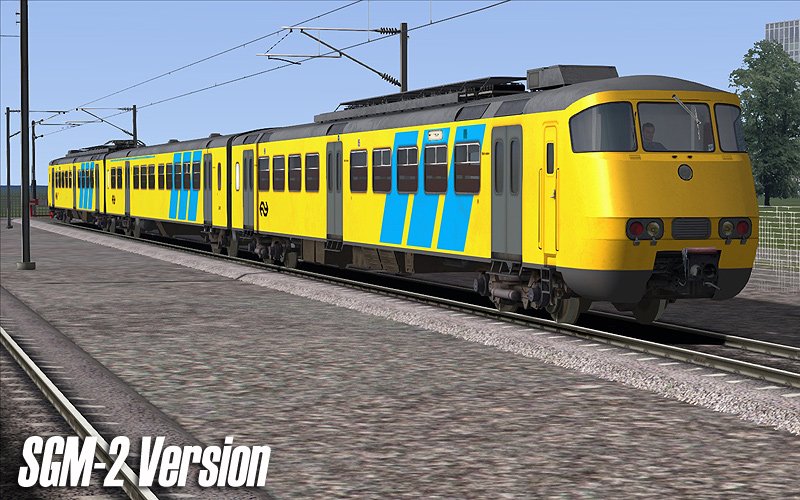
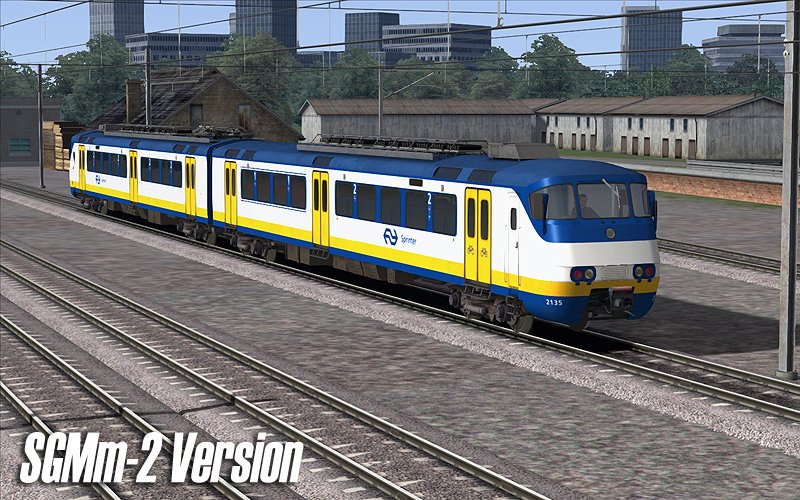
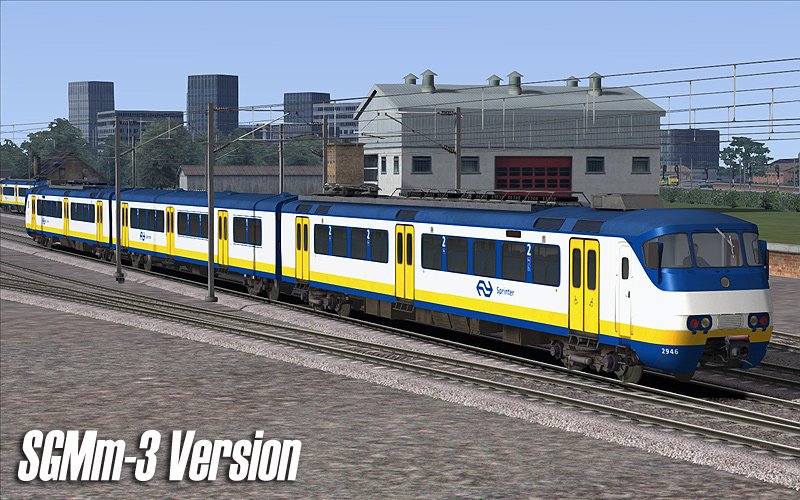
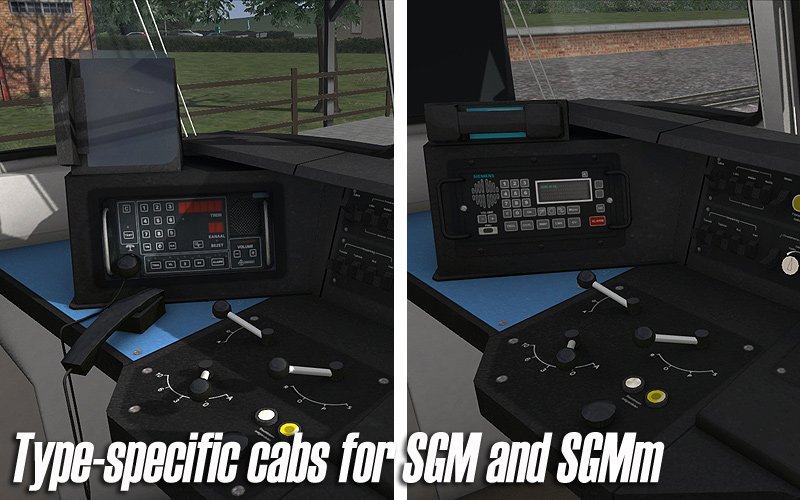
2- en 3-delige SGM (oud) en SGMm (gemoderniseerd) versies
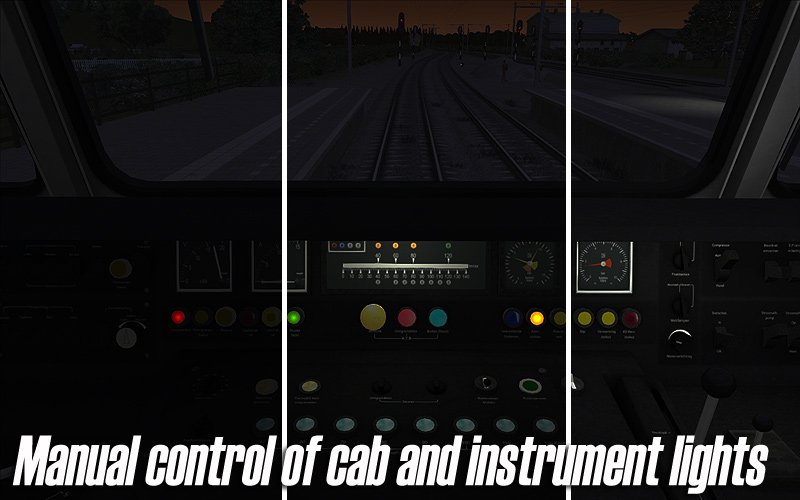
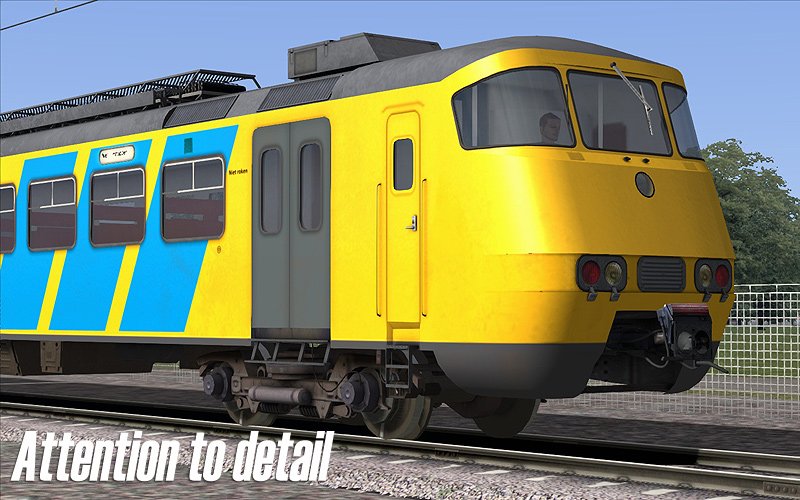
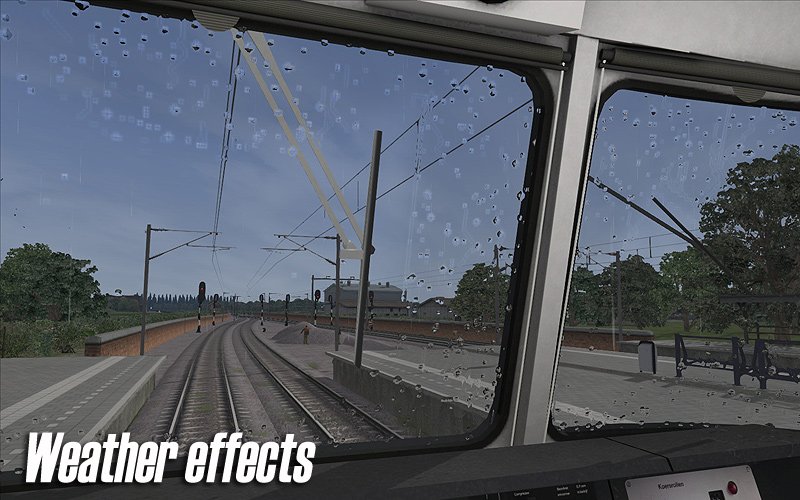
Gedetailleerde cabineweergave
1e en 2e klas reizigersrijtuigen en stuurstanden
2e klas reizigersweergave
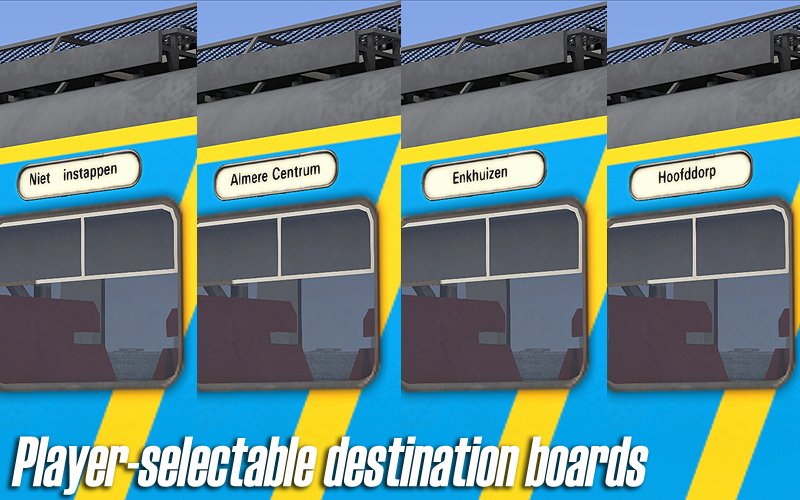
Maakt gebruik van slimme scripting voor cabineverlichting, aangepaste bedieningselementen, treeplanken, bestemmingsborden en meer
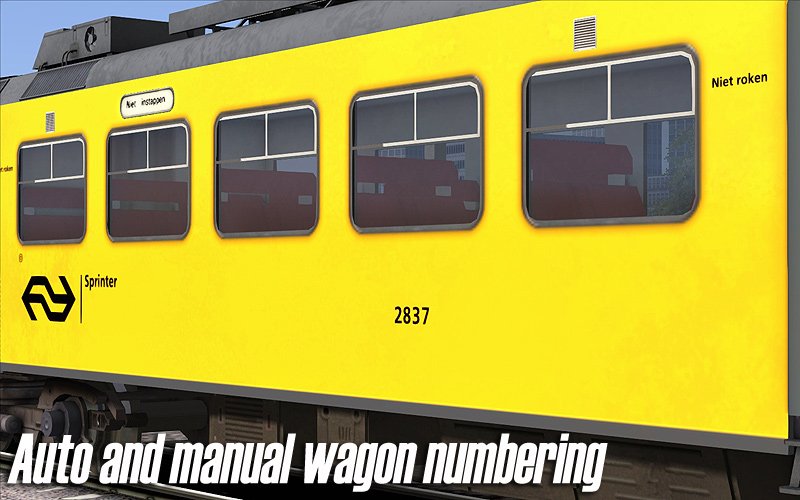
Dynamische automatische nummering
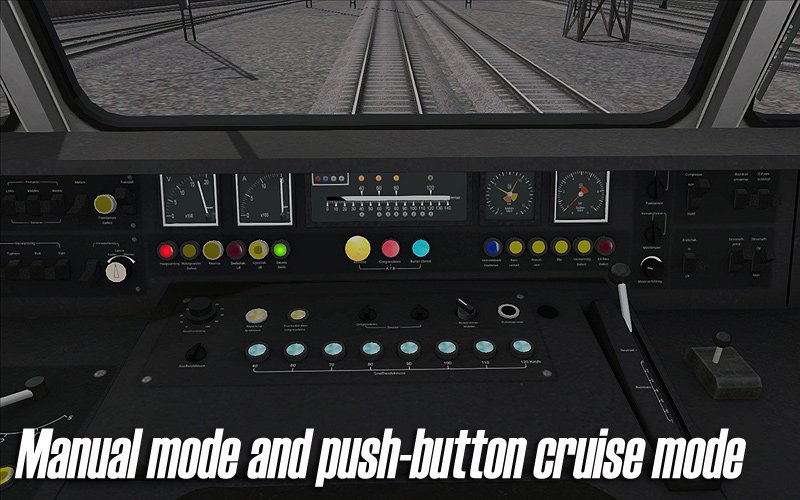
Unieke push-button cruise control, net als bij de echte SGM. Lees de handleiding goed door, want de bediening van deze trein is behoorlijk complex in auto/cruise-modus
Te gebruiken in eigen scenario’s en compatibel met Train Simulator 2014 QuickDrive
De handleidingen zijn in het Nederlands en andere talen beschikbaar en zijn te vinden in:
C:\Program Files (x86)\Steam\steamapps\common\RailWorks\Manuals\ChrisTrains
(let op: de stationsletter van uw harde schijf kan verschillen).Gratis updates voor het leven
Vereisten & Aanbevelingen
Besturingssysteem: Windows® 10 of 11 (32/64-bit)
Windows 7 wordt niet ondersteund.
Spel: Dovetail Games Train Simulator Classic
Voor elektrische treinstellen: minimaal één route met bovenleiding vereist
Bediening: 'Expert' control mode
(Instructies voor het uitschakelen van 'Simple Controls' zijn inbegrepen.)
Aanbevolen: Dynamic Lighting aan
Belangrijke opmerking:
Dit product werkt niet in Train Simulator 2012–2019 of in Train Simulator World (dit is een ander spel).
Uitgever: ChrisTrains
Talen: Duits / Engels / Nederlands
Huidige versie: klik hier
Productbeoordelingen
Er zijn geen reviews te tonen.