

Train Simulator Classic
Productinformatie “Train Simulator Classic”
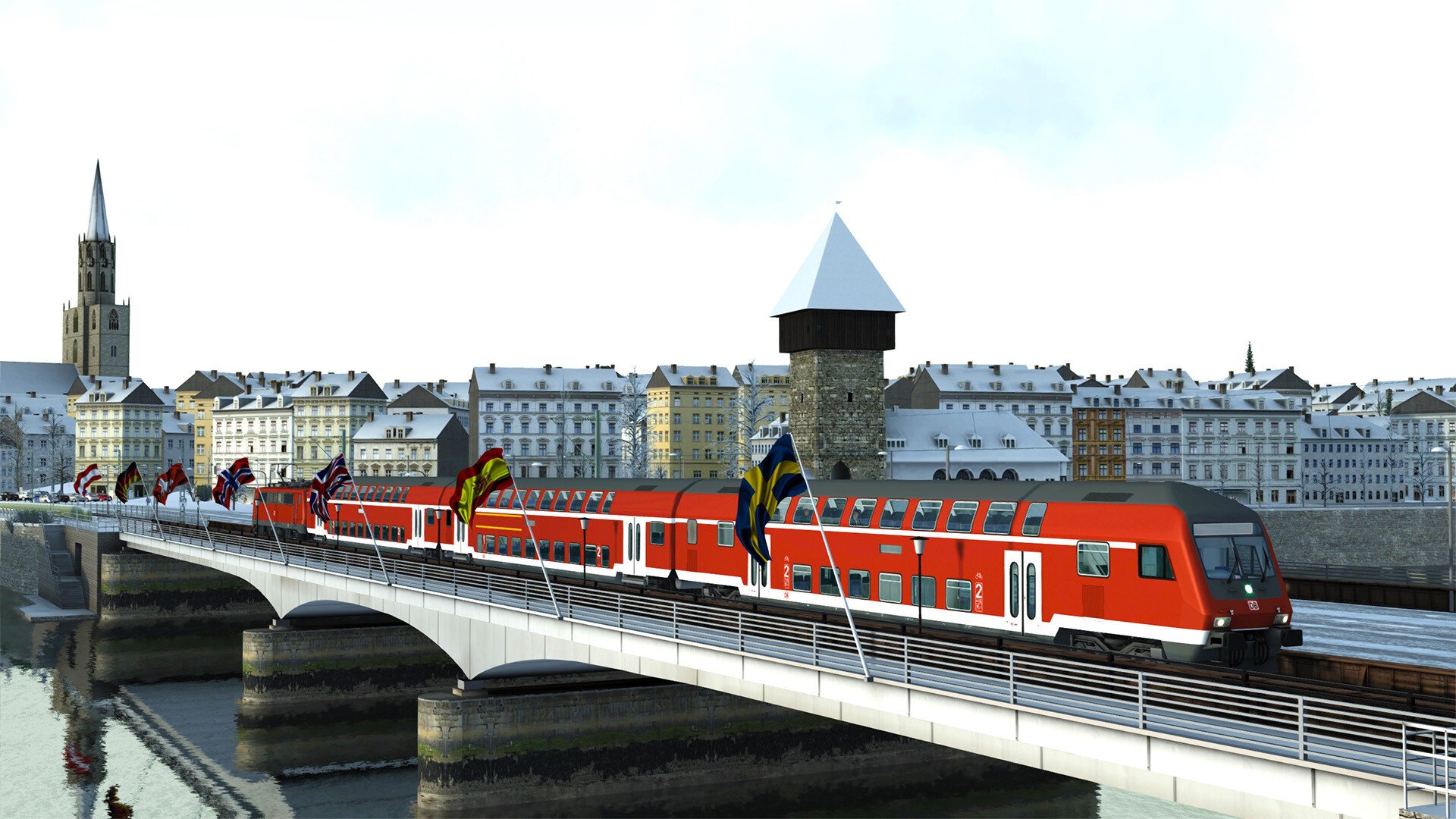
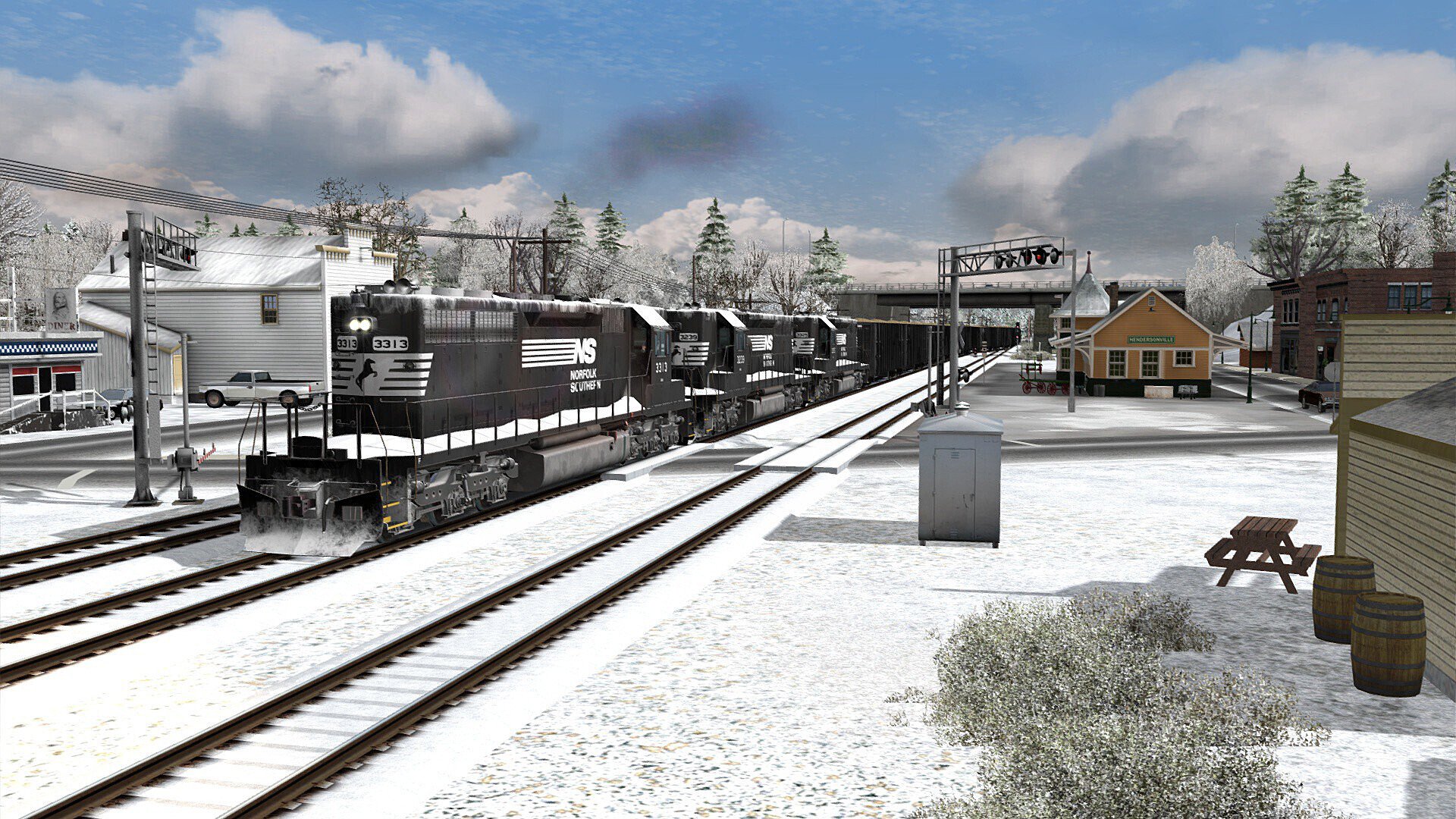
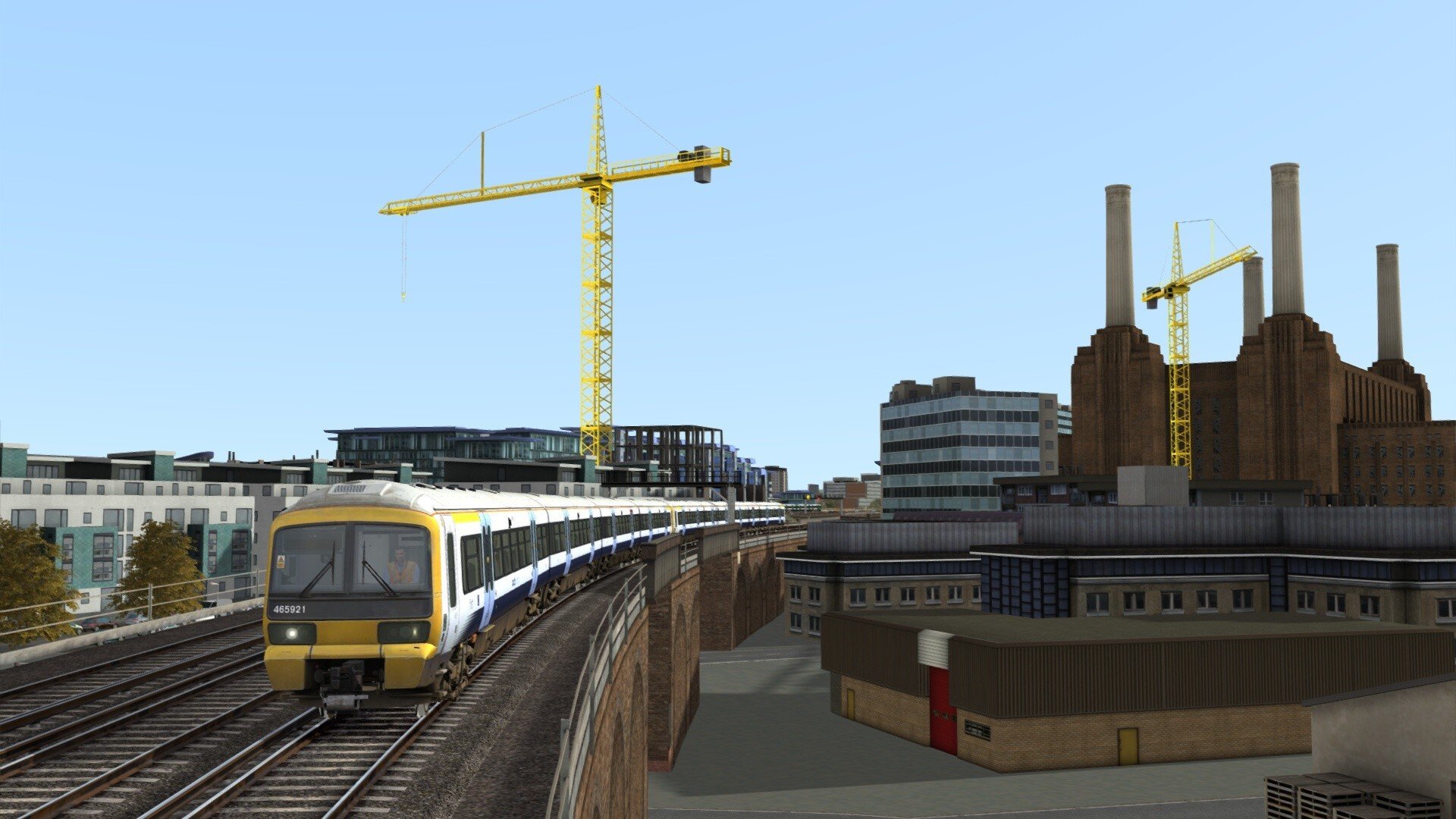
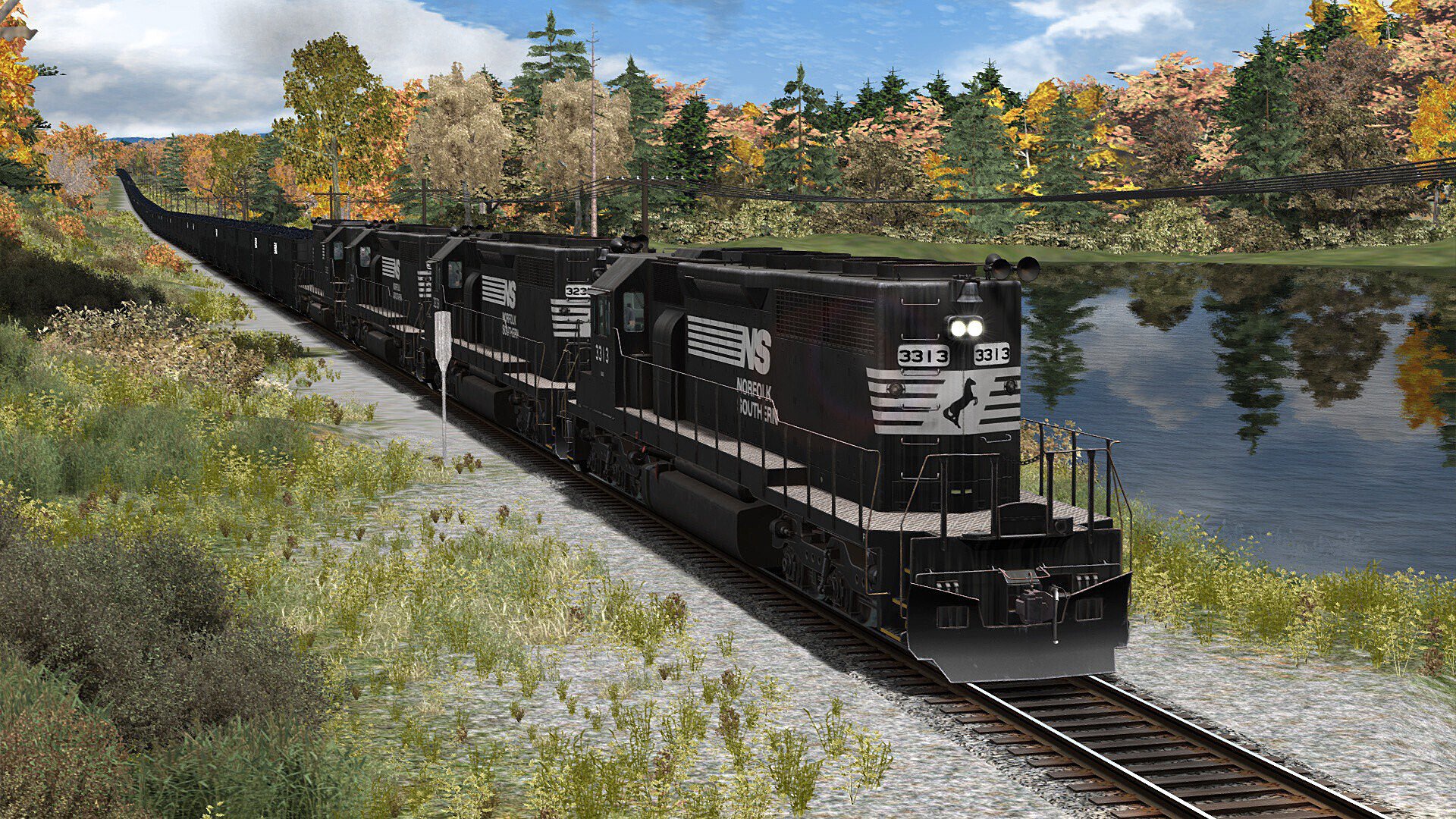
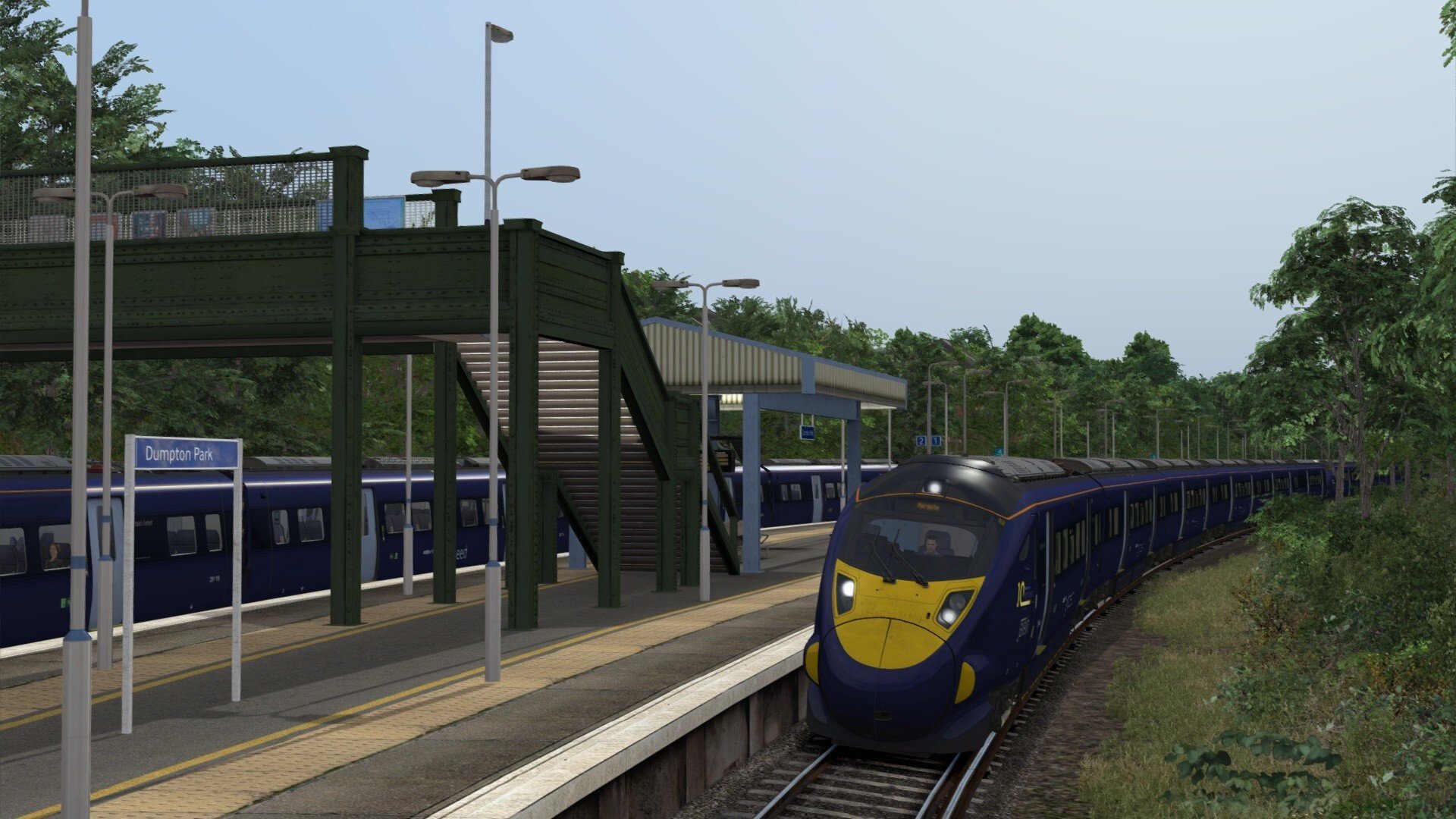
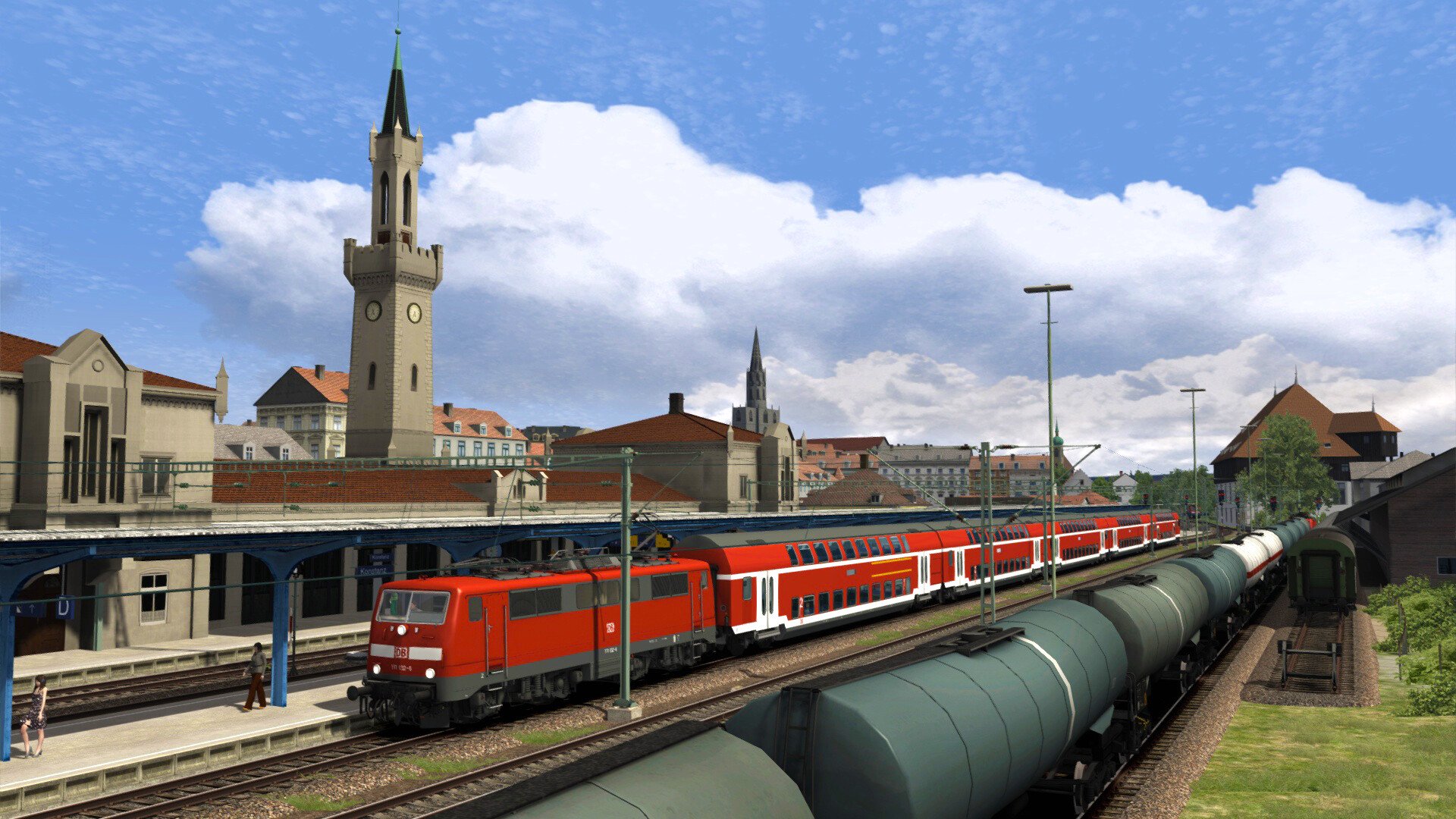
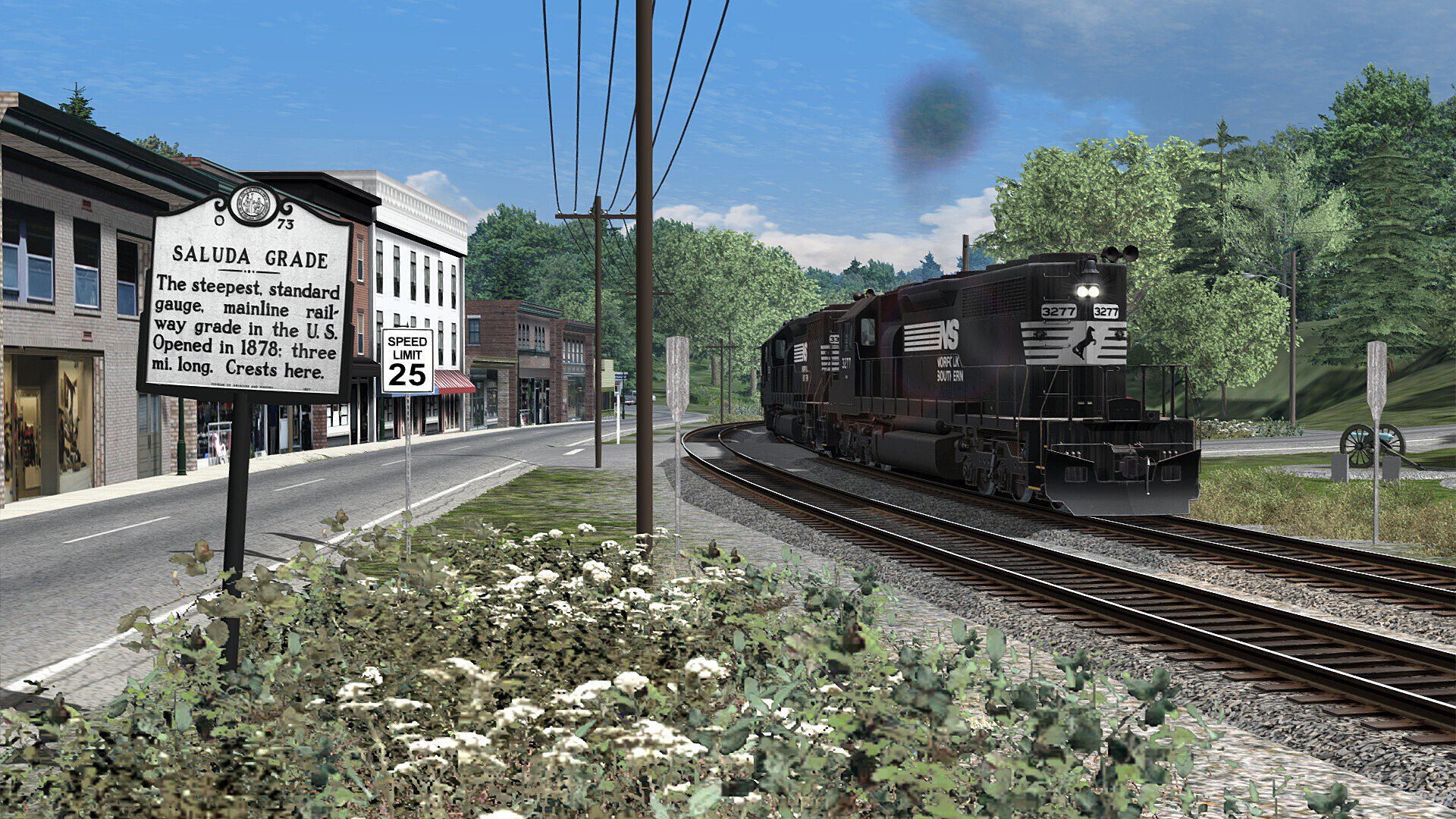
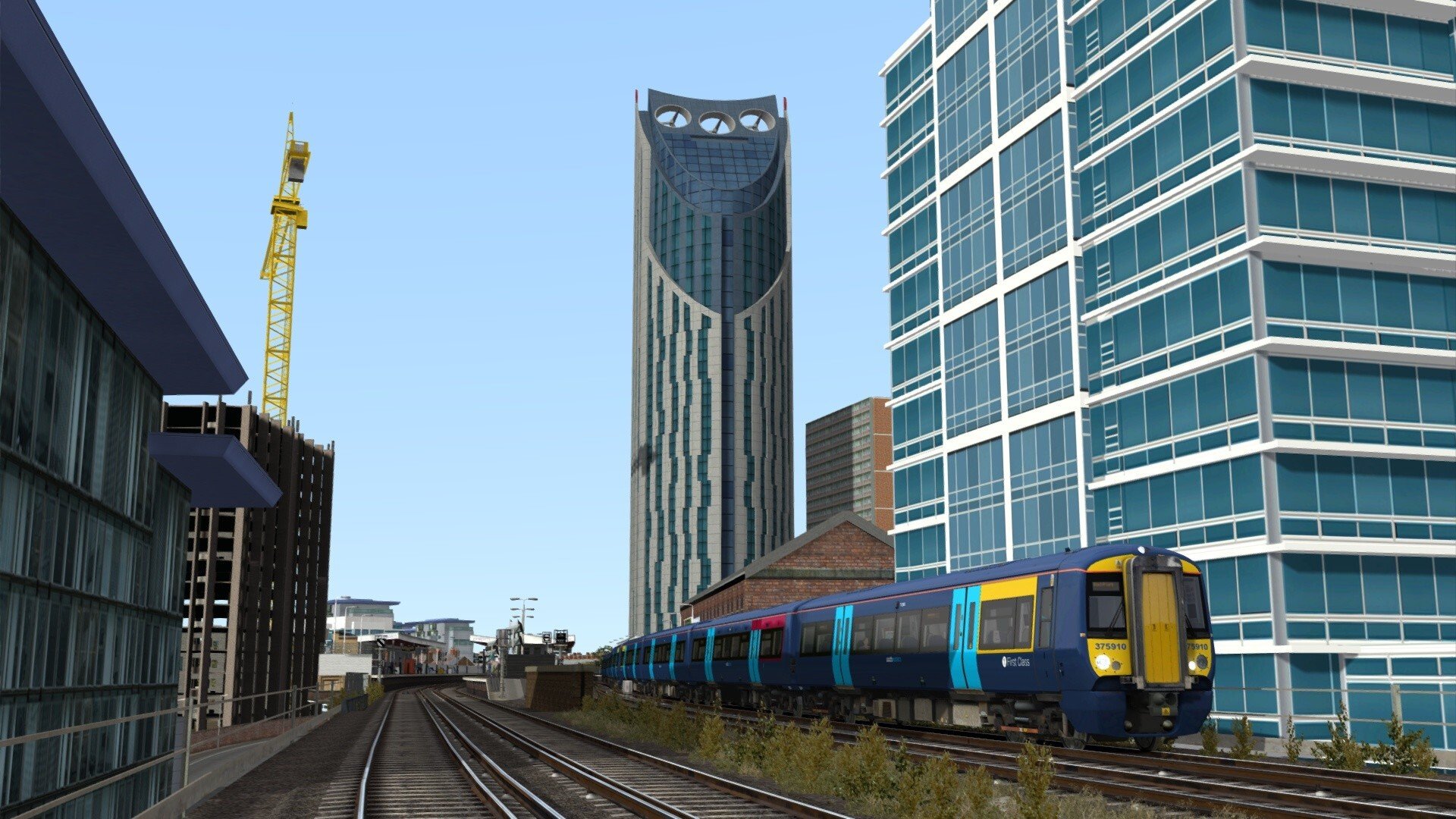
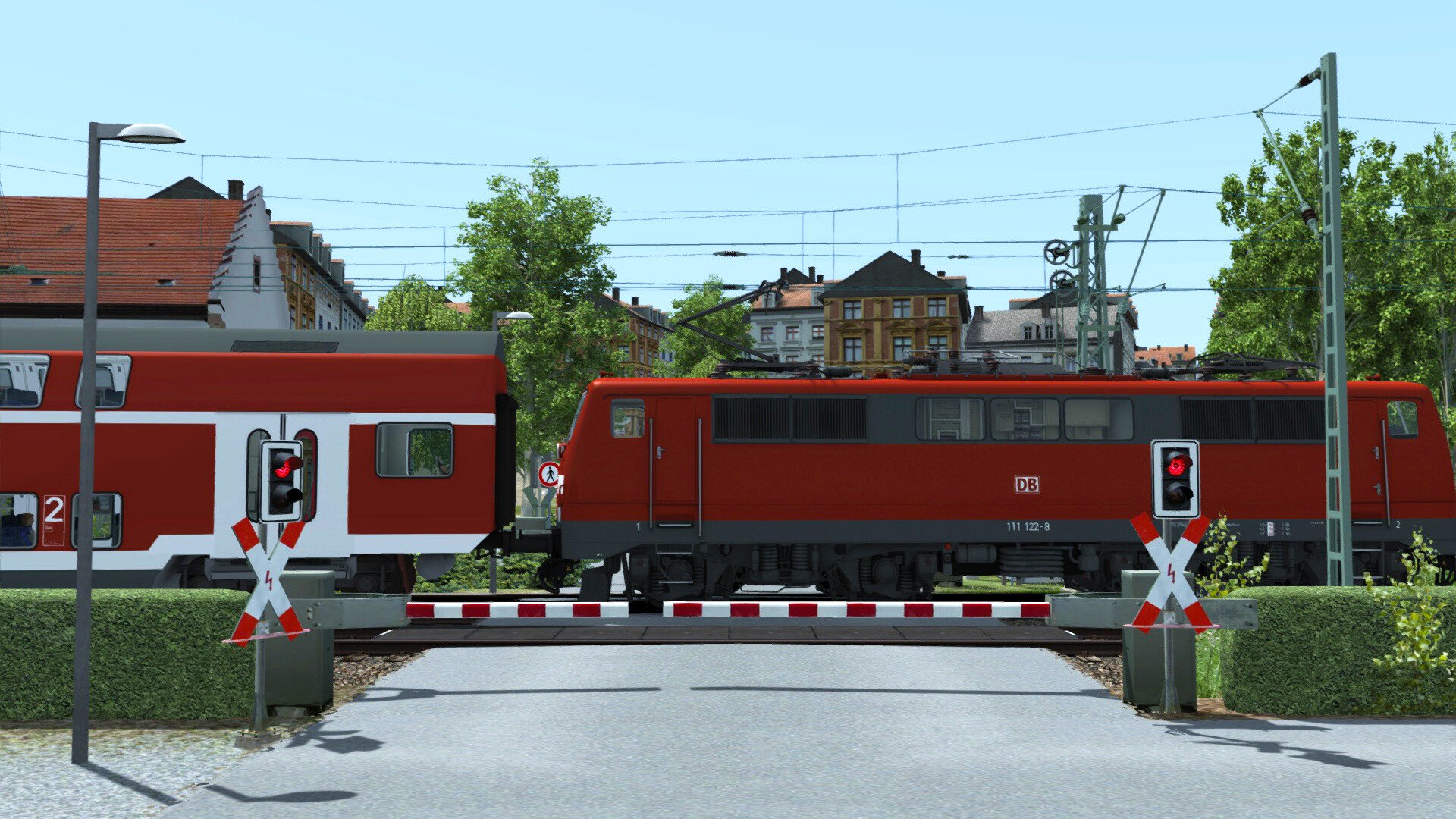
Train Simulator Classic van Dovetail Games is een realistische treinsimulator waarin je iconische locomotieven en treinstellen bestuurt op gedetailleerde routes van over de hele wereld. Bestuur passagiers- en goederentreinen, volg dienstregelingen of maak je eigen scenario’s en routes met uitgebreide editor-tools.
Kenmerken
Realistische treinbesturing met aandacht voor fysica, signalering en veiligheidssystemen
Grote selectie aan officiële routes en rollend materieel uit Europa, het Verenigd Koninkrijk en Noord-Amerika
Career-, Scenario-, Free Roam- en QuickDrive-modi
Uitgebreide Scenario Editor en Route Editor voor het maken van eigen content
Ondersteuning voor duizenden community- en DLC-uitbreidingen
Dynamisch weer en dag-/nachtcyclus
Steam Workshop-ondersteuning
Geschikt voor zowel beginners als ervaren sim-liefhebbers
Vereisten & Aanbevelingen
Besturingssysteem: Windows® 10 of 11 (64-bit)
Processor: Intel Core i5 of gelijkwaardig
Geheugen: 8 GB RAM
Grafische kaart: NVIDIA GeForce GTX 750 / AMD Radeon R7 260X of beter
Opslagruimte: ca. 40 GB vrije schijfruimte (meer vereist bij extra DLC)
DirectX: Versie 11
Aanbevolen instellingen:
SSD voor snellere laadtijden
Dynamic Lighting ingeschakeld
Toetsenbord + muis of gamecontroller
Overige informatie
Uitgever: Dovetail Games
Ontwikkelaar: Dovetail Games
Platform: PC (Steam)
Talen: Engels, Frans, Italiaans en Duits
Huidige versie: Automatisch bijgewerkt via Steam