_a91101.png)
_30c74e.png)
_d1f568.png)
_f3c42d.png)
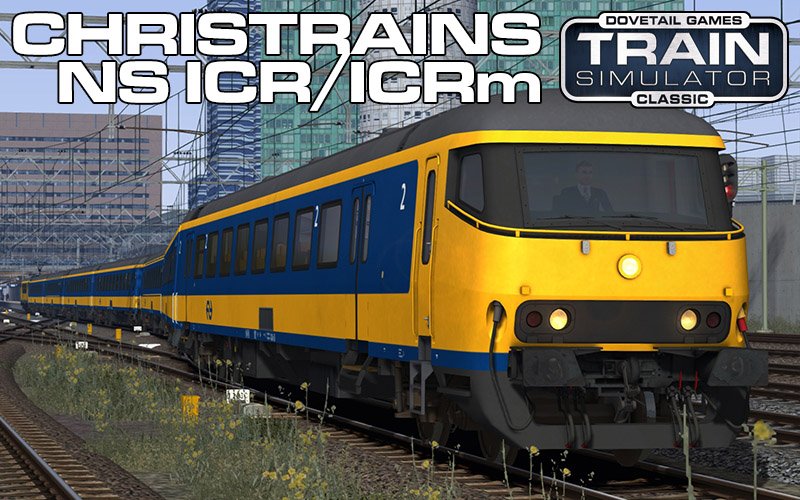
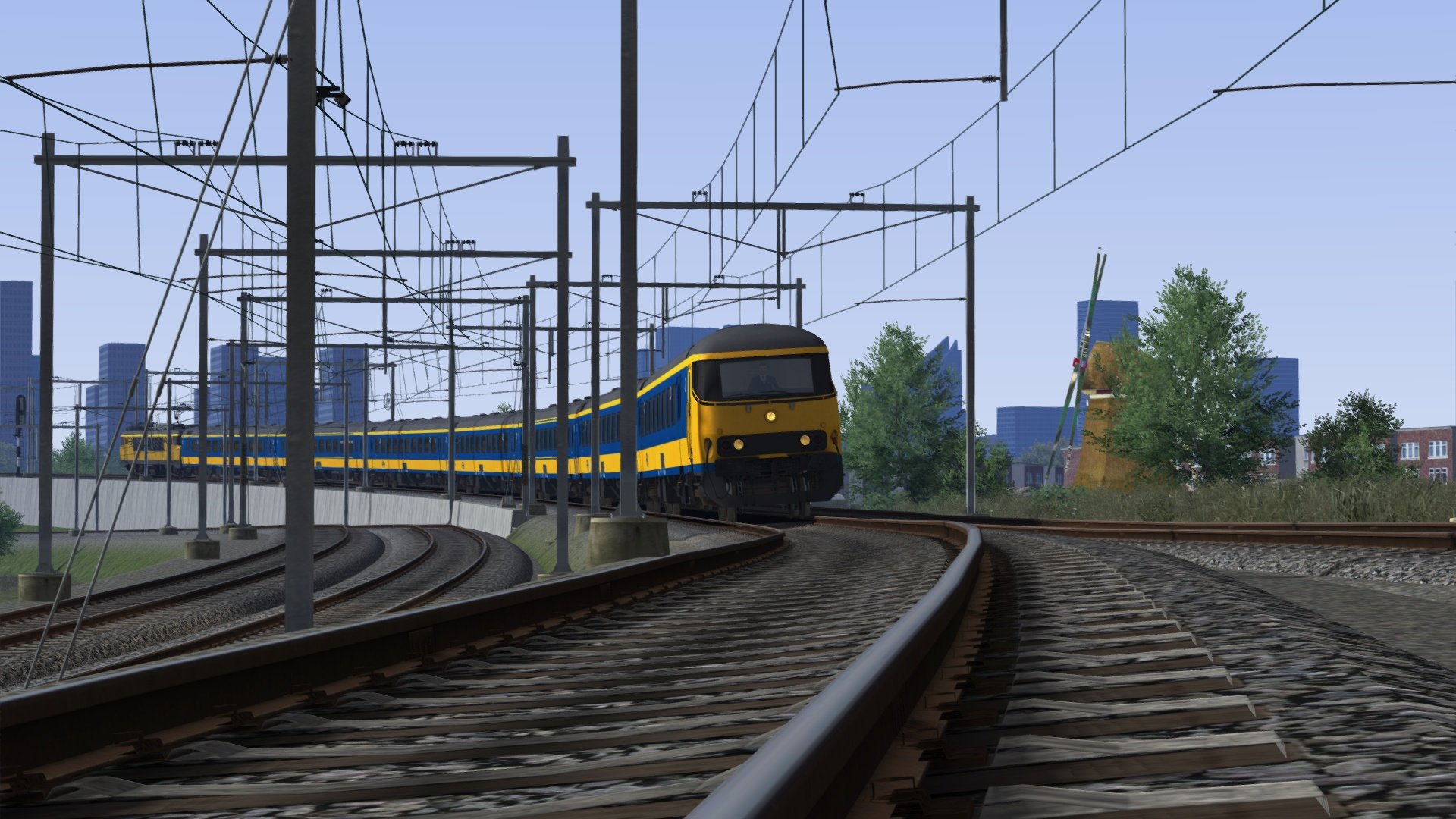
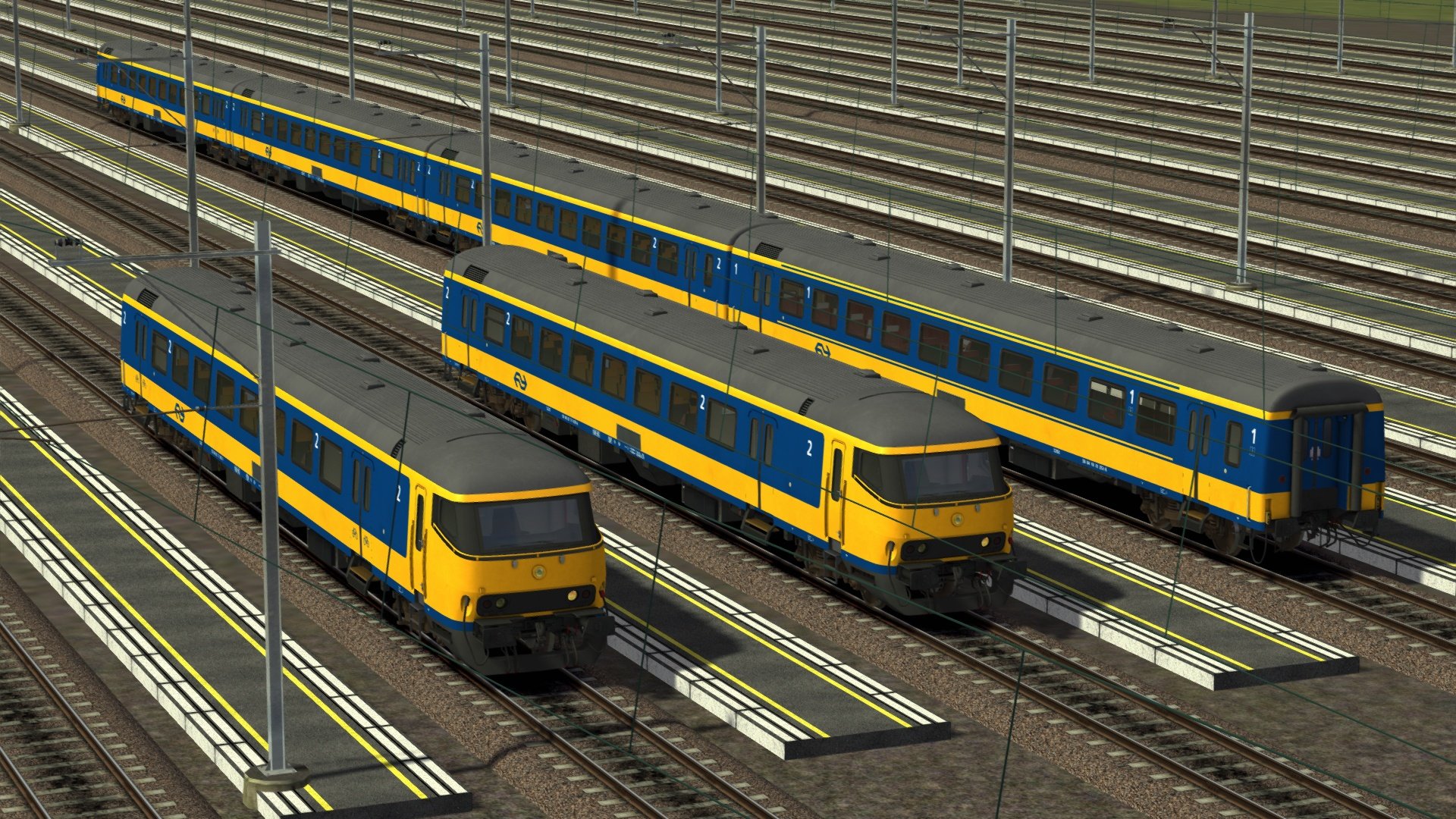
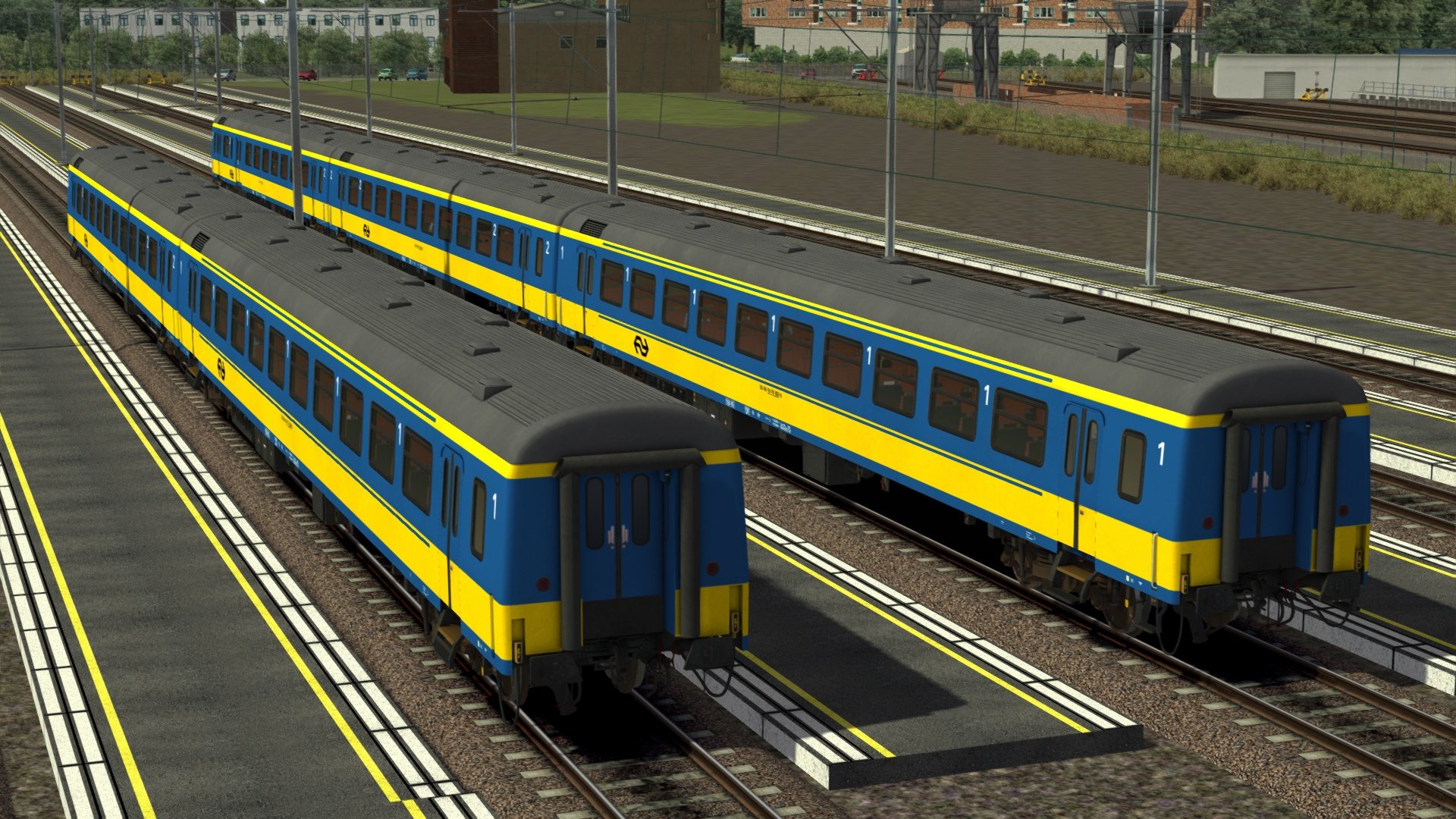
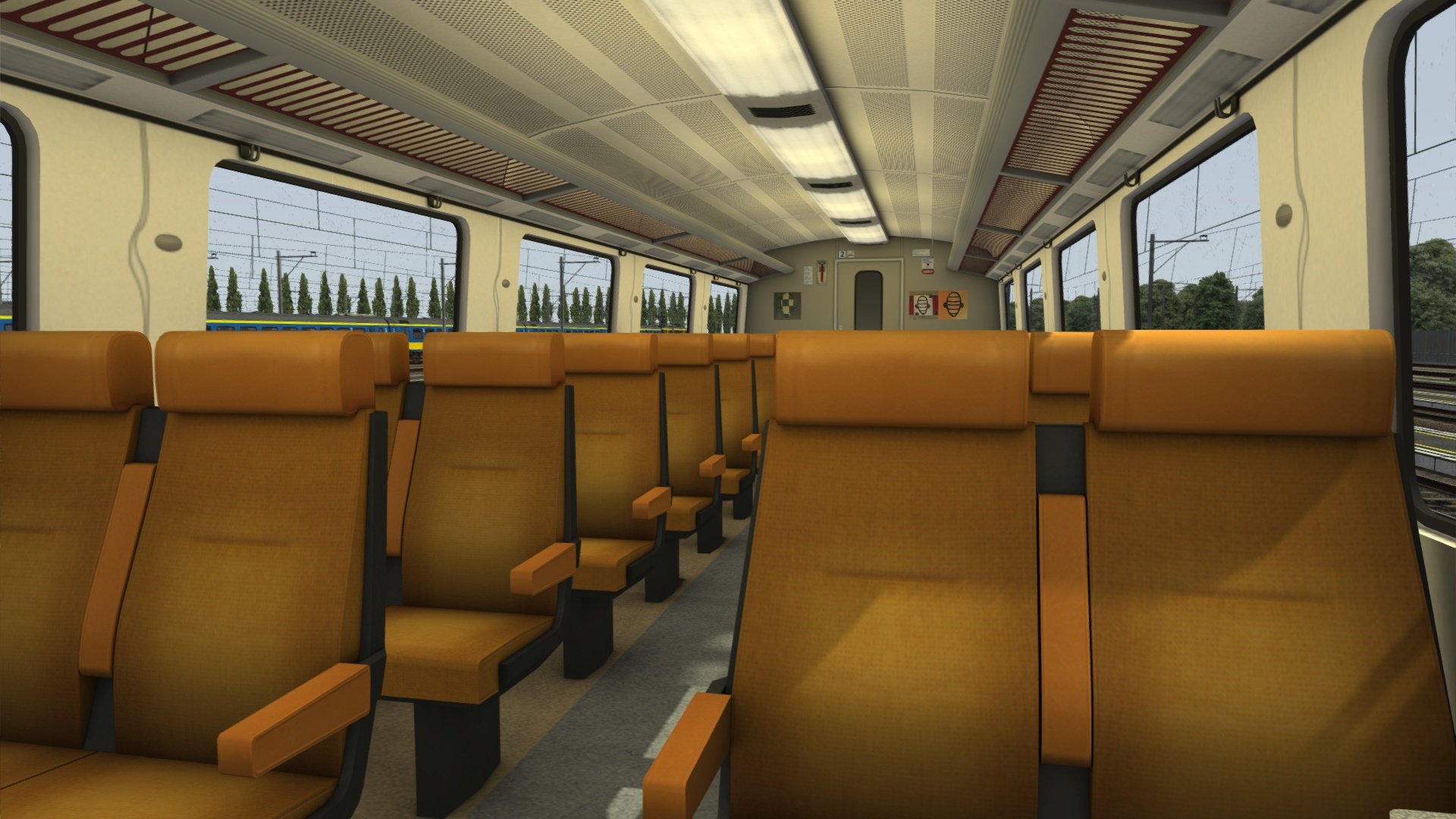
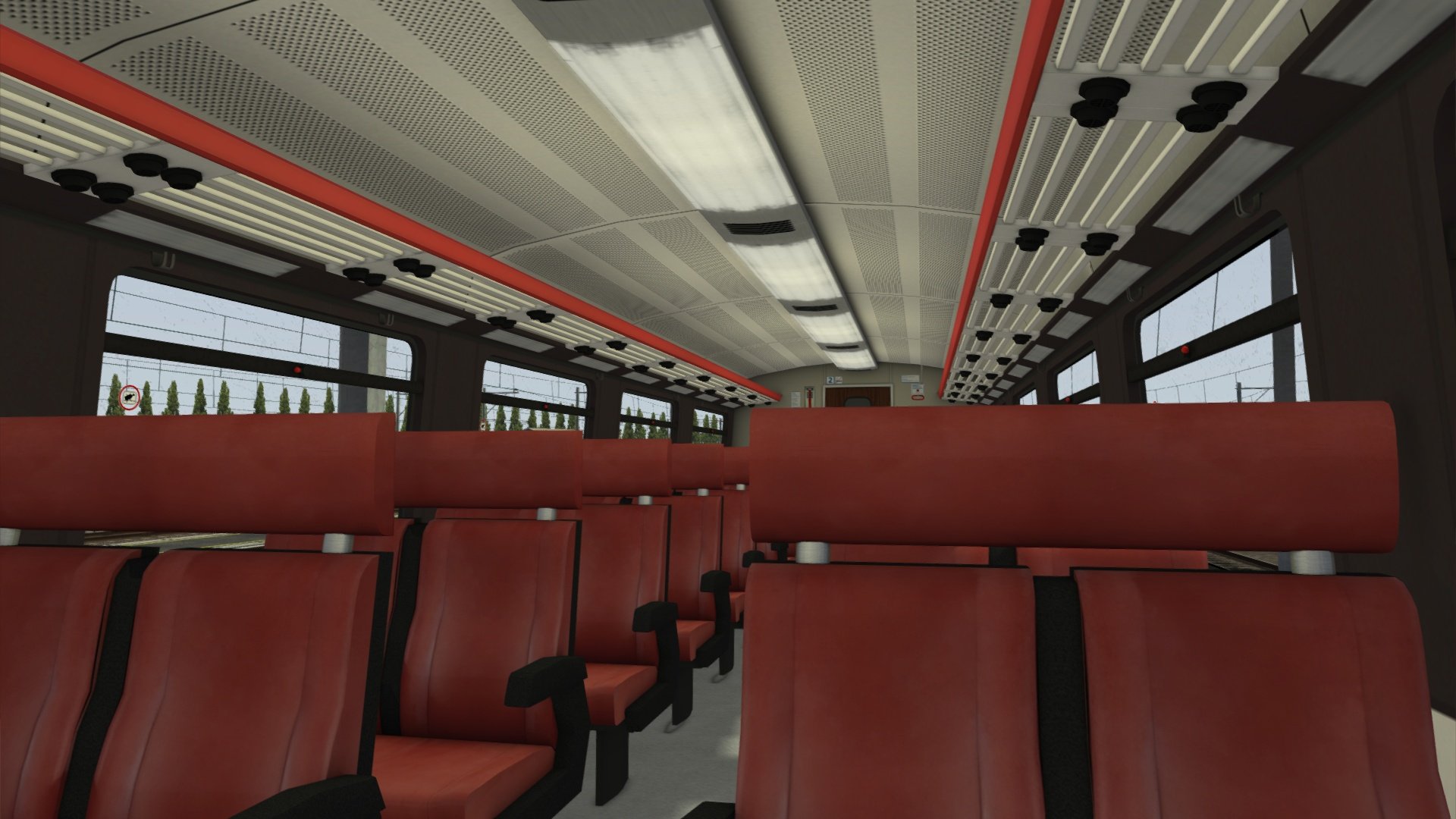
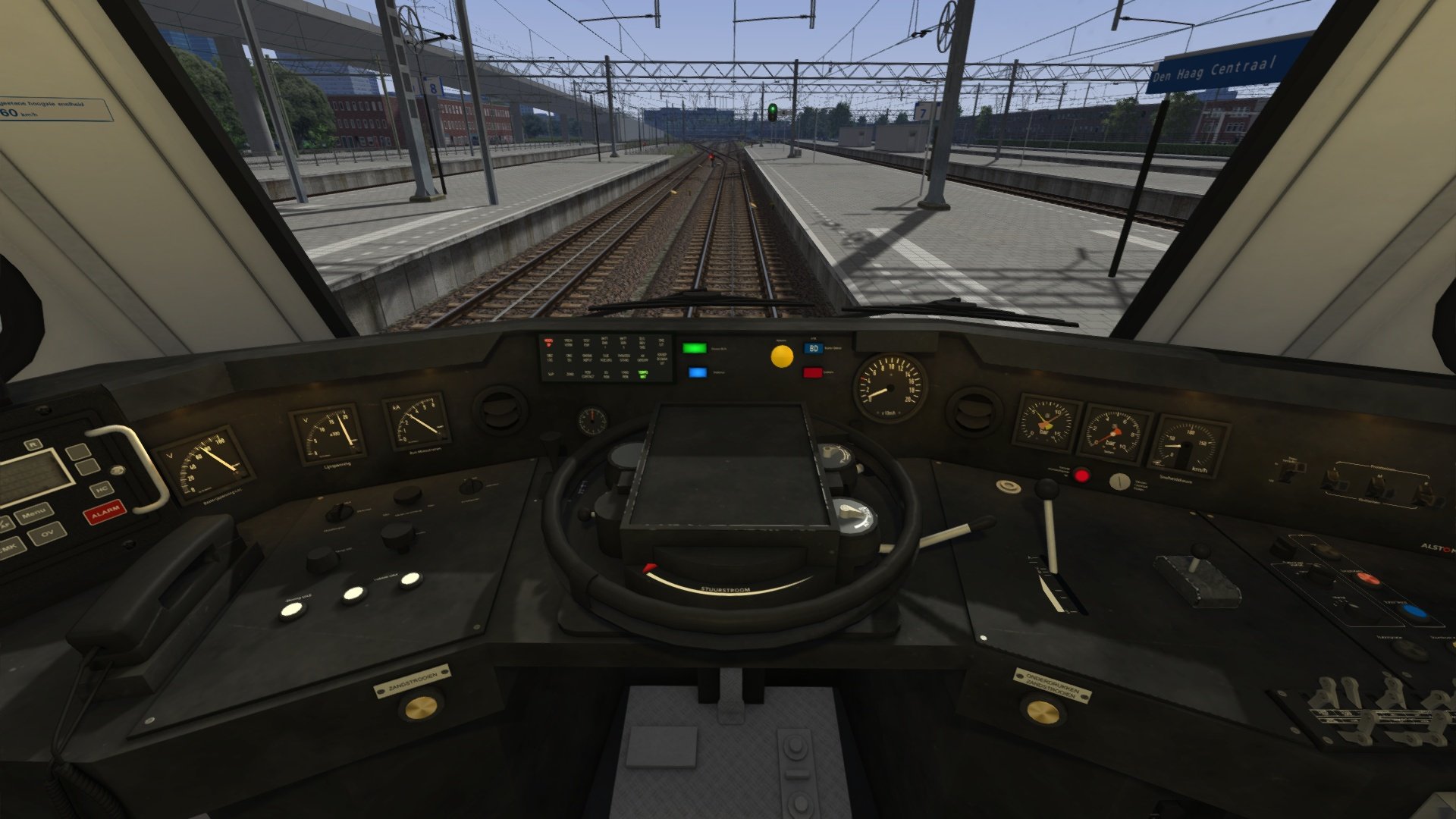
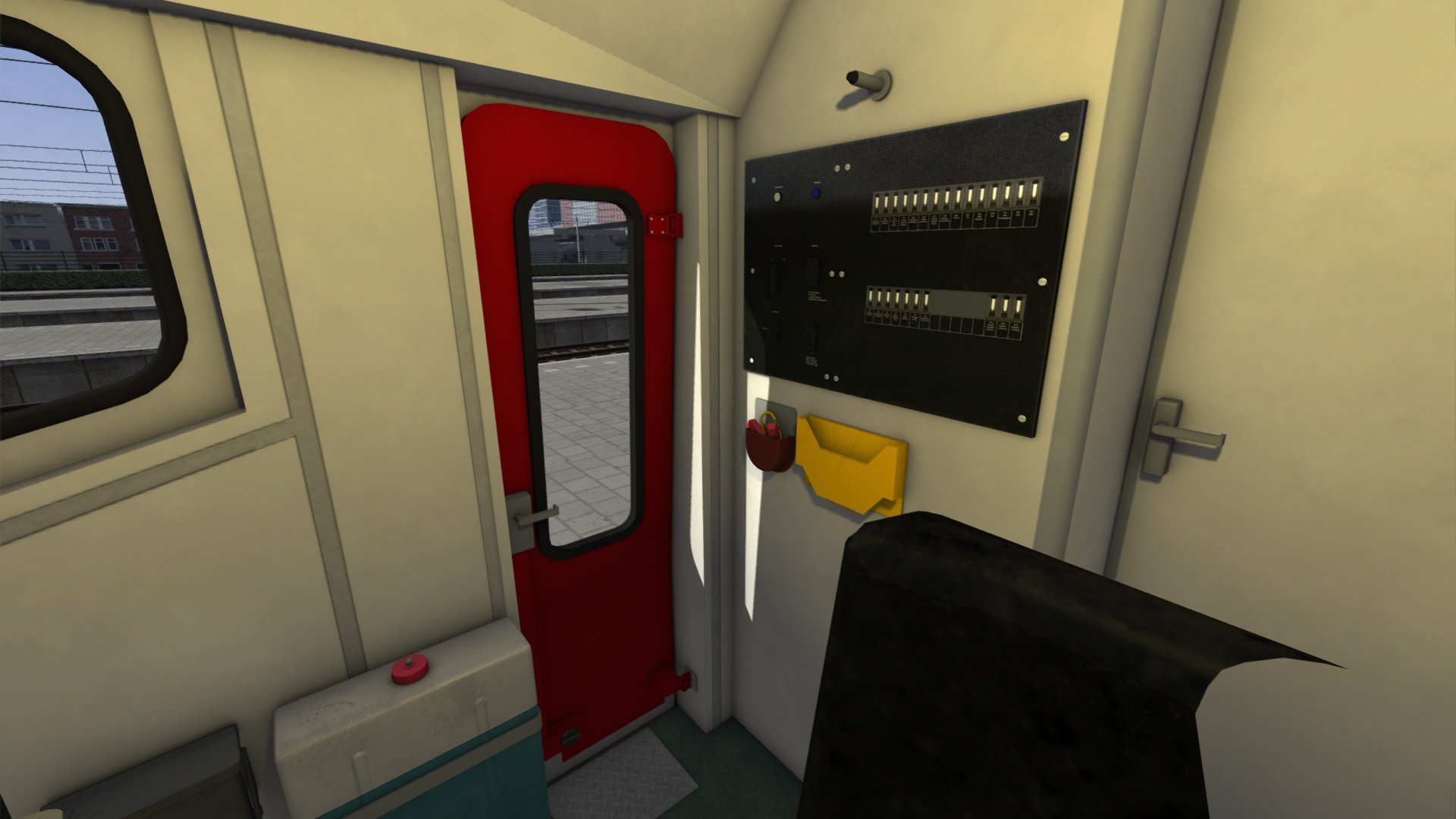
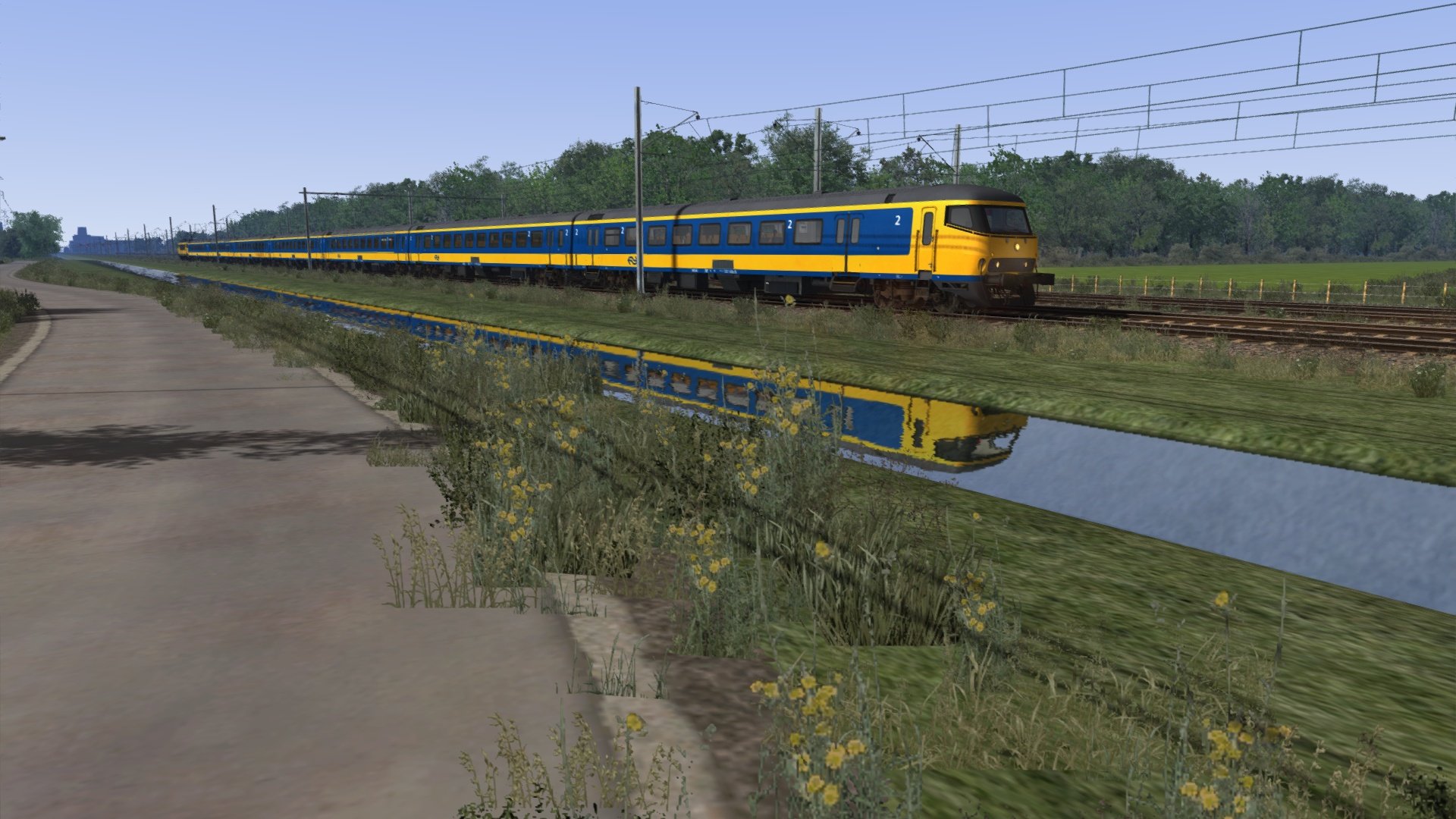
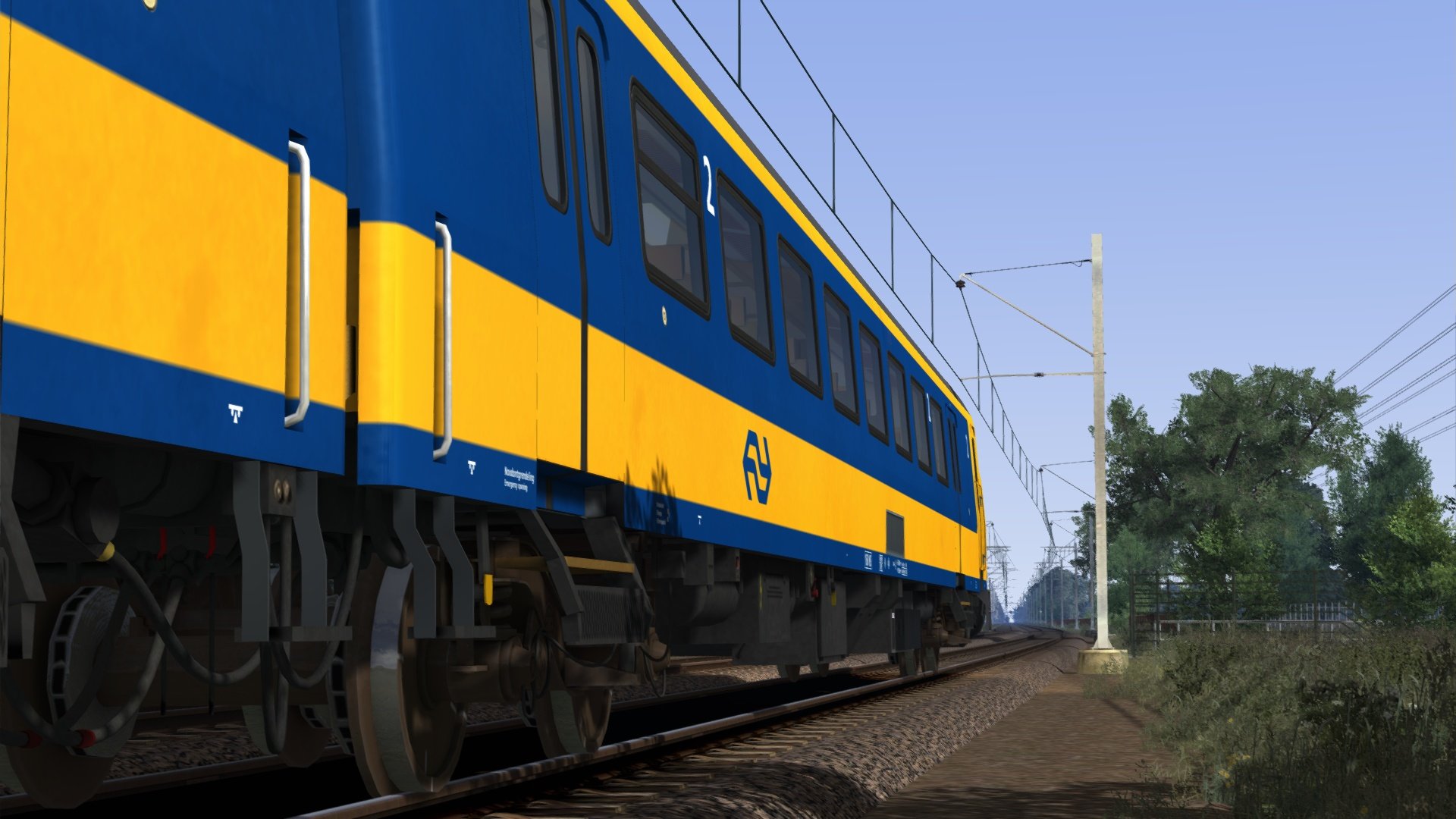
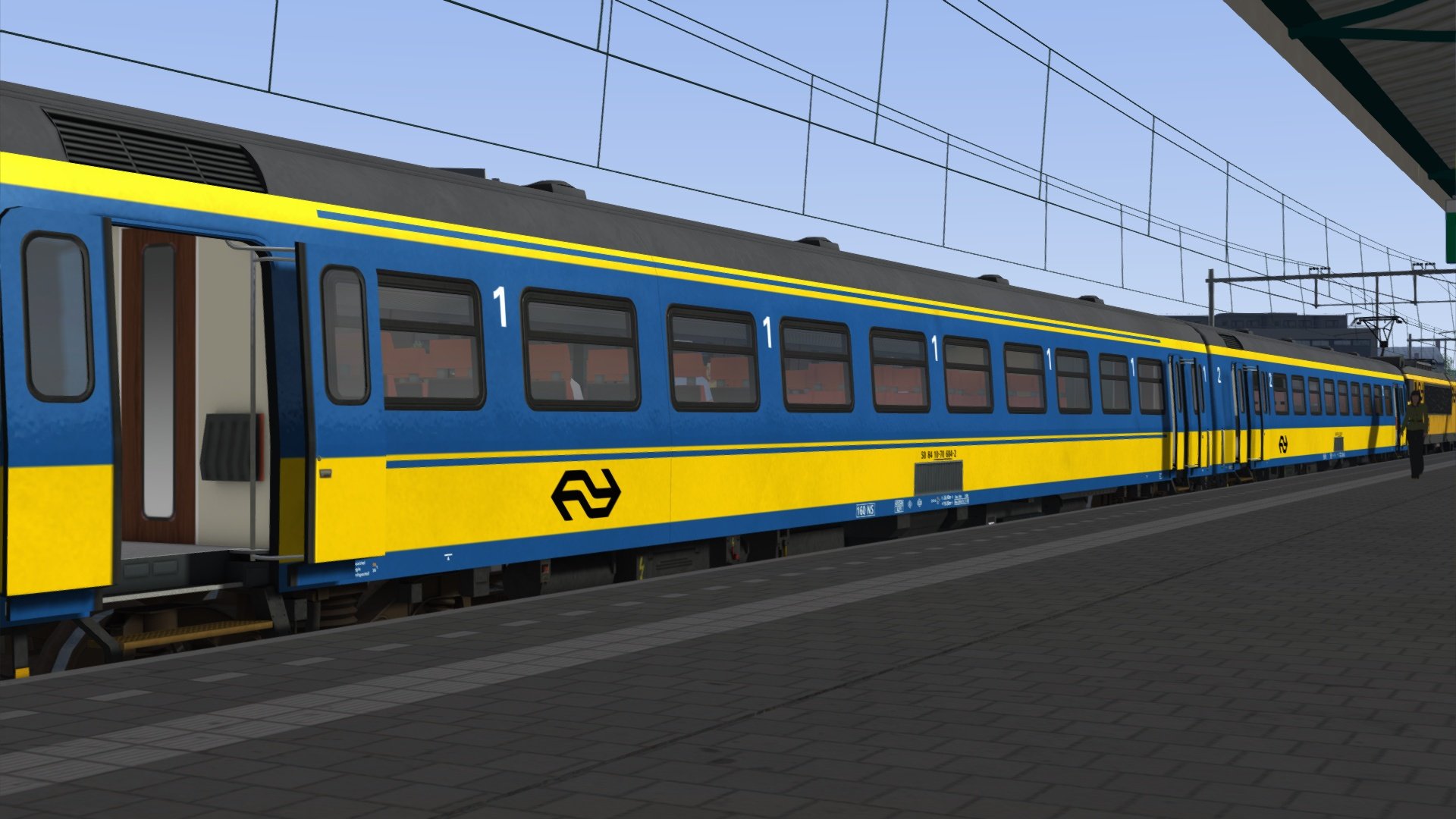
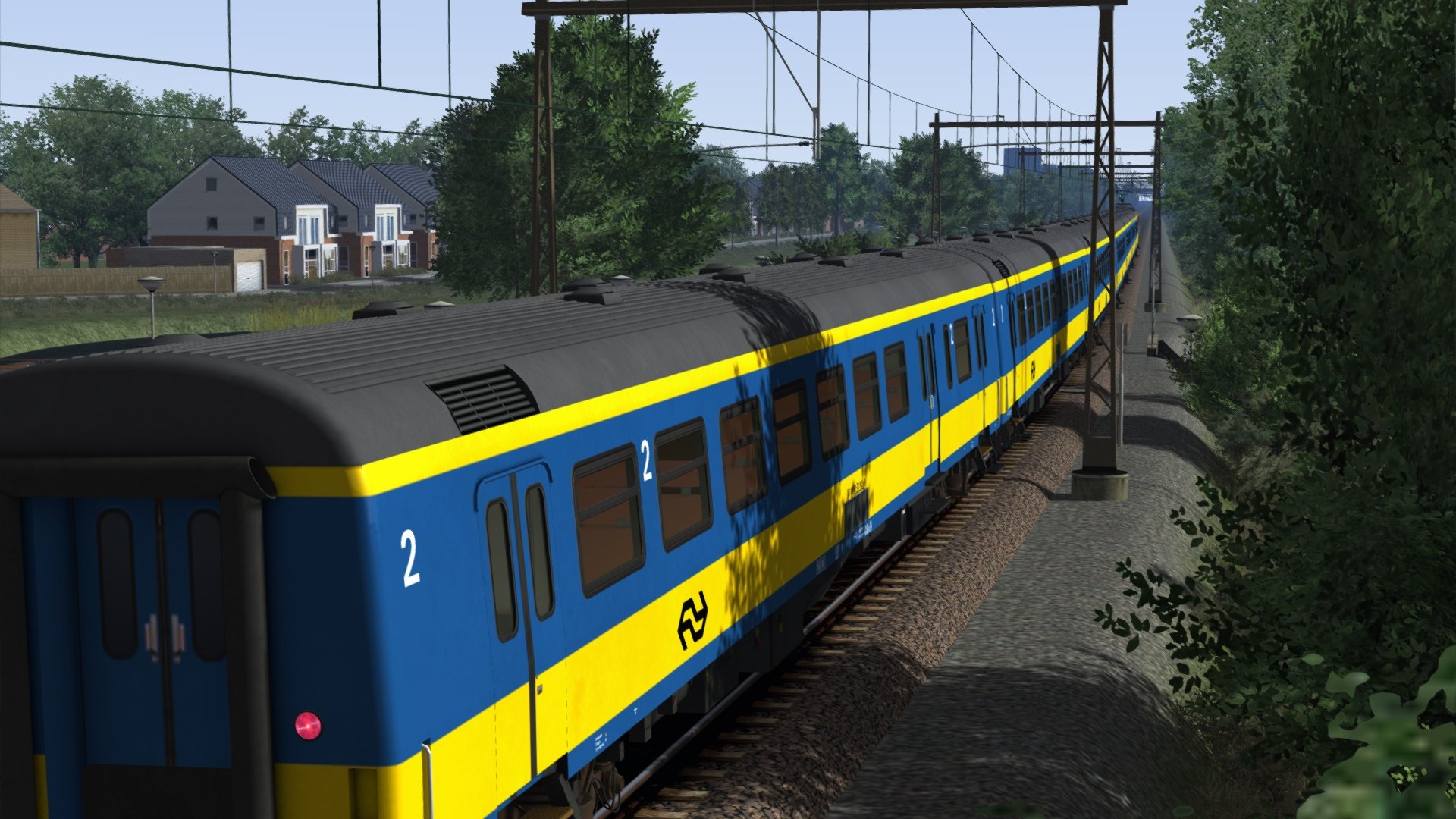
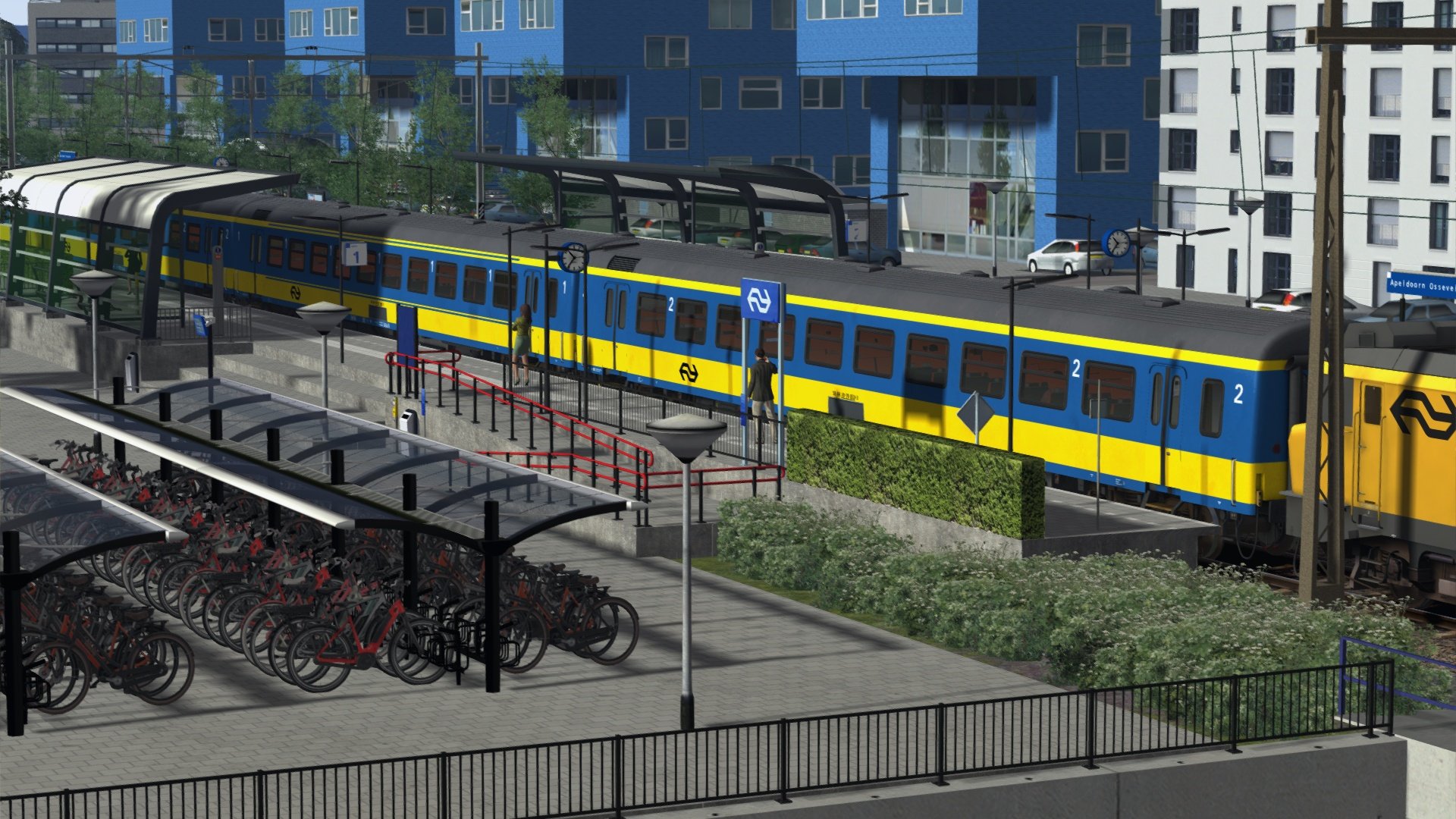
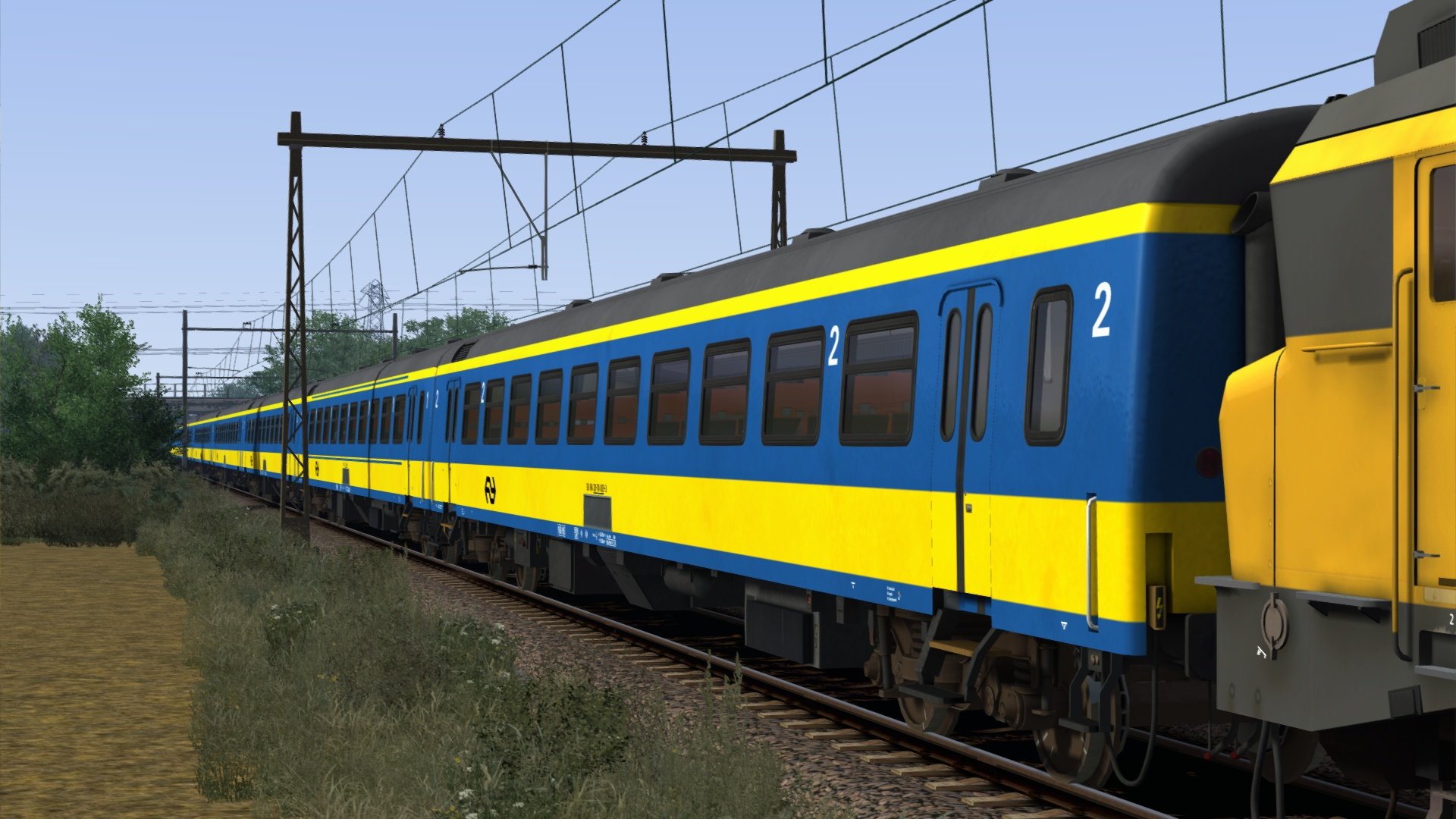
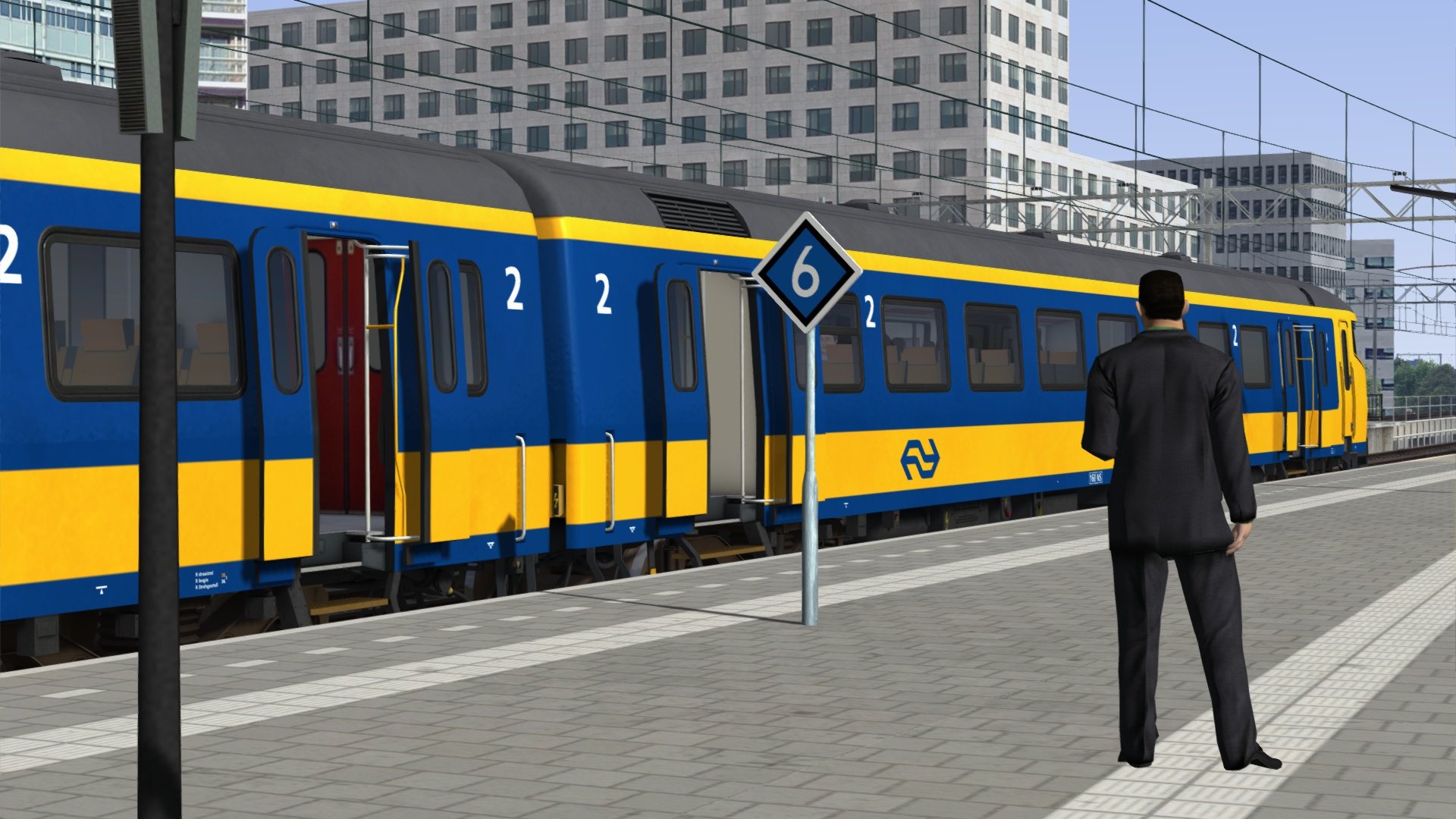
ChrisTrains: ICR/ICRm wagons
Productinformatie “ChrisTrains – NS ICR / ICRm”
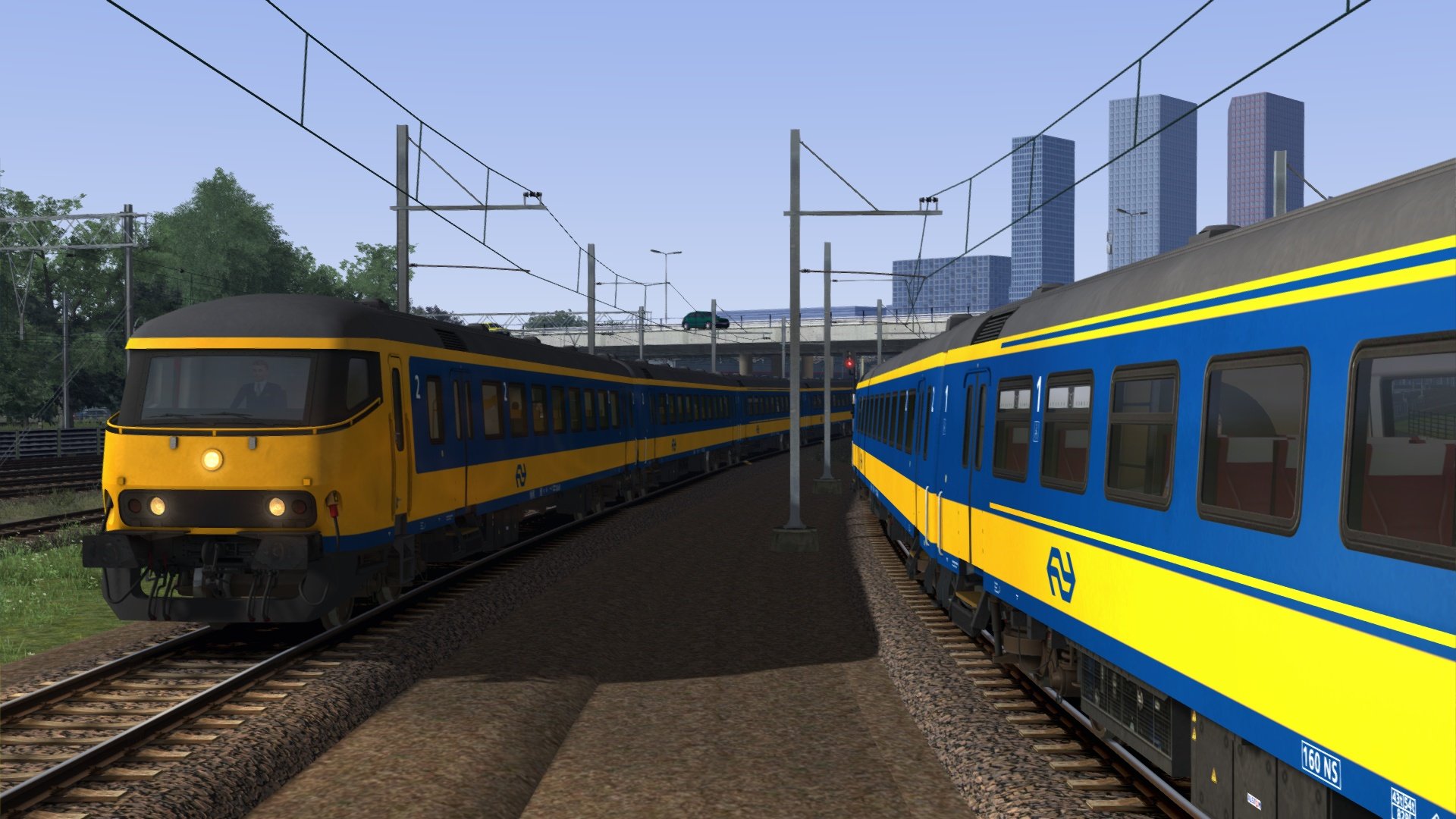
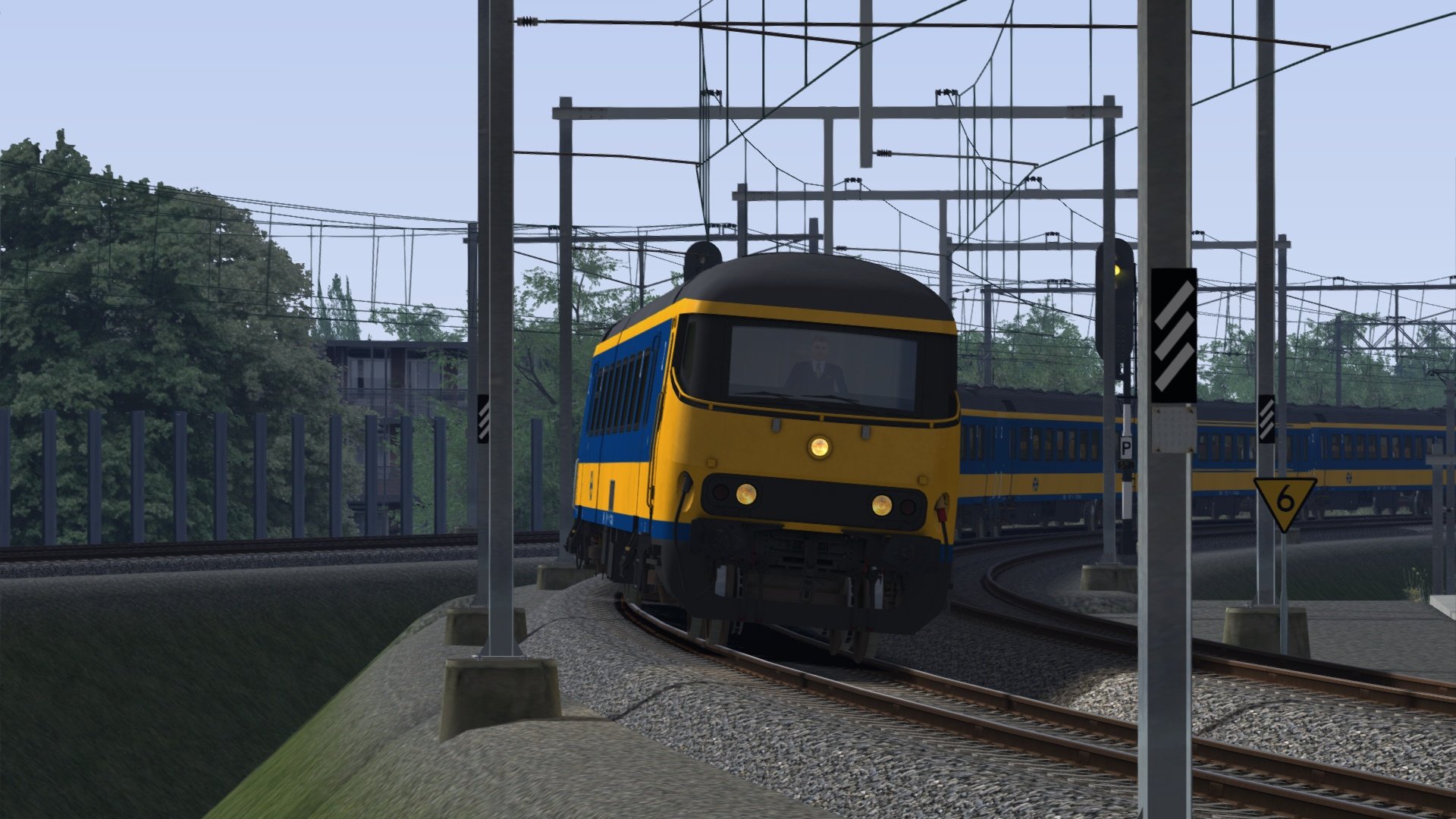
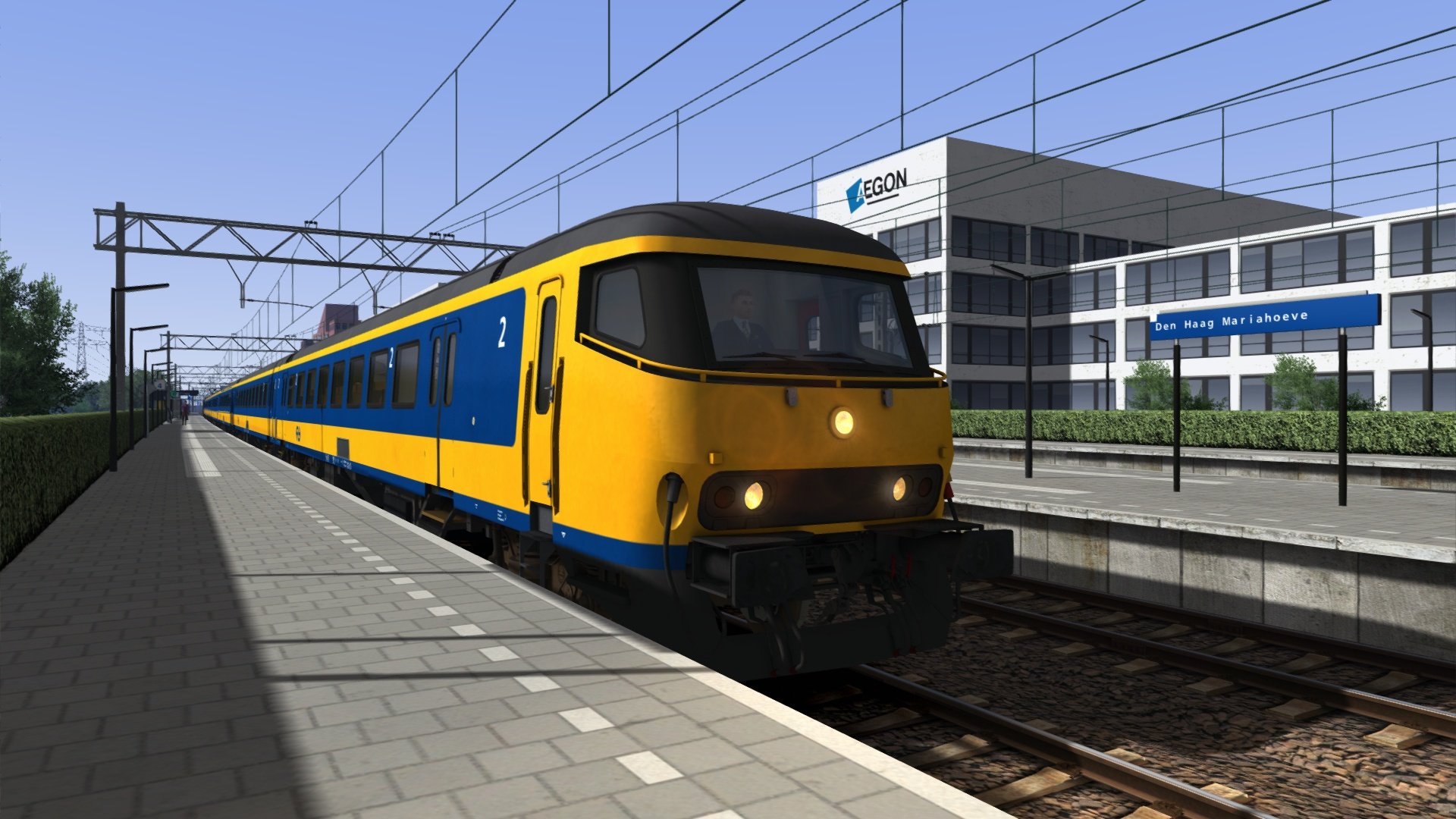
Een reproductie van de oudere ICR- en ICRm-passagiersrijtuigen en BDs-stuurstandrijtuigen, die vroeger op grote schaal in Nederland reden.
Kenmerken
3 versies:
ICR1/4 (A-, B- en BKD-rijtuigen)
ICR2 (A- en B-rijtuigen)
ICRm (A-, B-, BD-, Bf-, BDs- en BDsf-rijtuigen)
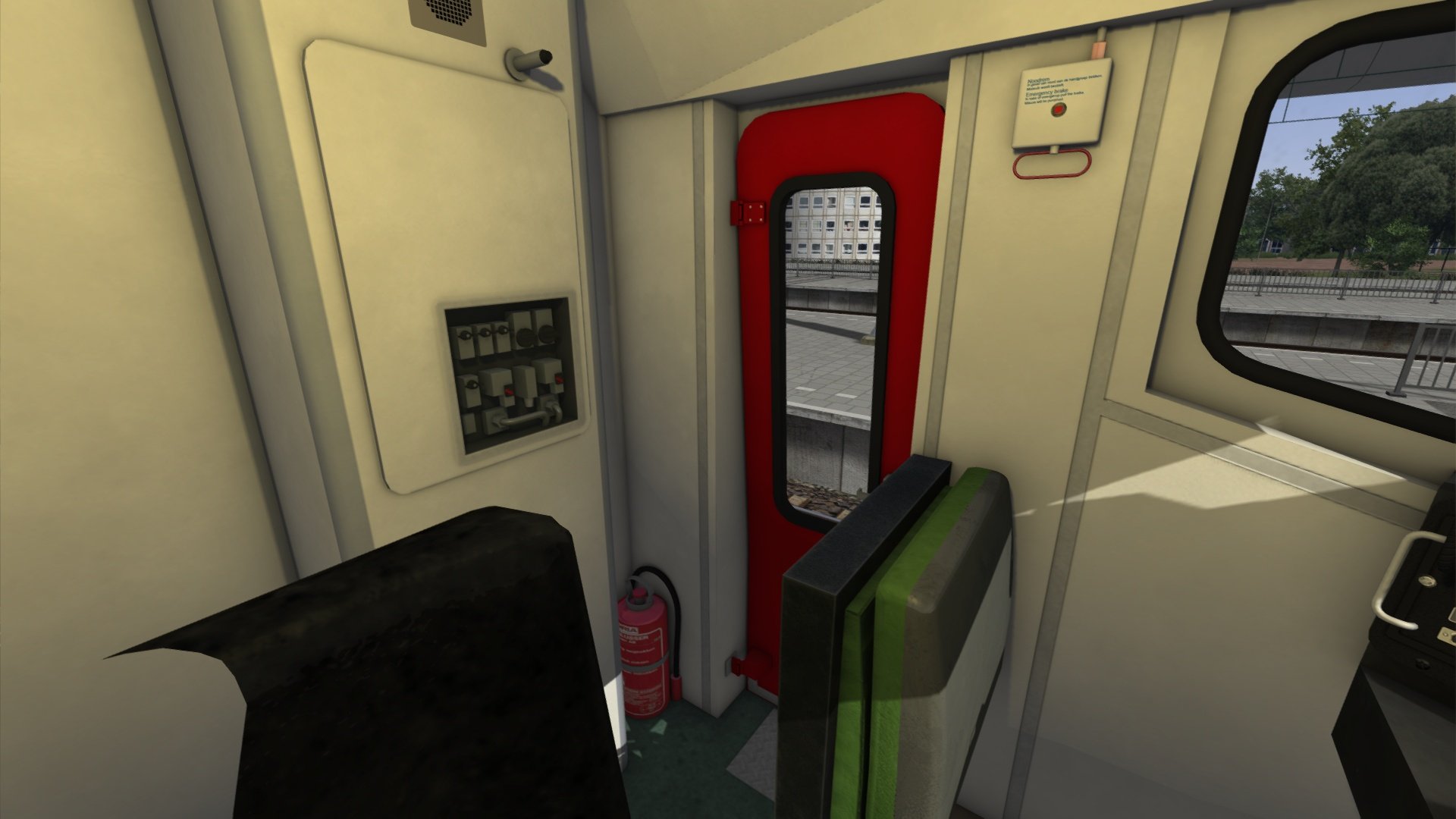
Gedetailleerde cabine in het BDs-stuurstandrijtuig
Tweede klas passagiersweergave
Dynamische automatische nummering
Te gebruiken in eigen scenario’s en compatibel met QuickDrive
De handleidingen zijn in het Nederlands en andere talen beschikbaar en zijn te vinden in:
C:\Program Files (x86)\Steam\steamapps\common\RailWorks\Manuals\ChrisTrains
(let op: de stationsletter van uw harde schijf kan verschillen).Gratis updates voor het leven
Vereisten & Aanbevelingen
Besturingssysteem: Windows® 10 of 11 (32/64-bit)
Windows 7 wordt niet ondersteund.
Spel: Dovetail Games Train Simulator Classic
Voor elektrische treinstellen: minimaal één route met bovenleiding vereist
Bediening: 'Expert' control mode
(Instructies voor het uitschakelen van 'Simple Controls' zijn inbegrepen.)
Aanbevolen: Dynamic Lighting aan
Belangrijke opmerking:
Dit product werkt niet in Train Simulator 2012–2019 of in Train Simulator World (dit is een ander spel).
Uitgever: ChrisTrains
Talen: Duits / Engels / Nederlands
Huidige versie: klik hier
LET OP
Dit product bevat geen locomotieven. Het betreft uitsluitend passagiersrijtuigen en een stuurstandrijtuig. Voor gebruik is een locomotief aan de andere zijde van de trein vereist.
Dit product is specifiek ontworpen voor gebruik met de FopixTrains NS 1800-locomotief. Het is essentieel dat u deze locomotief in bezit heeft om de voorgebouwde treinsamenstellingen correct te kunnen gebruiken.
De NS Class 1800-locomotief is rechtstreeks verkrijgbaar via de webshop van RailTraction: NS Class 1800
Productbeoordelingen
Er zijn geen reviews te tonen.