_a91101.png)
_30c74e.png)
_d1f568.png)
_f3c42d.png)
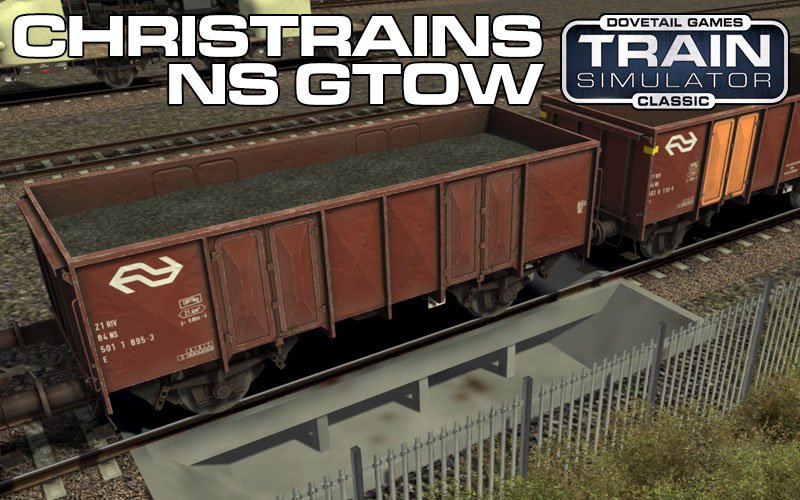
ChrisTrains: NS GTOW/GTU
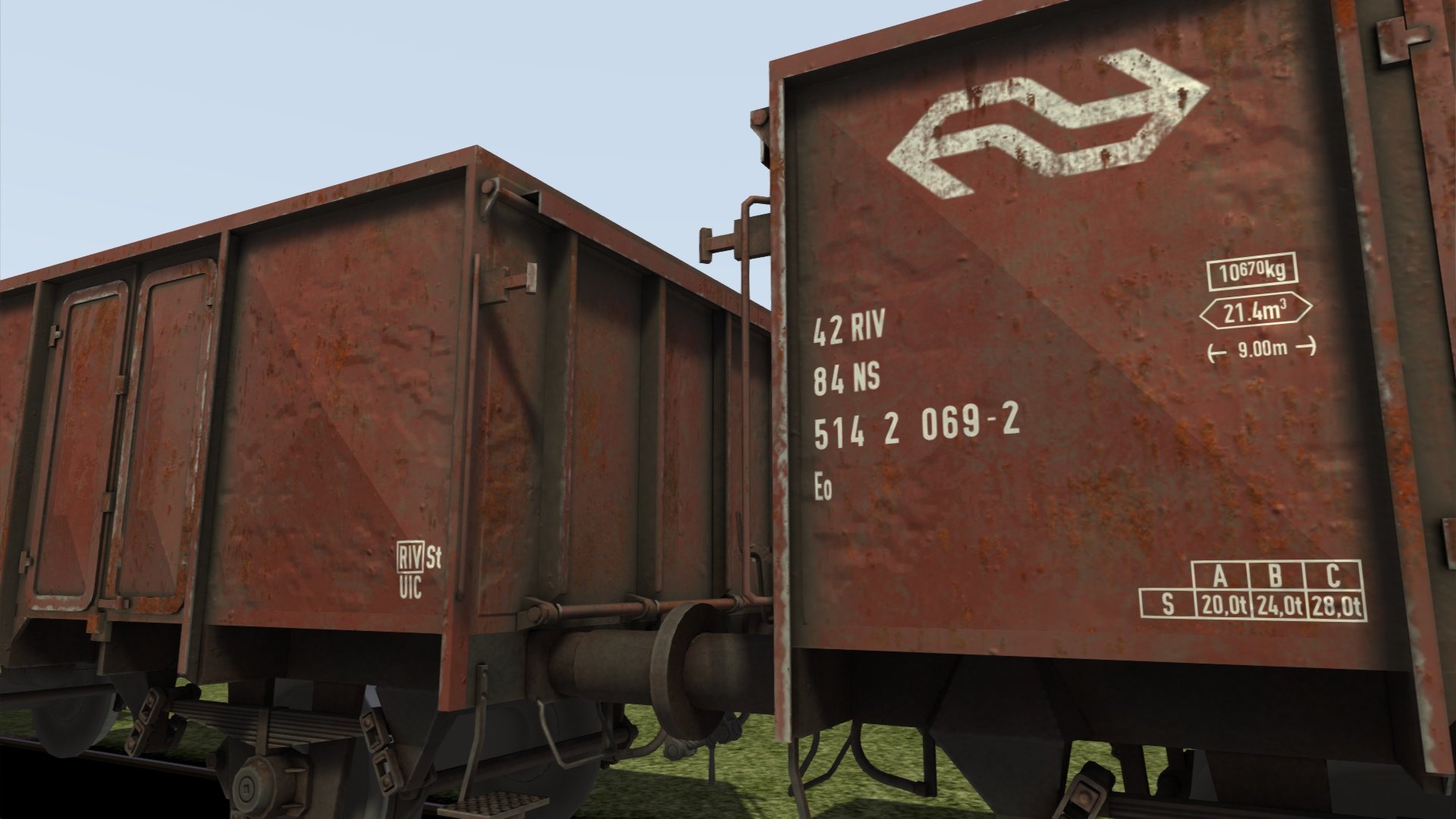
GTOW en GTU Wagons
Speciaal ontworpen voor ChrisTrains-materieel, maar compatibel met ander materieel.
Varianten
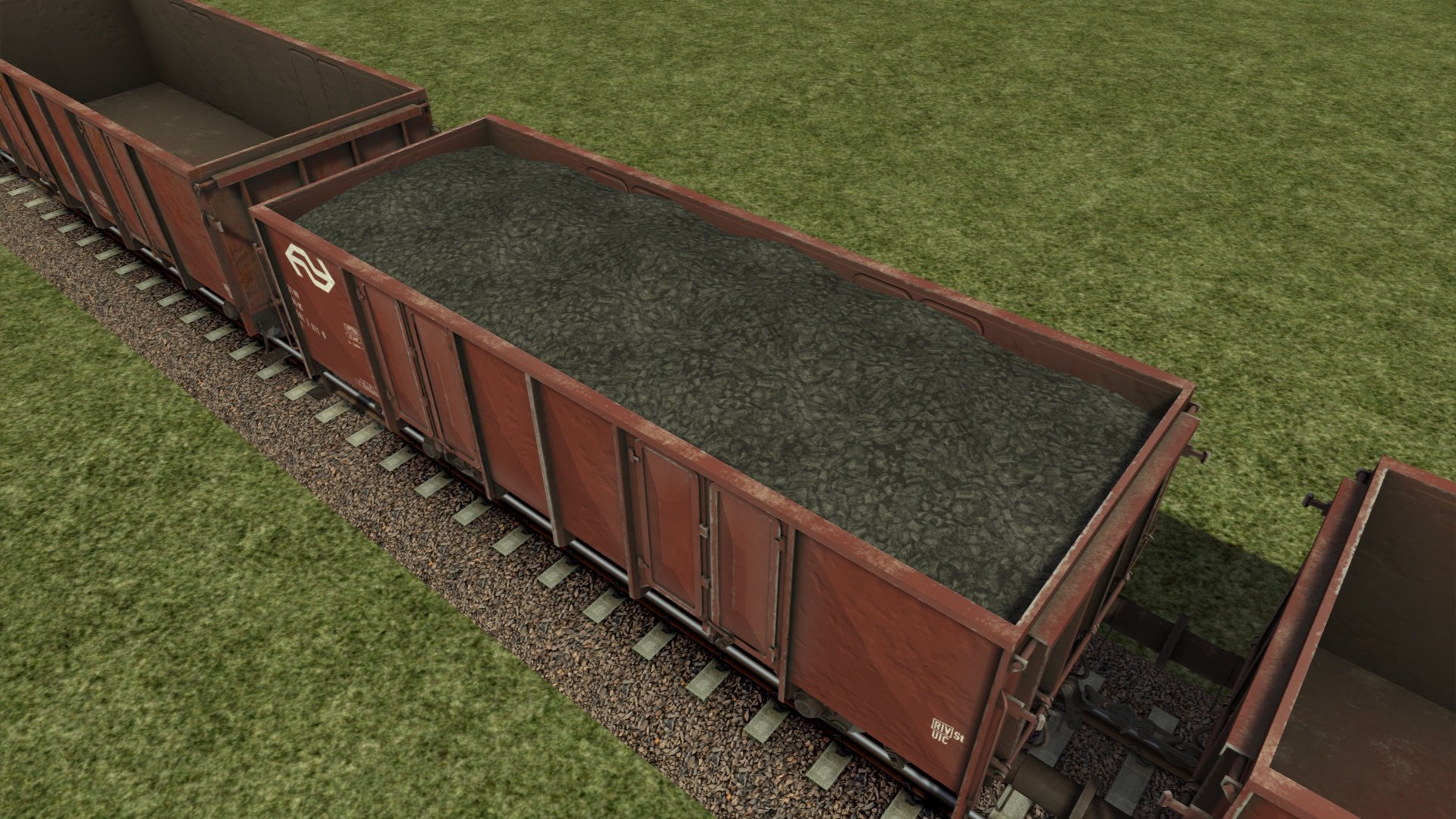
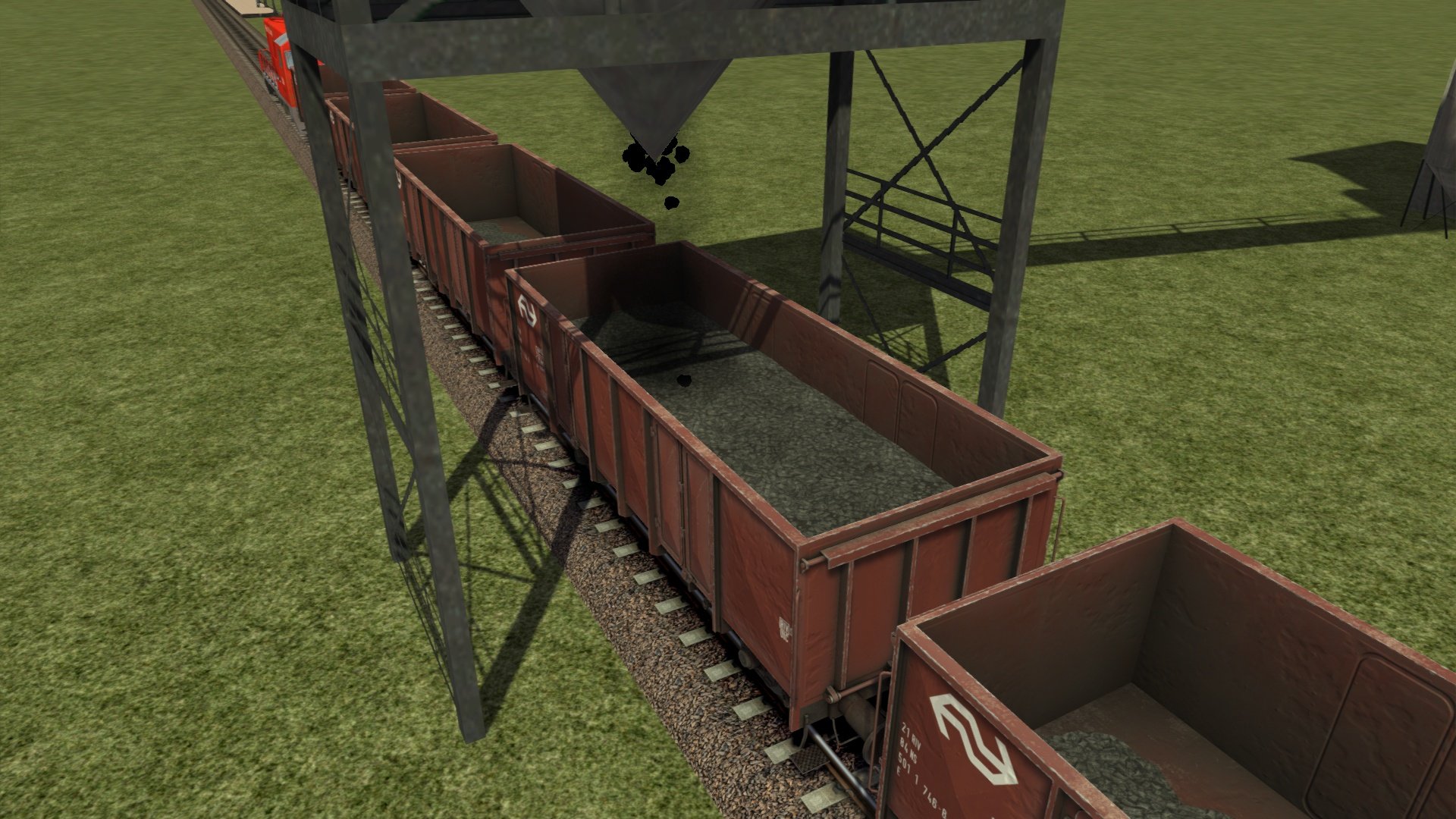
E (Kolen)
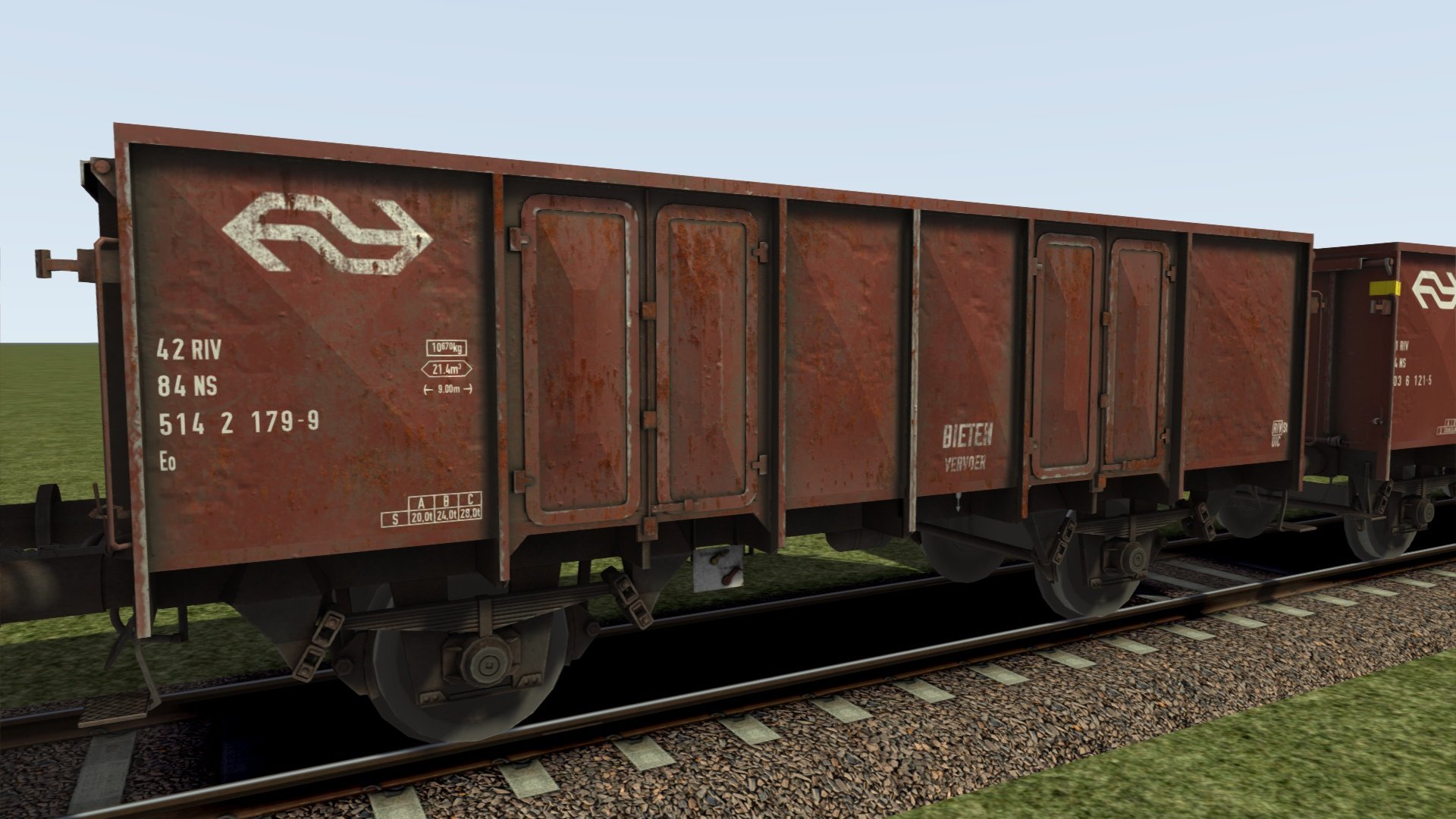
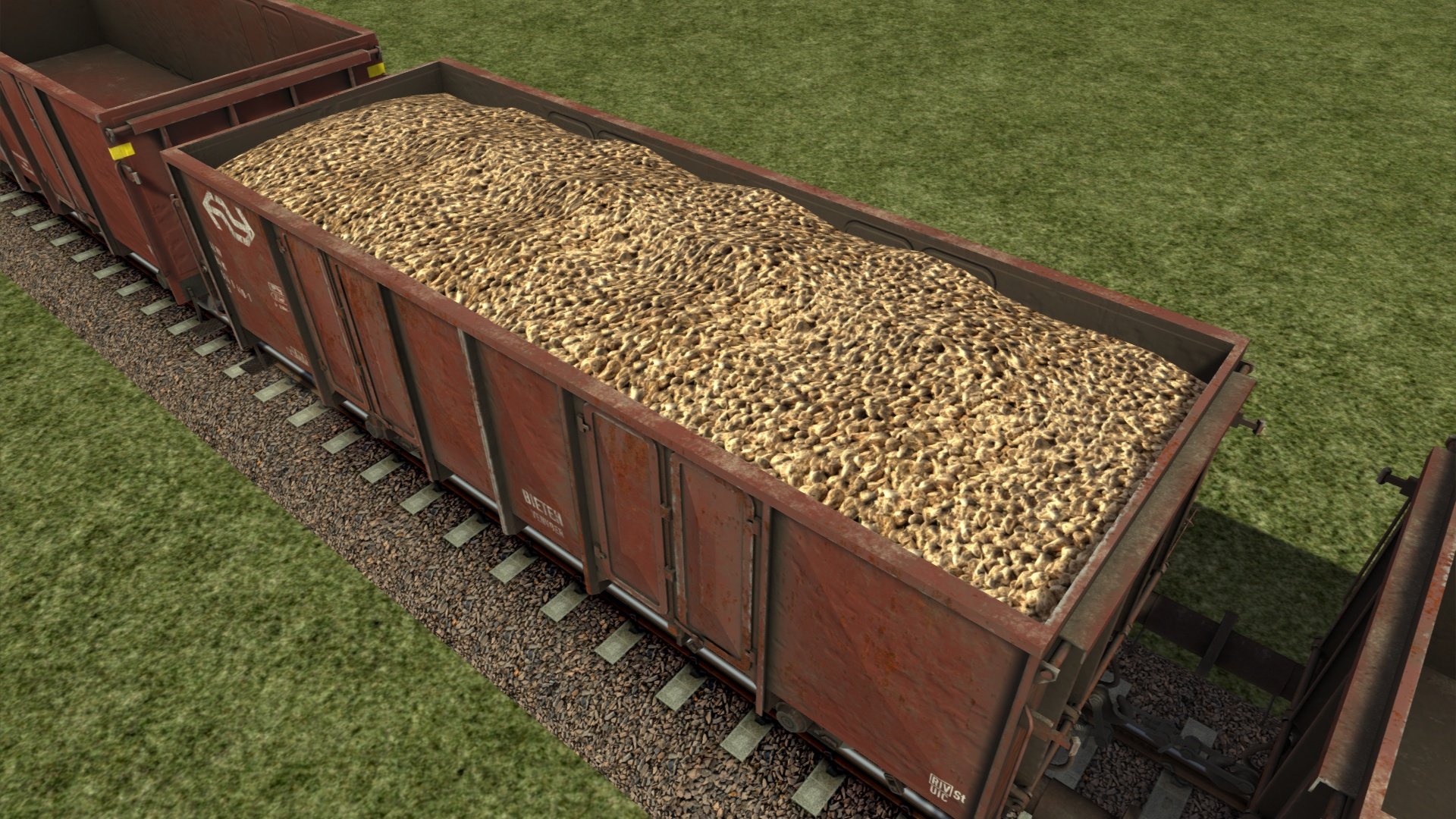
Eo (Bieten)
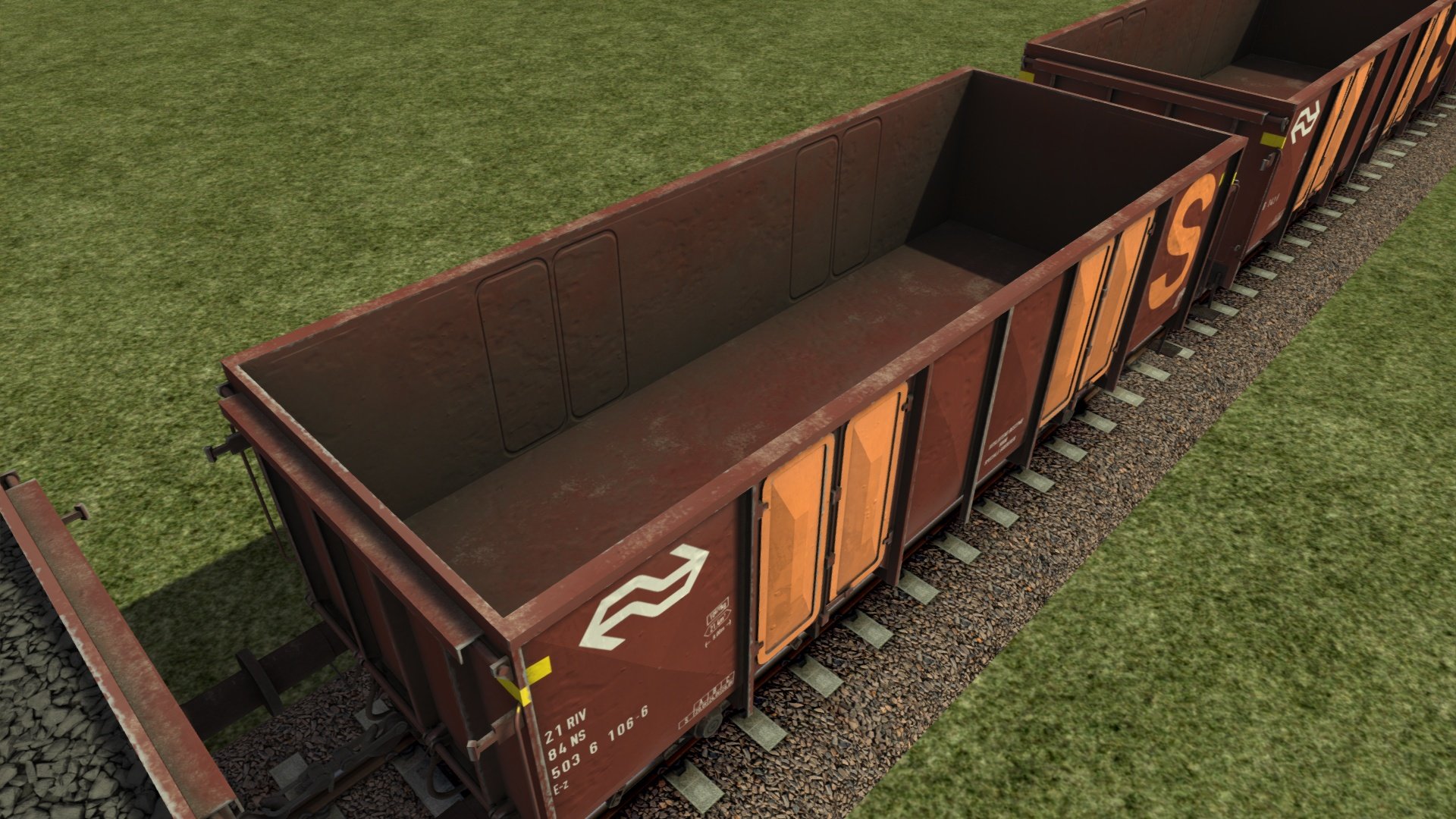
Ez
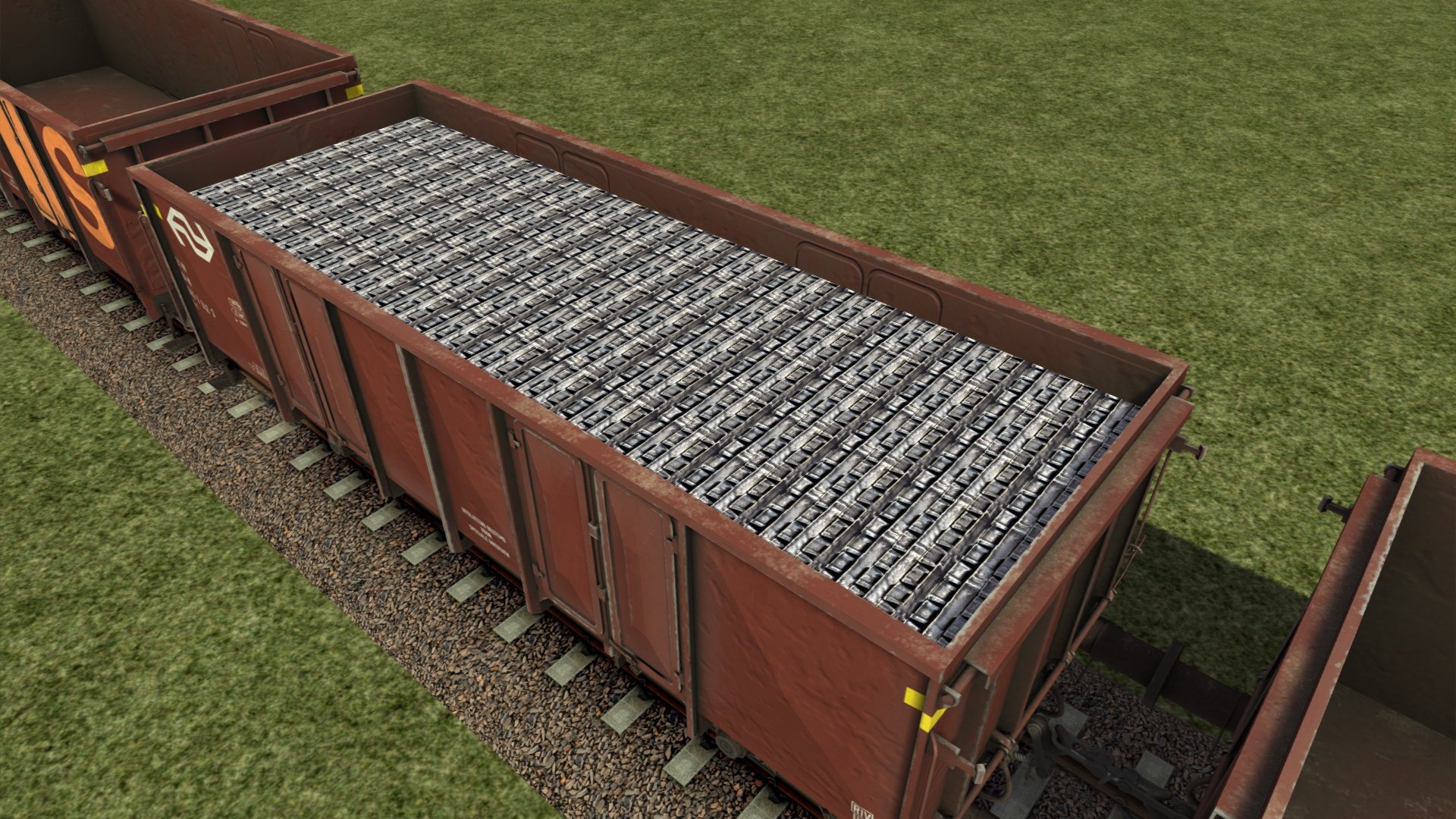
Ez 'S' (Aluminium)
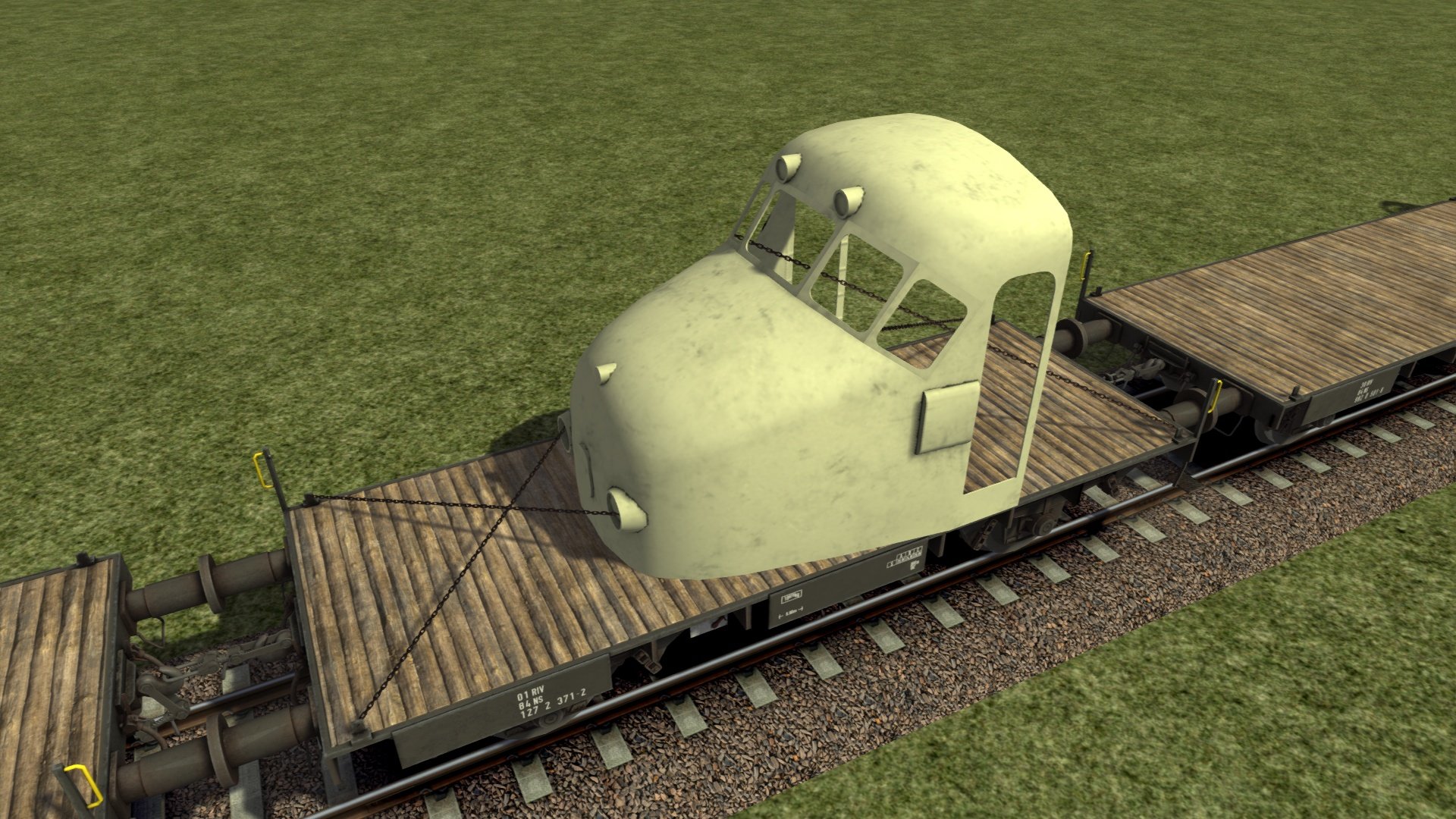
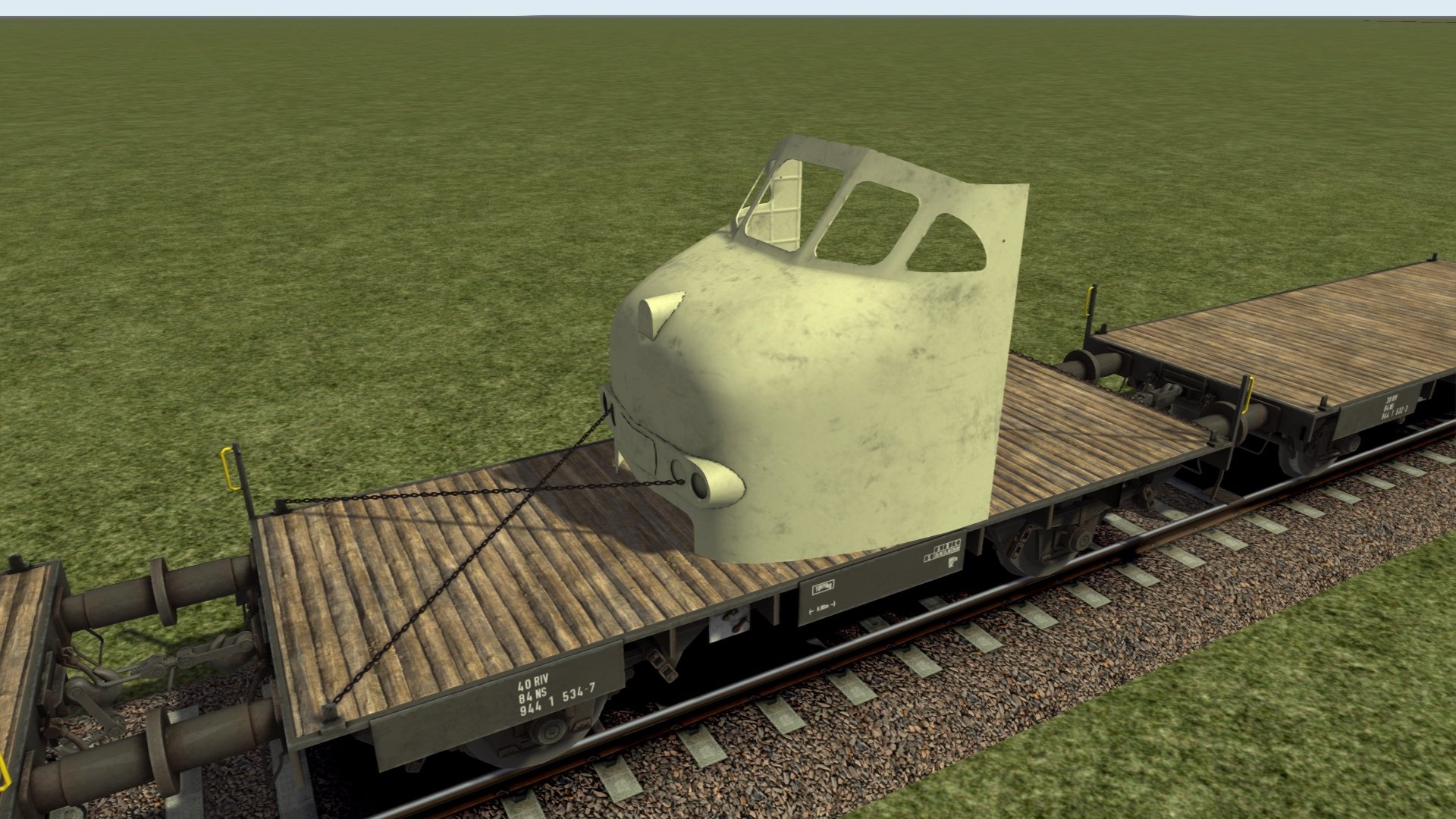
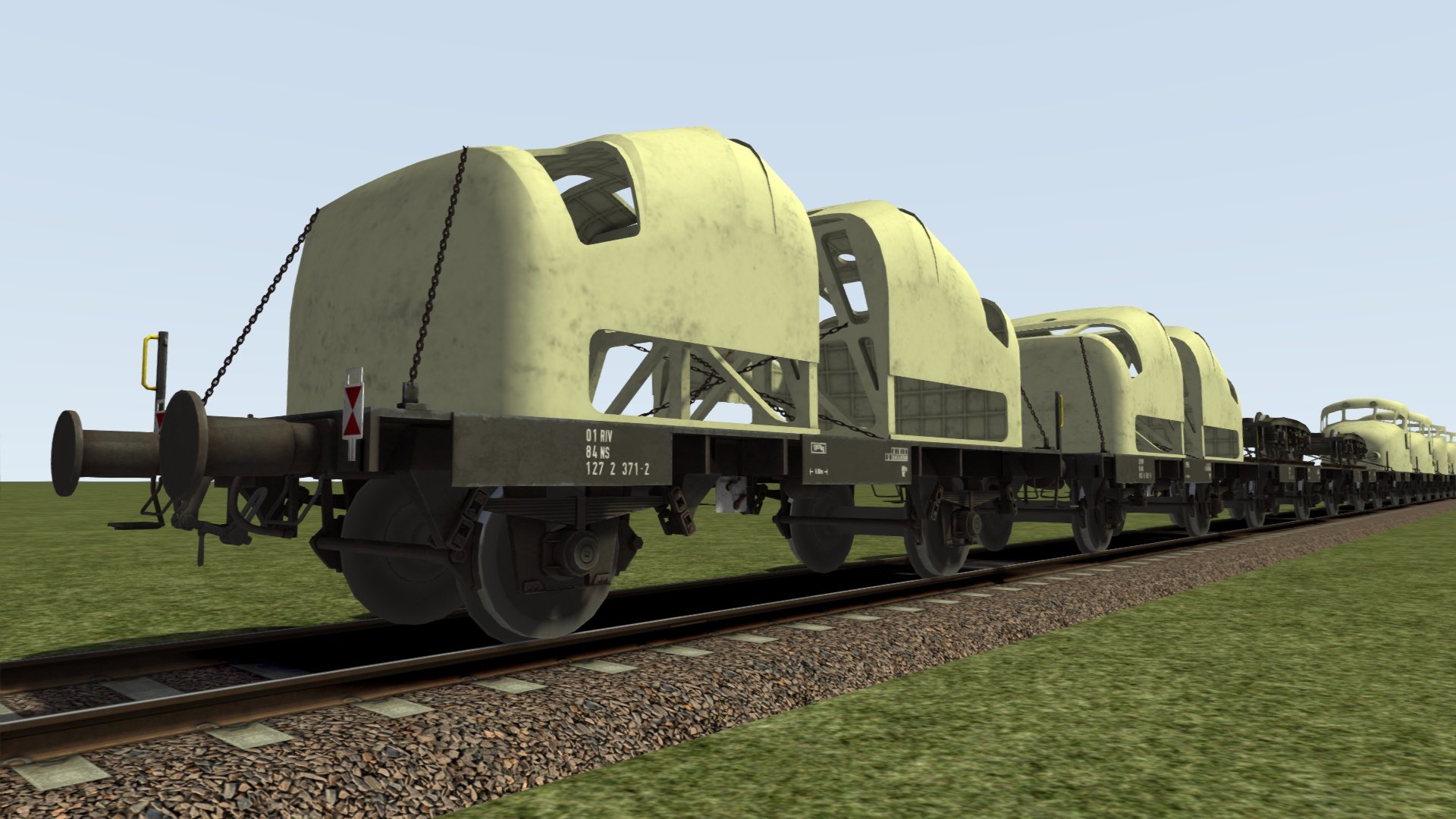
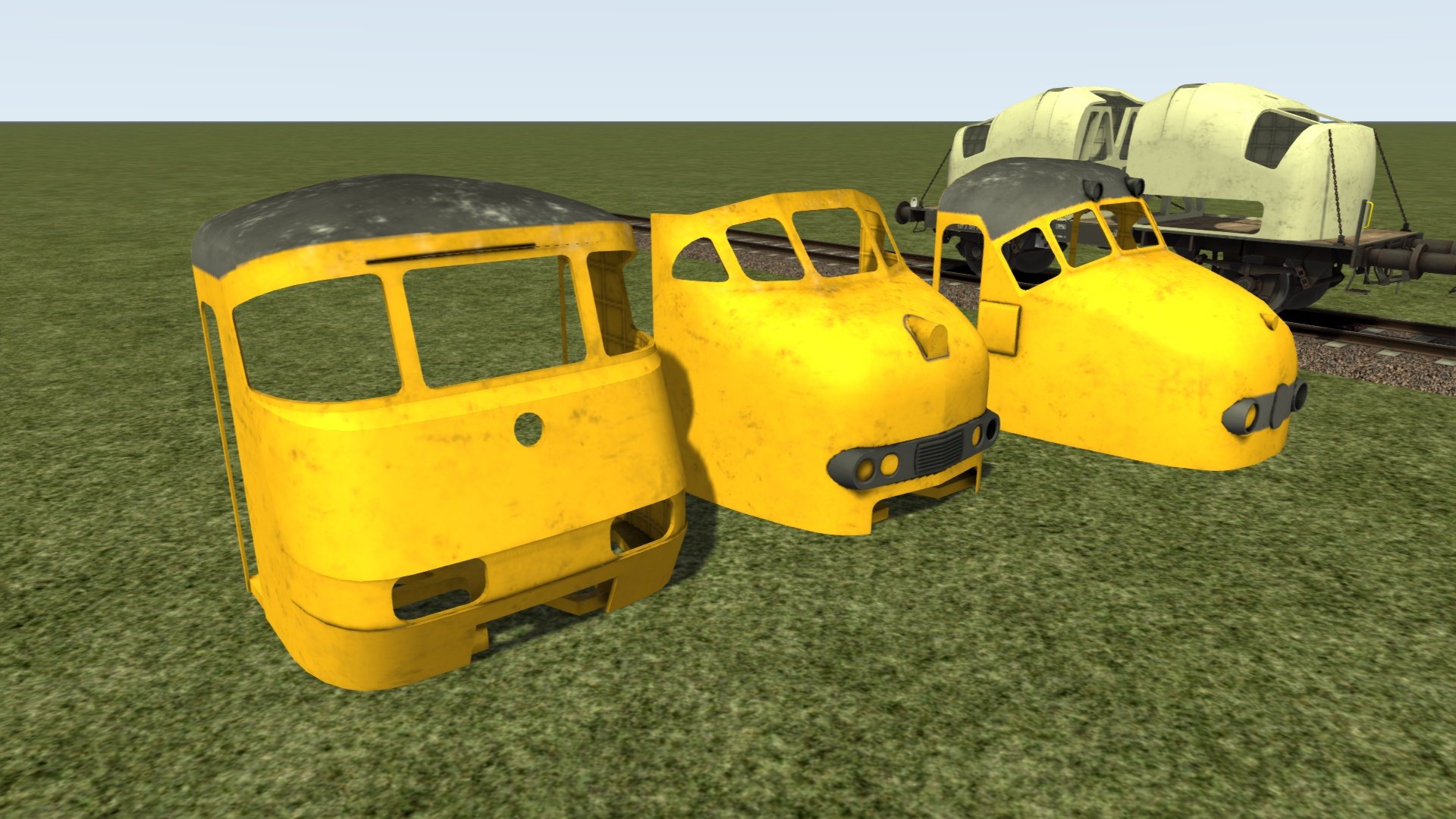
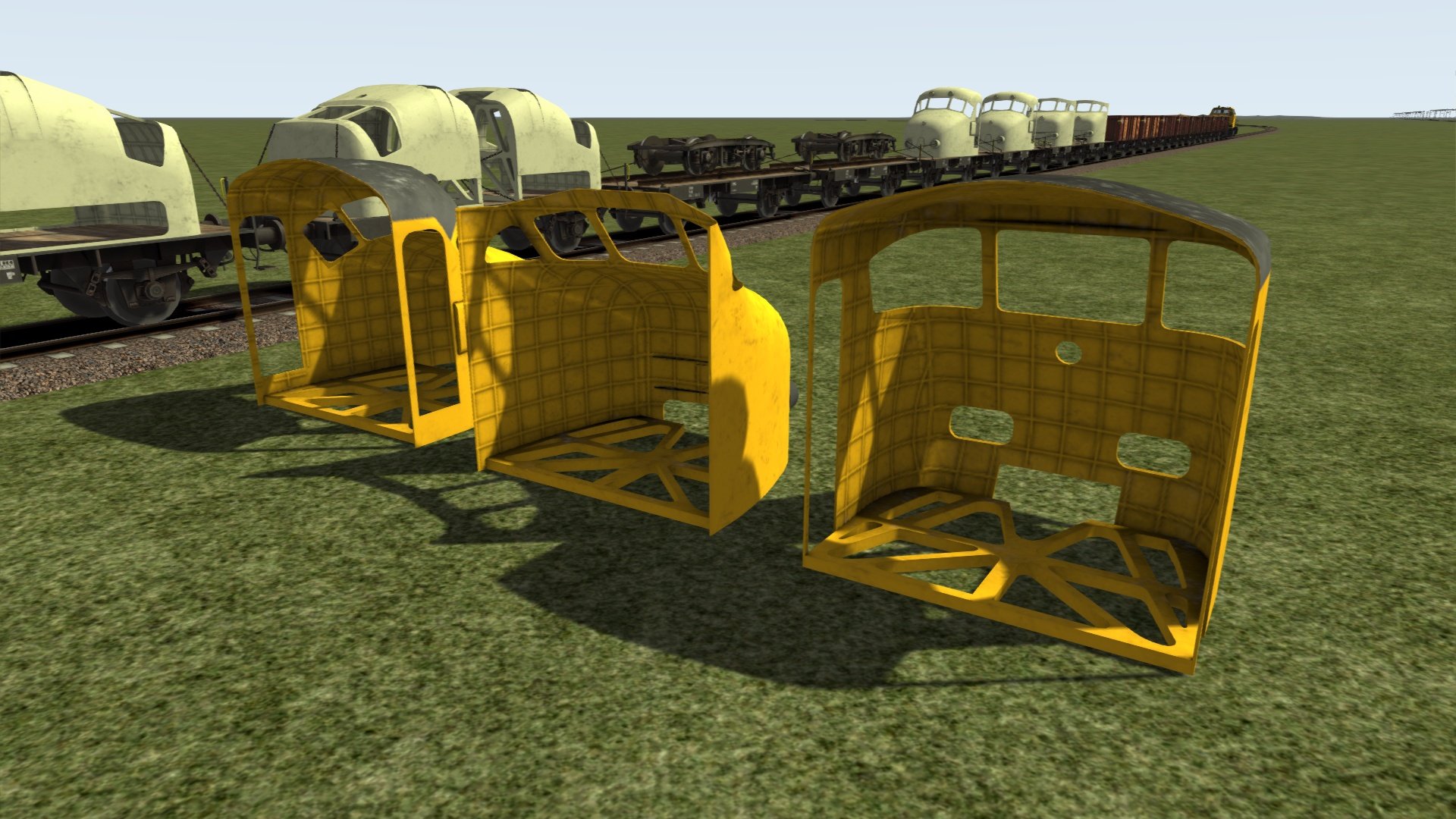
GTU plattewagon met Mat '54 neus
GTU plattewagon met Mat '64 neus
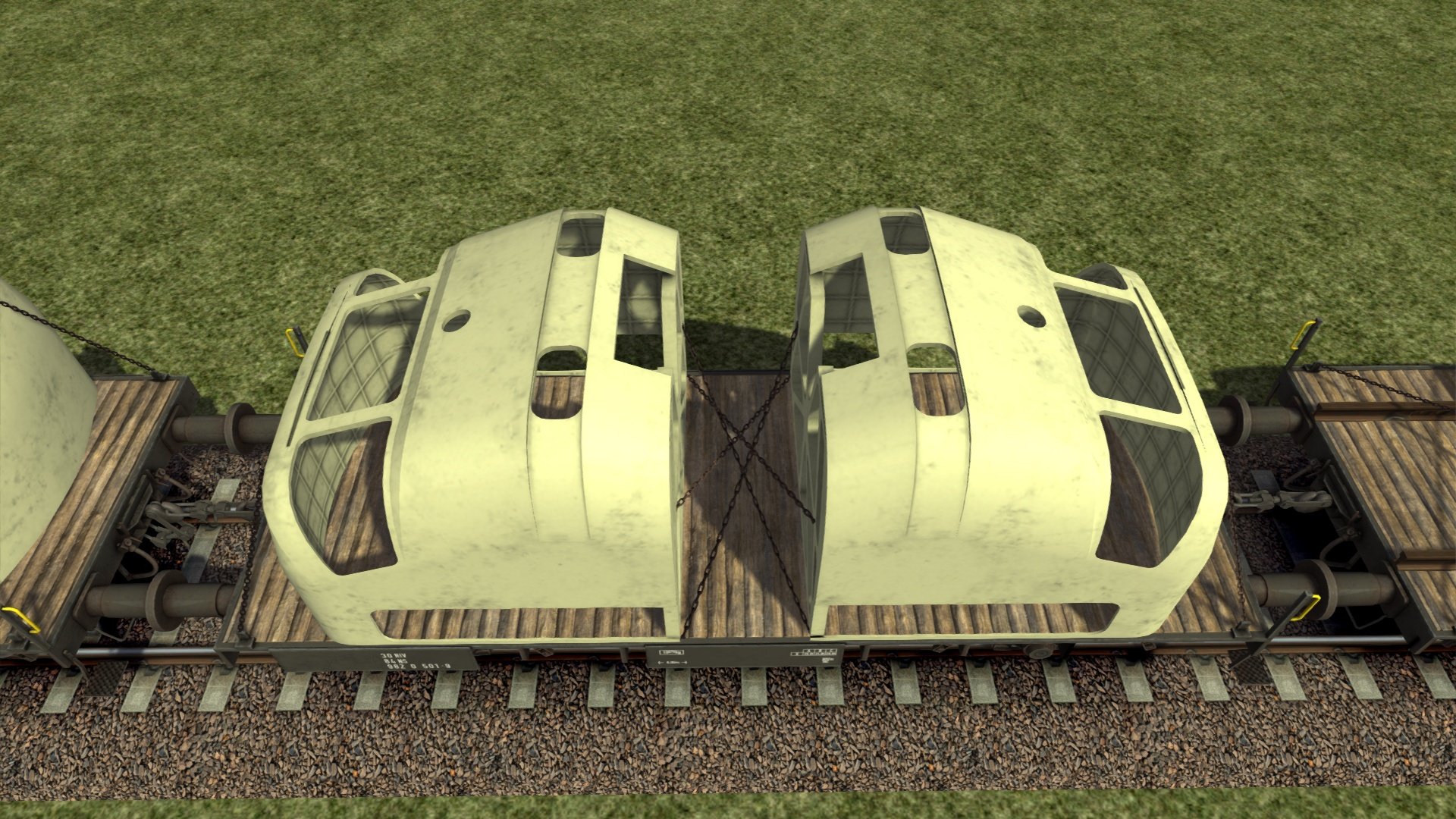
GTU plattewagon met een paar SGM neuzen
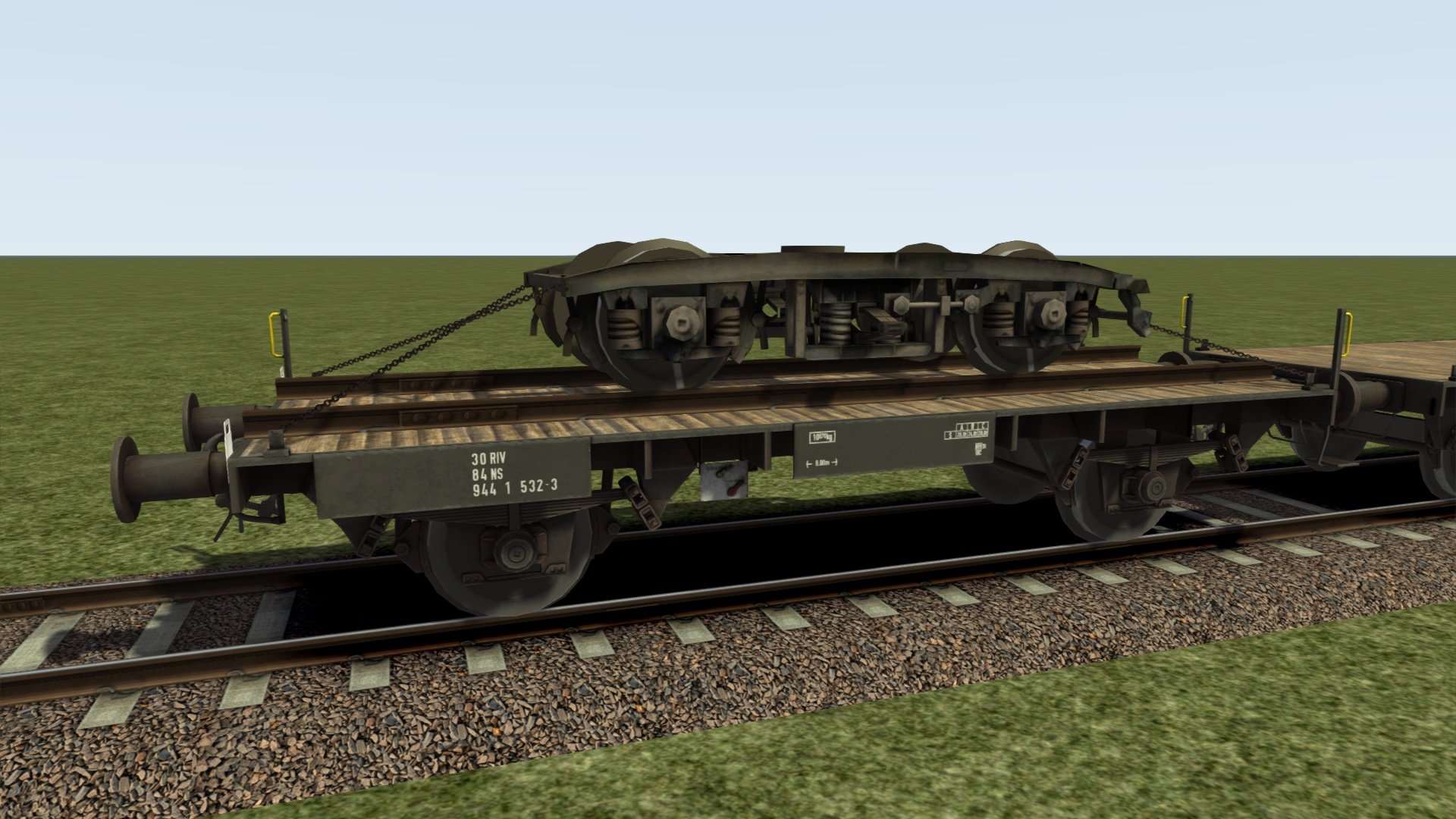
GTU plattewagon met een draaistel
Kenmerken
Vink het ‘cargo’ selectievakje aan onder de wagoneigenschappen tijdens het maken van een consist om de lading te zien (zie Kennisbank)
GTOW-varianten laden en lossen bij transfer points
Zoek in de materieellijst naar ‘CT NS GTOW’ of ‘CT NS GTU’ om deze wagons te vinden
GTU treinneuzen zijn ook als losse objecten te gebruiken in eigen routes of scenario’s (te vinden in de lijst met ‘misc’ objecten, bijvoorbeeld ‘CT NS Mat'54 nose’)
Kan in eigen scenario’s gebruikt worden
Levenslang gratis updates (lees deze info over productupdate-e-mails)
Vereisten & Aanbevelingen
Besturingssysteem: Windows® 10 of 11 (32/64-bit)
Windows 7 wordt niet ondersteund.
Spel: Dovetail Games Train Simulator Classic
Voor elektrische treinstellen: minimaal één route met bovenleiding vereist
Bediening: 'Expert' control mode
(Instructies voor het uitschakelen van 'Simple Controls' zijn inbegrepen.)
Aanbevolen: Dynamic Lighting aan
Belangrijke opmerking:
Dit product werkt niet in Train Simulator 2012–2019 of in Train Simulator World (dit is een ander spel).
Uitgever: ChrisTrains
Talen: Duits / Engels / Nederlands
Huidige versie: klik hier
Productbeoordelingen
Er zijn geen reviews te tonen.