_a91101.png)
_30c74e.png)
_d1f568.png)
_f3c42d.png)
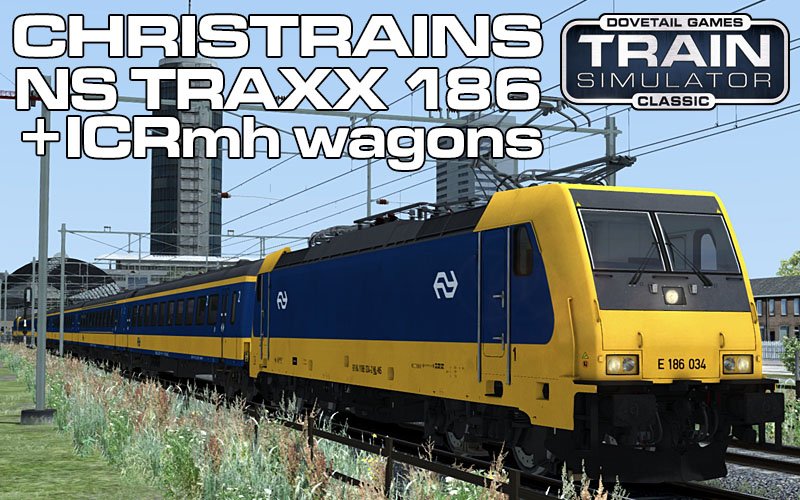
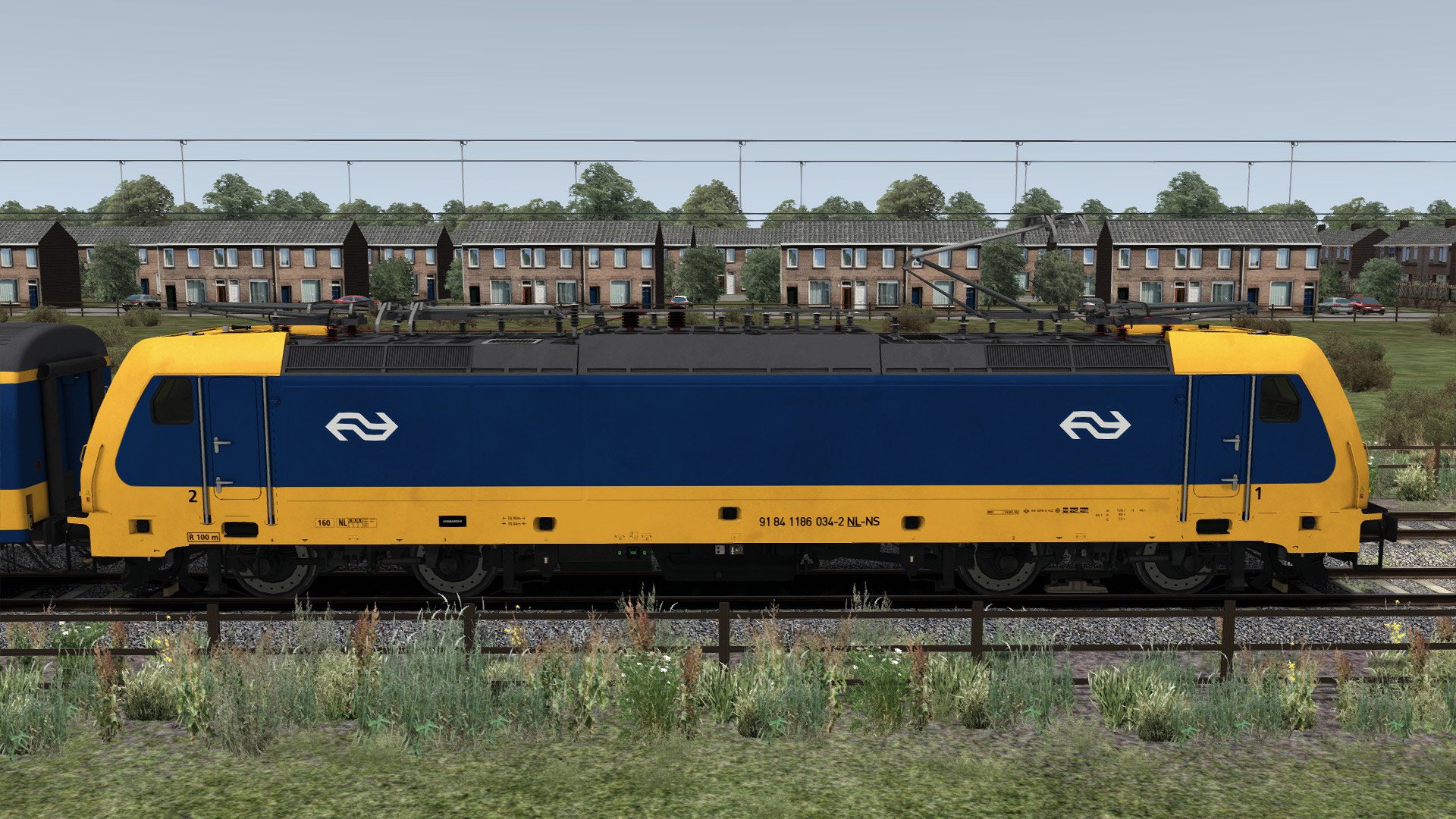
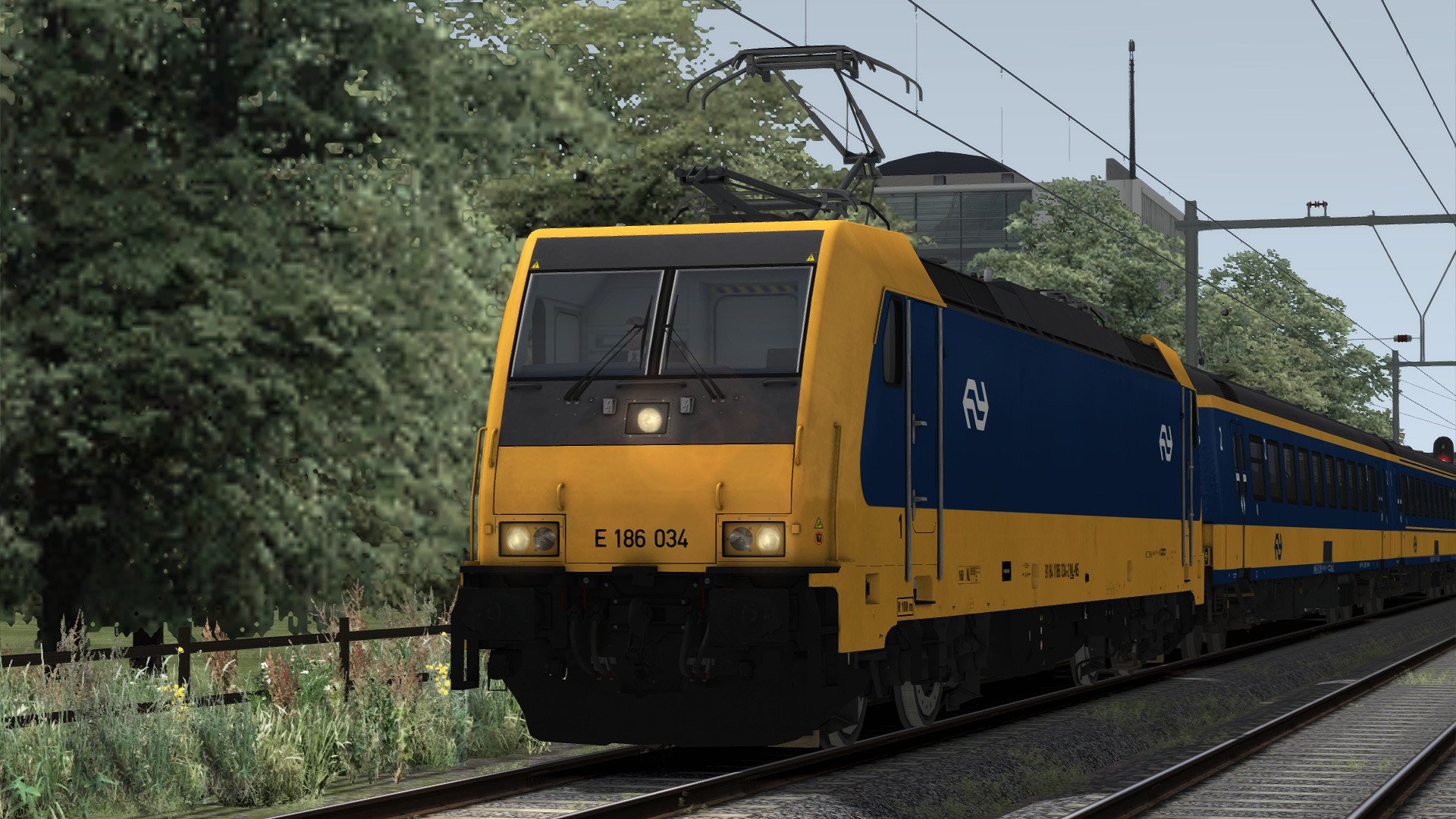
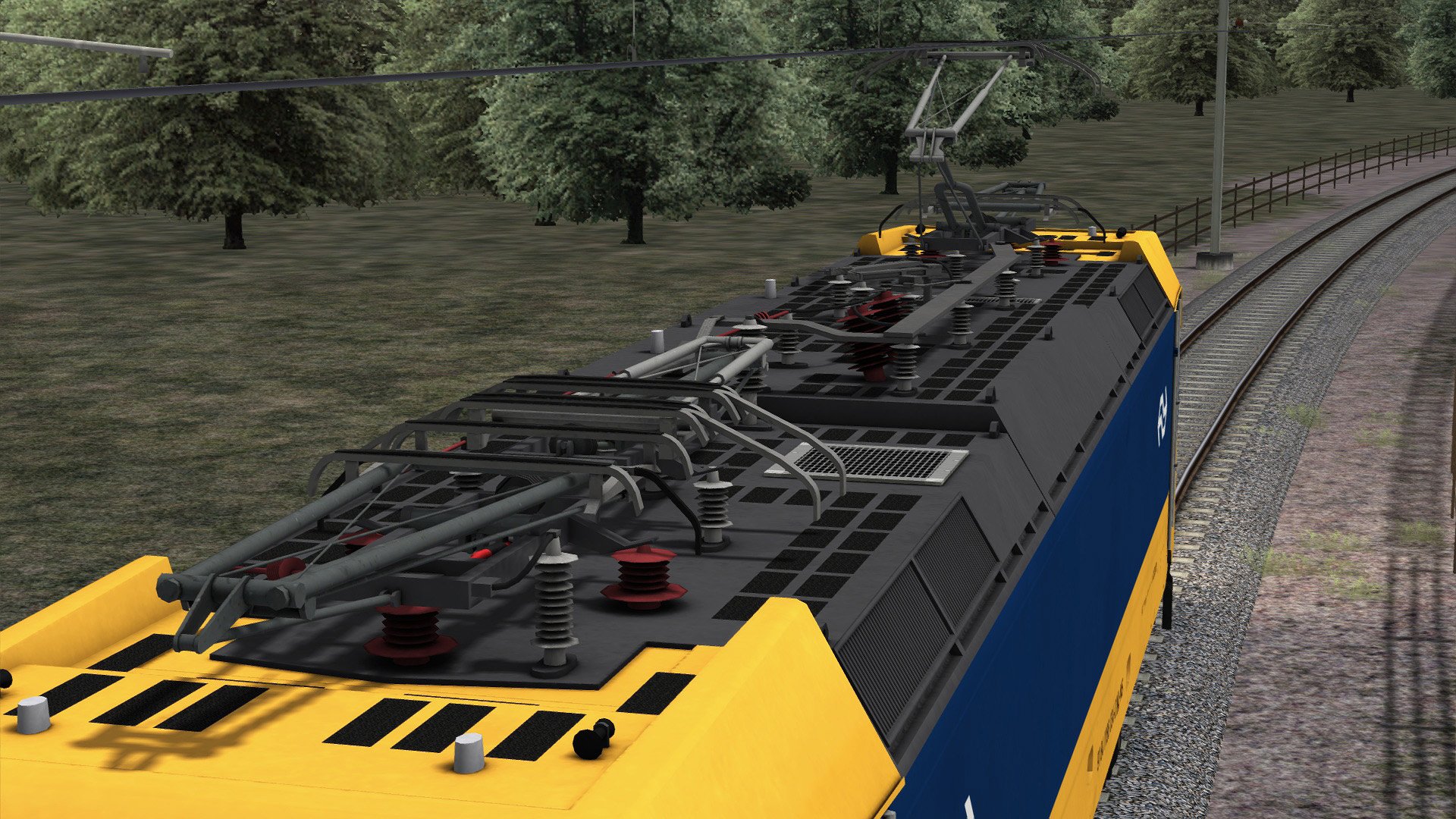
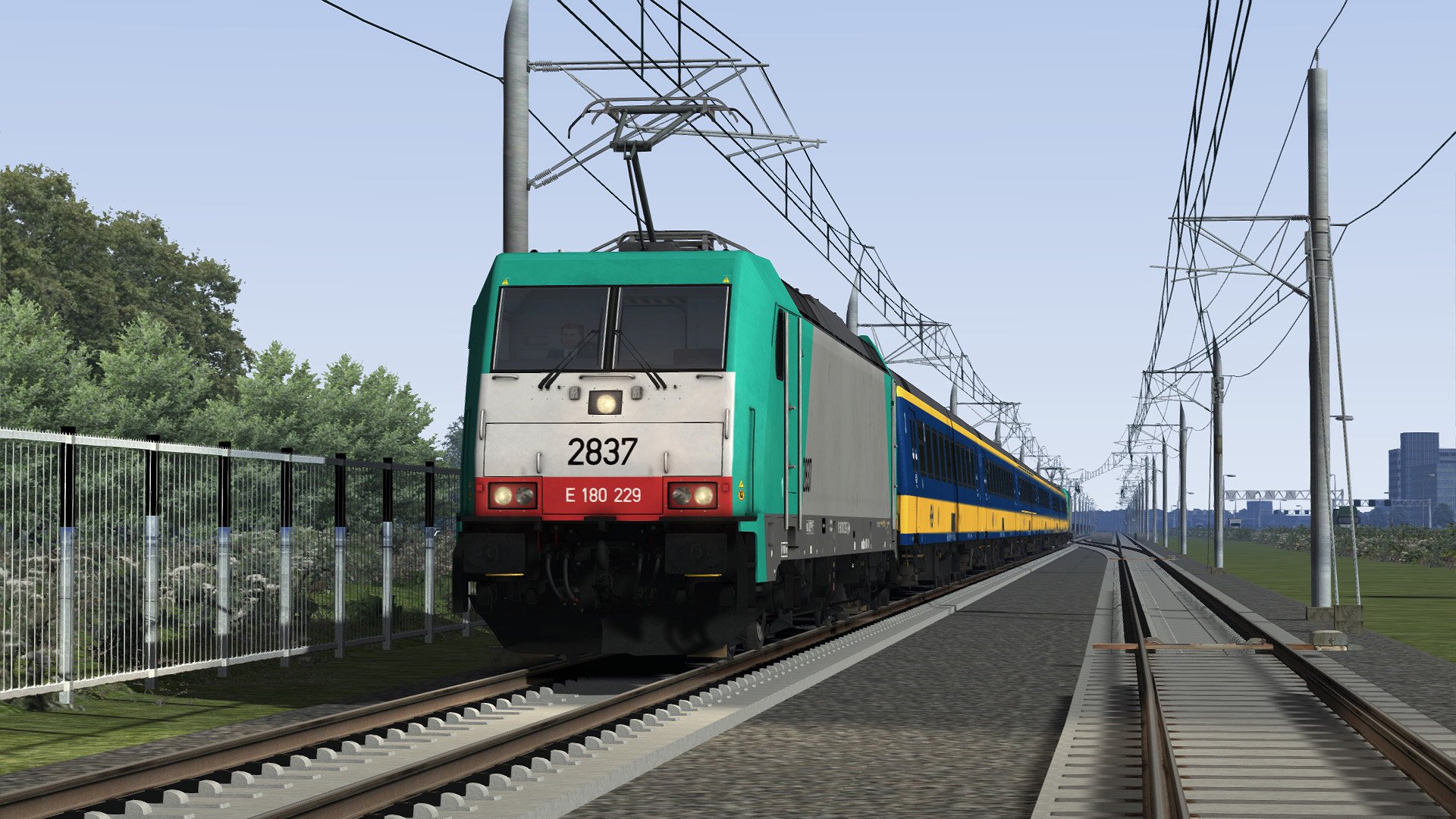
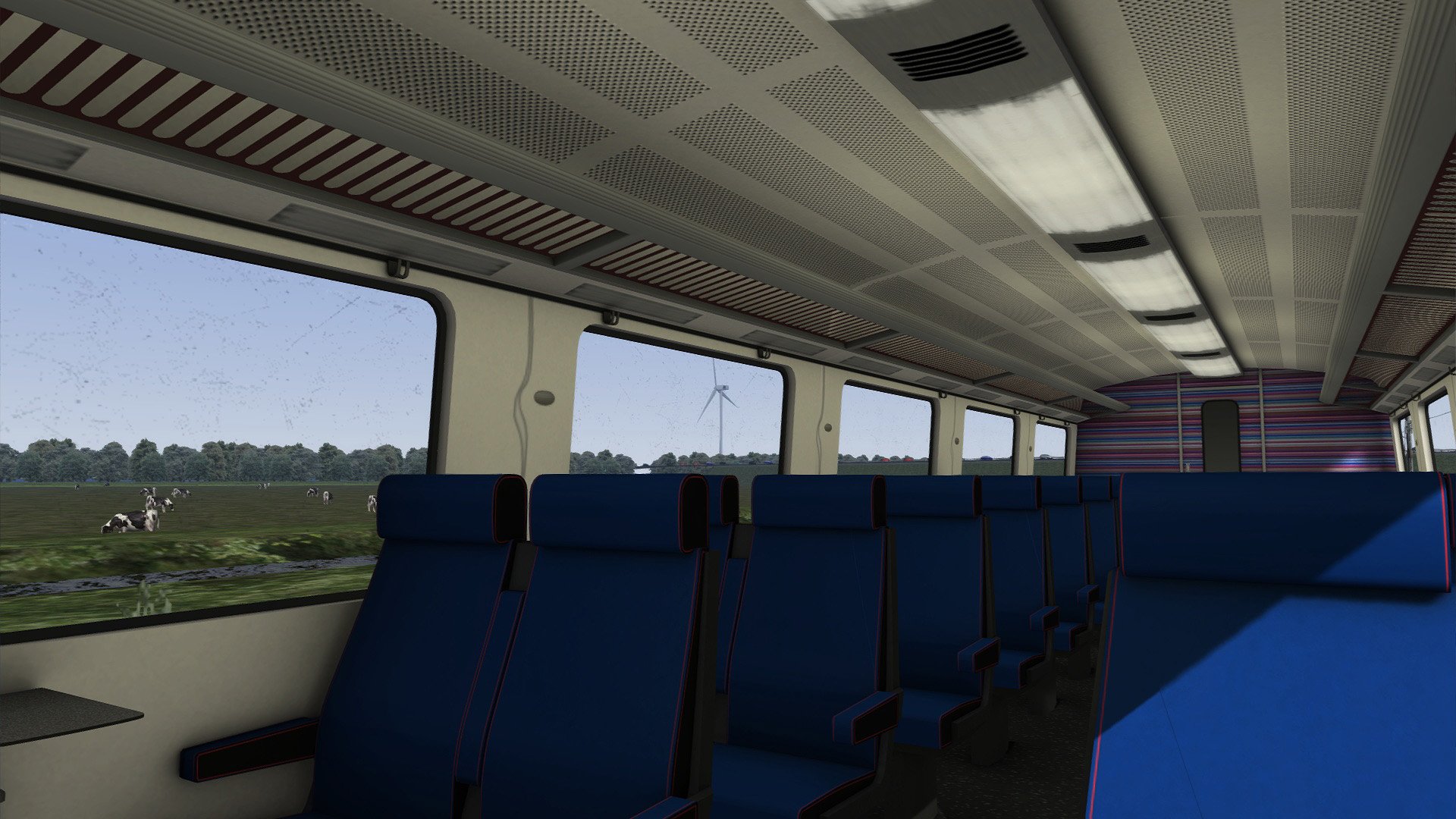
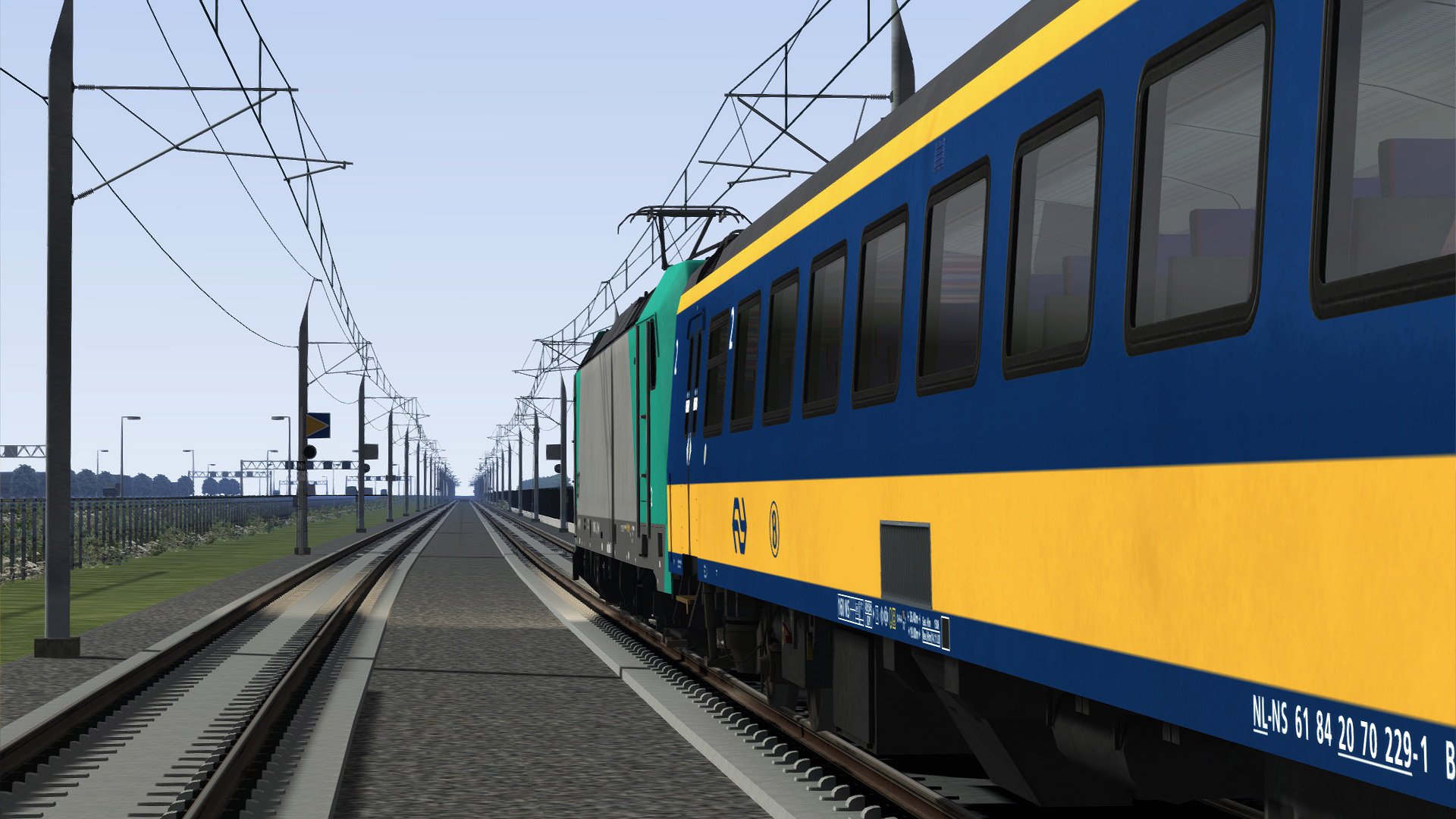
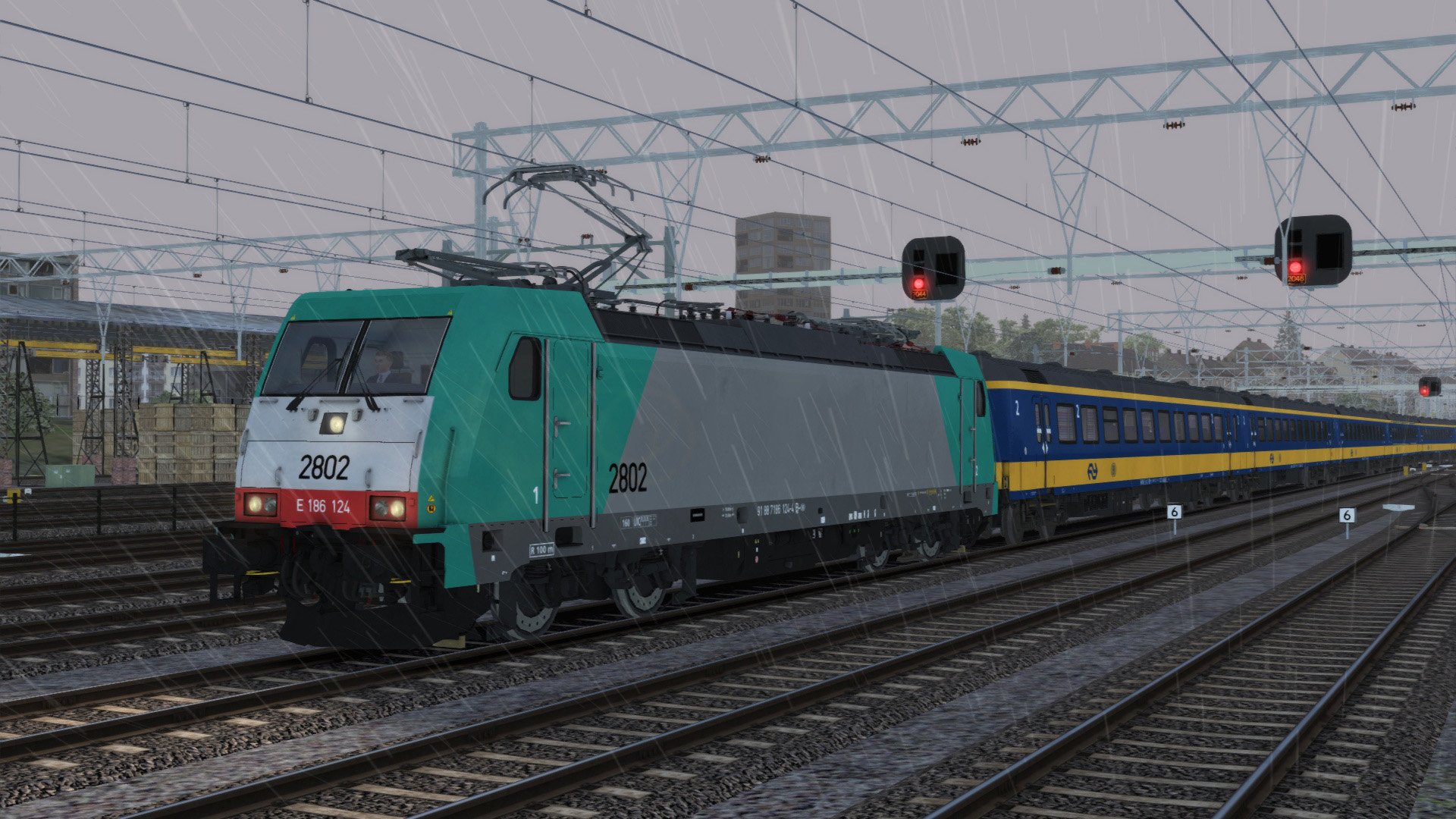
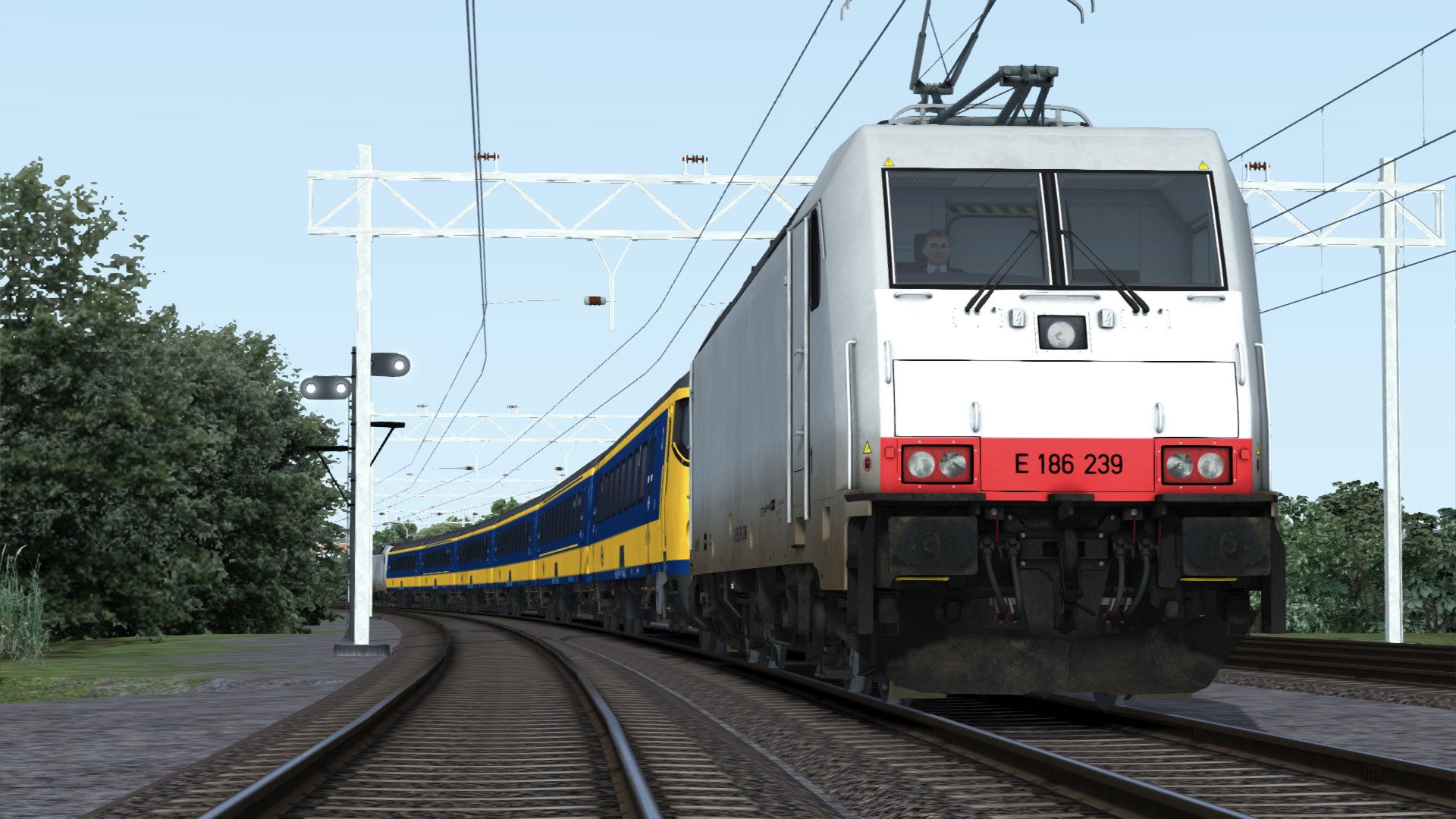
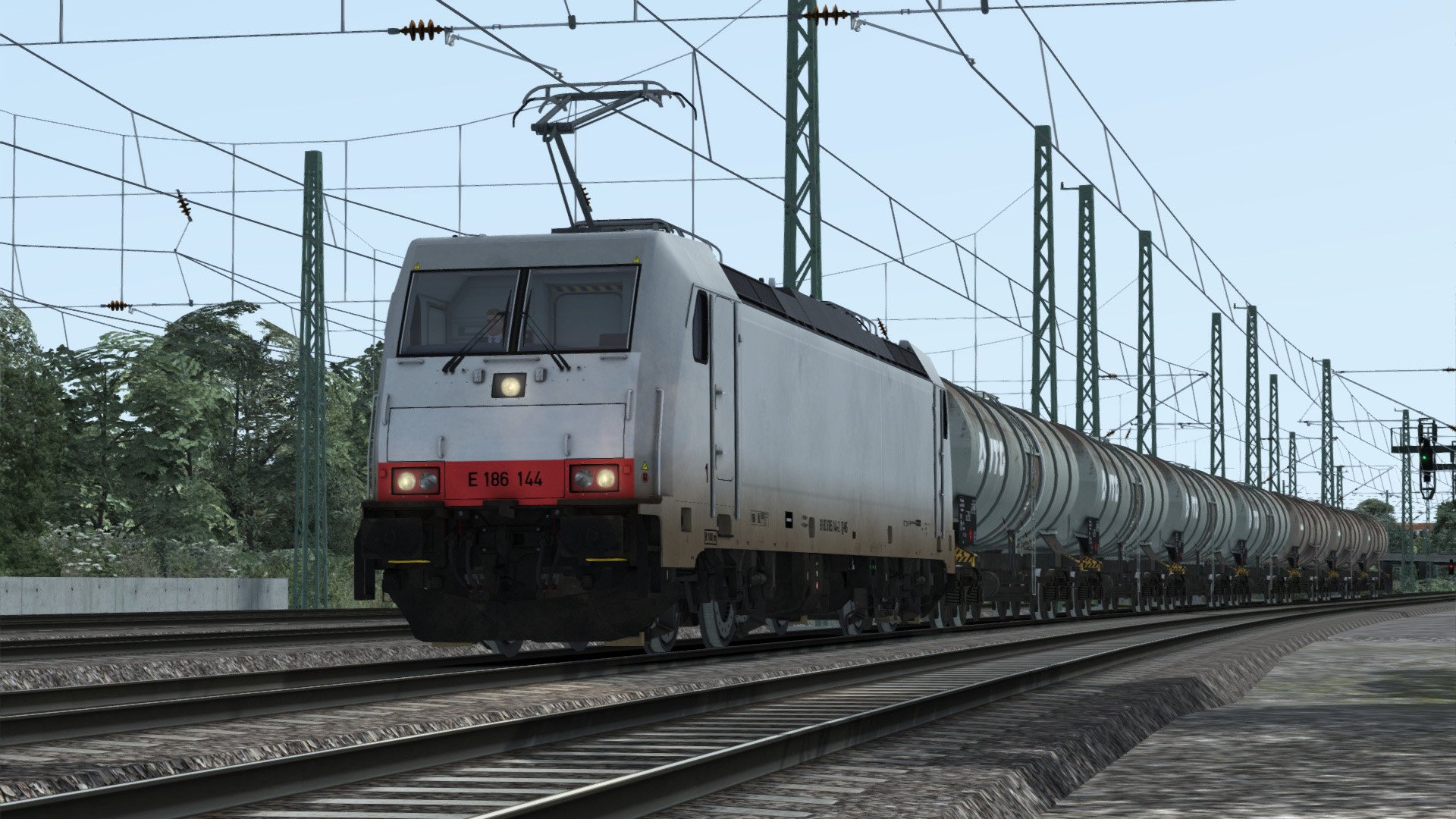
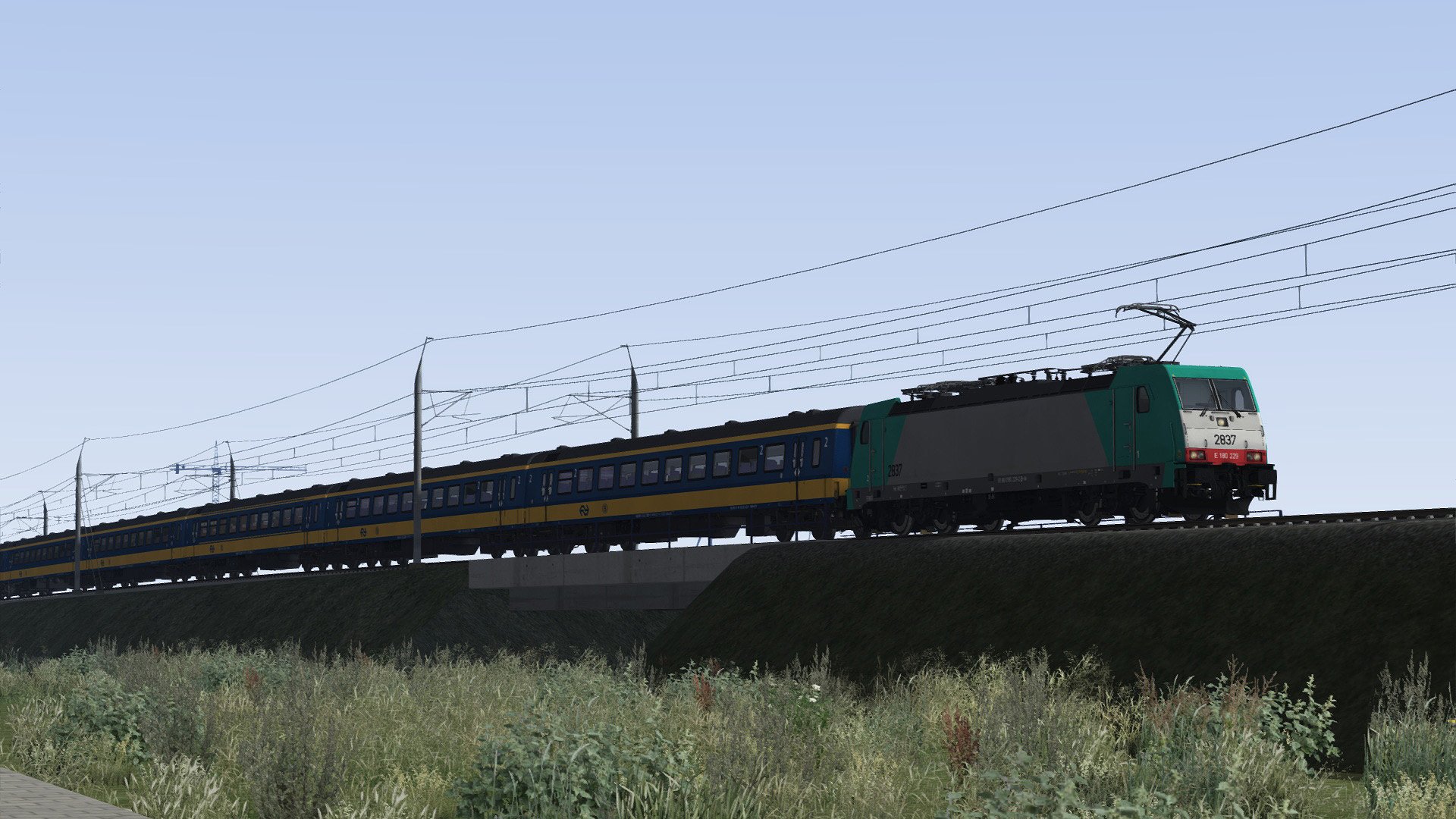
ChrisTrains: Traxx 186 + ICRmh Wagons
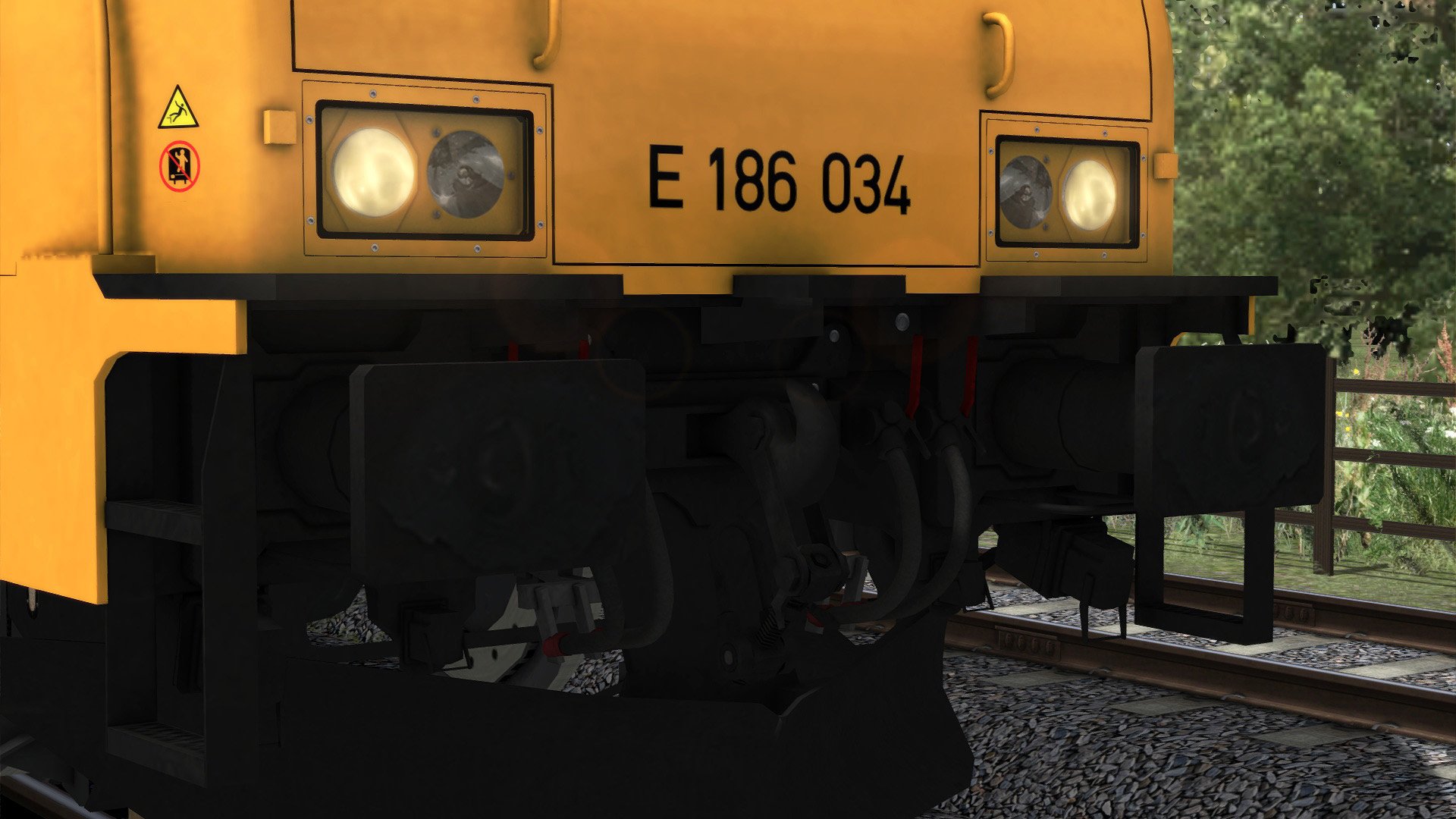
Bombardier F140MS2 Traxx 186 + ICRmh Intercity – Reproductie
Een gedetailleerde reproductie van de Bombardier F140MS2 Traxx 186 locomotief met ICRmh Intercity passagiersrijtuigen, te zien door heel Nederland.
Locomotief en Passagiersrijtuigen
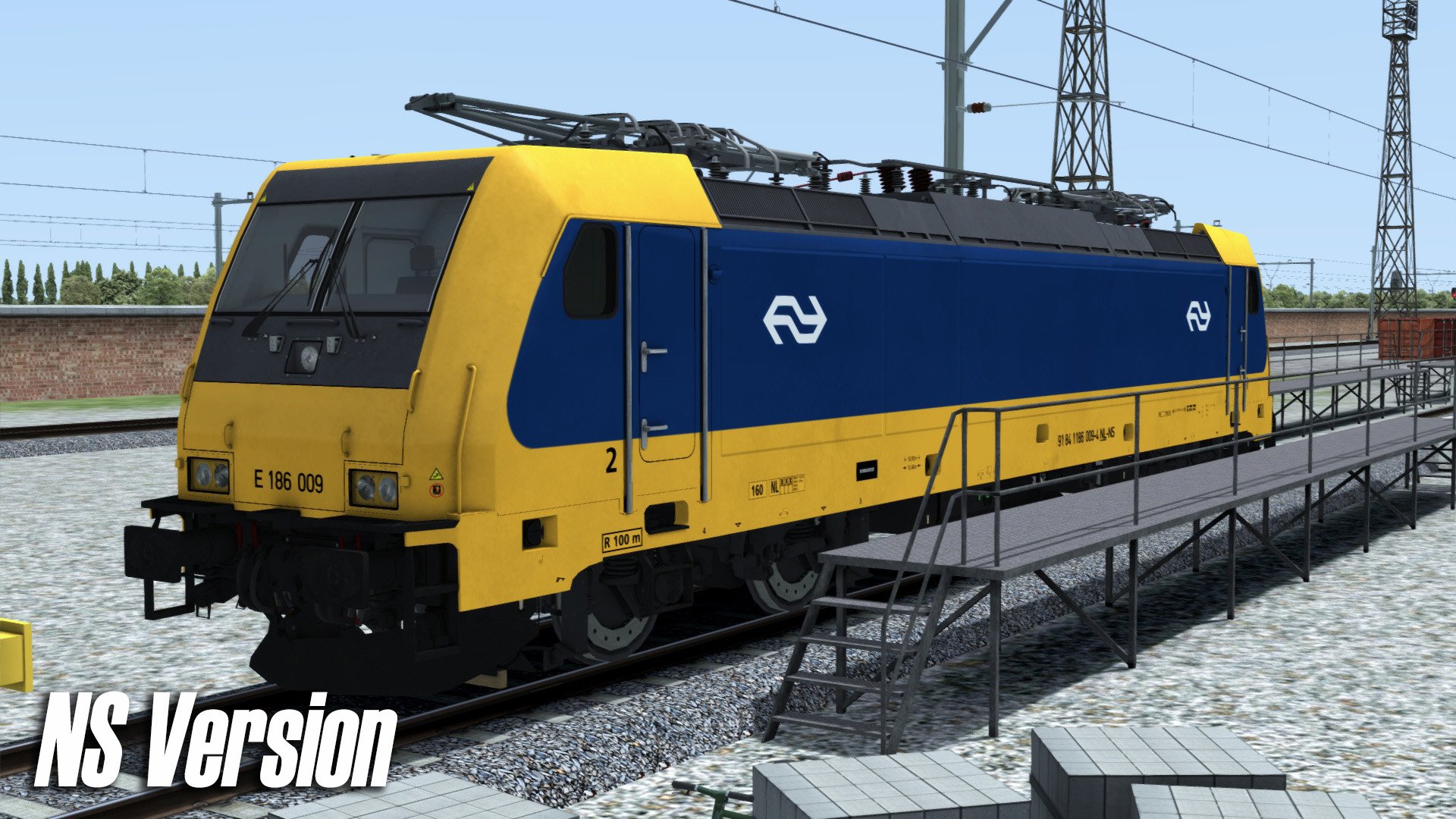
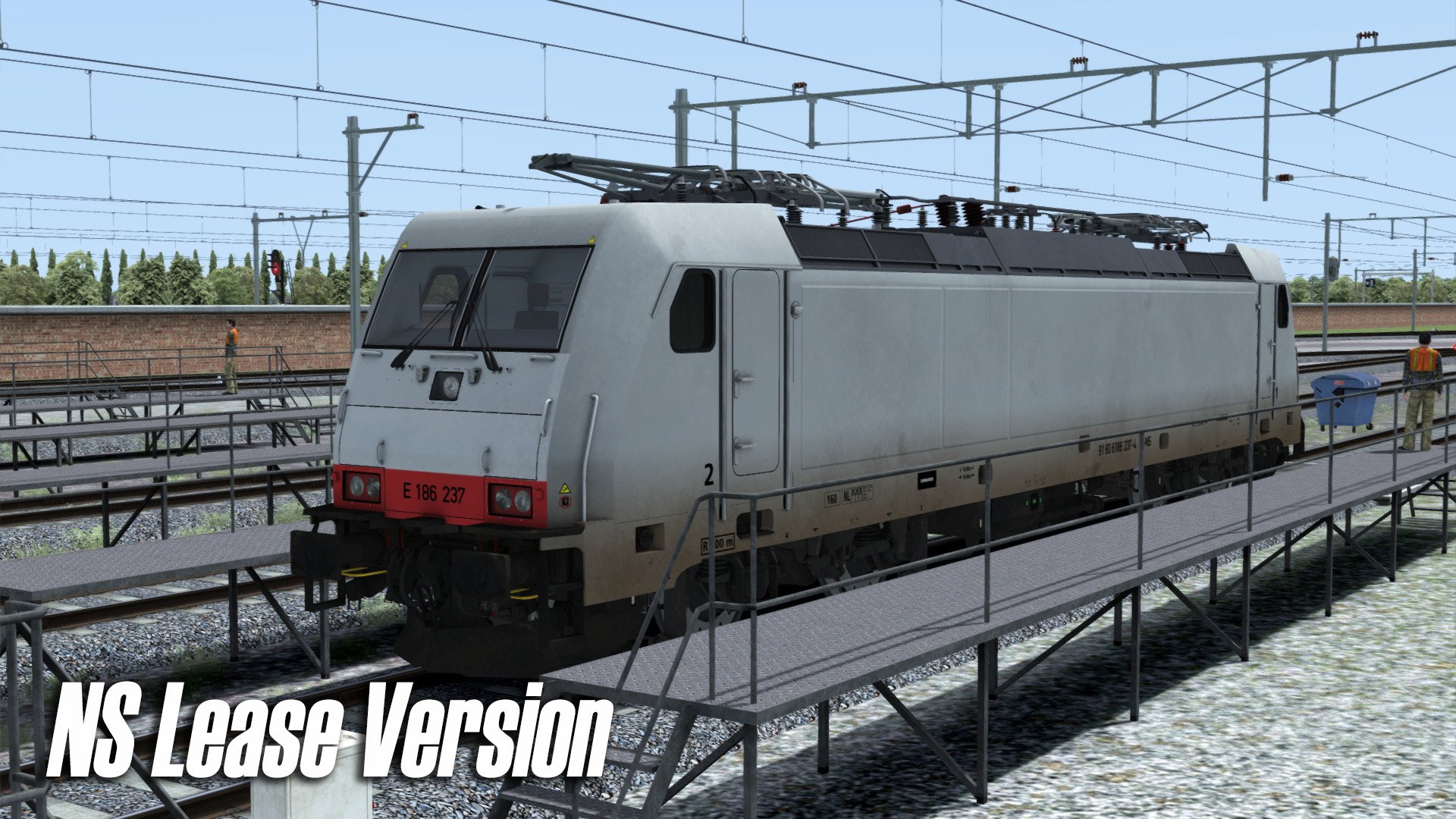
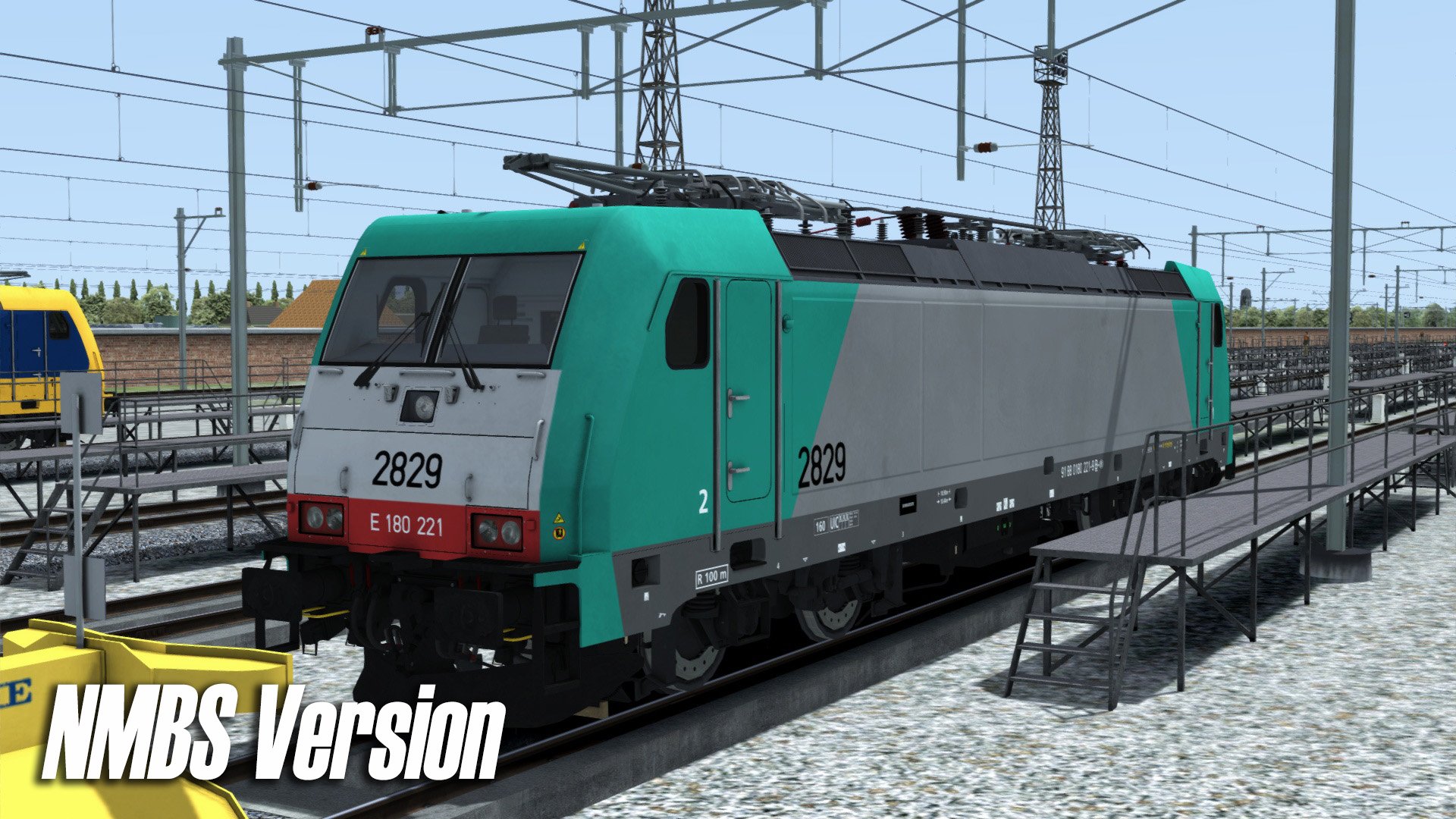
3 versies van de locomotief: NS, NS Lease (grijs), NMBS (België)
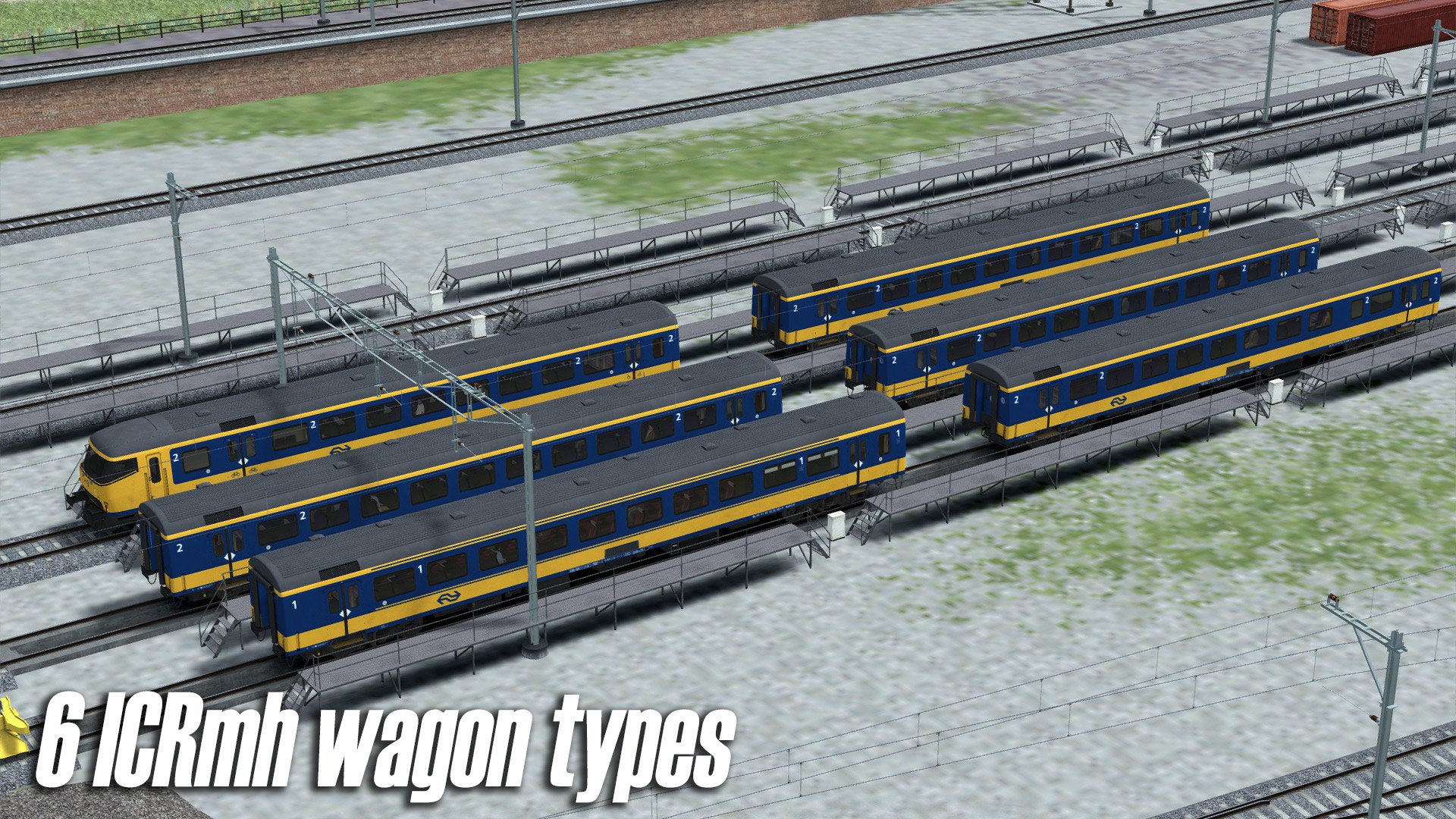
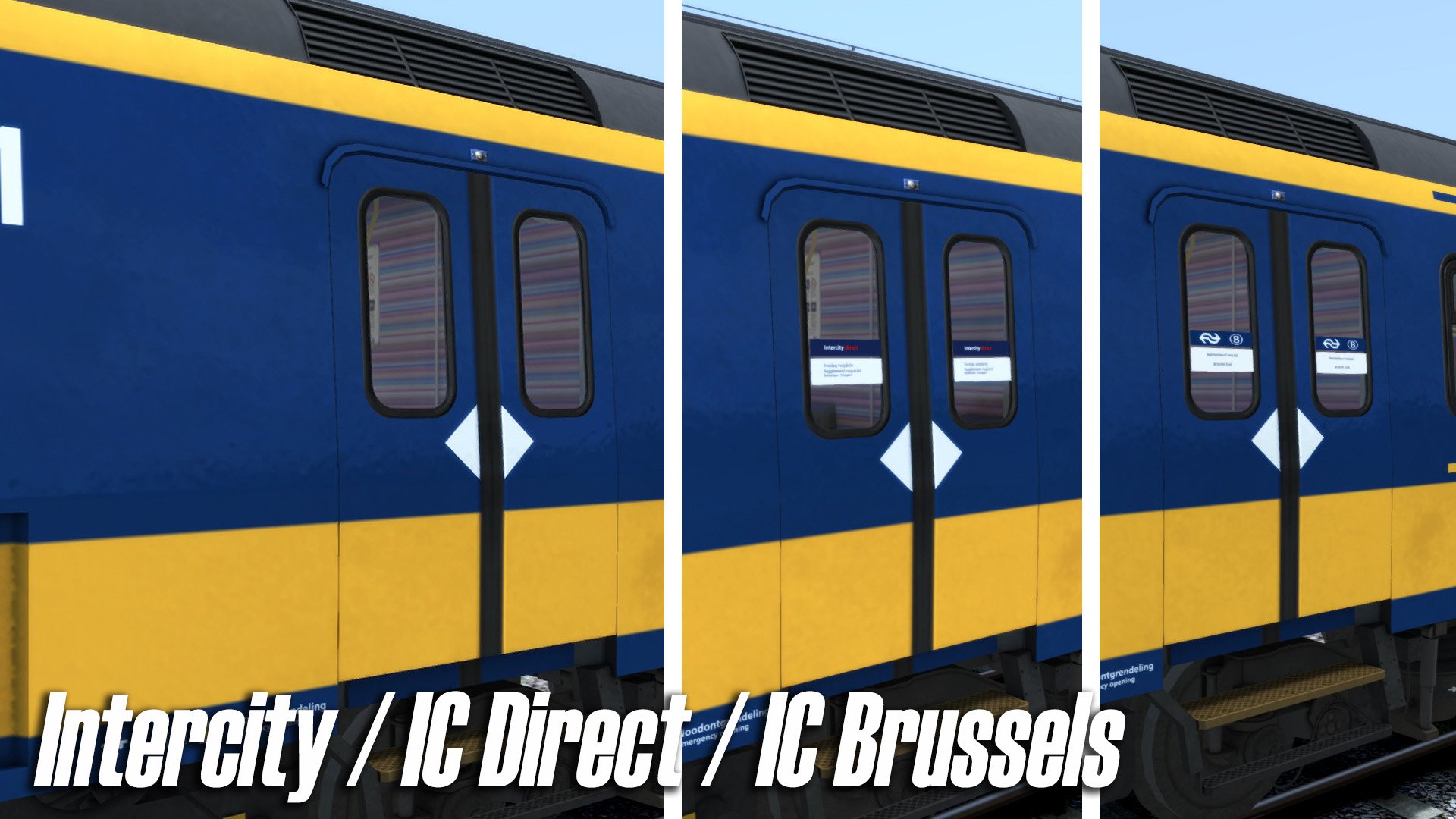
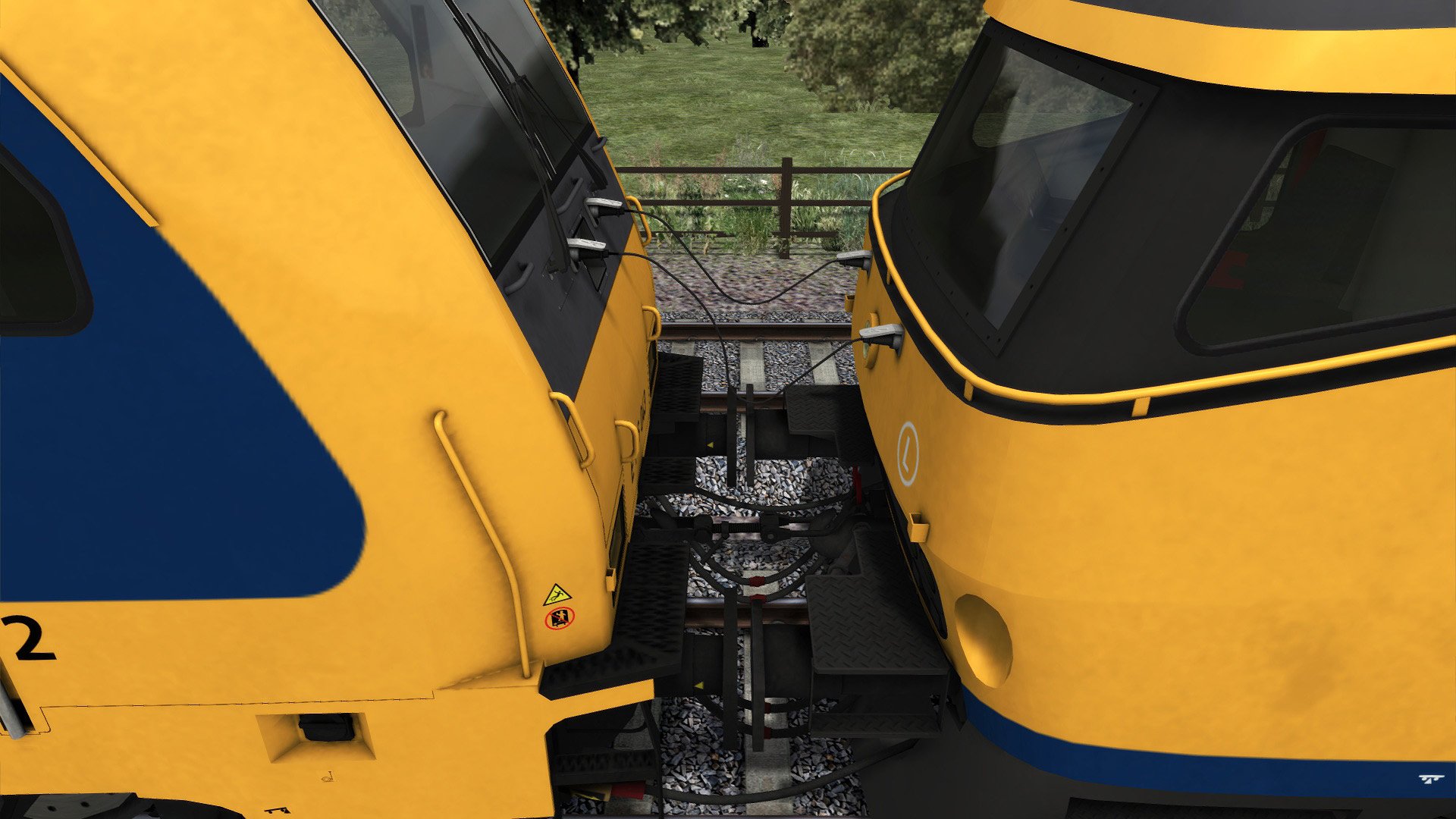
6 passagiersrijtuigen in IC-Direct, IC-Brussels en Intercity versies: Apmz10, Bpmz10, Bpmez10, Bpmdz9, Bpmdez8, Bpmbdzf7
9 consists:
IC Direct: 16100, 16200, 16400
IC Den Haag–Eindhoven: 16500
IC Brussels: 16200-B, 16200-NL, 16400-B, 16400-NL
NS Lease
Treinbeveiliging en systemen
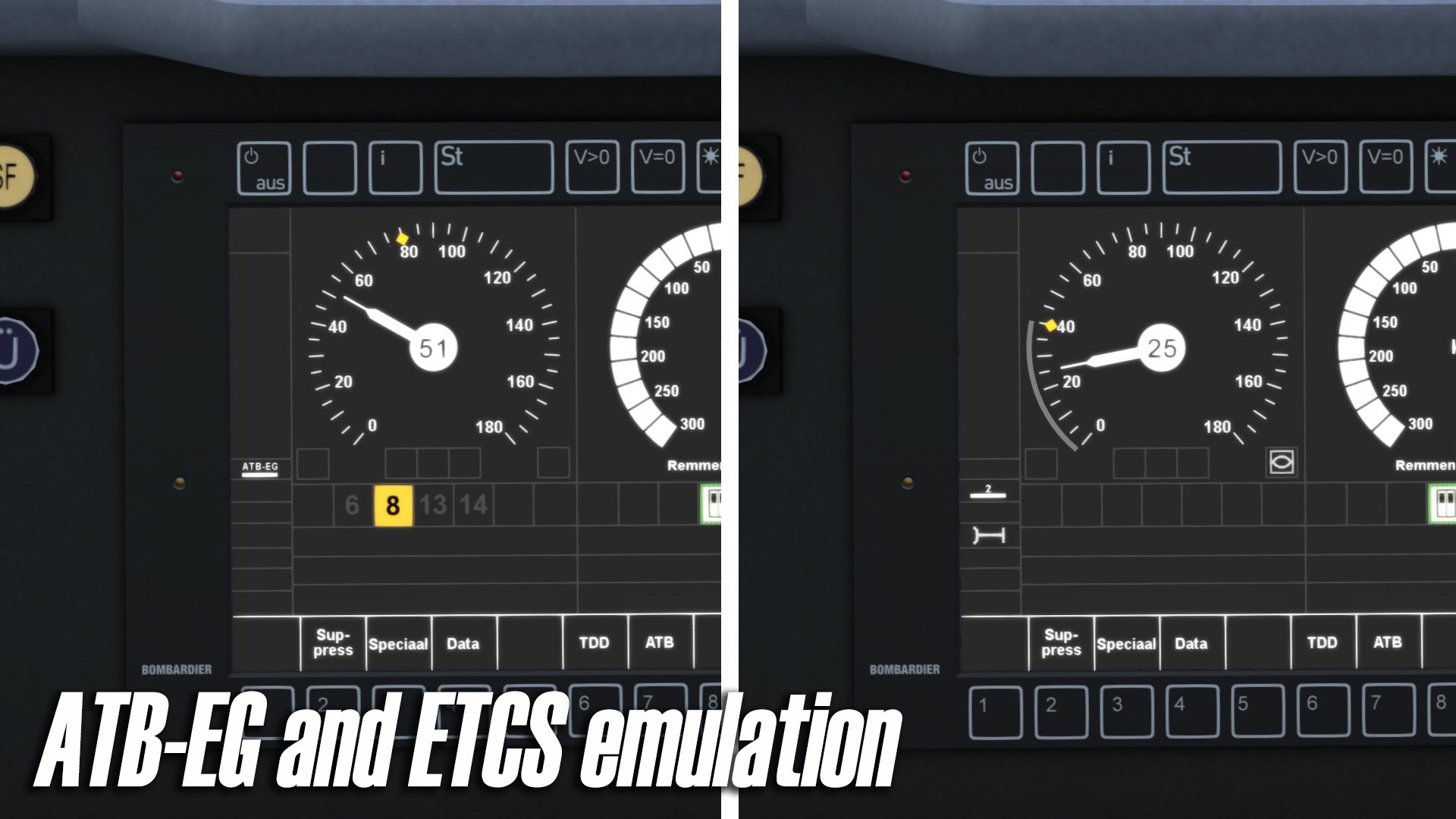
ATB-EG emulatie
ETCS (European Railway Traffic Management System / ERTMS) emulatie met:
Rangeer (SH)
Staff Responsible (SR)
Full Supervision (FS)
Override modes
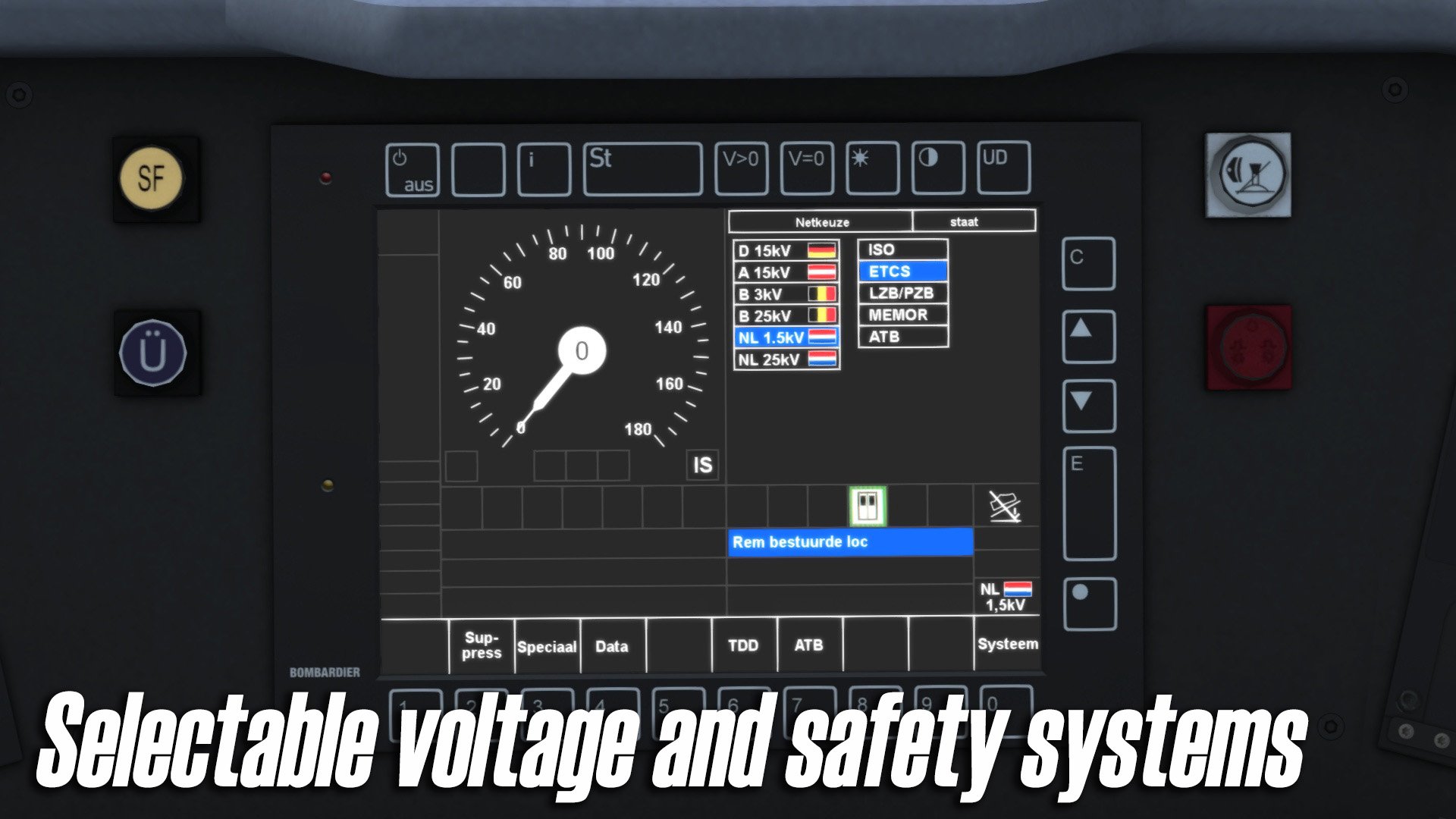
Selecteerbare spanningstroom:
NL: 1.5kV, 25kV
B: 3kV, 25kV
A: 15kV
😧 15kV
AFB emulatie (geavanceerd cruise control-systeem)
Cabine en interieur
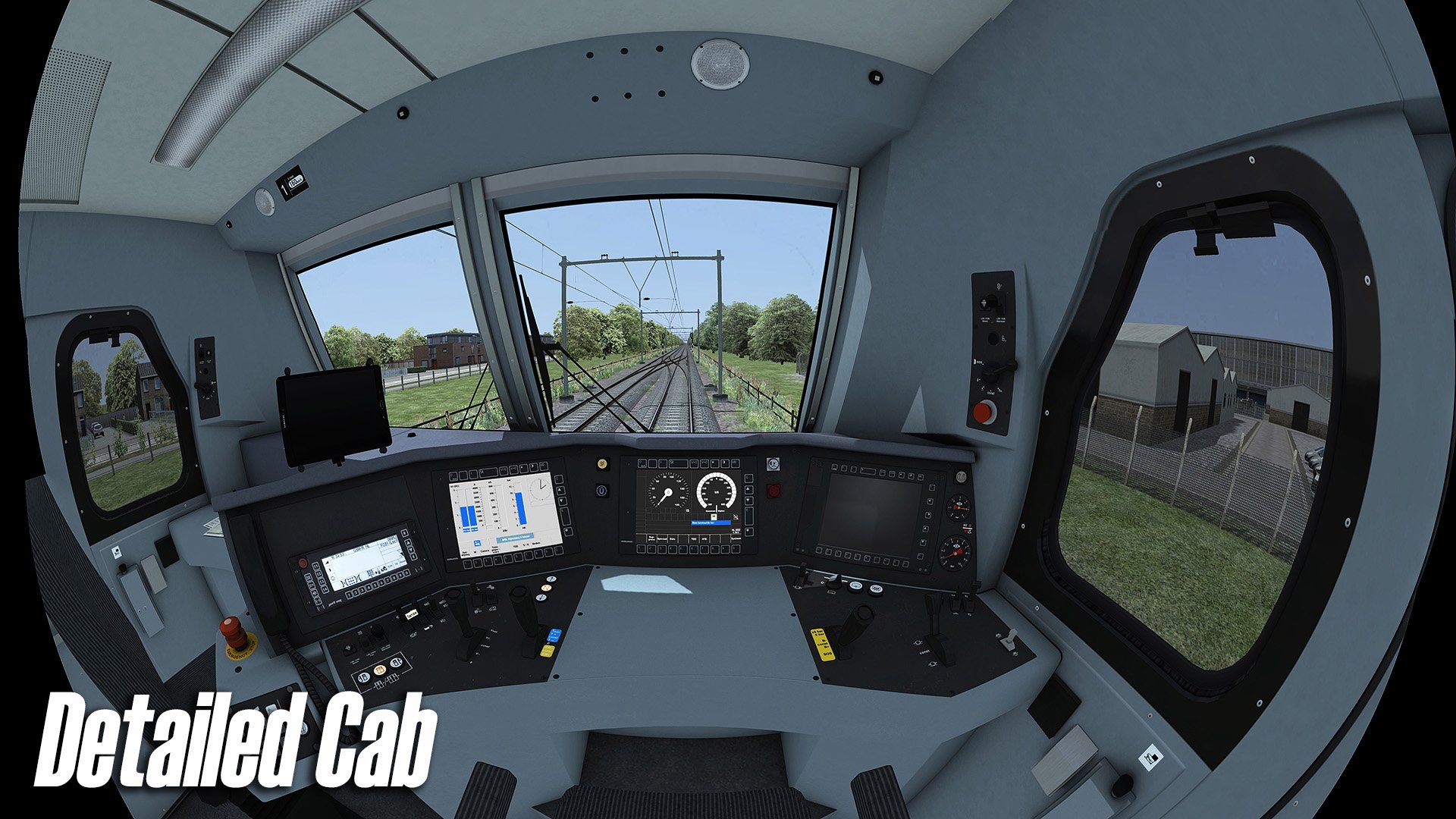
Gedetailleerde cabine, inclusief variaties voor de NMBS-versie
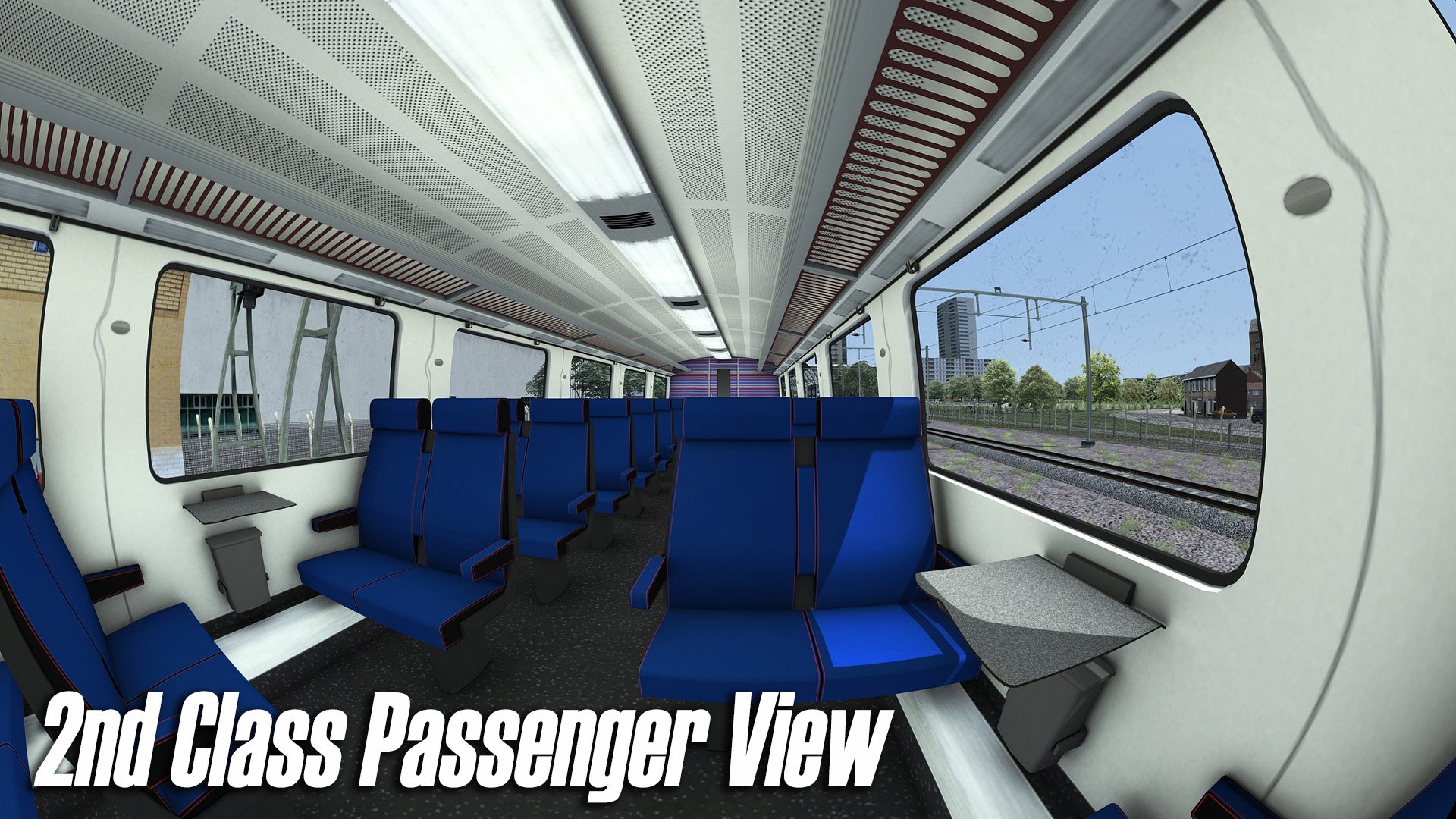
2e klasse passagiersinterieur
Dynamische automatische nummering
Extra functies
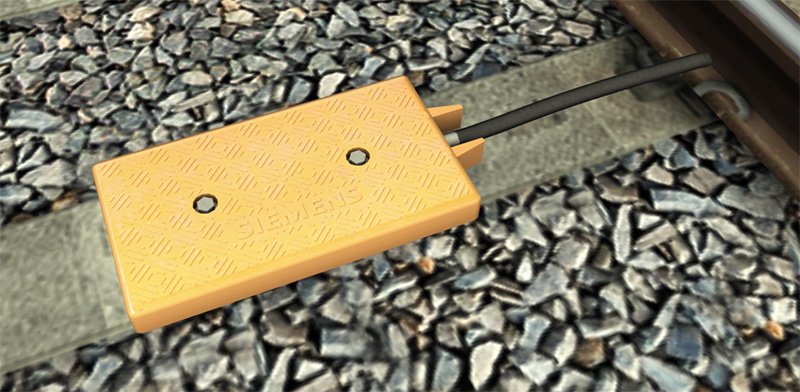
Wordt geleverd met ETCS spoor balise objects, bruikbaar in scenario’s om het beveiligingssysteem automatisch te schakelen (bijv. van ATB naar ETCS)
Compatibel met QuickDrive en te gebruiken in eigen scenario’s
Handleiding en updates
Nederlandstalige handleiding (PDF)
(Te vinden onder:
C:\Program Files (x86)\Steam\steamapps\common\RailWorks\Manuals\ChrisTrains– uw stationsletter kan verschillen)Levenslang gratis updates
(Lees de informatie over product update-e-mails in de kennisbank)
Vereisten & Aanbevelingen
Besturingssysteem: Windows® 10 of 11 (32/64-bit)
Windows 7 wordt niet ondersteund.
Spel: Dovetail Games Train Simulator Classic
Voor elektrische treinstellen: minimaal één route met bovenleiding vereist
Bediening: 'Expert' control mode
(Instructies voor het uitschakelen van 'Simple Controls' zijn inbegrepen.)
Aanbevolen: Dynamic Lighting aan
Belangrijke opmerking:
Dit product werkt niet in Train Simulator 2012–2019 of in Train Simulator World (dit is een ander spel).
Uitgever: ChrisTrains
Talen: Duits / Engels / Nederlands
Huidige versie: klik hier
Productbeoordelingen
Er zijn geen reviews te tonen.