_a91101.png)
_30c74e.png)
_d1f568.png)
_f3c42d.png)
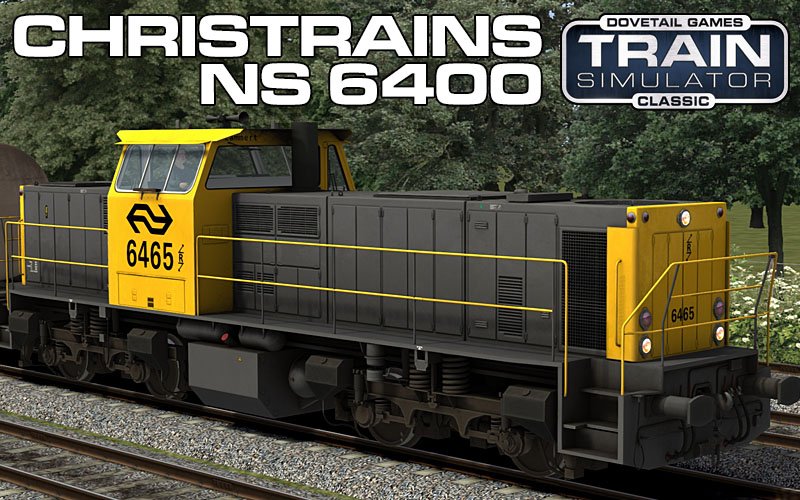
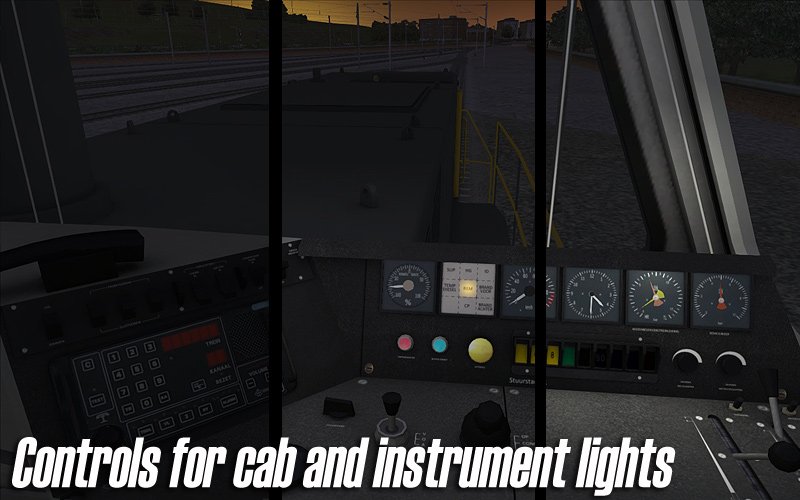
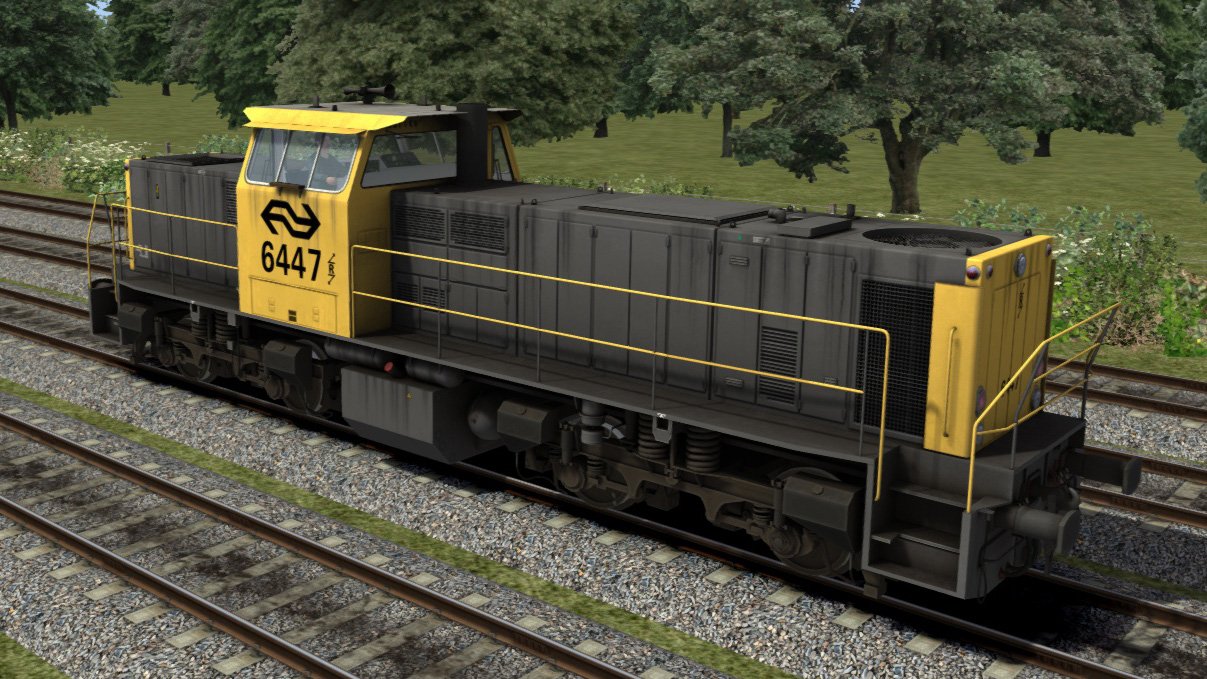
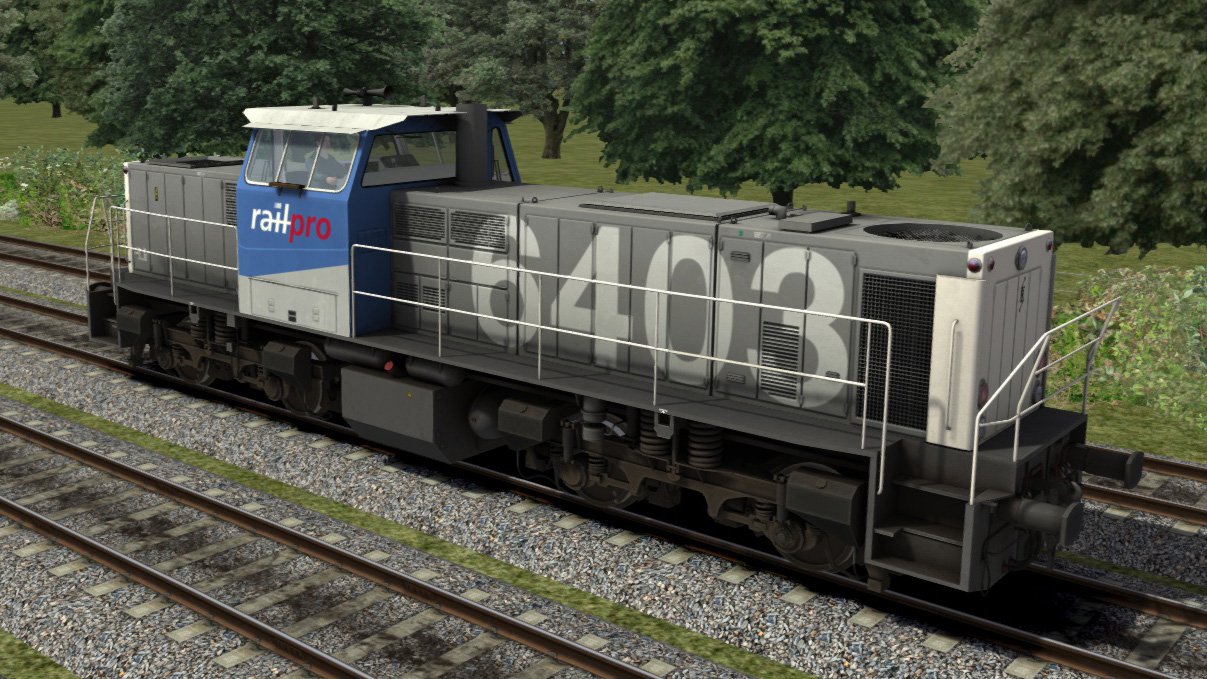
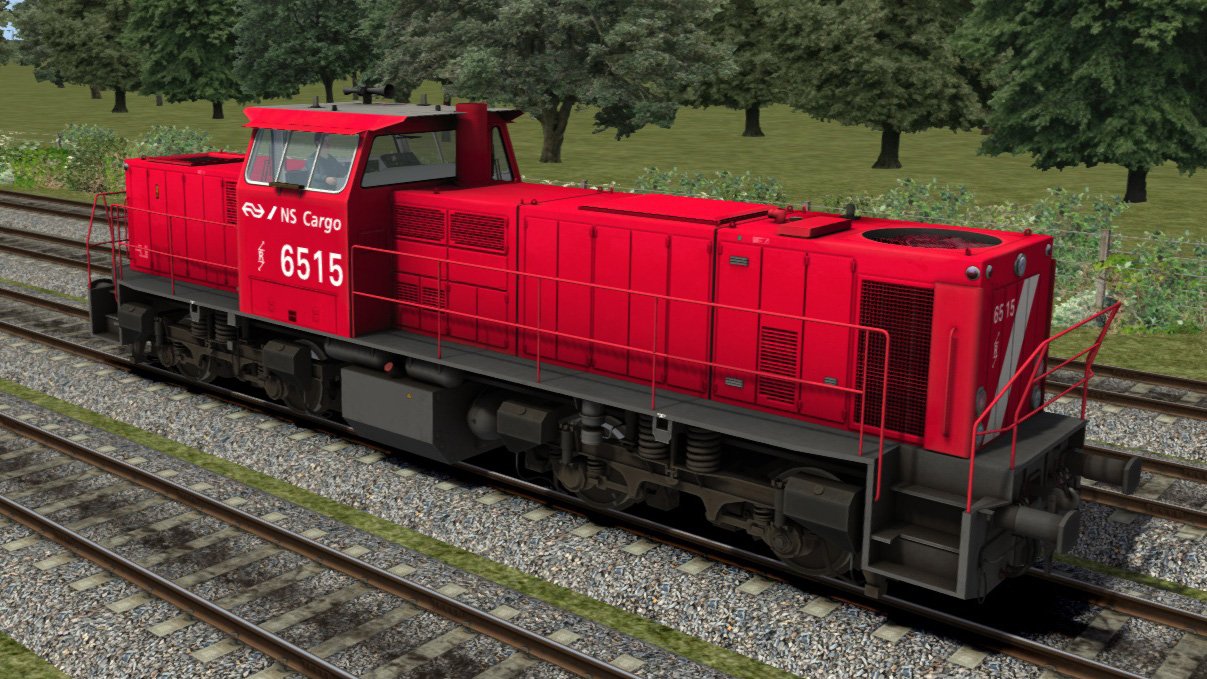
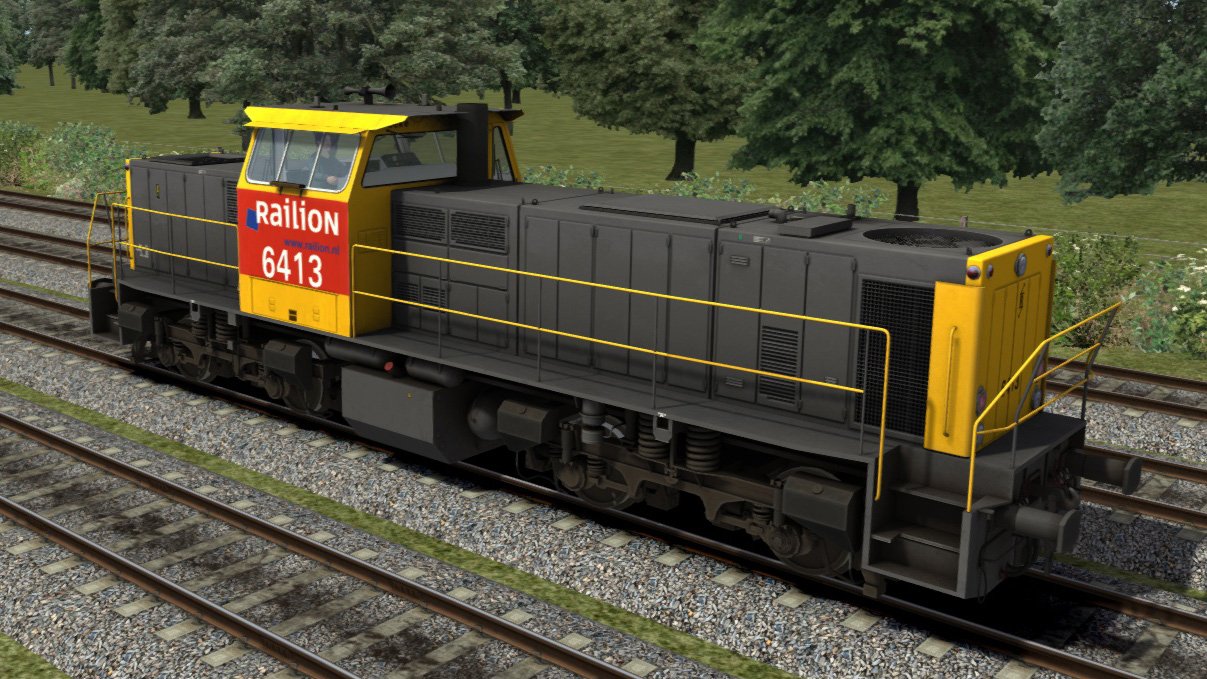
ChrisTrains: NS 6400
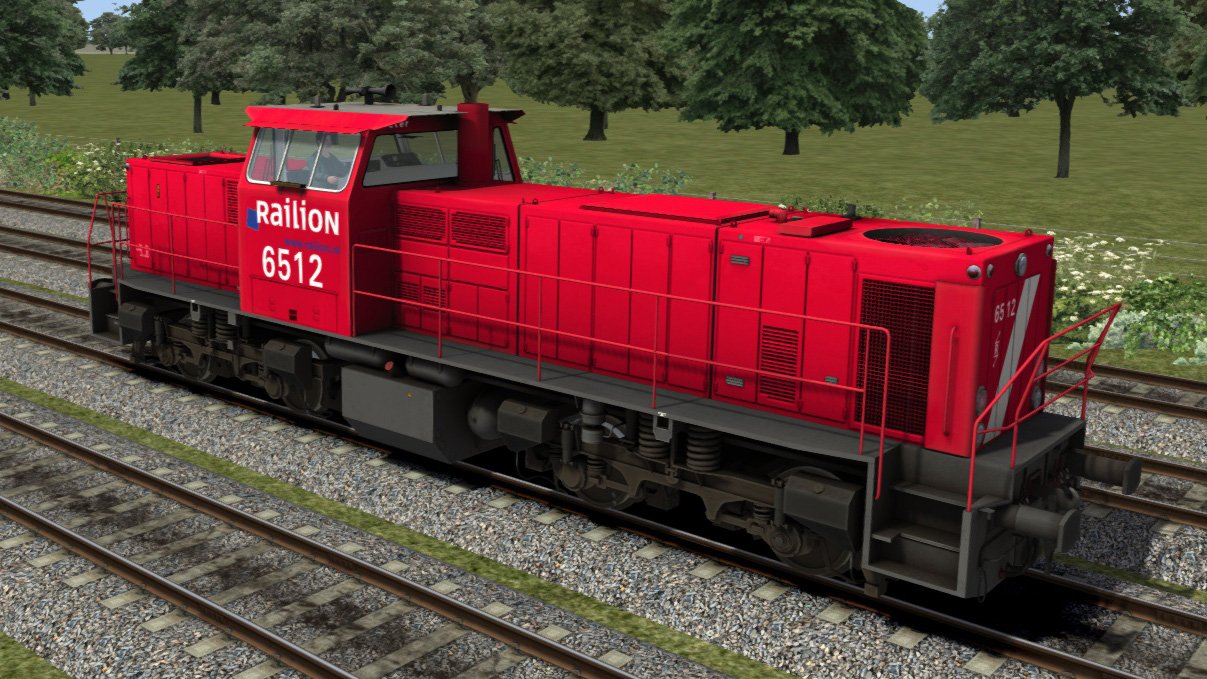
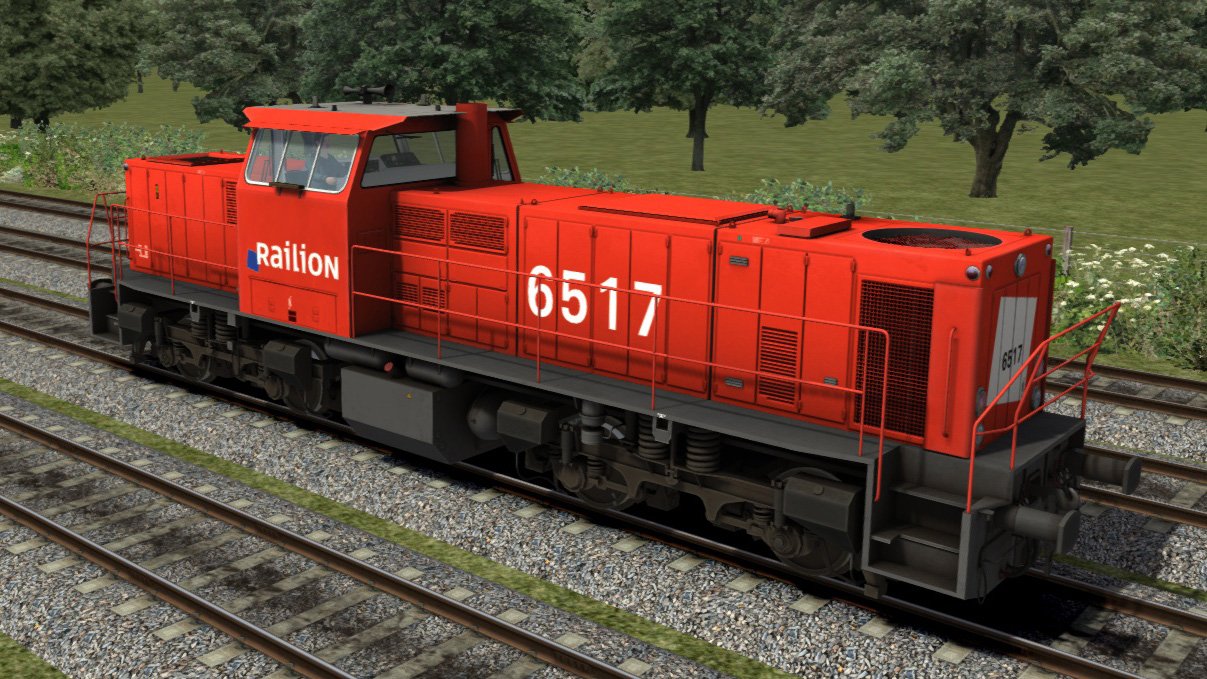
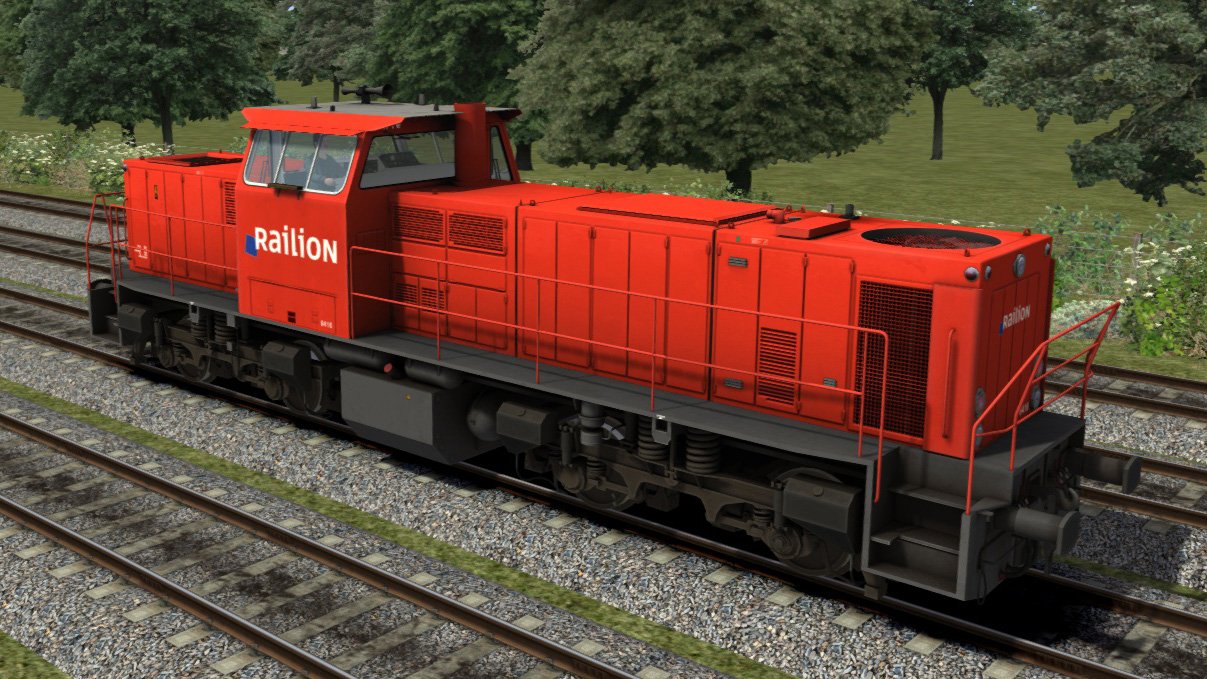
NS 6400 – Reproductie
Een gedetailleerde reproductie van de NS-locomotiefserie 6400, die nog steeds op het gehele netwerk van de Nederlandse Spoorwegen te zien is.
Versies
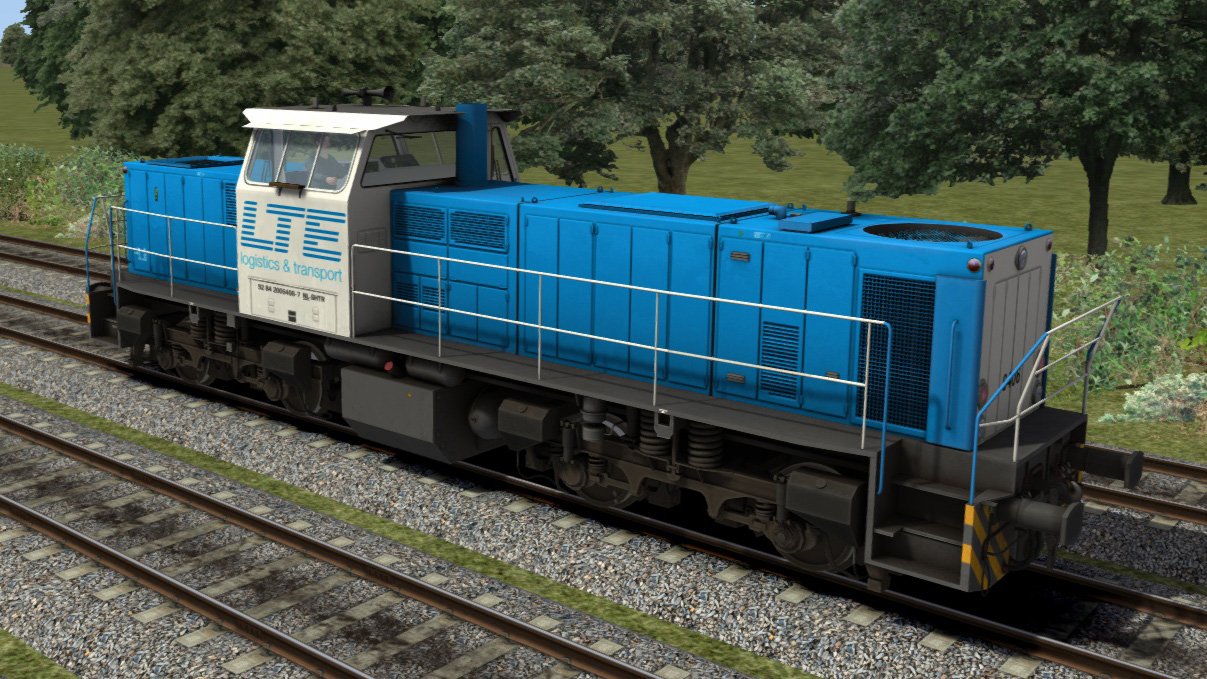
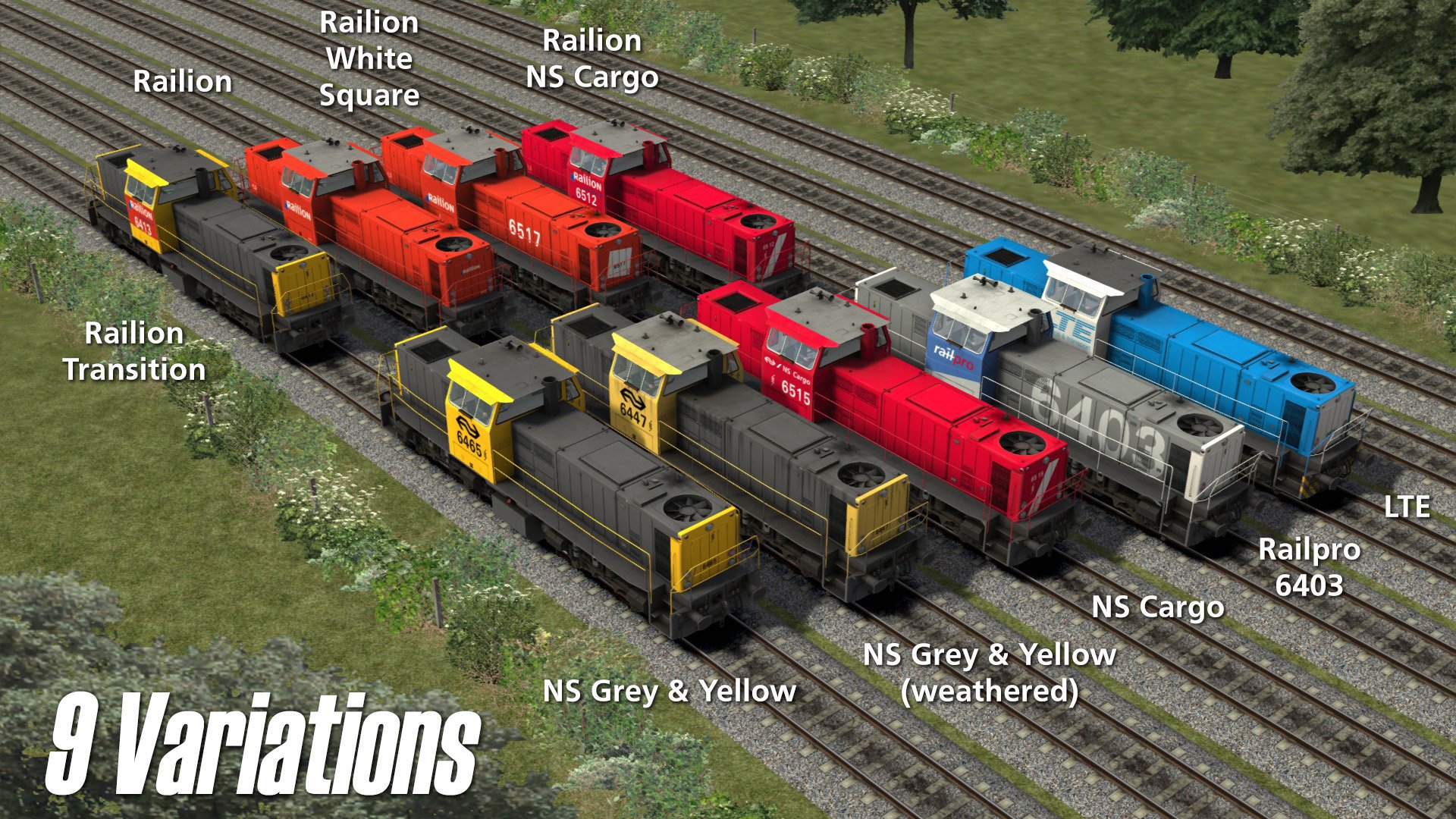
Negen officiële varianten
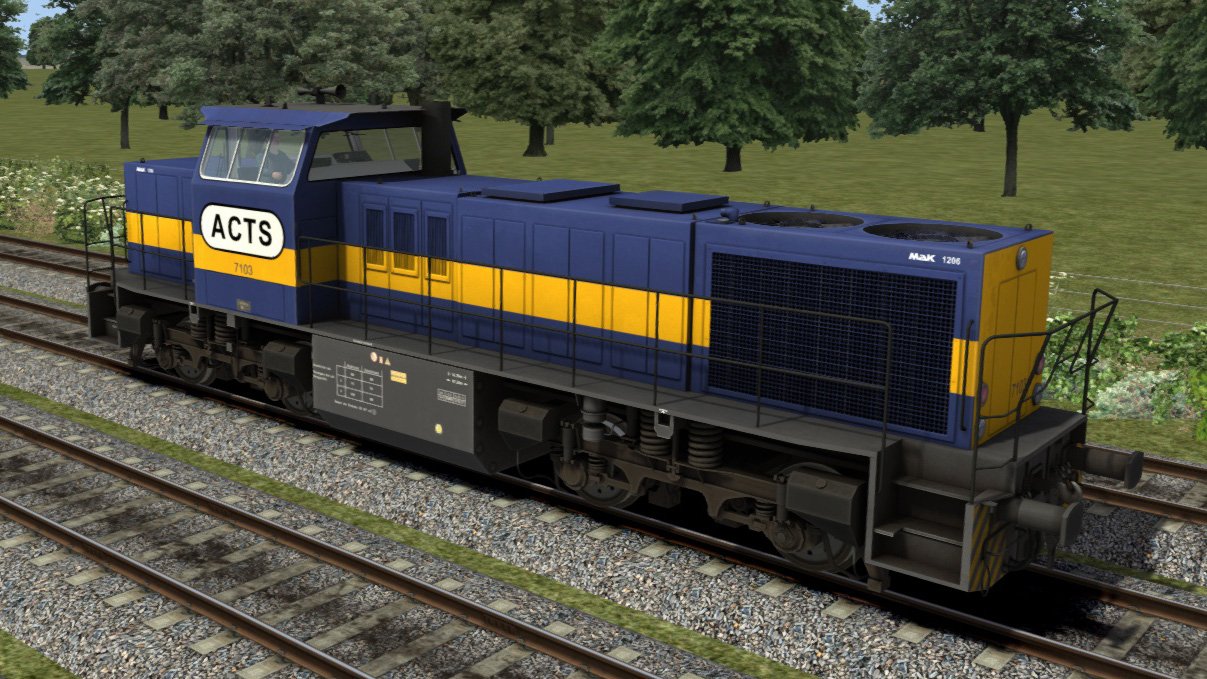
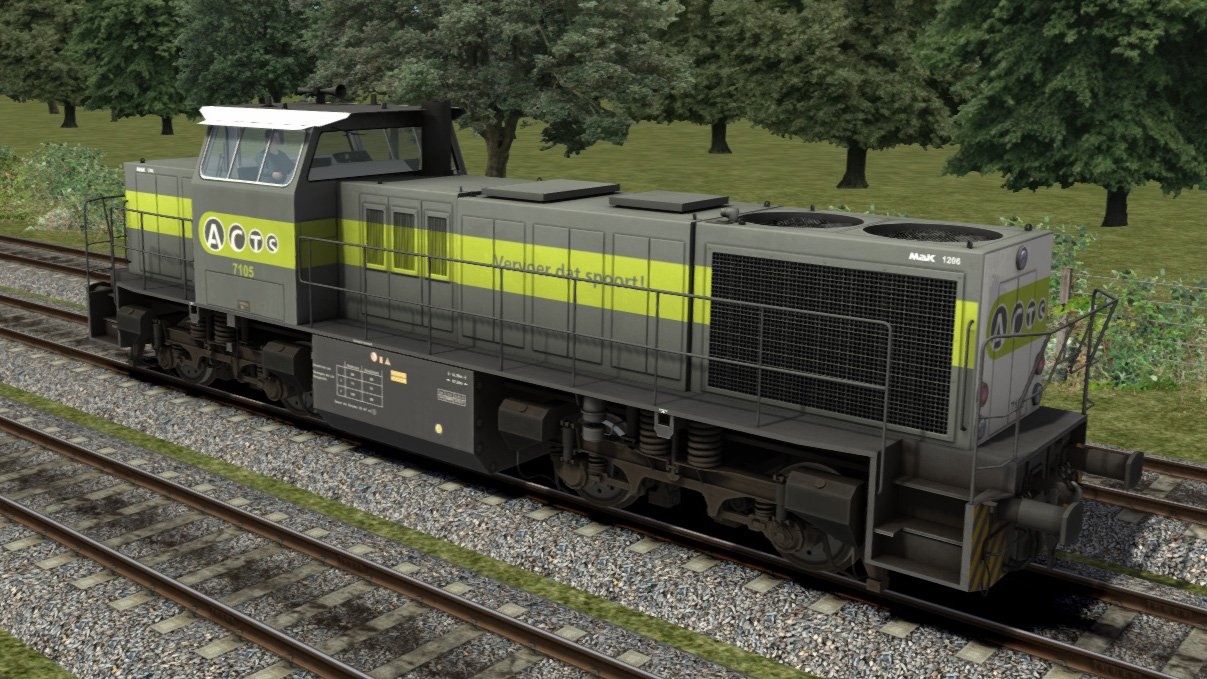
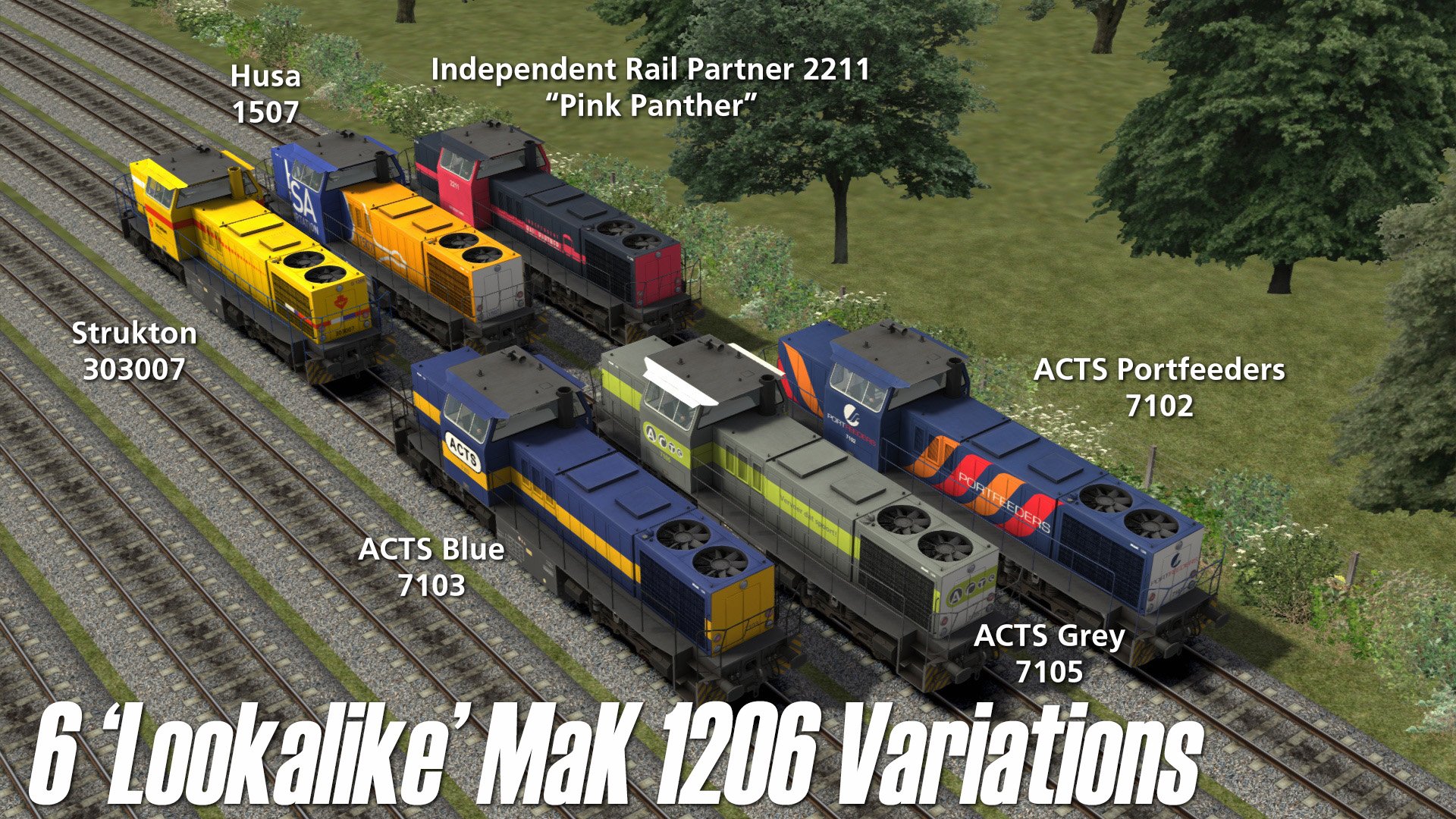
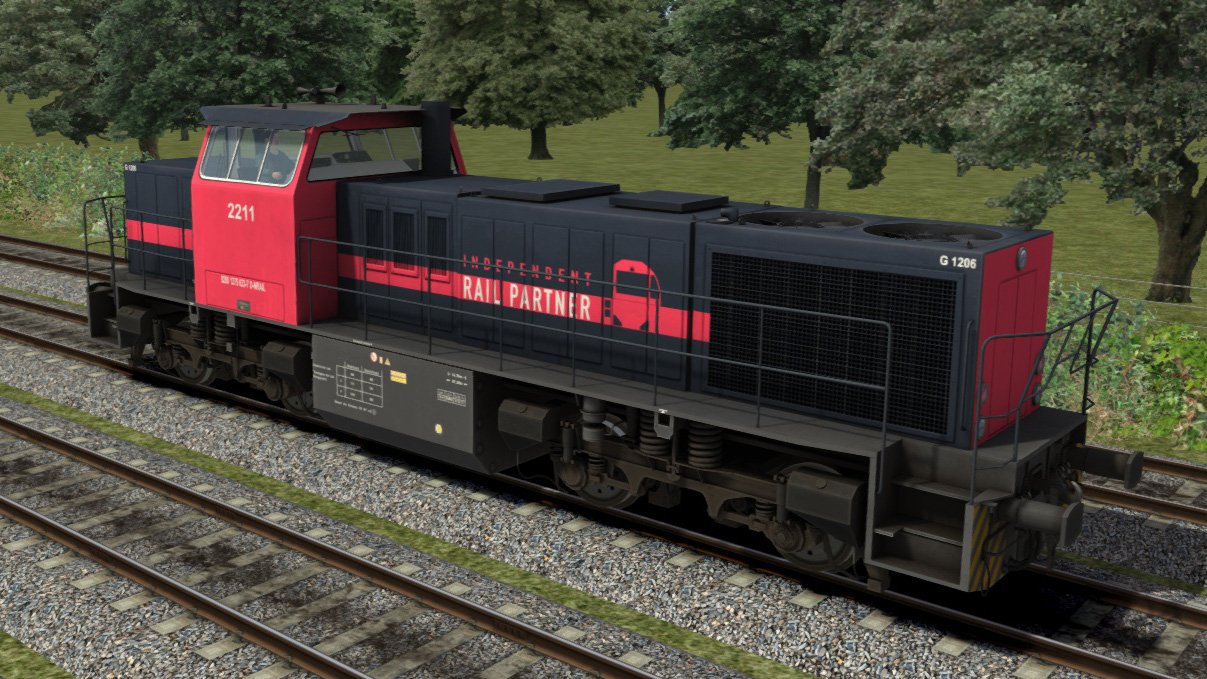
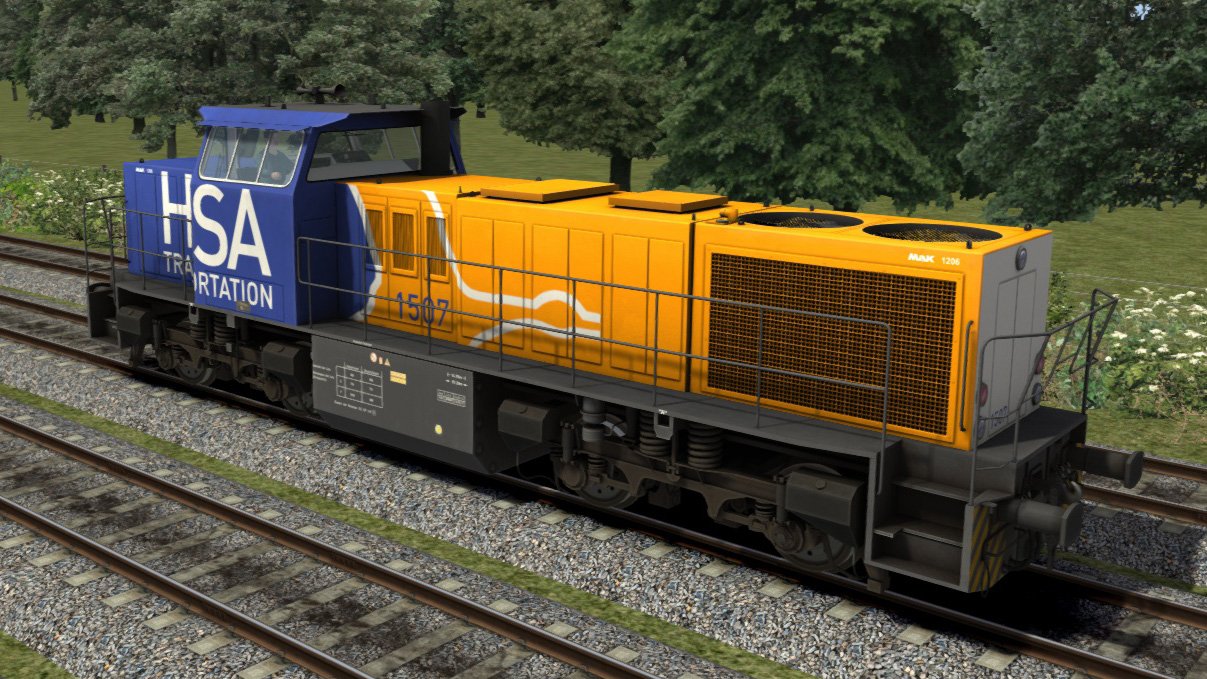
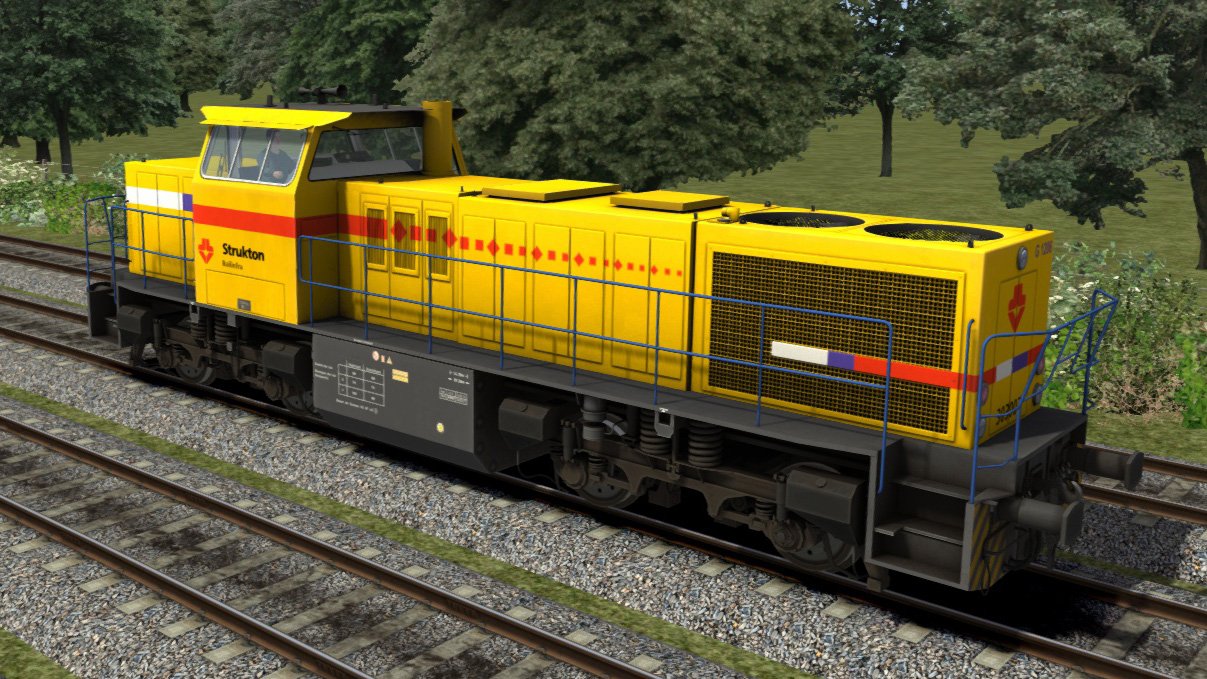
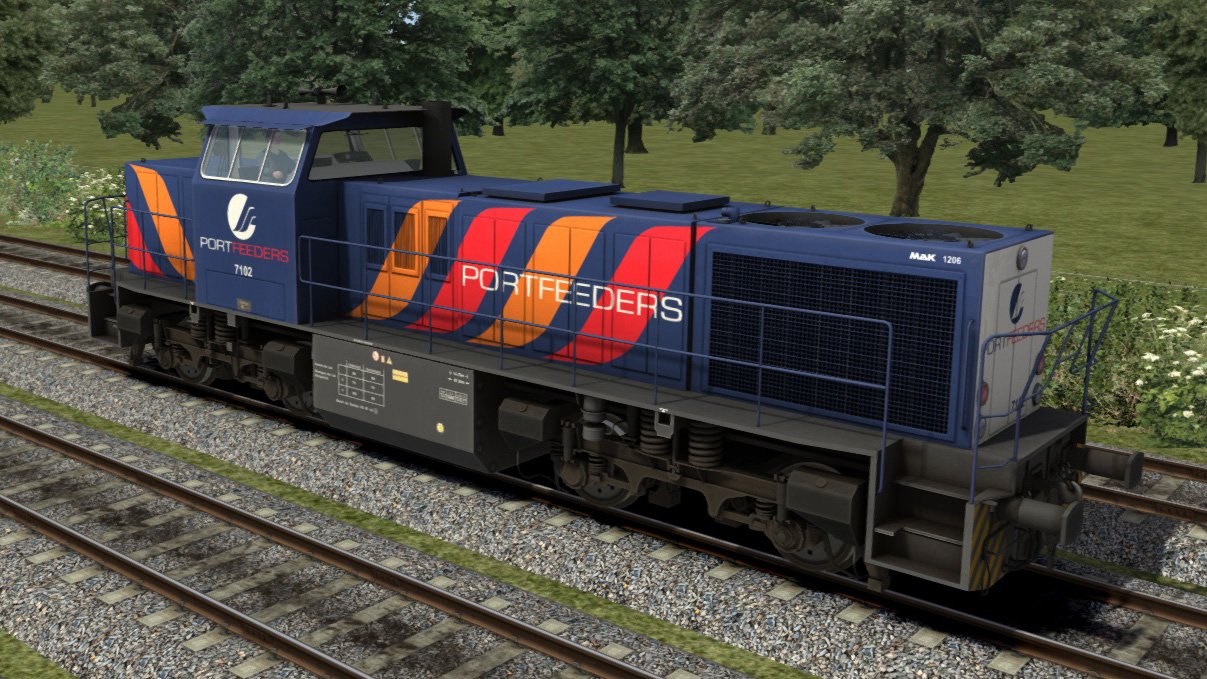
Zes extra “look-alike” skins voor ACTS, Husa, Independent Rail Partner en Strukton
(Deze kleurstellingen zijn oorspronkelijk voor de MaK 1206 locomotief. Er zijn enkele grote verschillen tussen de 6400 en de MaK 1206, maar genoeg overeenkomsten om deze kleurstellingen als alternatief toe te passen.)
Kenmerken
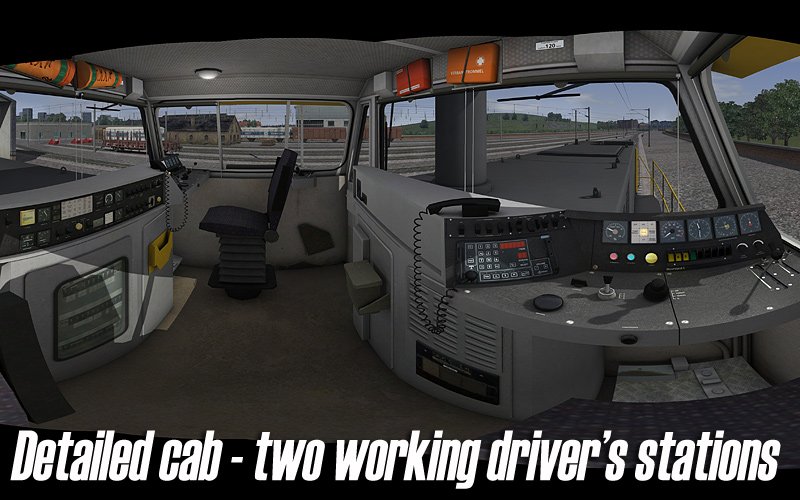
Twee volledig werkende stuurstanden (voor en achter)
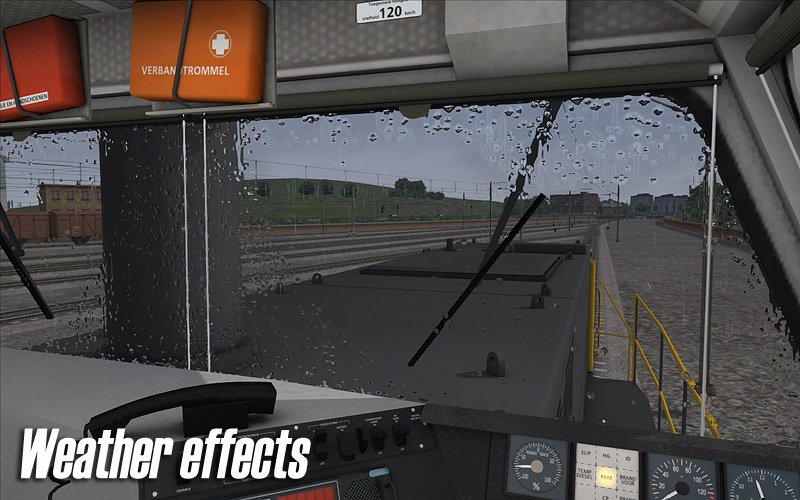
Aparte bediening voor ruitenwissers (voor en achter)
Knipperende rangeerlichten
Parkeerrem
Slimme scripts voor cabineverlichting, speciale schakelaars, bestemmingsaanduiders en andere geavanceerde functies
Dynamische automatische nummering met namen (elke 6400-loc heeft zowel een naam als een nummer)
Compatibel met QuickDrive en te gebruiken in eigen scenario’s
Eenvoudige handleiding (PDF-formaat)
(Te vinden onder:
C:\Program Files (x86)\Steam\steamapps\common\RailWorks\Manuals\ChrisTrains– uw stationsletter kan verschillen.)Levenslang gratis updates
(Lees de informatie over product update-e-mails in de kennisbank.)
Vereisten & Aanbevelingen
Besturingssysteem: Windows® 10 of 11 (32/64-bit)
Windows 7 wordt niet ondersteund.
Spel: Dovetail Games Train Simulator Classic
Voor elektrische treinstellen: minimaal één route met bovenleiding vereist
Bediening: 'Expert' control mode
(Instructies voor het uitschakelen van 'Simple Controls' zijn inbegrepen.)
Aanbevolen: Dynamic Lighting aan
Belangrijke opmerking:
Dit product werkt niet in Train Simulator 2012–2019 of in Train Simulator World (dit is een ander spel).
Uitgever: ChrisTrains
Talen: Duits / Engels / Nederlands
Huidige versie: klik hier
Productbeoordelingen
Er zijn geen reviews te tonen.