_a91101.png)
_30c74e.png)
_d1f568.png)
_f3c42d.png)
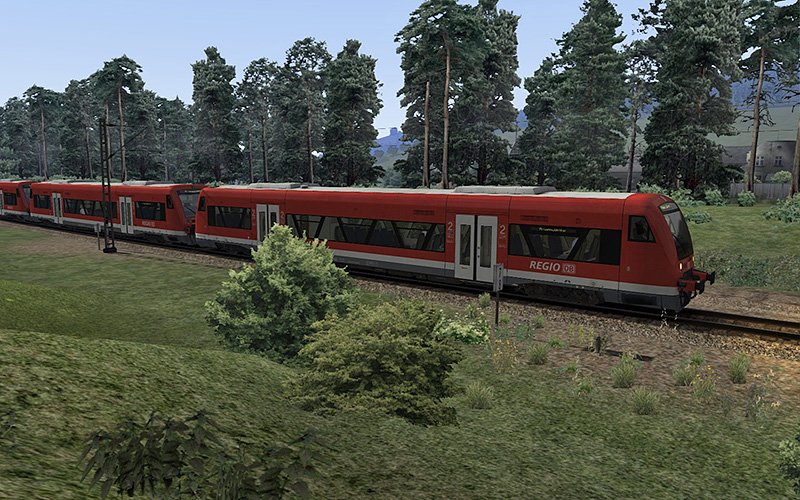
ChrisTrains: Stadler RS1
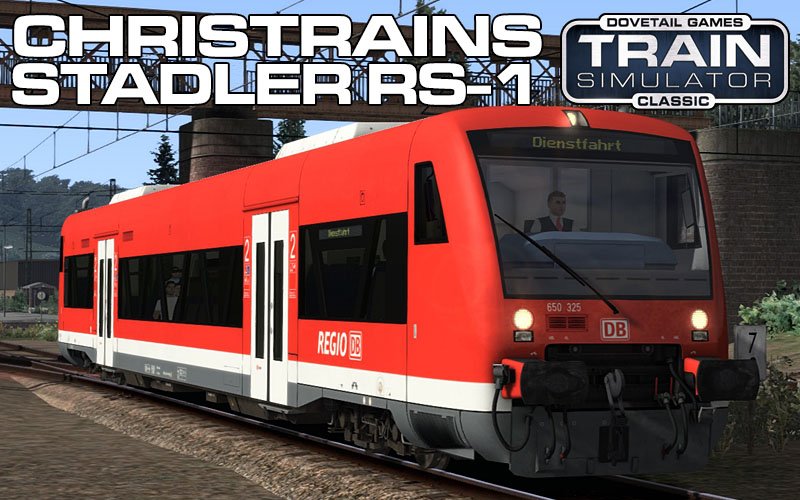
Stadler RS1 Regio-Shuttle / BR650 – Reproductie
Een gedetailleerde reproductie van het diesel Stadler RS1 Regio-Shuttle / BR650-treinstel, dat overal op het Duitse spoorwegnet te zien is.
Versies
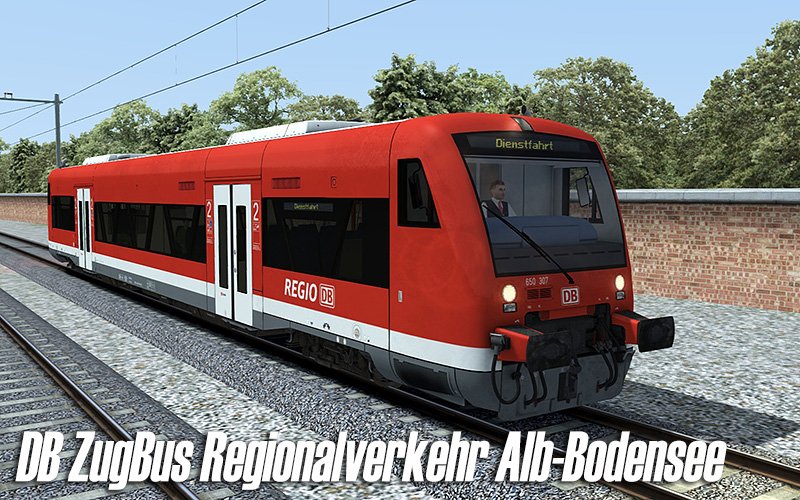
DB ZugBus Regionalverkehr Alb-Bodensee (RAB)
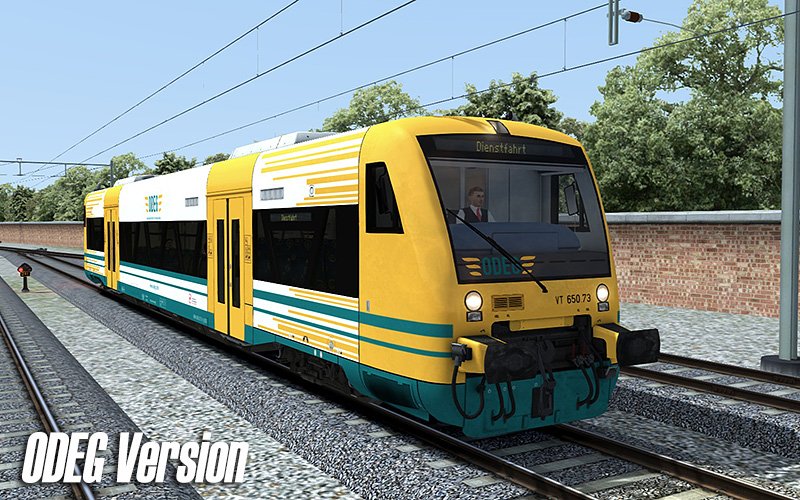
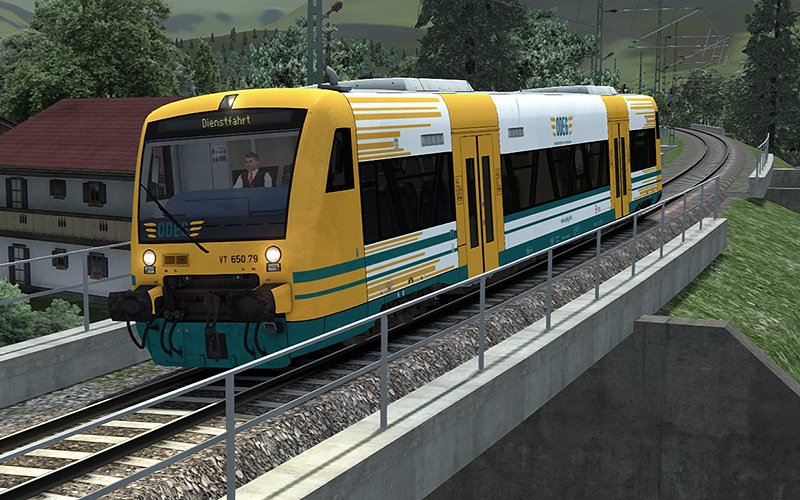
ODEG
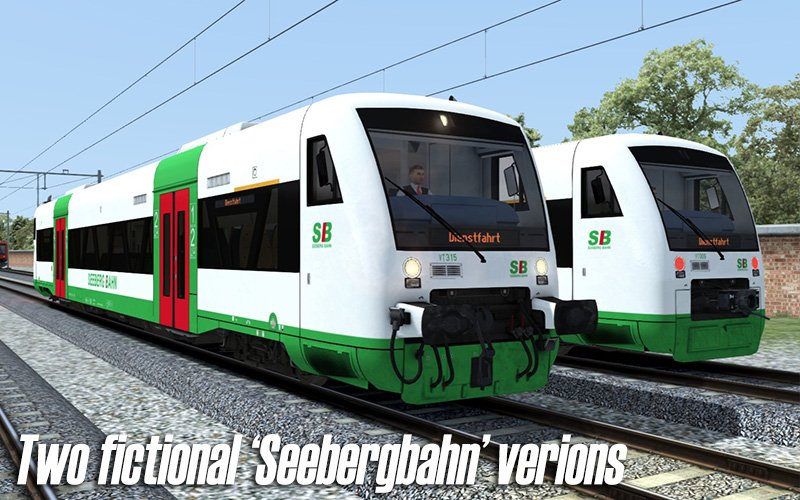
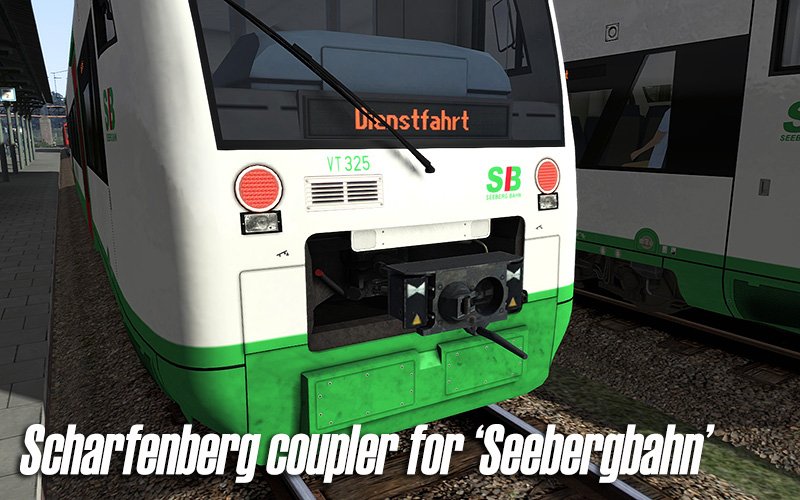
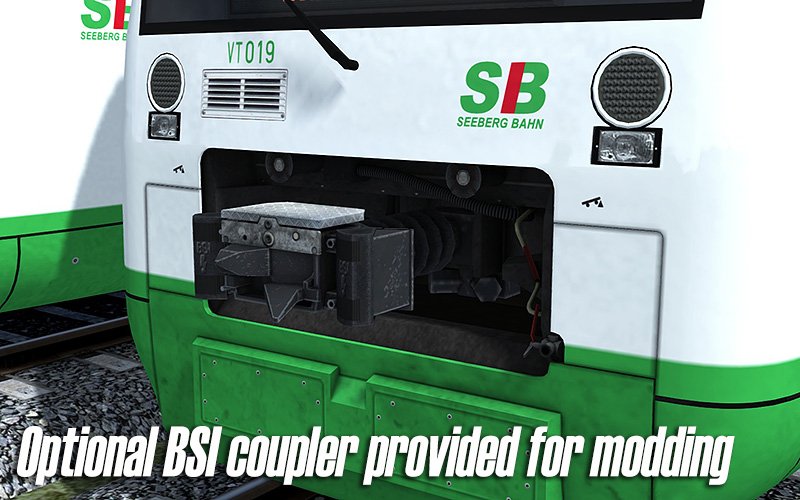
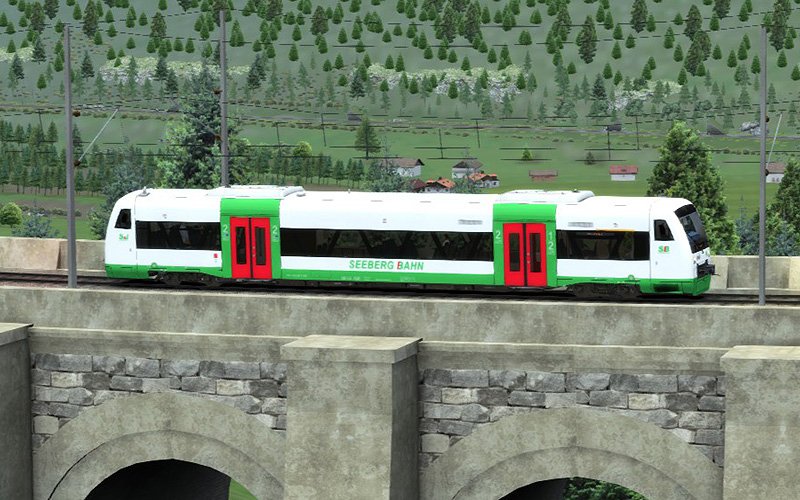
SeebergBahn (fictieve versie)
Kenmerken
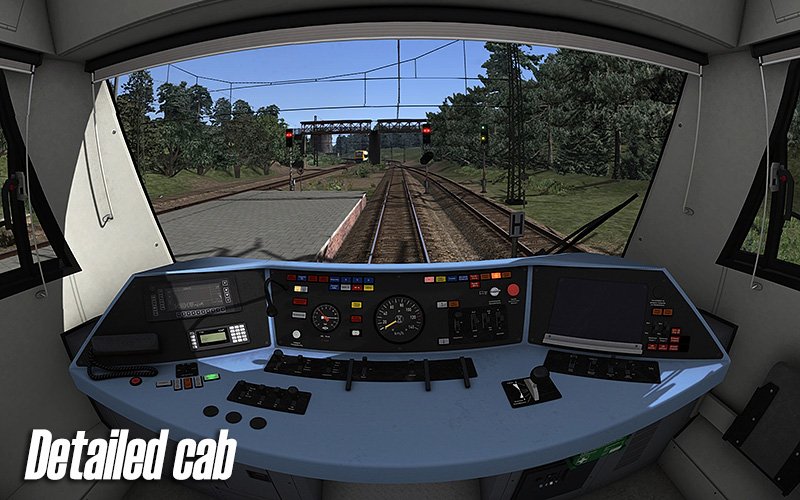
Gedetailleerde cabine
PZB90 en SIFA treinbeveiligingssystemen
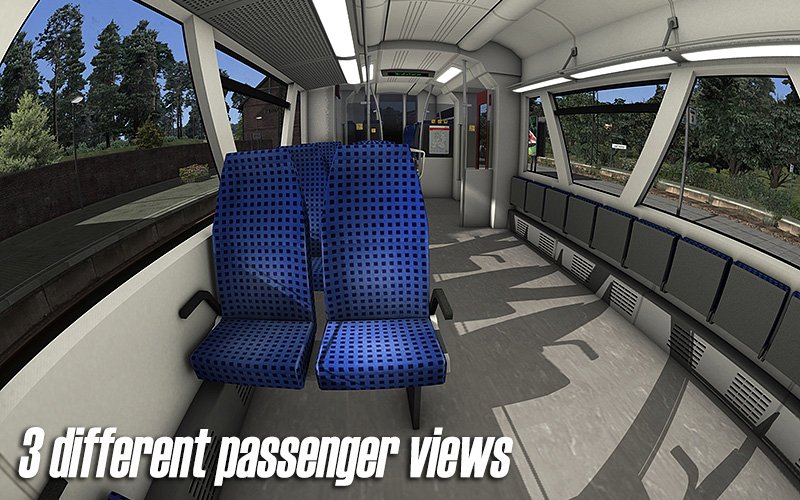
2e klasse passagiersinterieur
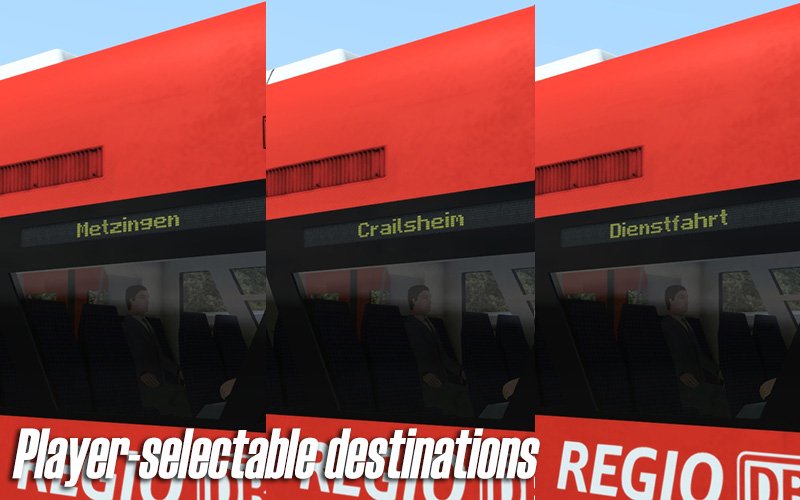
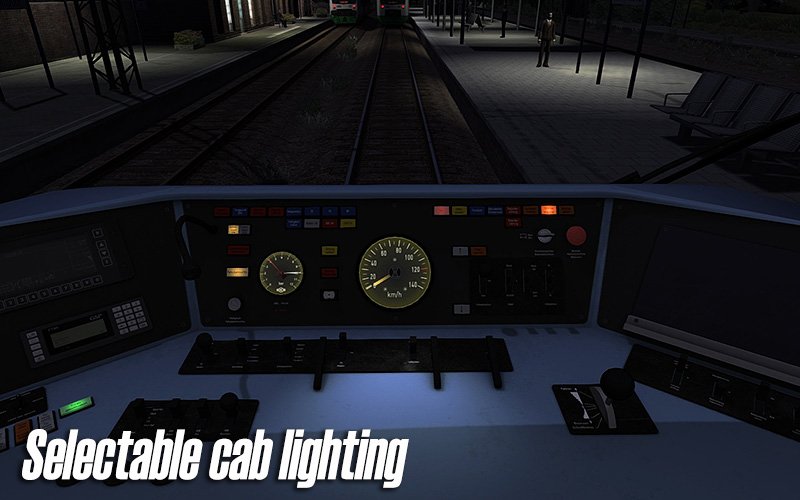
Slimme scripts voor cabineverlichting, speciale schakelaars, bestemmingsaanduiders en andere geavanceerde functies
Dynamische, automatische treinnummering
Compatibel met QuickDrive en te gebruiken in eigen scenario’s
Scenario’s worden beschikbaar gesteld op de ChrisTrains Scenarios-pagina zodra ze gereed zijn
Meertalige handleiding (Engels / Nederlands / Frans / Duits) in PDF-formaat
(Startmenu → Alle Programma’s → ChrisTrains)
Levenslang gratis updates
(Meer informatie over product update-e-mails is beschikbaar in de kennisbank.)
Vereisten & Aanbevelingen
Besturingssysteem: Windows® 10 of 11 (32/64-bit)
Windows 7 wordt niet ondersteund.
Spel: Dovetail Games Train Simulator Classic
Voor elektrische treinstellen: minimaal één route met bovenleiding vereist
Bediening: 'Expert' control mode
(Instructies voor het uitschakelen van 'Simple Controls' zijn inbegrepen.)
Aanbevolen: Dynamic Lighting aan
Belangrijke opmerking:
Dit product werkt niet in Train Simulator 2012–2019 of in Train Simulator World (dit is een ander spel).
Uitgever: ChrisTrains
Talen: Duits / Engels / Nederlands
Huidige versie: klik hier
Productbeoordelingen
Er zijn geen reviews te tonen.