_a91101.png)
_30c74e.png)
_d1f568.png)
_f3c42d.png)
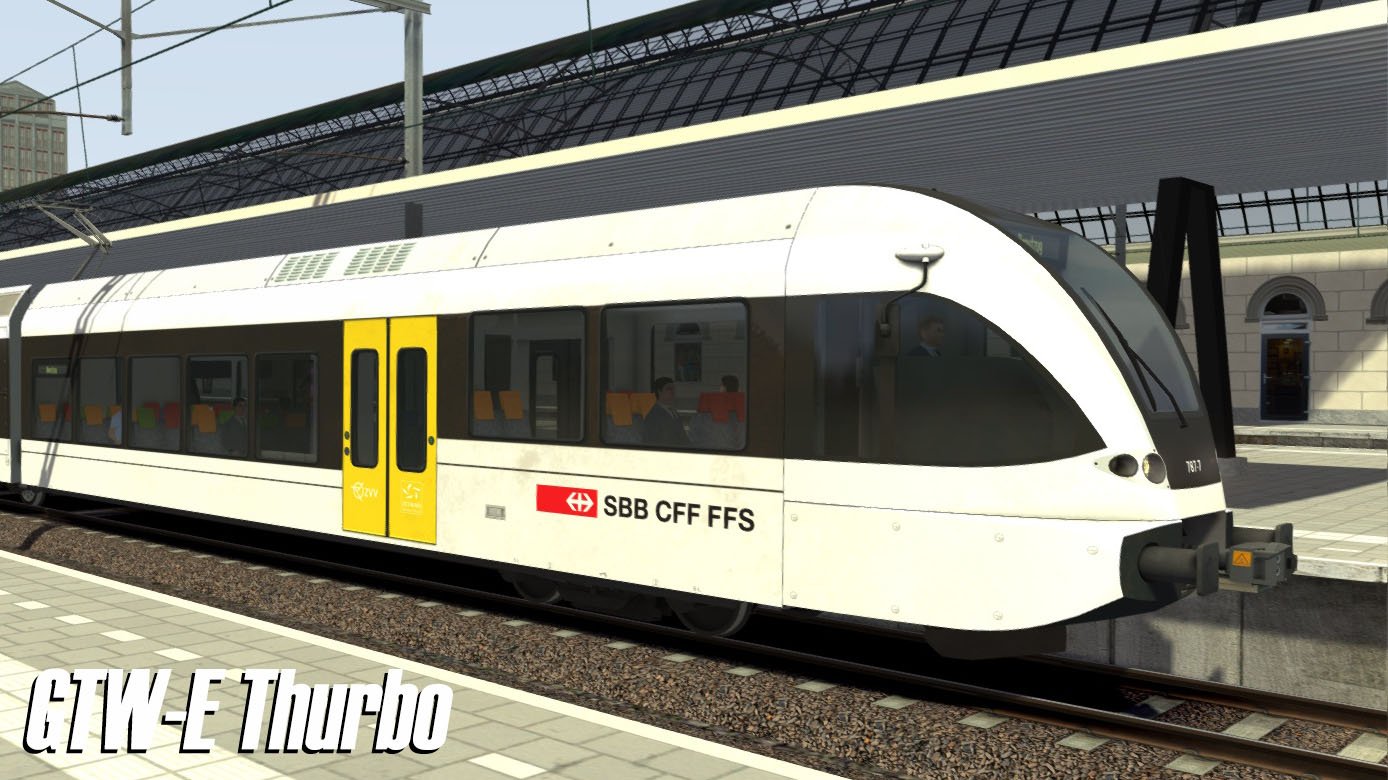
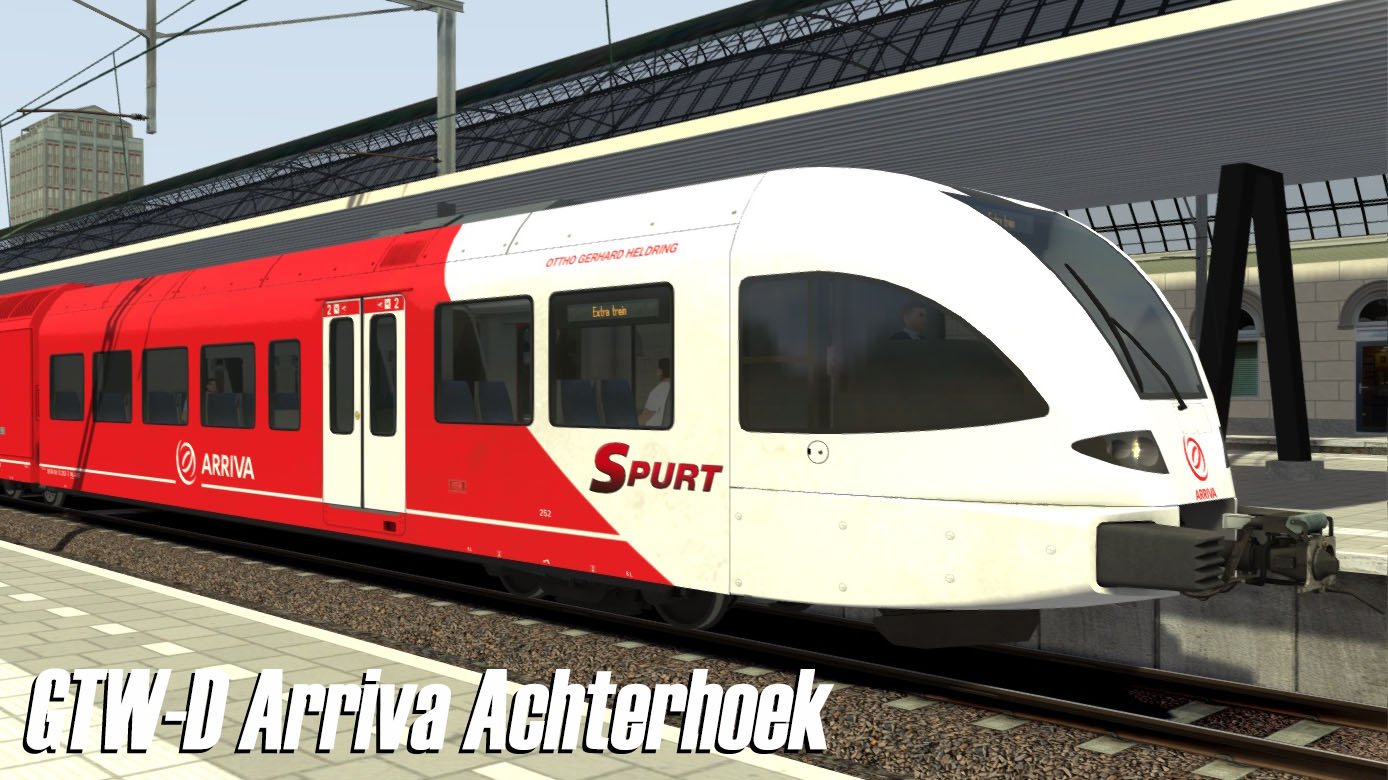
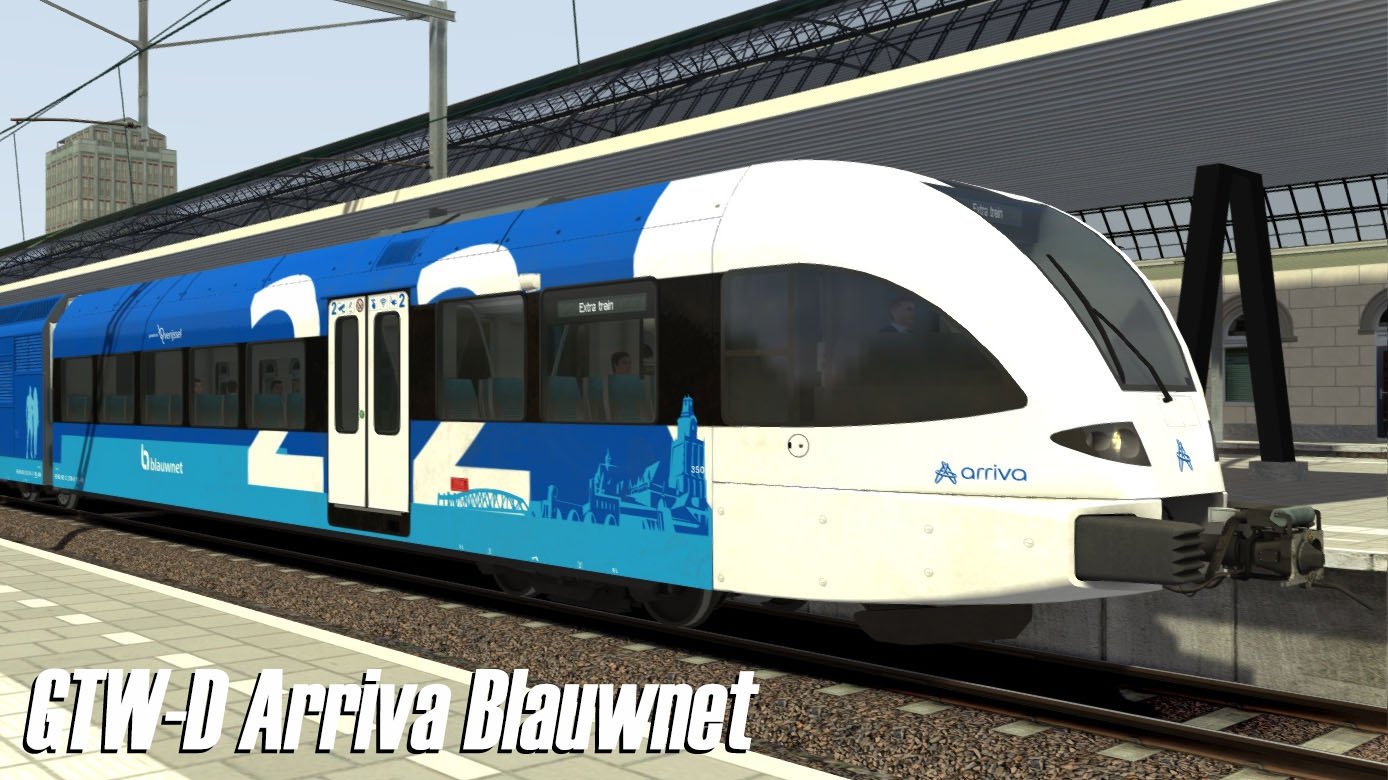
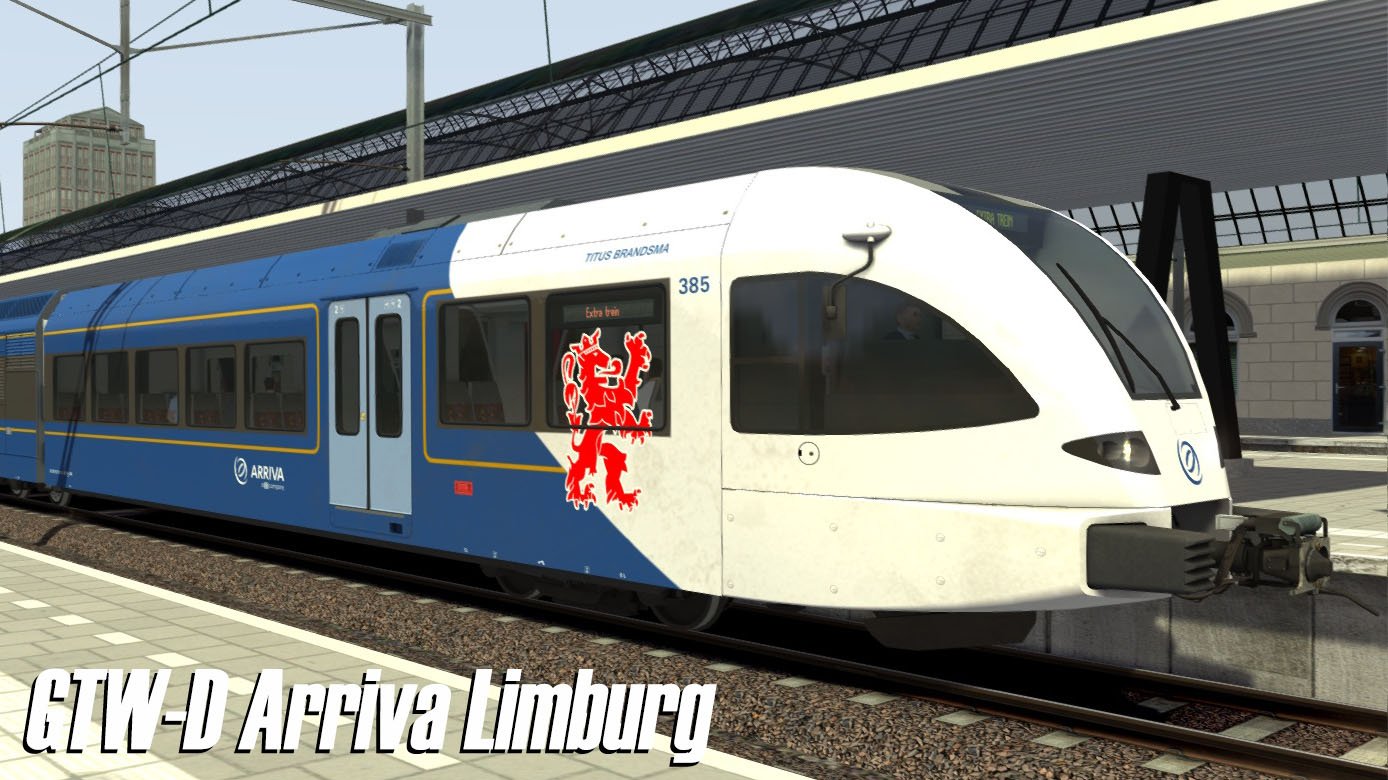
ChrisTrains: Stadler GTW
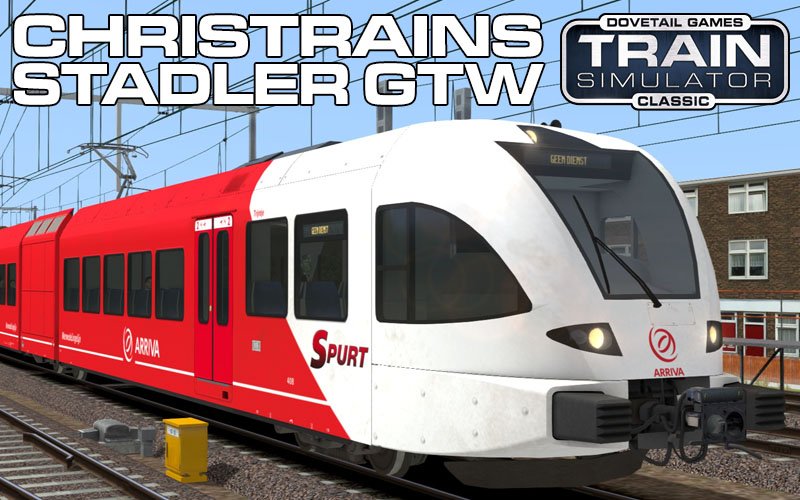
Stadler GTW – Reproductie
Een gedetailleerde reproductie van het Stadler GTW-treinstel, dat in heel Europa te vinden is.
Versies
Diesel en elektrische uitvoeringen
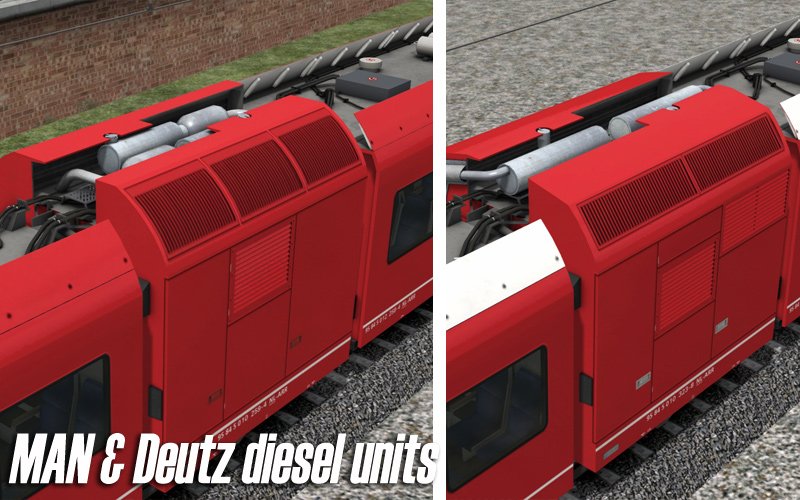
2/6 (2-delig) en 2/8 (3-delig) varianten
Beschikbare EMU-uitvoeringen
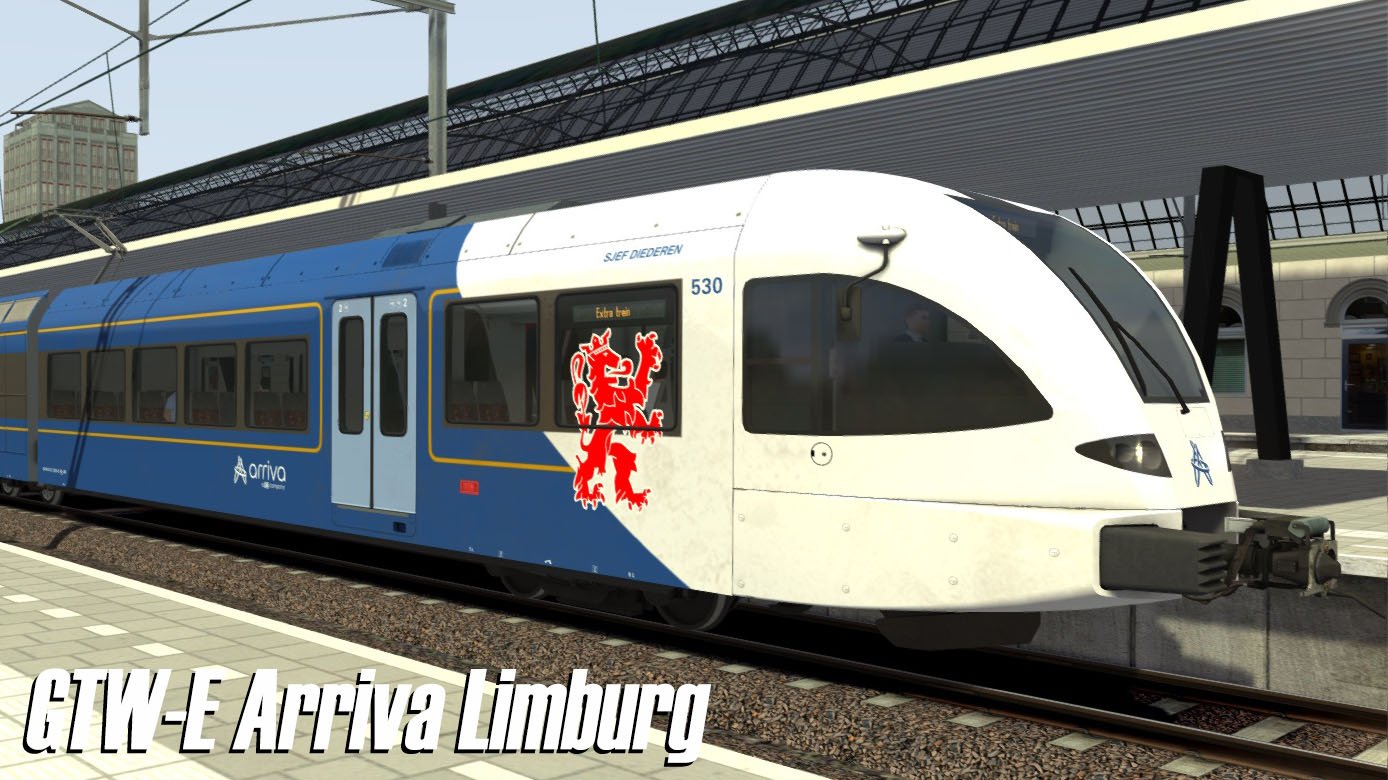
Arriva Limburg
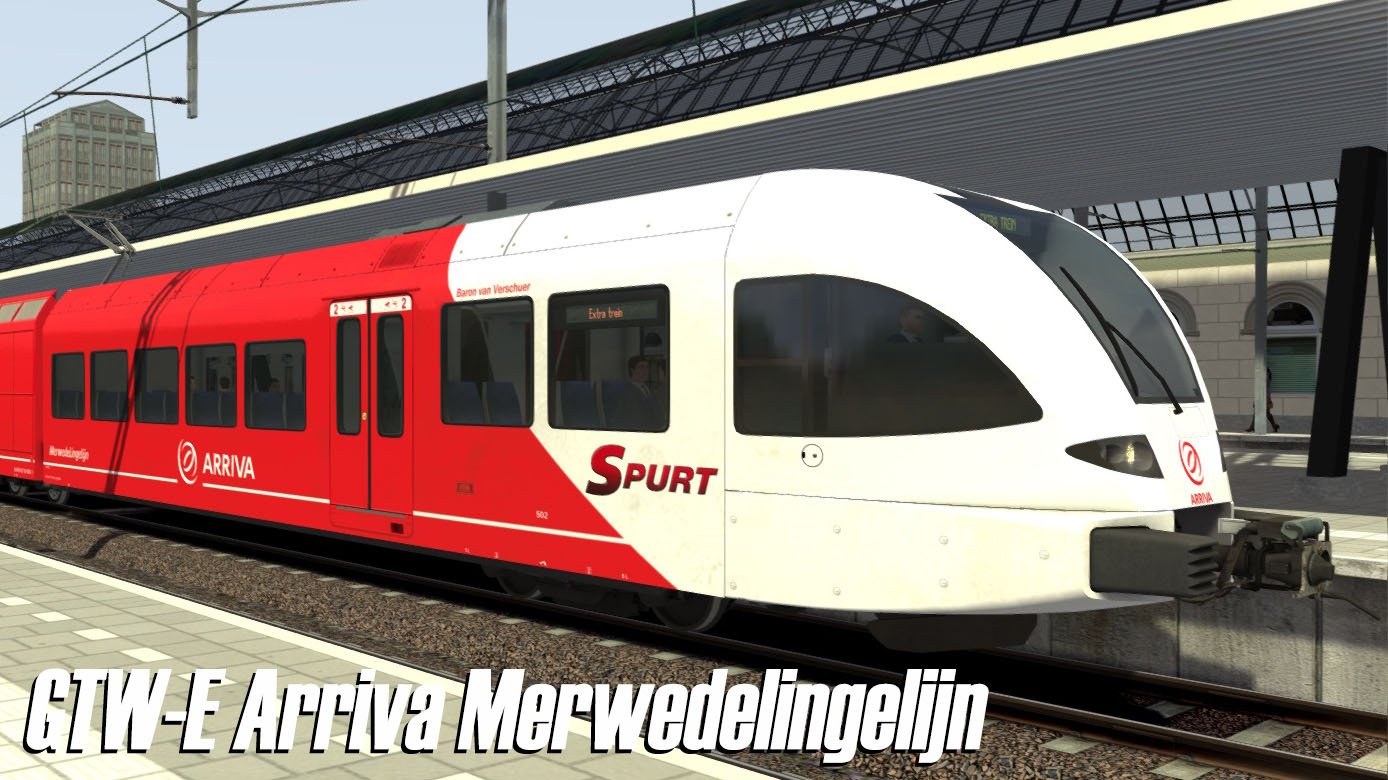
Arriva MerwedeLingelijn
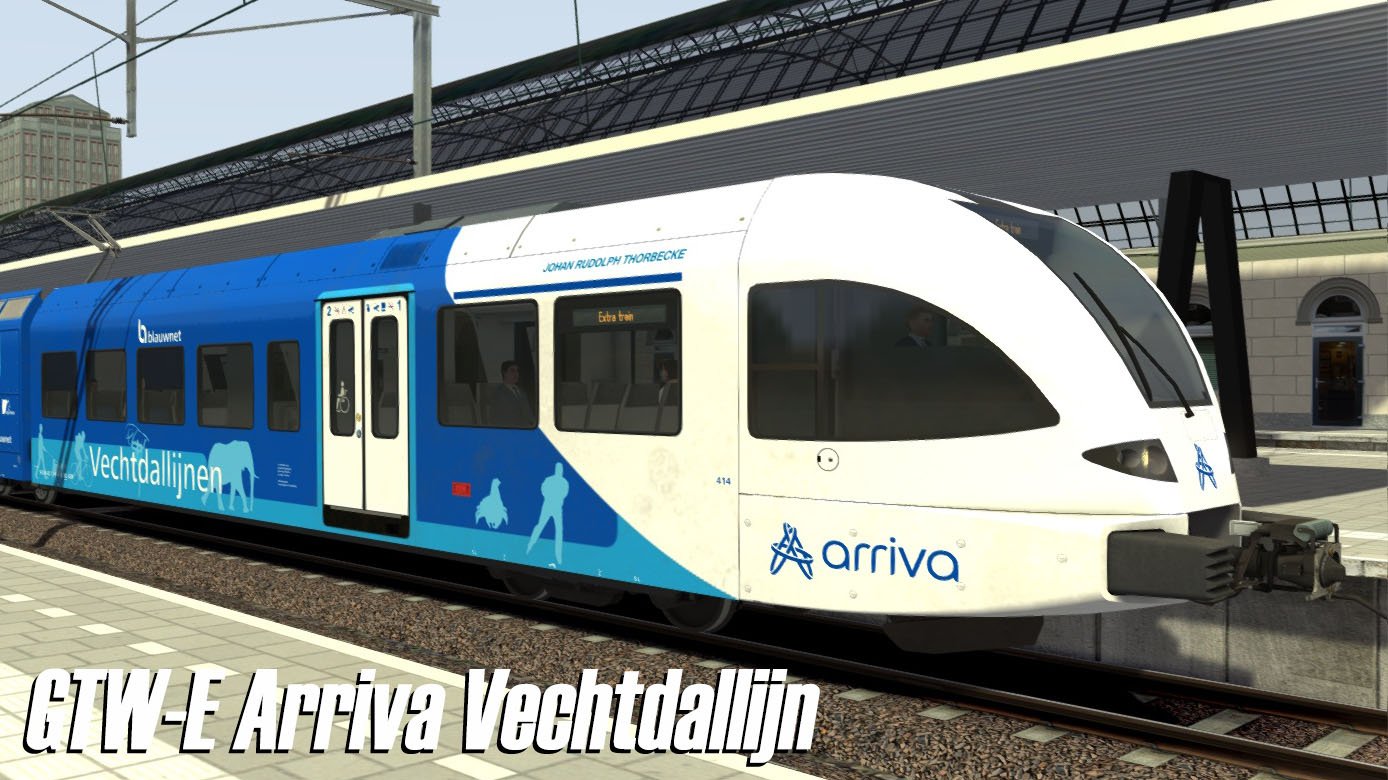
Arriva Vechtdallijn
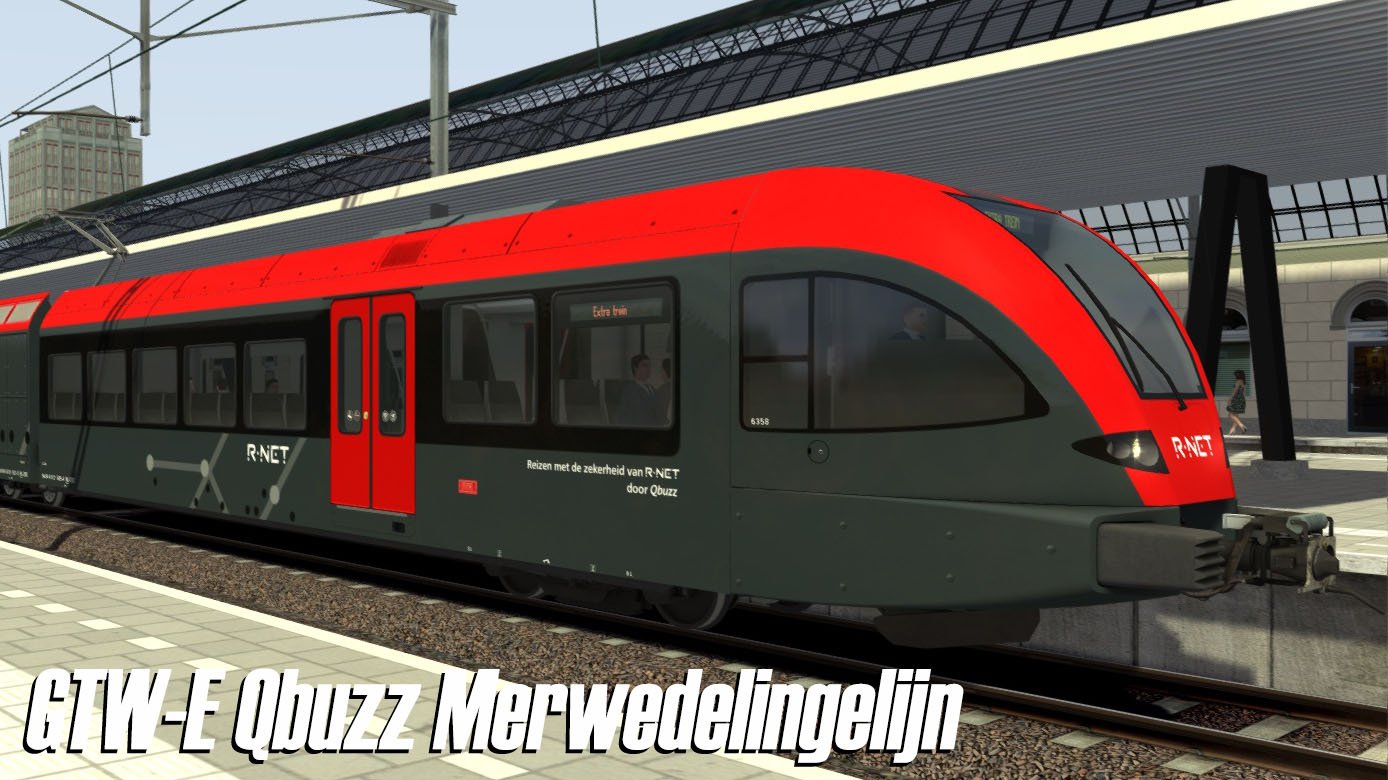
Qbuzz MerwedeLingelijn
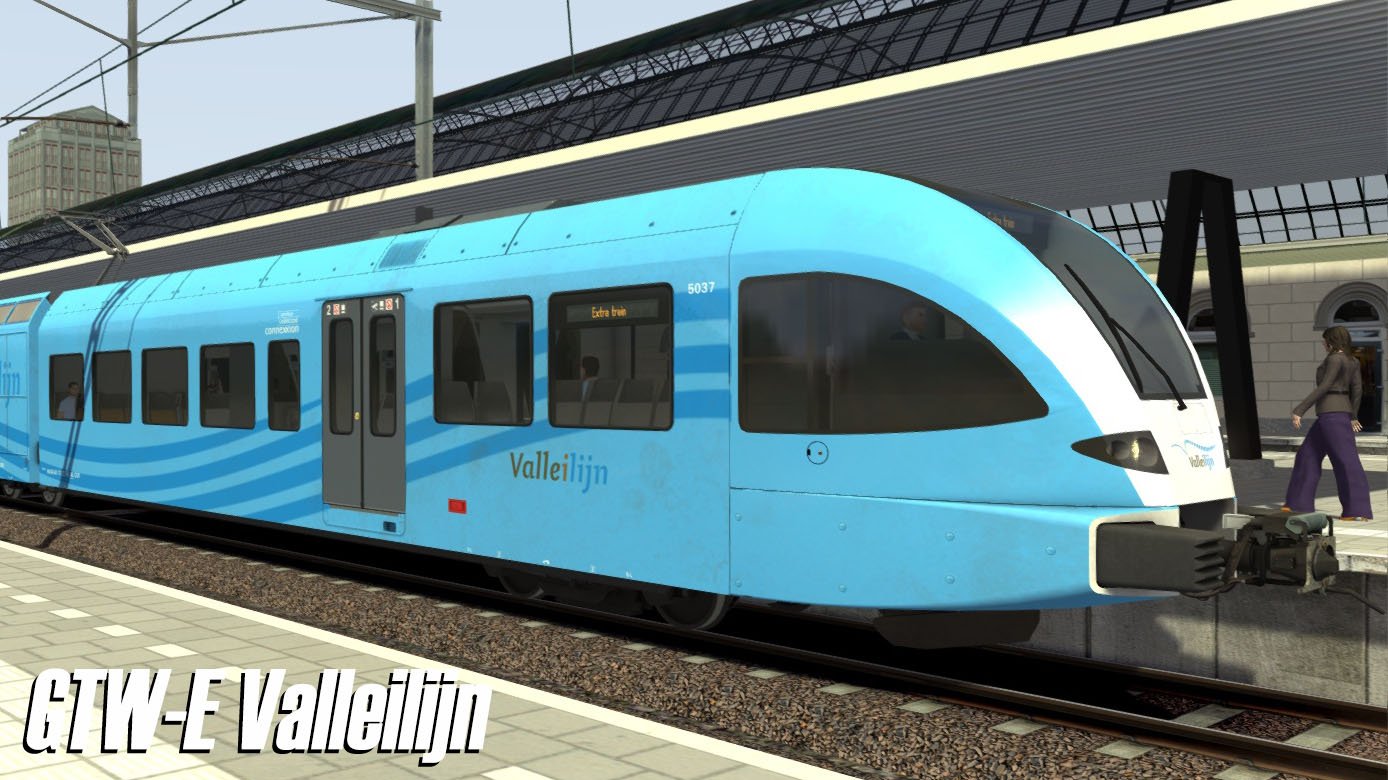
Valleilijn
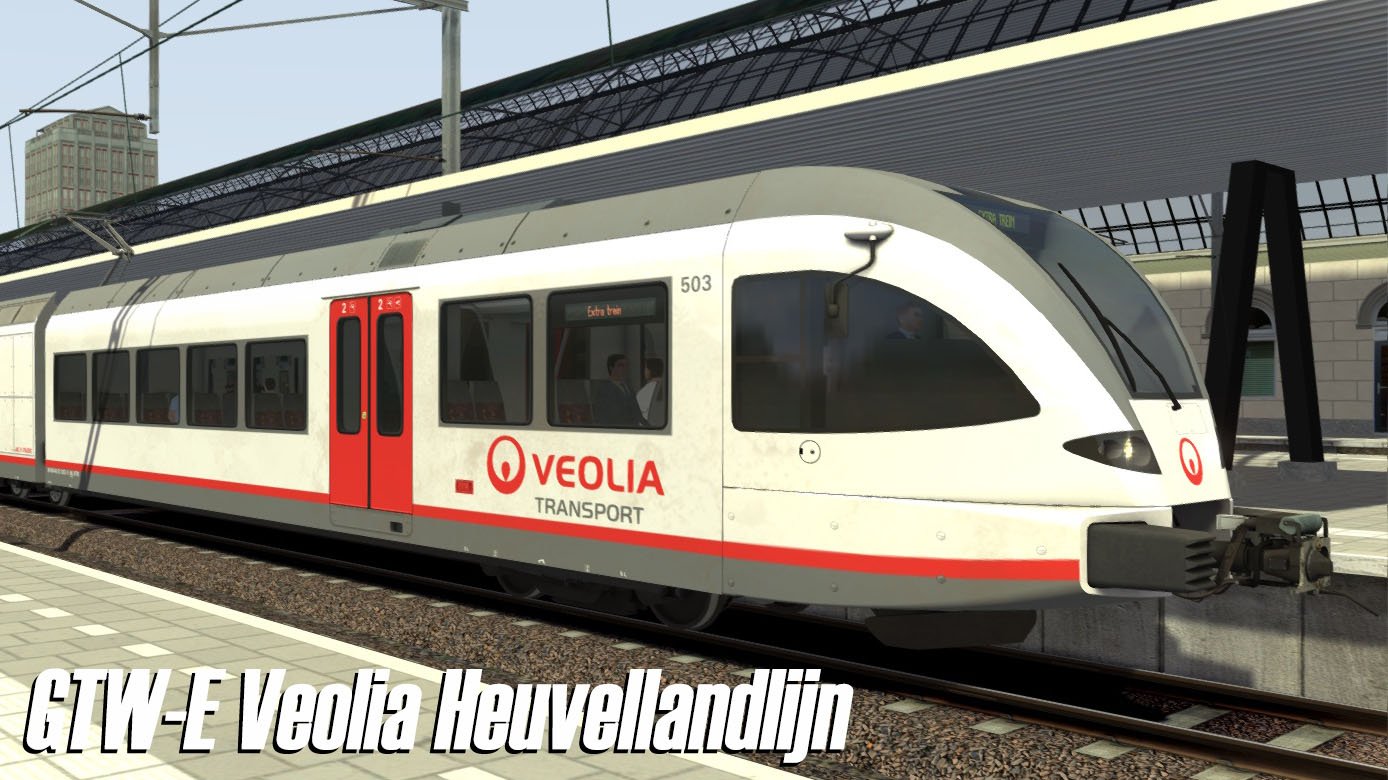
Veolia Heuvellandlijn
Thurbo
Beschikbare DMU-uitvoeringen
Arriva Achterhoek
Arriva Blauwnet
Arriva Limburg
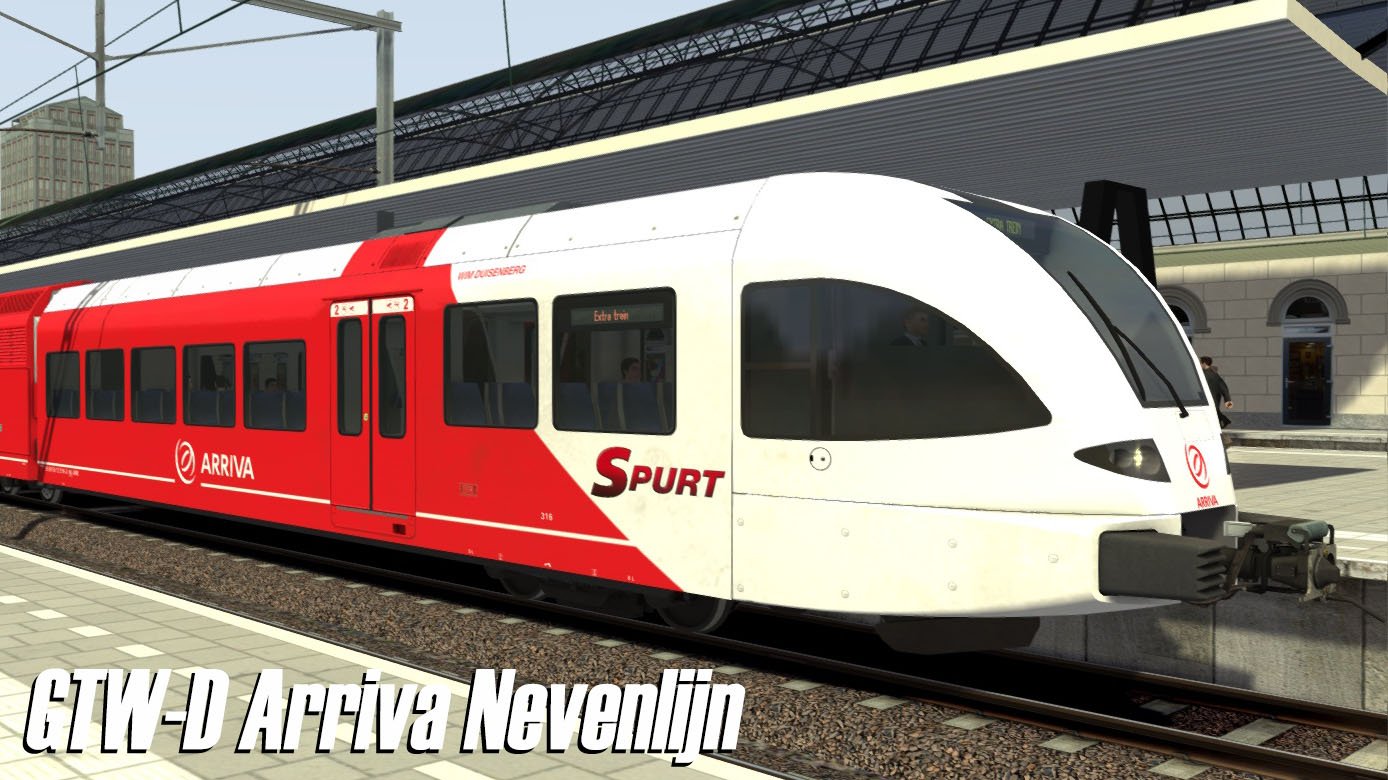
Arriva Nevenlijn
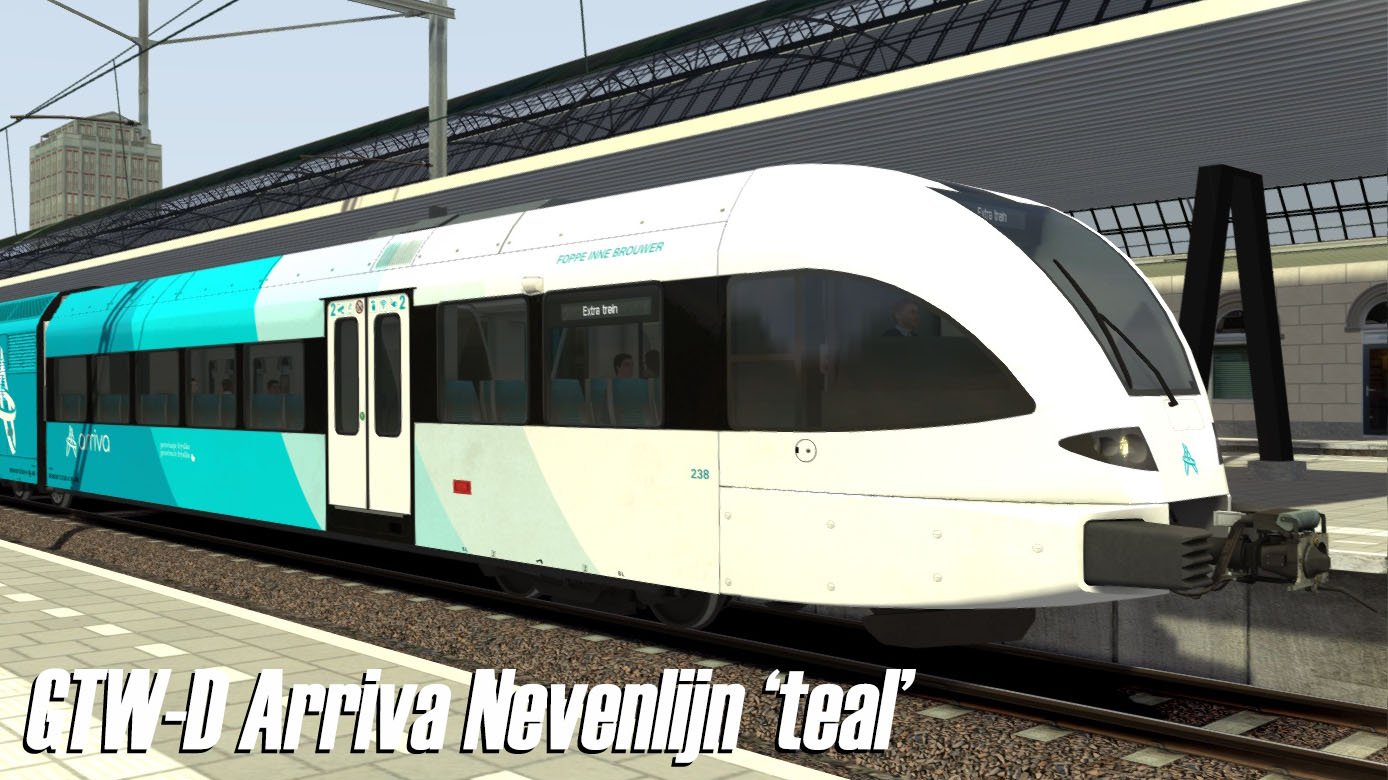
Arriva Nevenlijn “Teal”
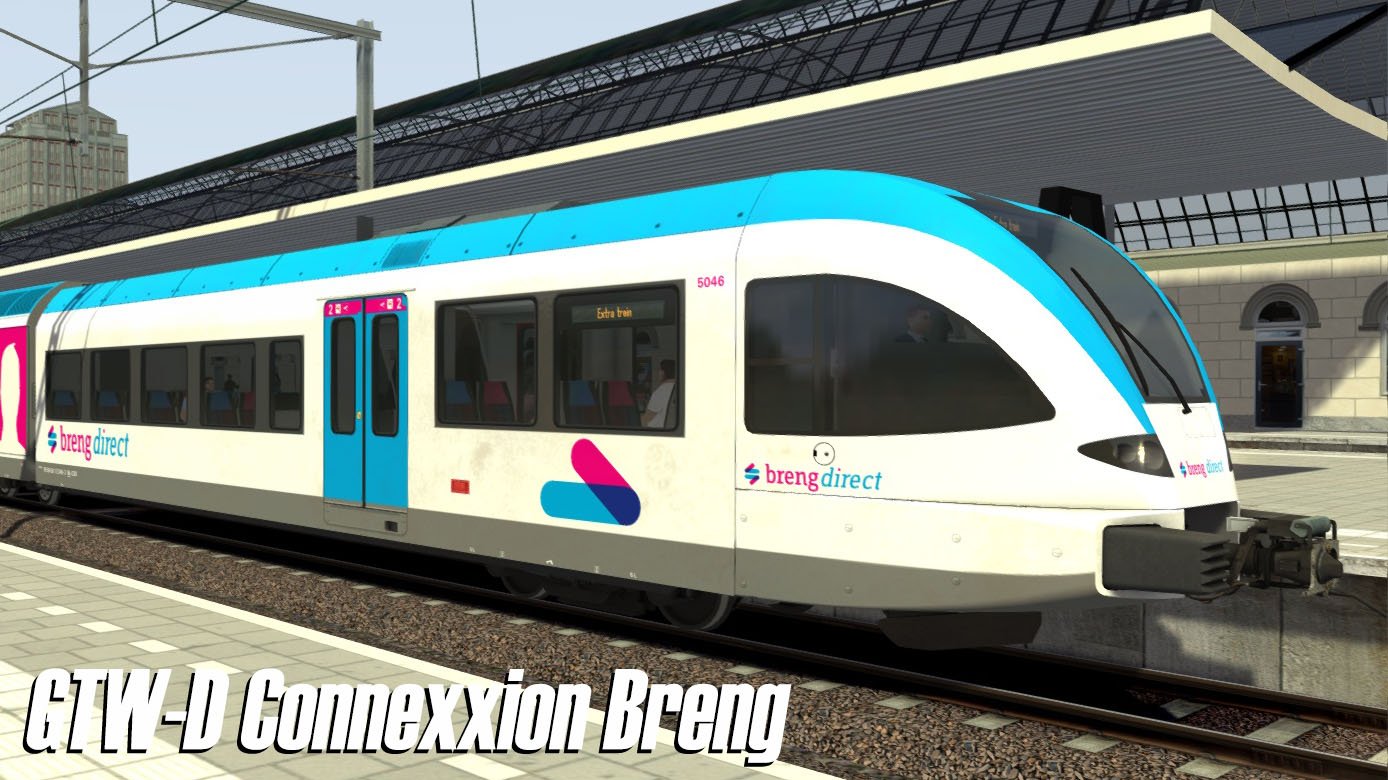
Connexxion Breng
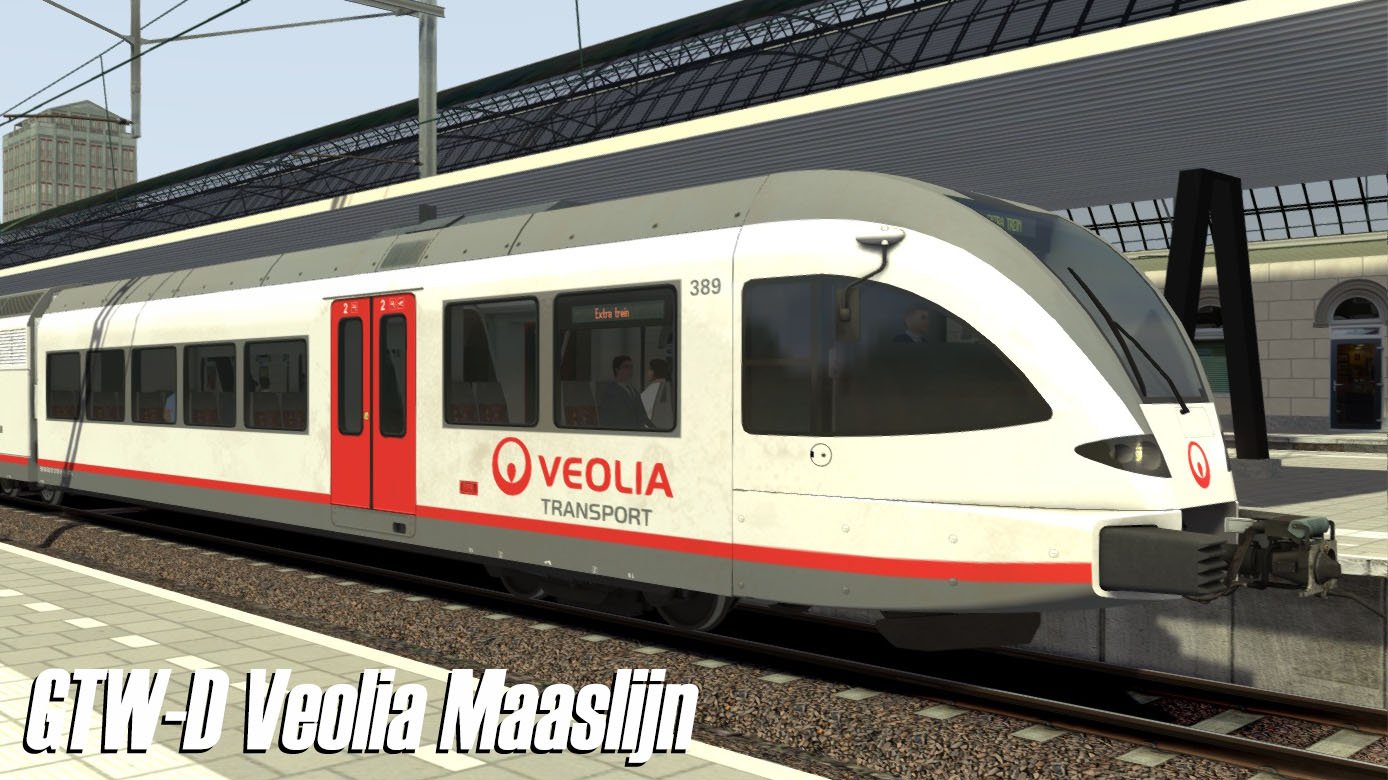
Veolia Maaslijn
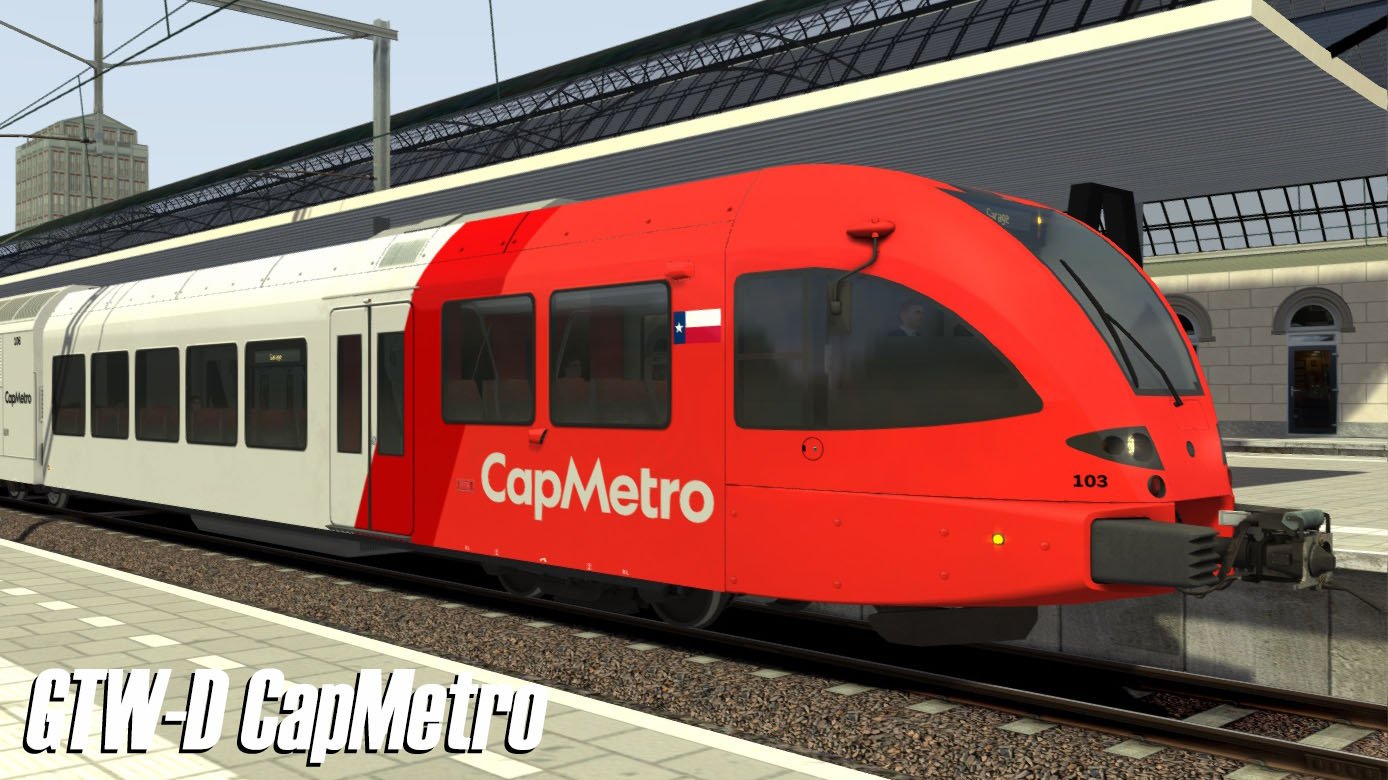
CapMetro
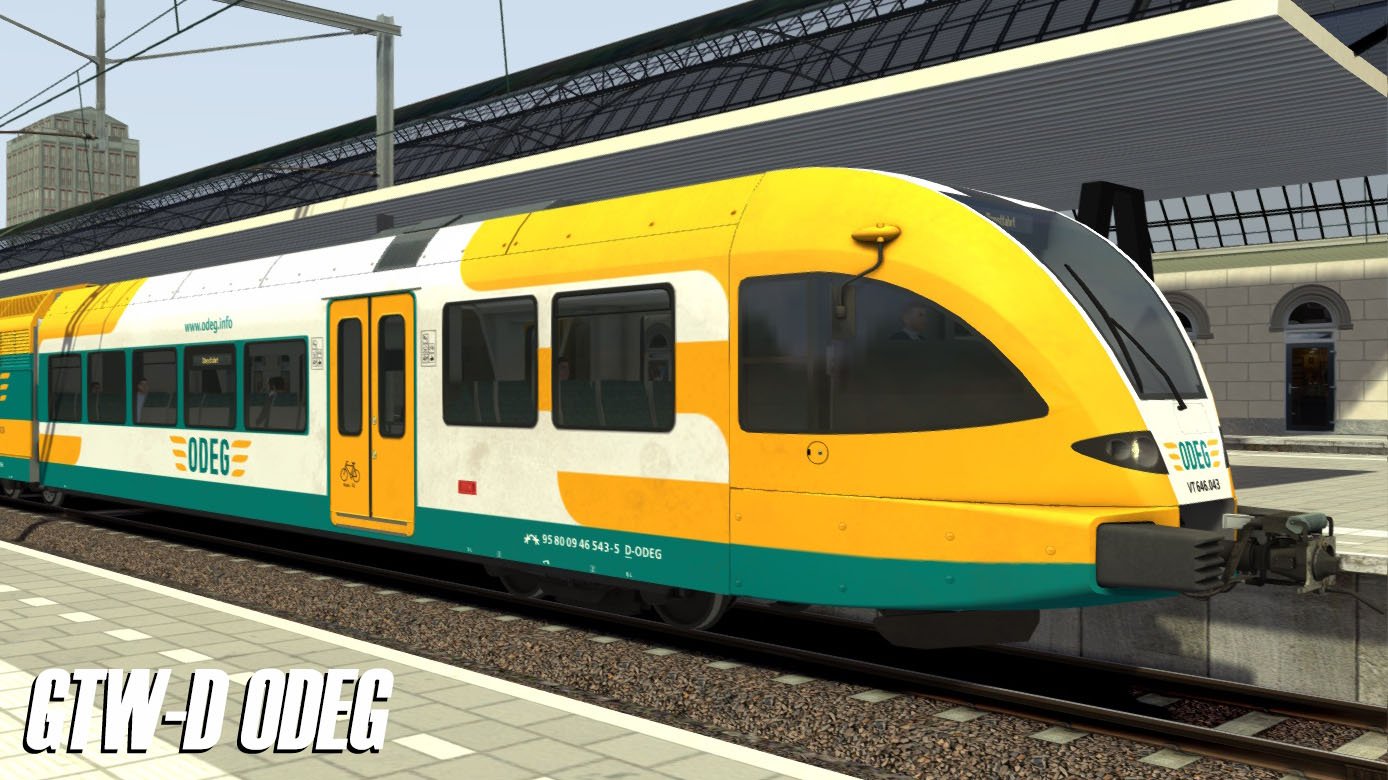
ODEG
Systeememulaties
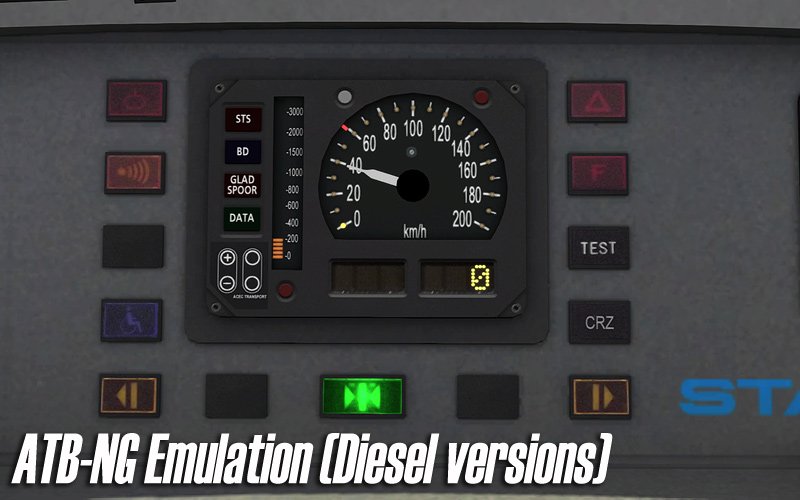
ATB-NG in de dieselversies
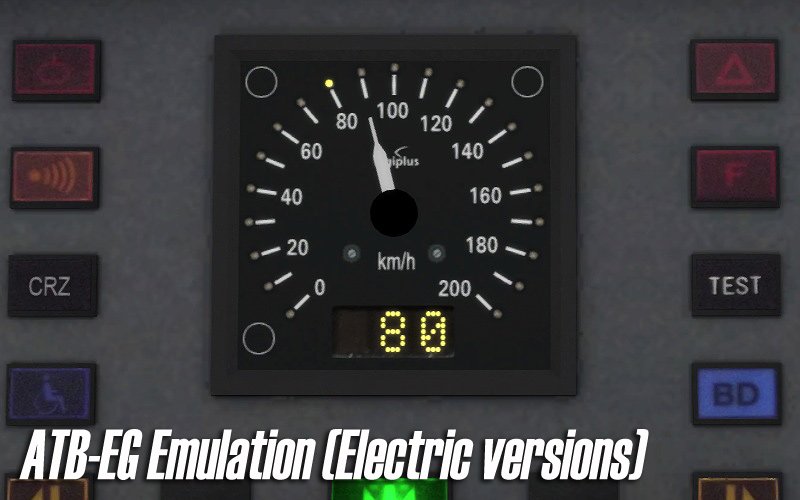
ATB-EG in de elektrische versies
PZB90 in de Duitse (ODEG) en Zwitserse (Thurbo) uitvoeringen
(Zie de kennisbank voor informatie over de nieuwe SBB-licentieovereenkomst.)
Kenmerken
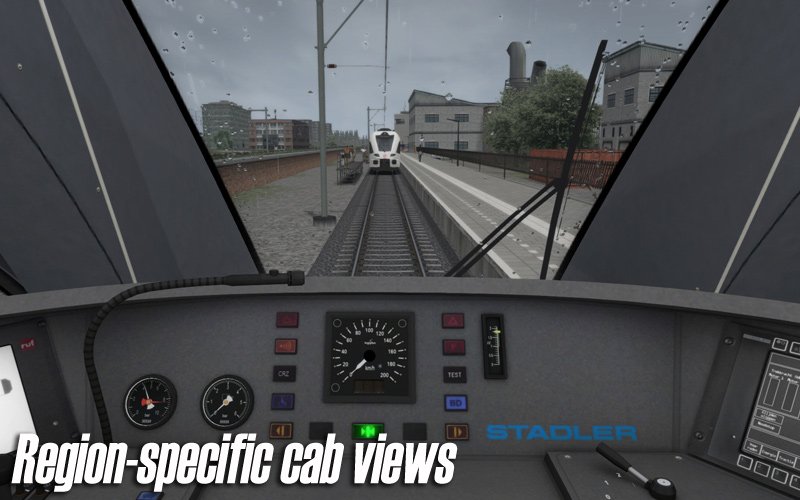
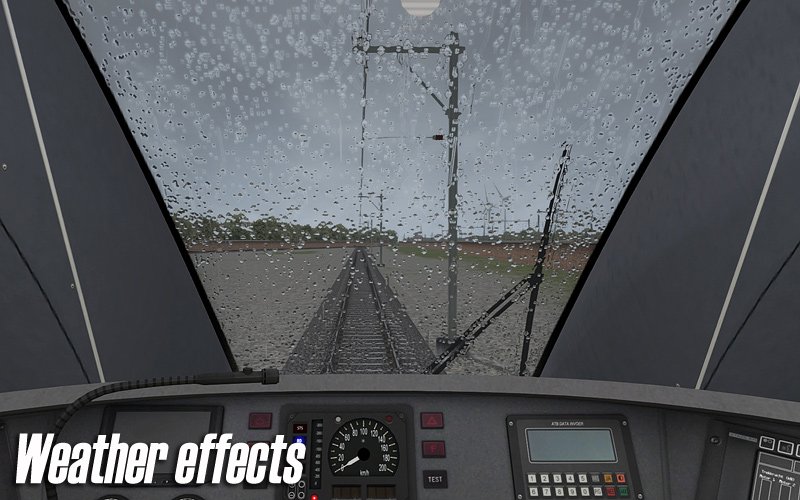
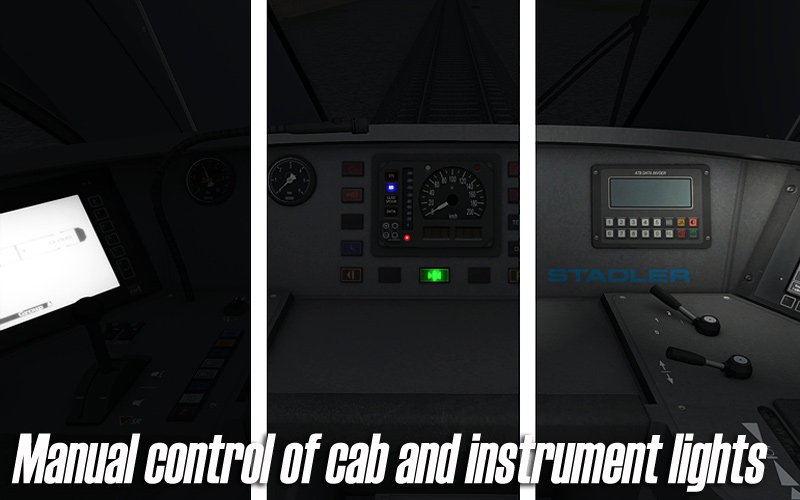
Gedetailleerde cabine
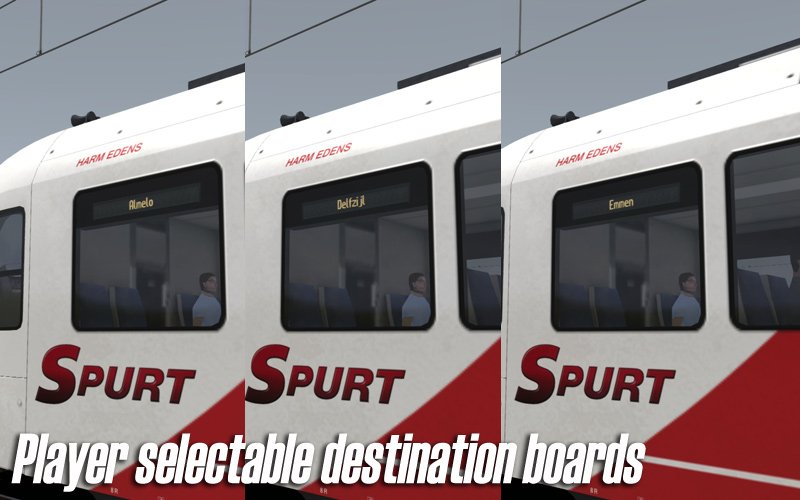
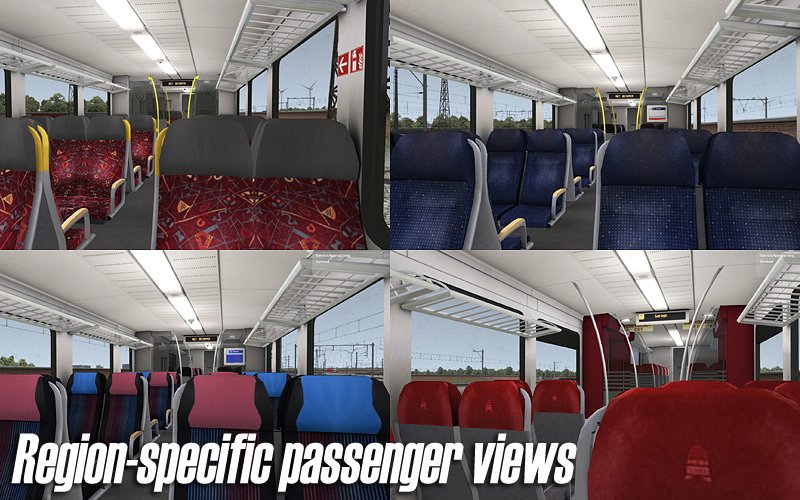
2e klasse passagiersinterieur met werkend RIS-informatiesysteem (bestemmingsaanduiding)
Dynamische, automatische treinnummering
Compatibel met QuickDrive en te gebruiken in eigen scenario’s
Nederlandstalige handleiding in PDF-formaat
(Te vinden onder:
F:\Program Files (x86)\Steam\steamapps\common\RailWorks\Manuals\ChrisTrains\Stadler GTW– uw pad kan afwijken)Levenslang gratis updates
(Meer informatie over update-e-mails vindt u in de kennisbank.)
Vereisten & Aanbevelingen
Besturingssysteem: Windows® 10 of 11 (32/64-bit)
Windows 7 wordt niet ondersteund.
Spel: Dovetail Games Train Simulator Classic
Voor elektrische treinstellen: minimaal één route met bovenleiding vereist
Bediening: 'Expert' control mode
(Instructies voor het uitschakelen van 'Simple Controls' zijn inbegrepen.)
Aanbevolen: Dynamic Lighting aan
Belangrijke opmerking:
Dit product werkt niet in Train Simulator 2012–2019 of in Train Simulator World (dit is een ander spel).
Uitgever: ChrisTrains
Talen: Duits / Engels / Nederlands
Huidige versie: klik hier
Productbeoordelingen
Er zijn geen reviews te tonen.