_a91101.png)
_30c74e.png)
_d1f568.png)
_f3c42d.png)

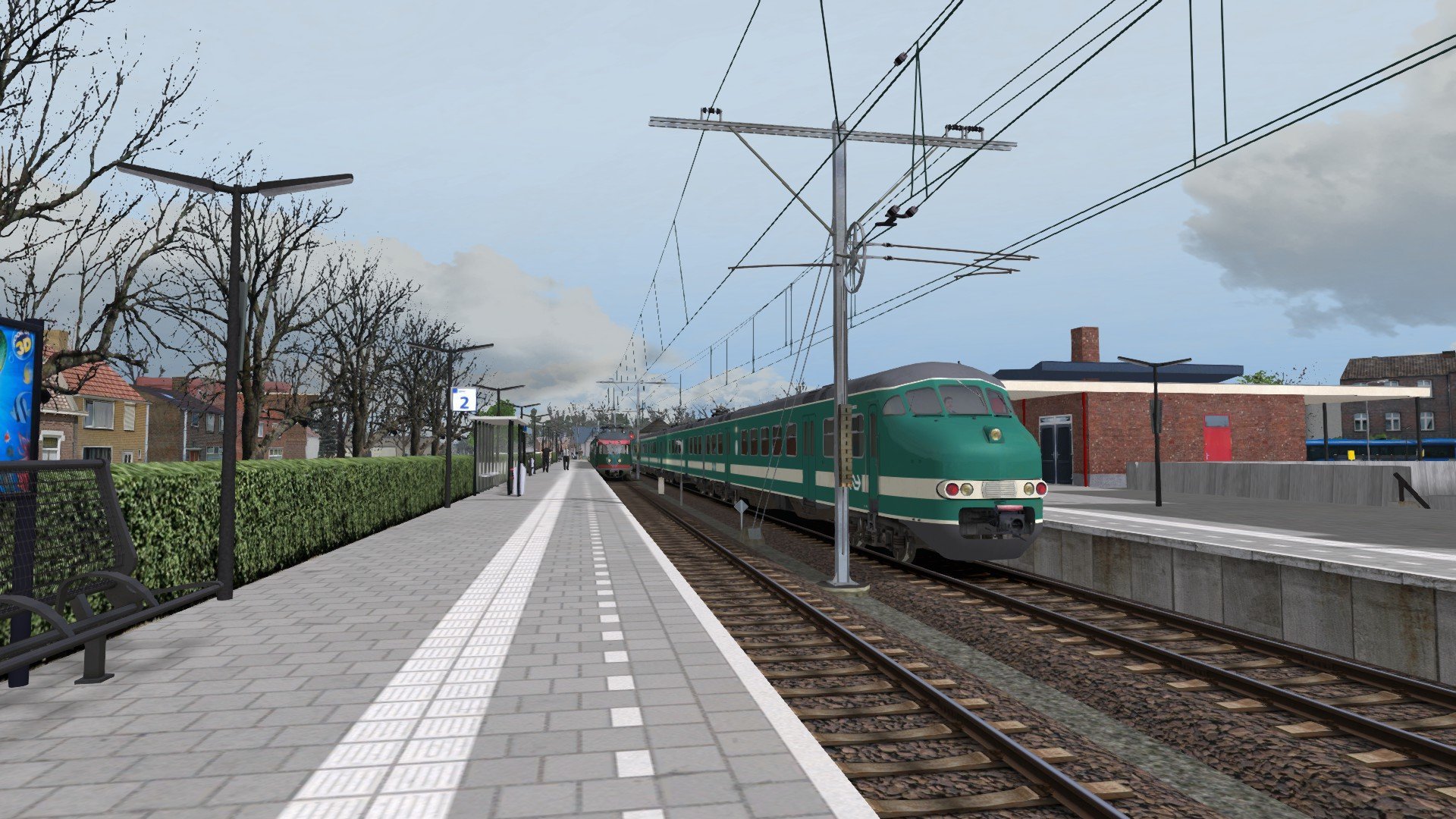
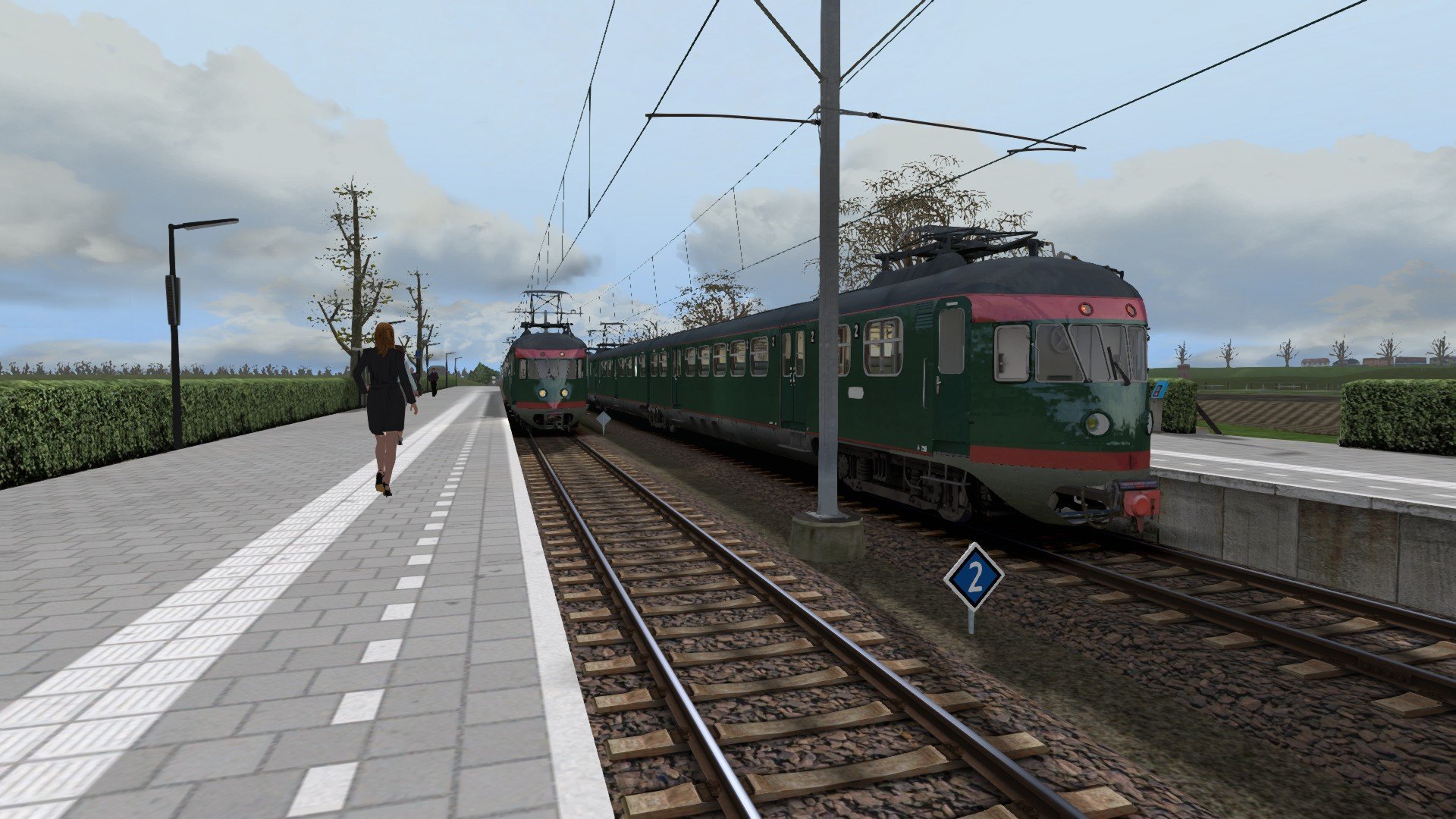
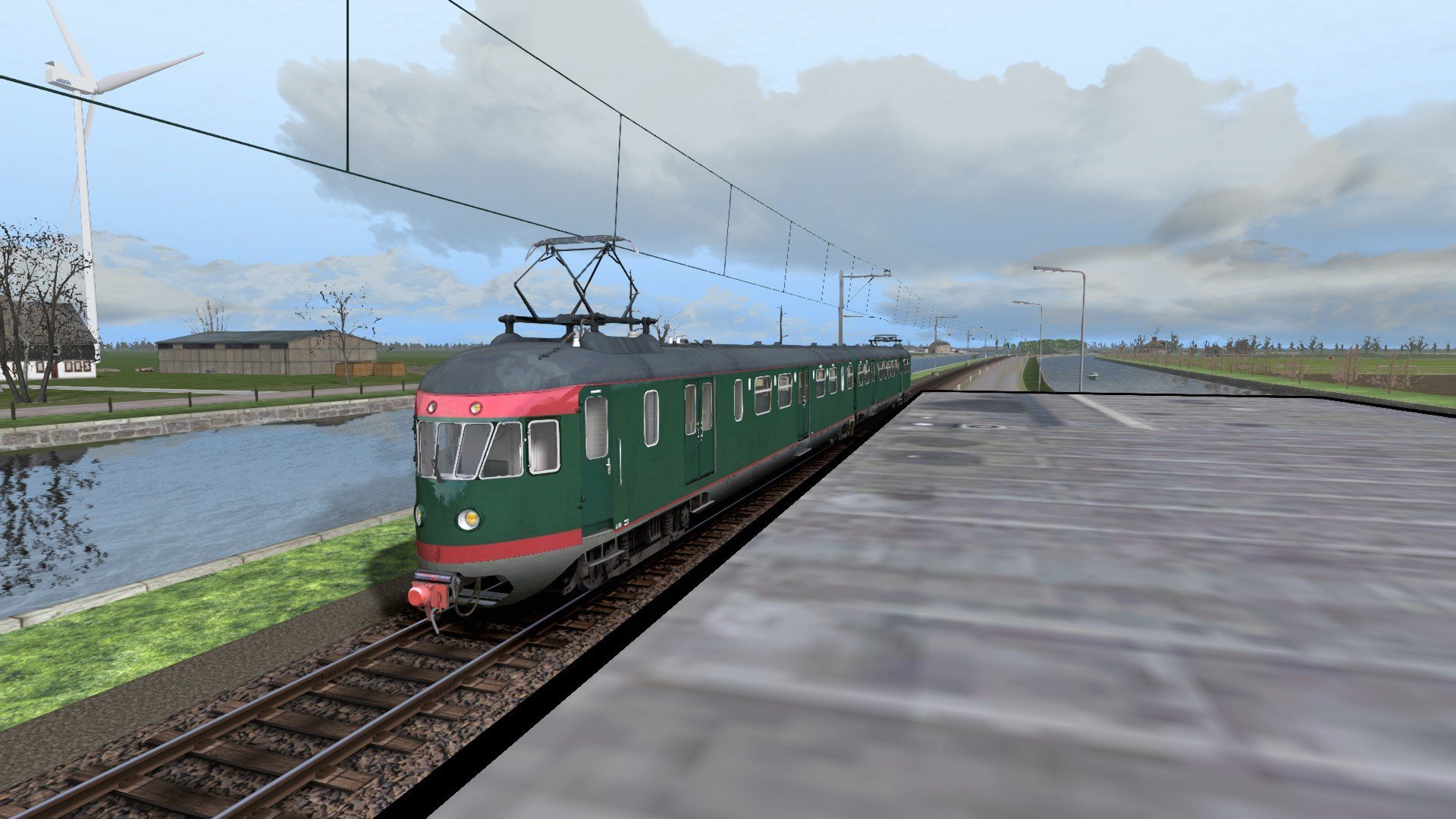
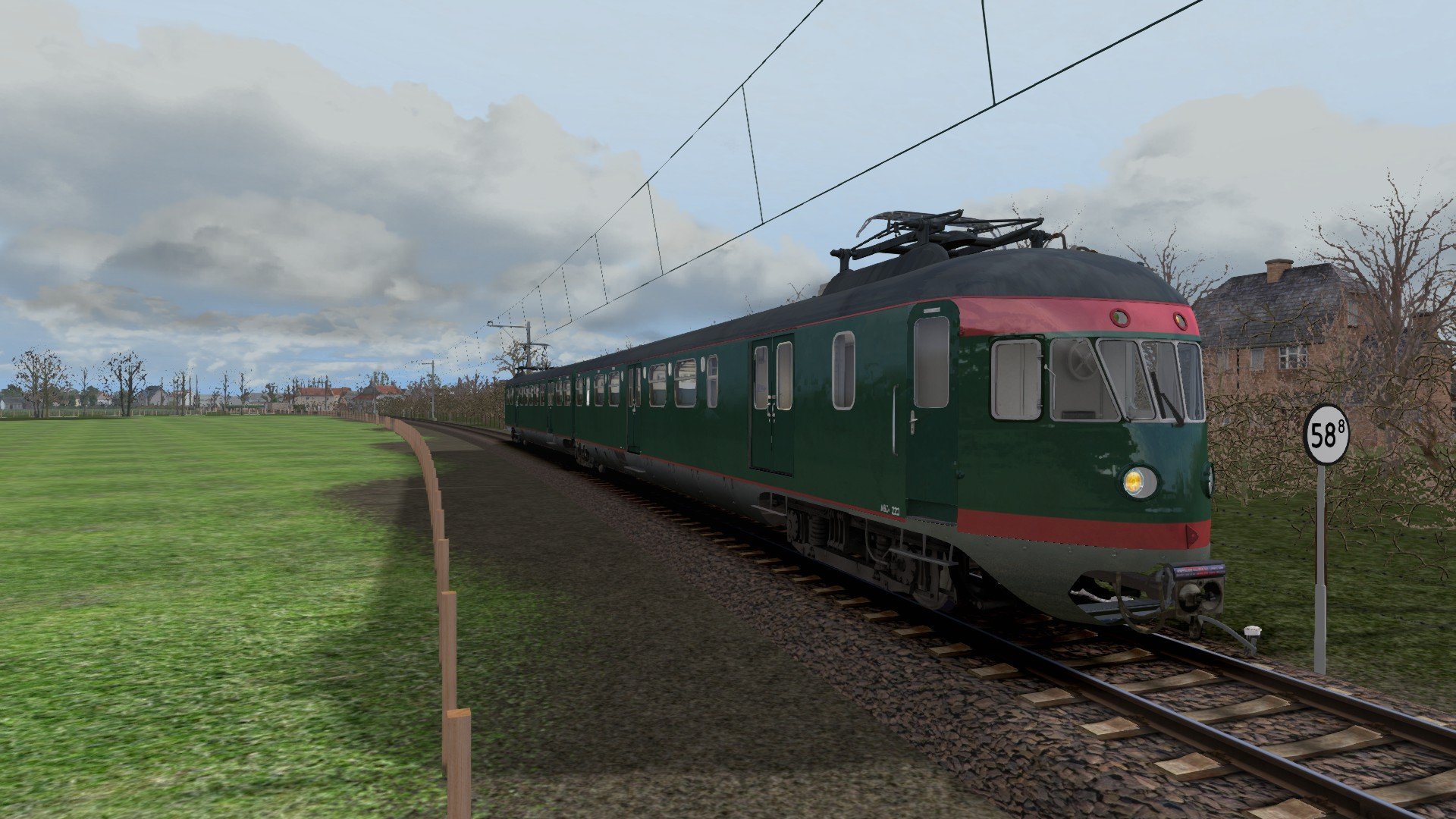
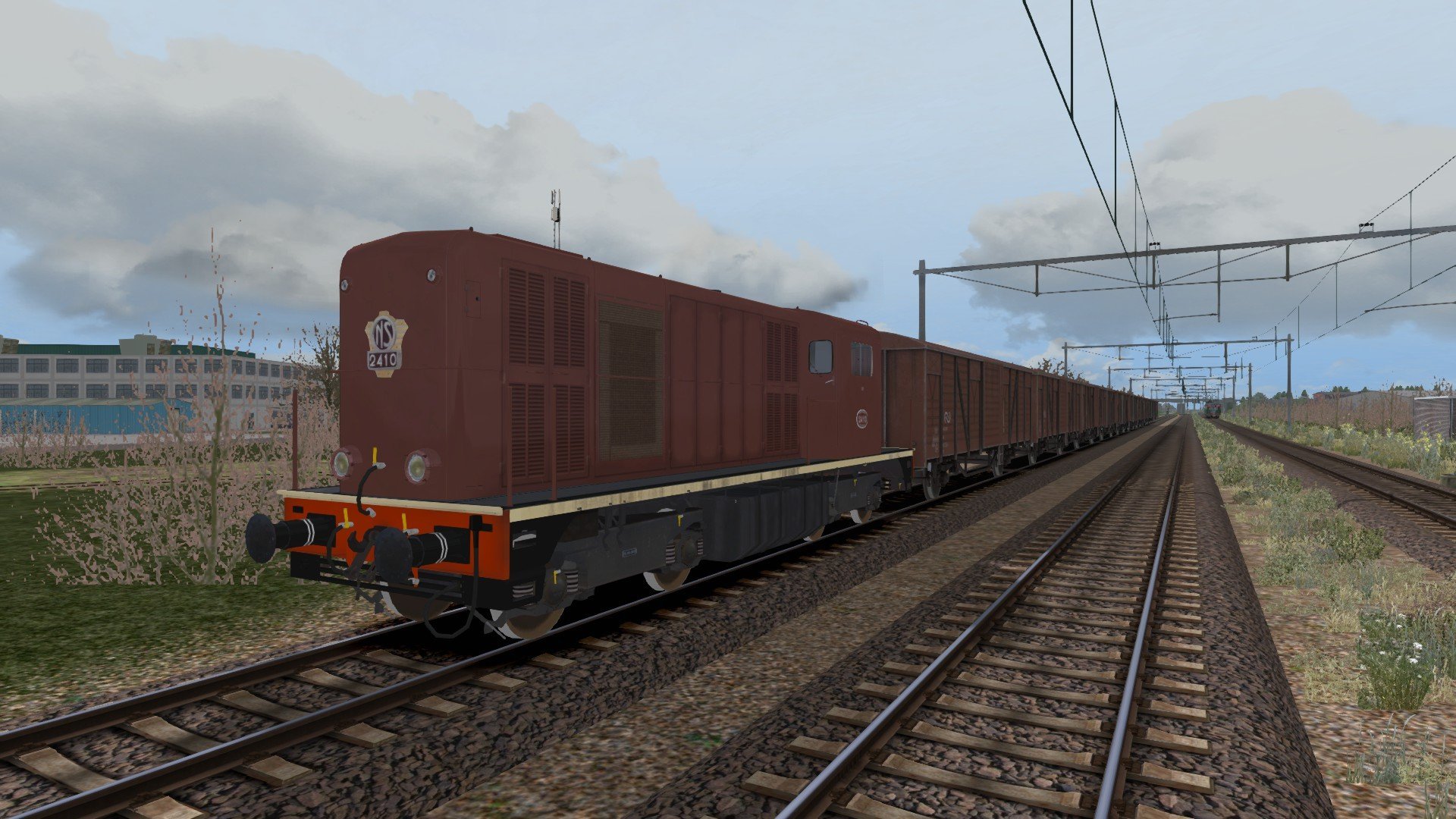
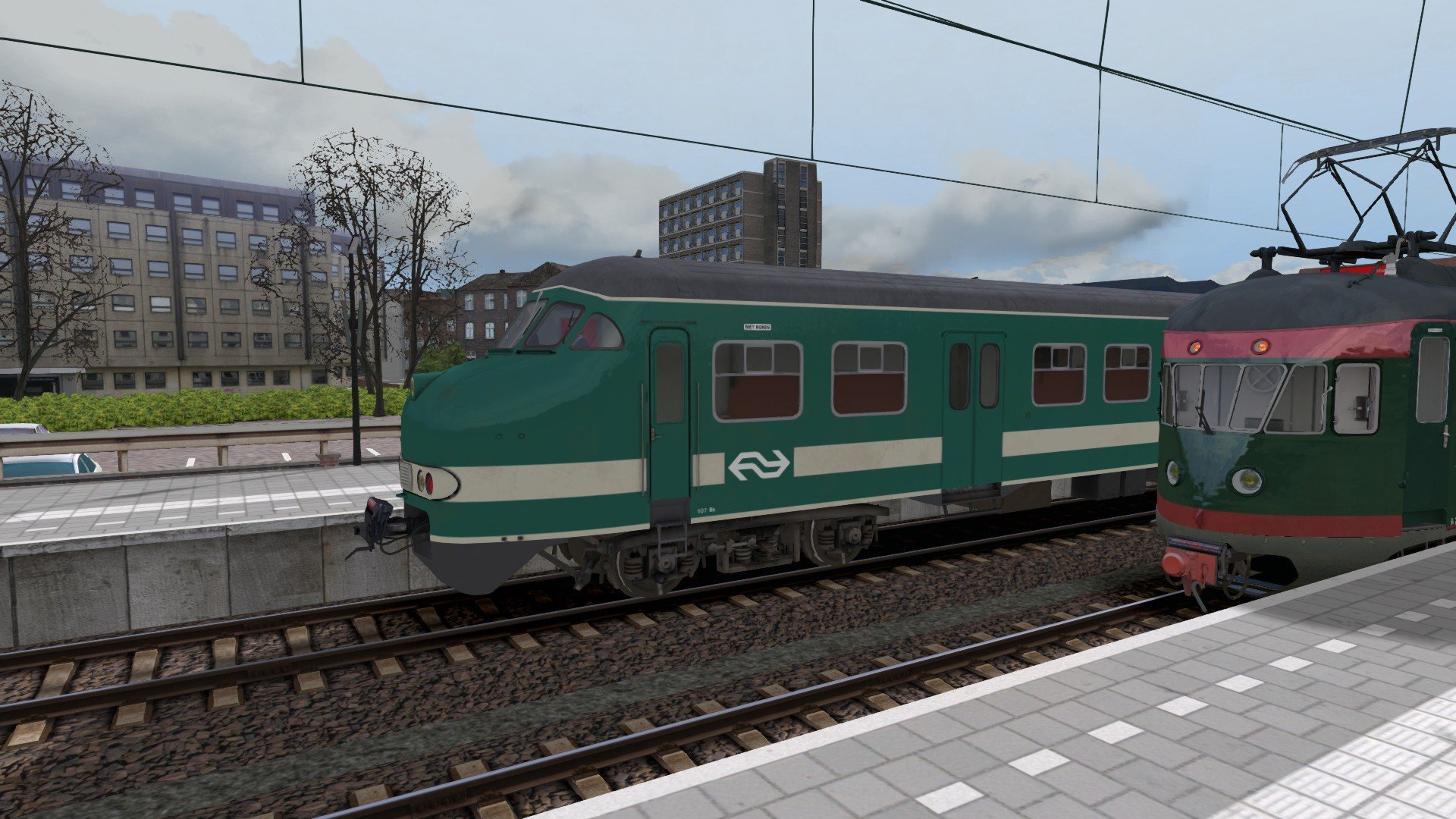
Arriva heeft wat problemen met haar GTW treinstellen op de Vechtdallijnen: ze staan allemaal defect! Daarom worden de oude Mat 46 treinstellen terug in dienst gesteld. Je rijdt van Zwolle naar Emmen met 1 Mat 46 treinstel.
Je kan dit scenario installeren door de volgende stappen te volgen:
1. Open het .zip bestand.
2. Klik met de rechtermuisknop op de map die je in het .zip bestand vindt en klik op kopiëren of gebruik control+C
3. Ga naar de Railworks, route map (kan gevonden worden met het volgende: C:\Program Files (x86)\Steam\steamapps\common\Railworks\Content\Routes
4. Gebruik de zoekfunctie van de Windows verkenner en zoek de map "f3489af7-ea8f-405d-957b-4019cd3c5878'
5. Open de map scenarios
6. Rechtermuisknop en selecteer plakken, of gebruik control+V
Het scenario is nu geïnstalleerd
Arriva has some problems with the GTW EMU's which have all broken down. Therefore the old Dutch Railways Mat'46 EMU's are pushed back into service between Zwolle and Emmen. You drive one service to Emmen starting at Zwolle station.
You can install this scenario by doing the following.
1. Unpack the .zip file
2. Click with the right mouse button on the folder which you will find and select copy, or use shortcut Control+V.
3. Open the Railworks Content Route folder (normally found if you do the following: C:\Program Files (x86)\Steam\steamapps\common\Railworks\Content\Routes)
4. Use the file explorer's search function and search for the folder called "f3489af7-ea8f-405d-957b-4019cd3c5878"
5. Open the scenarios folder.
6. Click with the right mouse button and select Paste, or use shortcut Control+V
The scenario has now been succesfully installed!
Je mag alleen een beoordeling geven als je het bestand hebt gedownload.
Er zijn geen reviews te tonen.